NFC Cafe Wireless Charger PC
HancomGMD Inc.
Download NFC Cafe Wireless Charger on PC With GameLoop Emulator
NFC Cafe Wireless Charger on PC
NFC Cafe Wireless Charger, coming from the developer HancomGMD Inc., is running on Android systerm in the past.
Now, You can play NFC Cafe Wireless Charger on PC with GameLoop smoothly.
Download it in the GameLoop library or search results. No more eyeing the battery or frustrating calls at the wrong time any more.
Just enjoy NFC Cafe Wireless Charger PC on the large screen for free!
NFC Cafe Wireless Charger Introduction
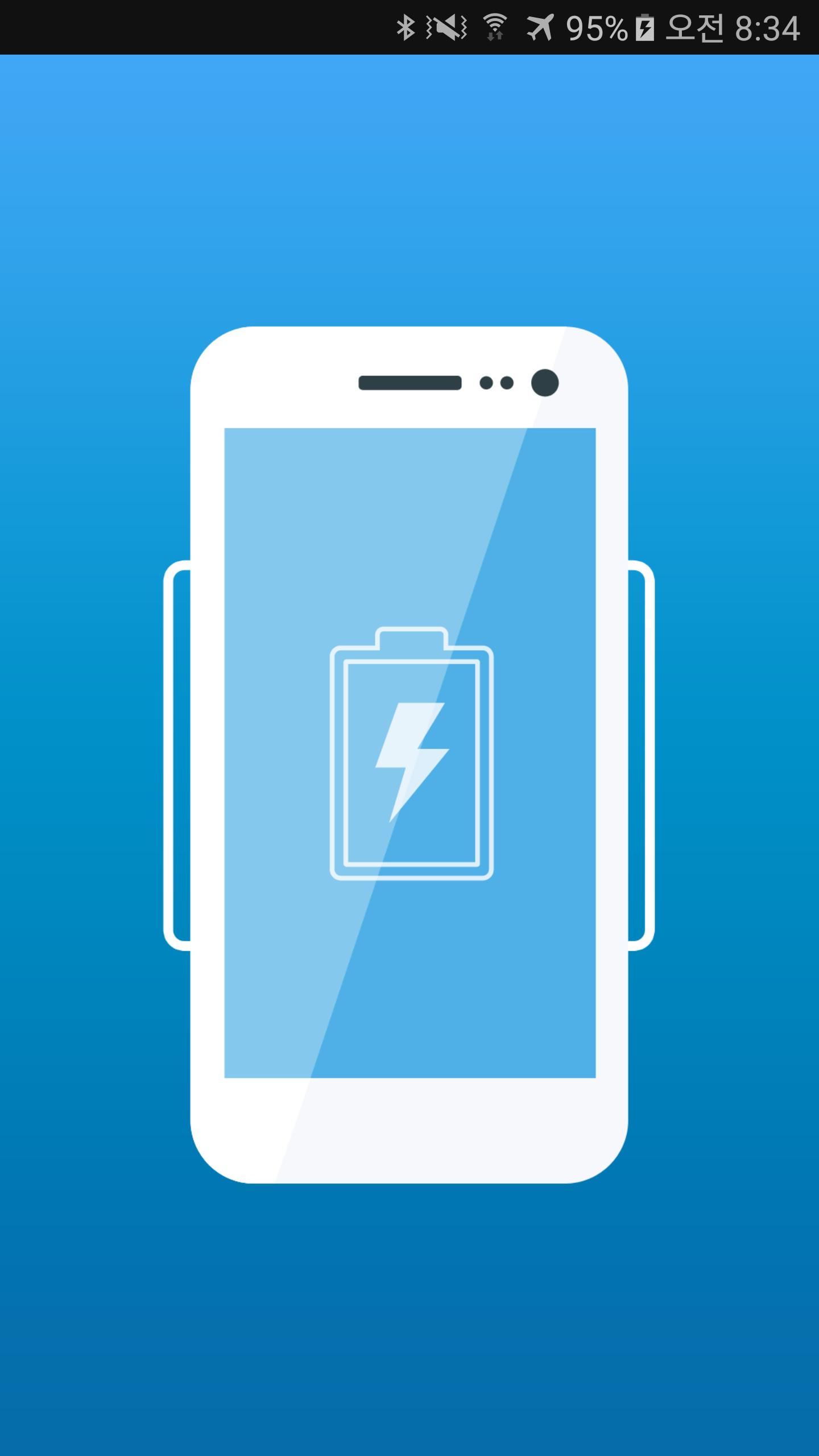
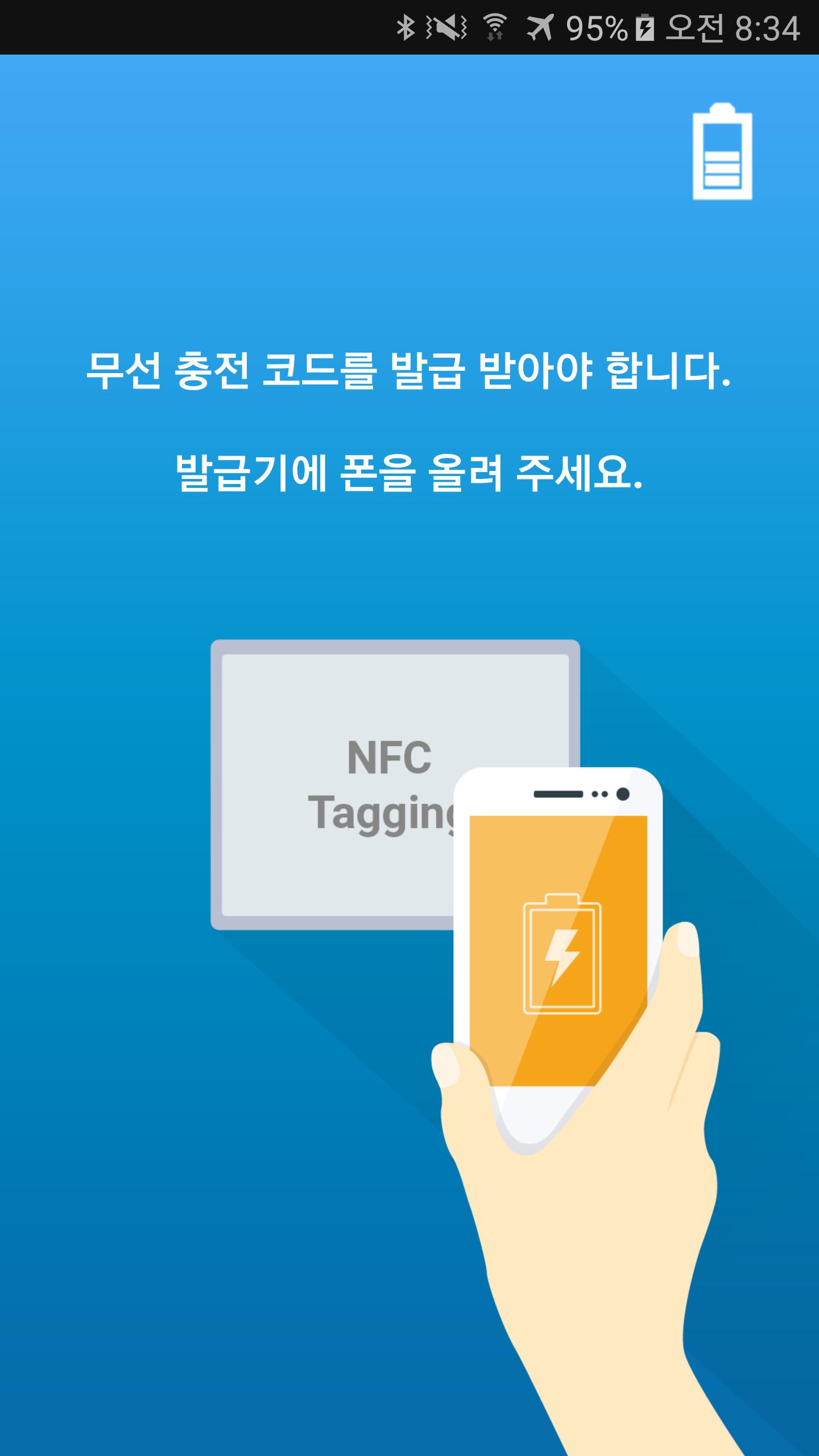
카페결제시 Smart Phone의 NFC인증을 취한다. 인증이 된 Smart Phone은 카페에 설치된 충전기를 통해 무선충전 서비스를 제공받을 수 있으며, 현재 배터리 충전 상태를 나타내는 화면을 사용자에게 제공한다. 인증된 Smart Phone만 충전을 진행할 수 있다.
----
개발자 연락처 :
HancomGMD Inc.
Tel. 82.622.6111
Fax.82.31.622.6112
Preview
Information
Developer
HancomGMD Inc.
Latest Version
1.2
Last Updated
2017-03-13
Category
Tools
Available on
Google Play
Show More
How to play NFC Cafe Wireless Charger with GameLoop on PC
1. Download GameLoop from the official website, then run the exe file to install GameLoop
2. Open GameLoop and search for “NFC Cafe Wireless Charger” , find NFC Cafe Wireless Charger in the search results and click “Install”
3. Enjoy playing NFC Cafe Wireless Charger on GameLoop
Minimum requirements
OS
Windows 8.1 64-bit or Windows 10 64-bit
GPU
GTX 1050
CPU
i3-8300
Memory
8GB RAM
Storage
1GB available space
Recommended requirements
OS
Windows 8.1 64-bit or Windows 10 64-bit
GPU
GTX 1050
CPU
i3-9320
Memory
16GB RAM
Storage
1GB available space