Navigation Bar : Customize Nav PC
Crazy Photo Studio
Download Navigation Bar : Customize Nav on PC With GameLoop Emulator
Navigation Bar : Customize Nav on PC
Navigation Bar : Customize Nav, coming from the developer Crazy Photo Studio, is running on Android systerm in the past.
Now, You can play Navigation Bar : Customize Nav on PC with GameLoop smoothly.
Download it in the GameLoop library or search results. No more eyeing the battery or frustrating calls at the wrong time any more.
Just enjoy Navigation Bar : Customize Nav PC on the large screen for free!
Navigation Bar : Customize Nav Introduction
Navigation Bar : Customize Navbar
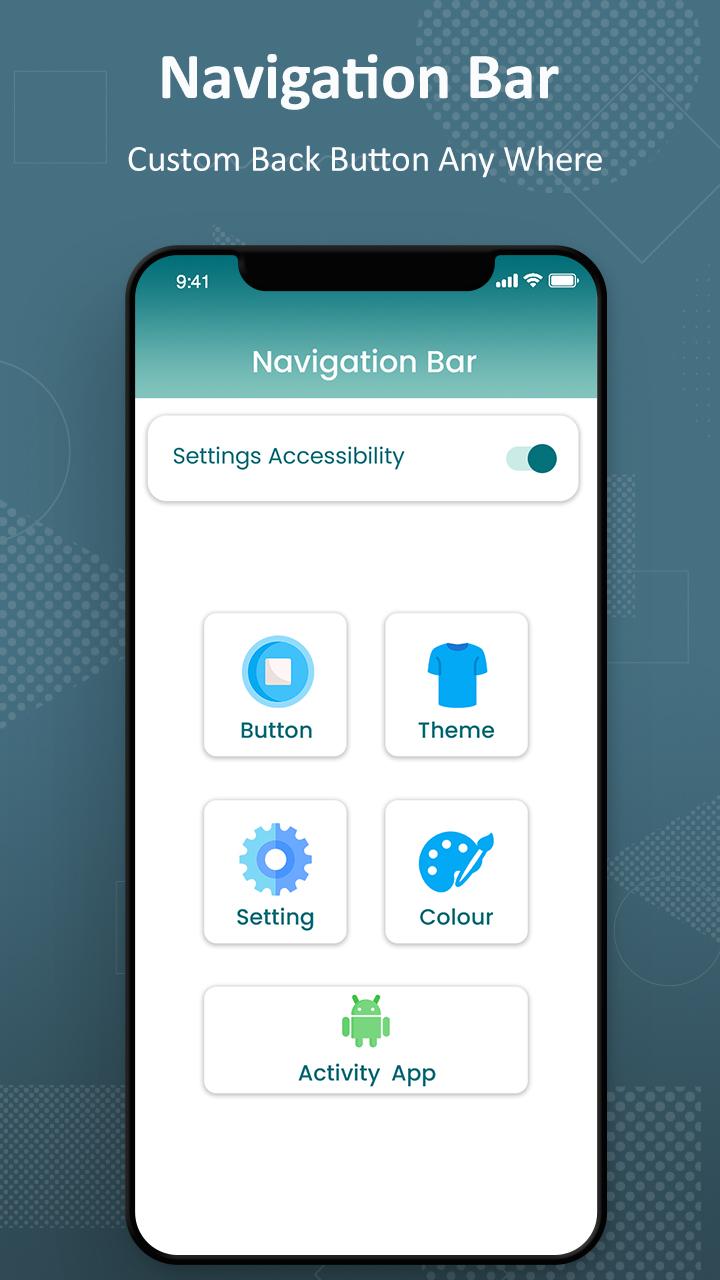
Navigation Bar users who have trouble using buttons. It Replace a failed and broken buttons or navigation panel. This responsive navigation bar app provides several features and colors to make awesome navigation bar.
This custom navigation bar is soft key of this application. We can also change the arrow keys of bottom bar. This is all the controls of a navigation bar app. The custom navigation bar is use to disable soft key of quick navigation.
Key Features of Navigation Bar - Back, Home, Recent Button :
- Ability to move navigation bar to anywhere on screen.
- Easy to swipe up/down to show/hide navigation bar.
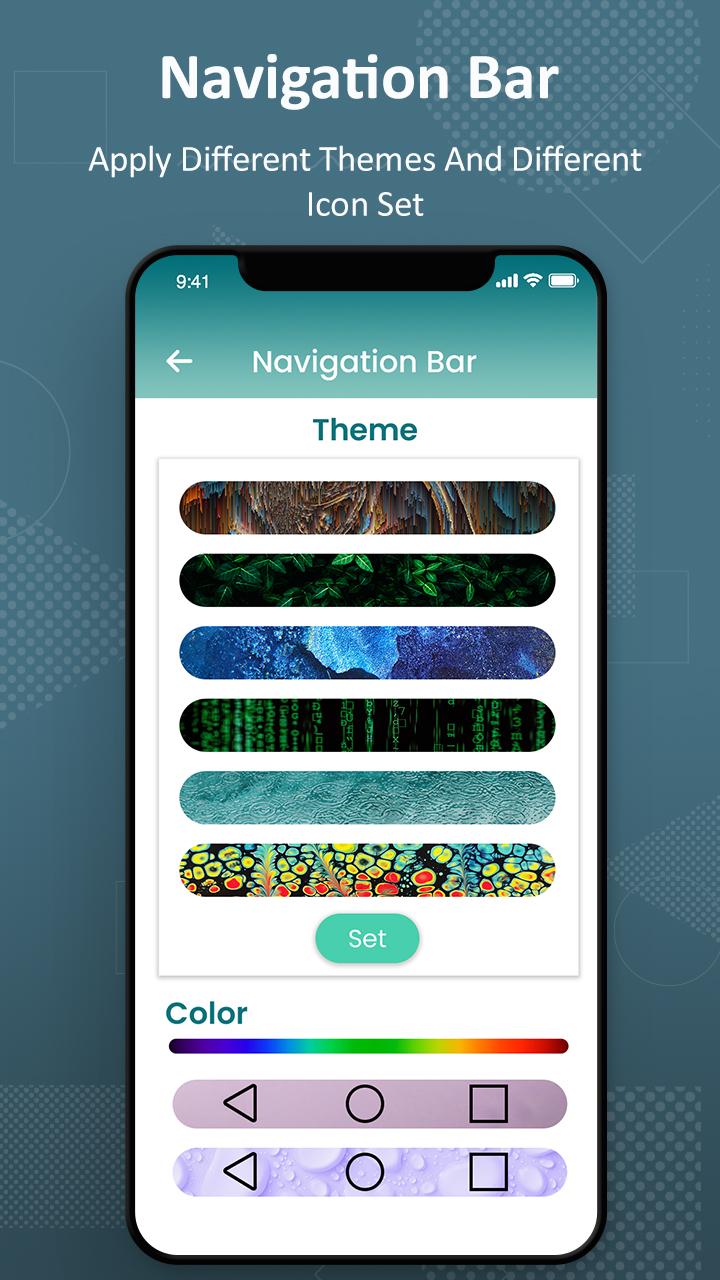
- Ability to change navigation bar with background and button color.
- Customizable navbar layout.
- Set button width, height and position.
- Options to adjust "Swipe up sensitivity".
- Set vibrate on touch.
- Options to lock navigation bar.
- 50+ Themes Available.
- Add rounded corners to navigation bar.
- Simple and nice way to use.
If you wish to use only the feature buttons (power button, volume button and flash light), you can disable the navigation bar feature from the Quick Buttons App’s settings.
NOTE: This app uses accessibility service for the sole purpose of providing navigation bar, power button ,volume button and flash light features.
NOTE: For devices running in Android versions Oreo or below, an additional Device Admin permission may be required for the power button feature. However this permission is not mandatory if you do not wish to use the power button feature.
Preview
Tags
ToolsInformation
Developer
Crazy Photo Studio
Latest Version
1.3
Last Updated
2023-04-23
Category
Tools
Available on
Google Play
Show More
How to play Navigation Bar : Customize Nav with GameLoop on PC
1. Download GameLoop from the official website, then run the exe file to install GameLoop
2. Open GameLoop and search for “Navigation Bar : Customize Nav” , find Navigation Bar : Customize Nav in the search results and click “Install”
3. Enjoy playing Navigation Bar : Customize Nav on GameLoop
Minimum requirements
OS
Windows 8.1 64-bit or Windows 10 64-bit
GPU
GTX 1050
CPU
i3-8300
Memory
8GB RAM
Storage
1GB available space
Recommended requirements
OS
Windows 8.1 64-bit or Windows 10 64-bit
GPU
GTX 1050
CPU
i3-9320
Memory
16GB RAM
Storage
1GB available space