
Navigation Bar- Assistive PC
Think Different - Make Different
Download Navigation Bar- Assistive on PC With GameLoop Emulator
Navigation Bar- Assistive on PC
Navigation Bar- Assistive, coming from the developer Think Different - Make Different, is running on Android systerm in the past.
Now, You can play Navigation Bar- Assistive on PC with GameLoop smoothly.
Download it in the GameLoop library or search results. No more eyeing the battery or frustrating calls at the wrong time any more.
Just enjoy Navigation Bar- Assistive PC on the large screen for free!
Navigation Bar- Assistive Introduction
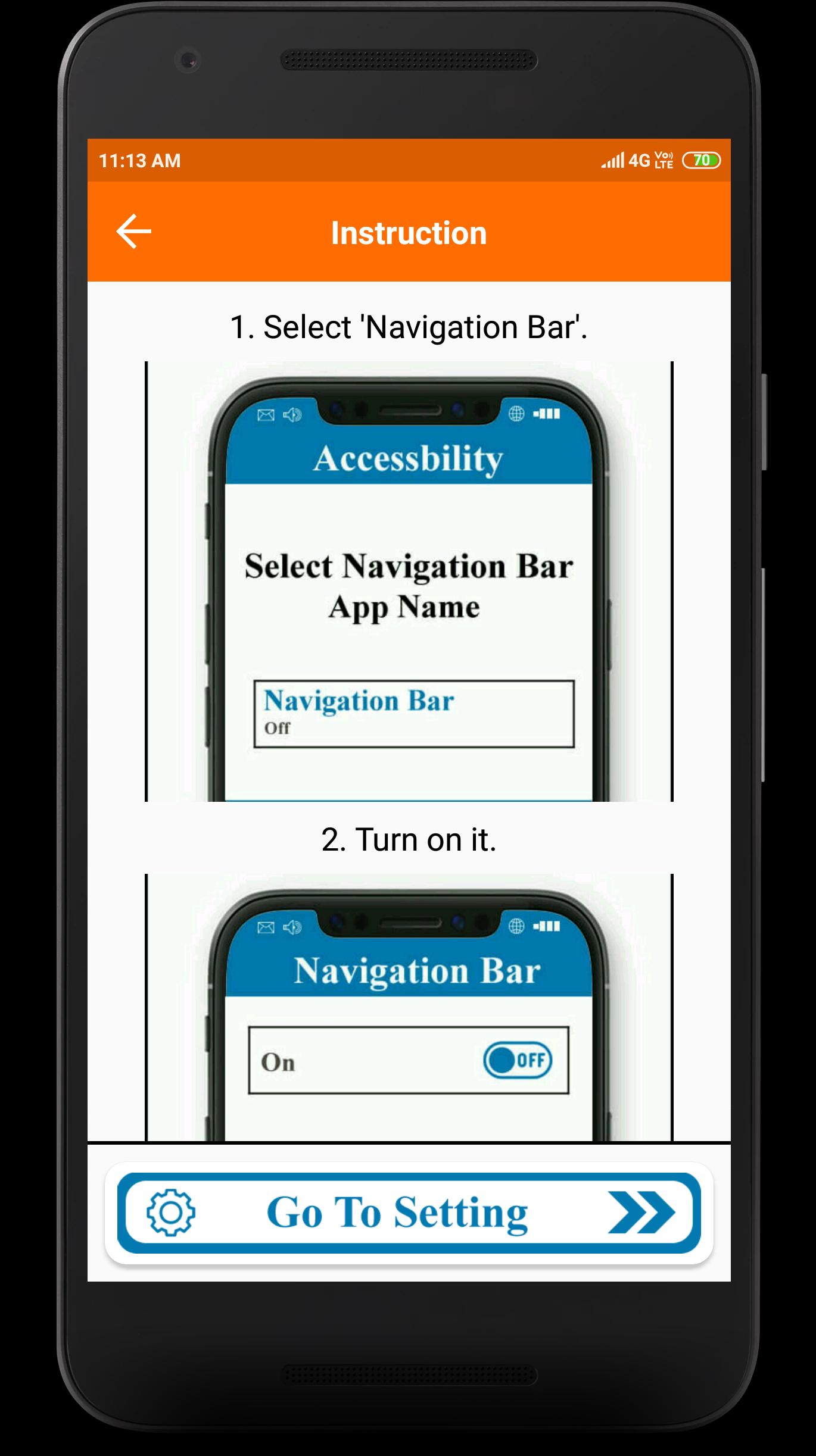
* “Navigation Button or Bar” application can replace a failed and broken button for those people who has trouble using buttons or navigation bar panel is not working properly.
* it also enables you to customize your navigation bar by selecting and applying different themes on navigation bar. Navigation Control bar is designed to be as simple as possible.
- Virtual Home key, easy touch to go home sceen, back, and open recent task.
* This app provides several features and colors to make awesome navigation bar.
- Easy to change Different stylish Button.
- Easy to change Background of Navigation.
- Easy to set GIF as a Background.
- Ability to change navigation bar with background and button color.
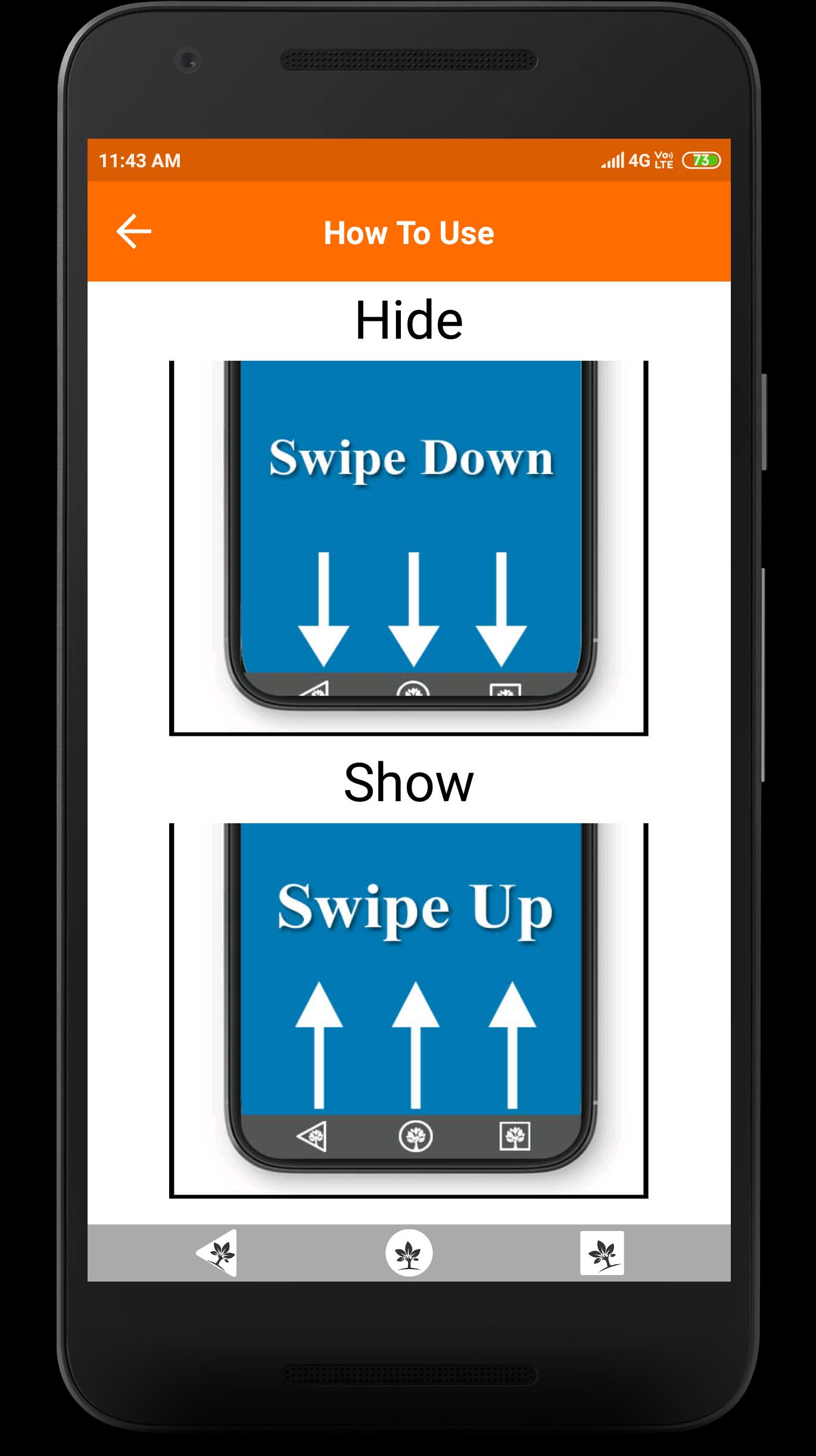
- Easy to swipe up/down to show/hide navigation bar.
- Single press action : Home, Back, Recent.
- Ability to set navigation bar size with height.
- Ability to Set vibrate on touch.
* Note *
* This application do not receive and send any kind of sensitive information using Accessibility Service of Navigation Bar.
* This application uses Accessibility Services for Home, Back and Recent functions.
Preview
Tags
ToolsInformation
Developer
Think Different - Make Different
Latest Version
1.10.5
Last Updated
2024-04-02
Category
Tools
Available on
Google Play
Show More
How to play Navigation Bar- Assistive with GameLoop on PC
1. Download GameLoop from the official website, then run the exe file to install GameLoop
2. Open GameLoop and search for “Navigation Bar- Assistive” , find Navigation Bar- Assistive in the search results and click “Install”
3. Enjoy playing Navigation Bar- Assistive on GameLoop
Minimum requirements
OS
Windows 8.1 64-bit or Windows 10 64-bit
GPU
GTX 1050
CPU
i3-8300
Memory
8GB RAM
Storage
1GB available space
Recommended requirements
OS
Windows 8.1 64-bit or Windows 10 64-bit
GPU
GTX 1050
CPU
i3-9320
Memory
16GB RAM
Storage
1GB available space