myWear File Explorer PC
Marcelo R. dos Santos
Download myWear File Explorer on PC With GameLoop Emulator
myWear File Explorer on PC
myWear File Explorer, coming from the developer Marcelo R. dos Santos, is running on Android systerm in the past.
Now, You can play myWear File Explorer on PC with GameLoop smoothly.
Download it in the GameLoop library or search results. No more eyeing the battery or frustrating calls at the wrong time any more.
Just enjoy myWear File Explorer PC on the large screen for free!
myWear File Explorer Introduction
Manage your files and folders on your smartwatch.
Works ONLY on devices with Wear OS.
********** IMPORTANT 1 **********
The new Wear OS 4 no longer allows apps to access system files or folders, even the user giving permission. You can only access image, audio and video files.
For Wear OS 4 watch users, the app will now open in the only folder where you can manage and create files and folders, including sending and receiving files.
********** IMPORTANT 2 **********
This app IS NOT A RINGTONE MANAGER!
IT IS NOT RESPONSIBLE FOR SETTING RINGTONES!
It manages FILES and FOLDERS.
********** IMPORTANT 3 **********
If files aren't being transferred try changing the destination folder on watch.
Due security changes in the latest versions of Wear OS, for the app to work properly user will have to enable permission manually. On watch go to:
1- Settings
2- Apps & notifications
3- App info
4- myWear File Explorer
5- Permissions
6- Files and media
7- Allow all the time
**********************************
The app's file transfer is limited to files with approximately 65 MB.
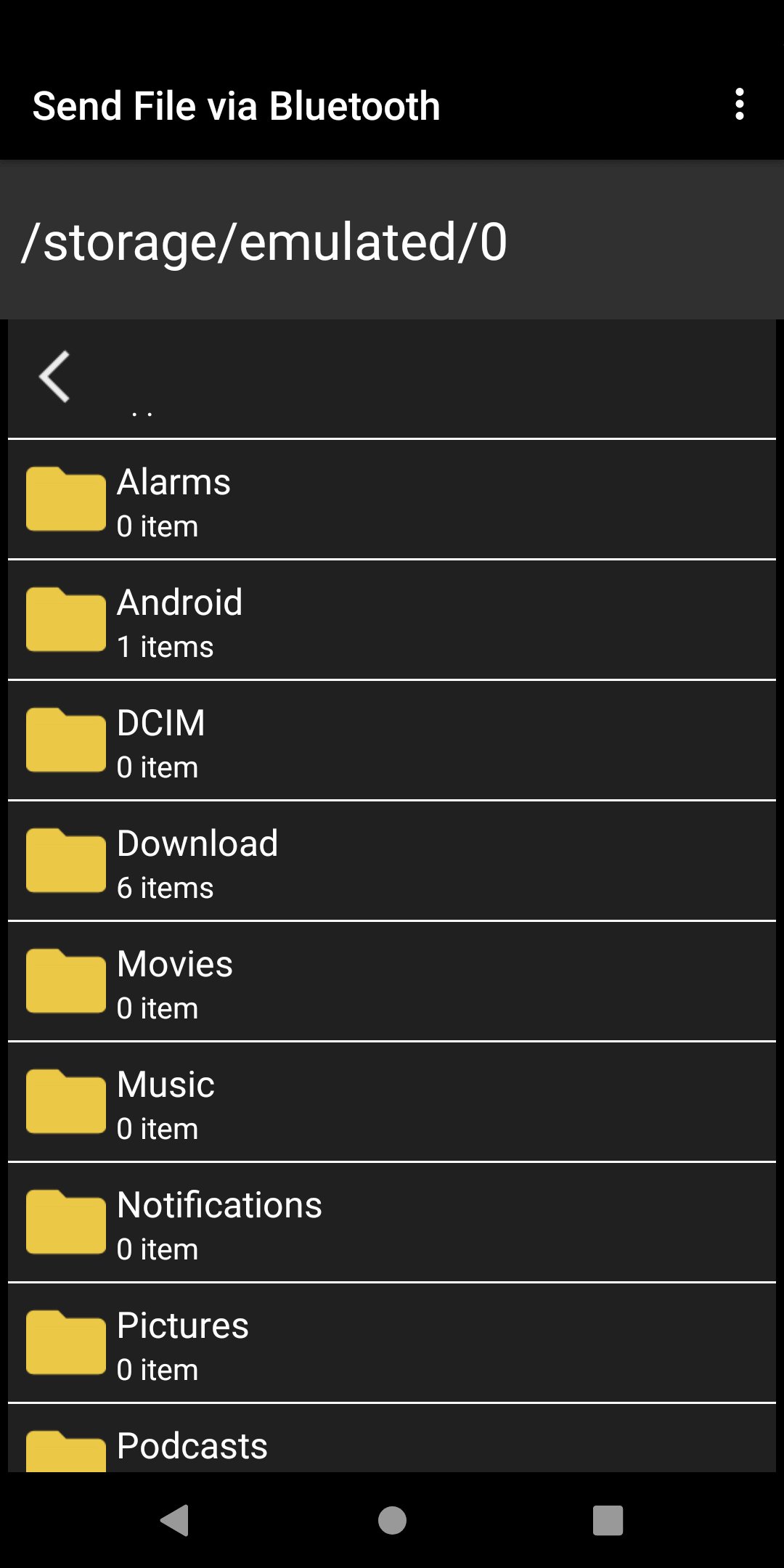
Copy, delete, move (cut) and rename files and folders directly on the smartwatch.
Send your files from your smartphone or tablet to your smartwatch in a simple way.
Send files from smartwatch to your smartphone or tablet.
Functionalities included:
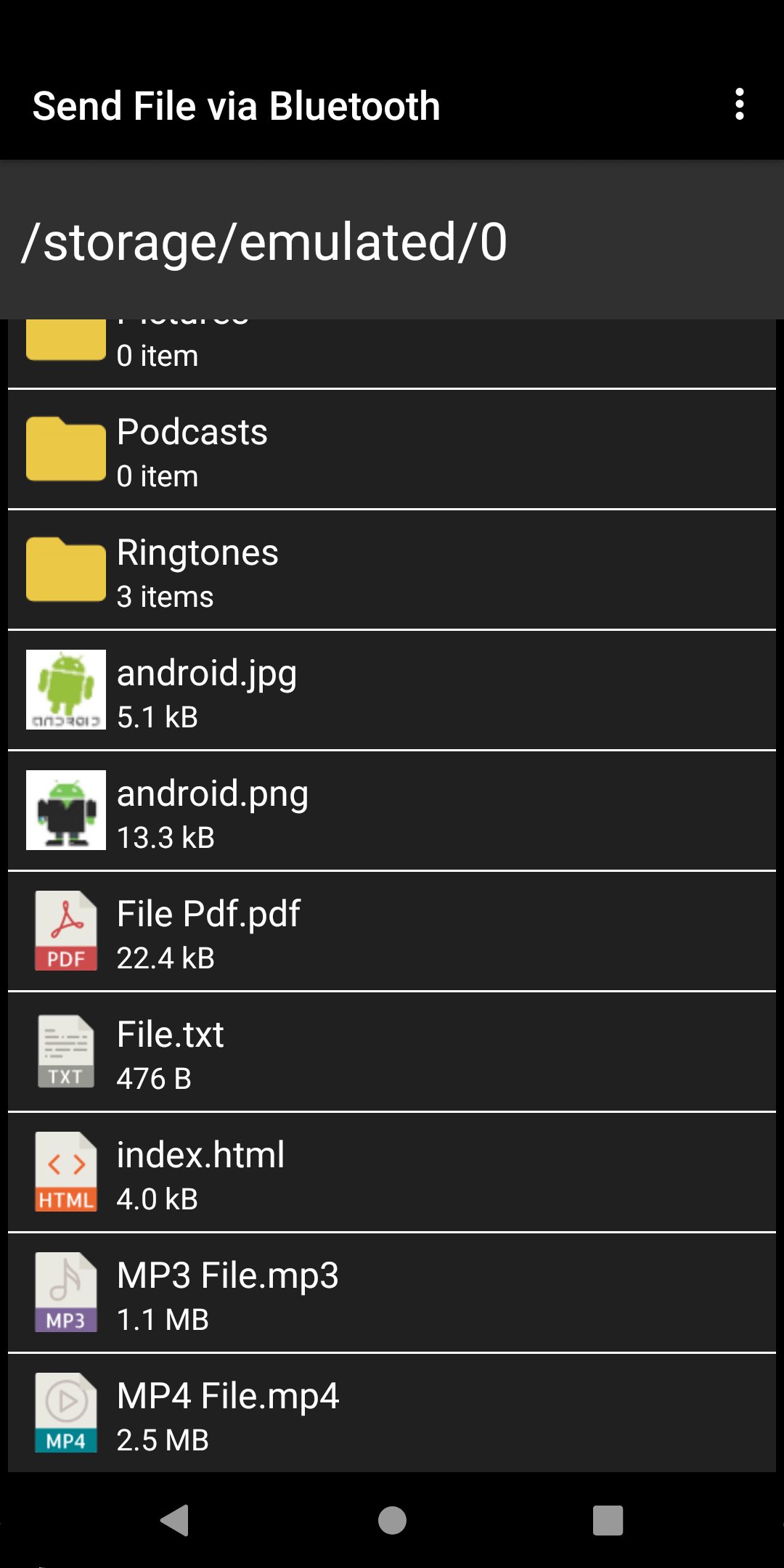
- Create, view and edit text files (.txt).
- Open files in PDF format as text or as image.
- Open image files (.png, .jpg, .gif and .bmp).
- Create, rename, copy, move and delete folders.
- Display thumbnails of images.
- Multiple selection of files and folders.
- Open ePub files (simple ePub reader without links).
Preview
Tags
ToolsInformation
Developer
Marcelo R. dos Santos
Latest Version
2.0.5
Last Updated
2024-05-26
Category
Tools
Available on
Google Play
Show More
How to play myWear File Explorer with GameLoop on PC
1. Download GameLoop from the official website, then run the exe file to install GameLoop
2. Open GameLoop and search for “myWear File Explorer” , find myWear File Explorer in the search results and click “Install”
3. Enjoy playing myWear File Explorer on GameLoop
Minimum requirements
OS
Windows 8.1 64-bit or Windows 10 64-bit
GPU
GTX 1050
CPU
i3-8300
Memory
8GB RAM
Storage
1GB available space
Recommended requirements
OS
Windows 8.1 64-bit or Windows 10 64-bit
GPU
GTX 1050
CPU
i3-9320
Memory
16GB RAM
Storage
1GB available space