
Hotlink PC
Maxis Broadband Sdn. Bhd.
Download Hotlink on PC With GameLoop Emulator
Hotlink on PC
Hotlink, coming from the developer Maxis Broadband Sdn. Bhd., is running on Android systerm in the past.
Now, You can play Hotlink on PC with GameLoop smoothly.
Download it in the GameLoop library or search results. No more eyeing the battery or frustrating calls at the wrong time any more.
Just enjoy Hotlink PC on the large screen for free!
Hotlink Introduction
Everything you need to stay connected with Hotlink.
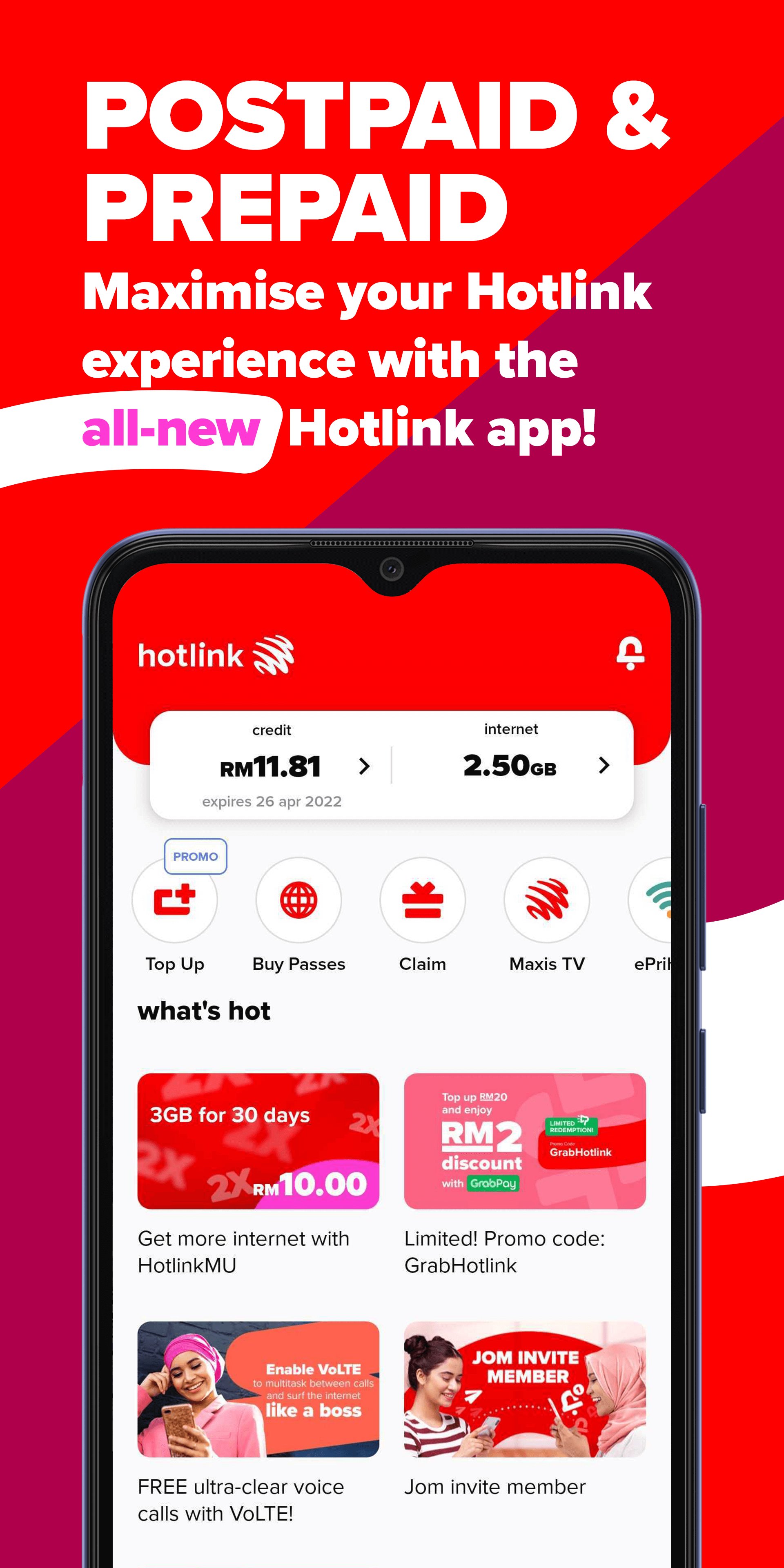
The Hotlink app is your all-in-one mobile companion to manage your account, activate and manage eSIM, buy internet and roaming passes, top up instantly, and enjoy exclusive rewards—all from one convenient app.
Whether you're a Prepaid or Postpaid customer, Hotlink makes staying connected easier, faster, and more rewarding.
Key Features
Activate & Manage eSIM
-Activate your eSIM in just a few steps.
-Switch from a physical SIM to eSIM seamlessly.
-Manage your eSIM conveniently within the app.
-Enjoy a faster and paperless mobile experience.
Manage Your Account
-Check your data balance and credit.
-View account details and usage.
-Manage multiple Hotlink numbers in one app.
Buy Internet Passes & Top Up
-Purchase data passes anytime.
-Top up quickly and securely.
-Subscribe to add-ons that suit your needs.
Travel with Confidence
-Buy roaming passes before your trip.
-Stay connected across supported destinations.
-Manage roaming easily within the app.
Enjoy Rewards & Exclusive Offers
-Join Spin & Win campaigns.
-Discover personalised promotions.
-Access exclusive lifestyle rewards and benefits.
Fast & Secure Payments
-Multiple payment options.
-Save your preferred payment methods.
-Quick and secure checkout.
Why Choose Hotlink?
✔ Activate and manage eSIM easily
✔ Buy internet and roaming passes anytime
✔ Top up securely in seconds
✔ Enjoy exclusive rewards and promotions
✔ Manage multiple Hotlink accounts
✔ Get personalised recommendations and AI-powered assistance
Download Hotlink today and enjoy a smarter, faster, and more connected mobile experience.
Preview

Tags
ToolsInformation
Developer
Maxis Broadband Sdn. Bhd.
Latest Version
6.0.0
Last Updated
2026-06-14
Category
Tools
Available on
Google Play
Show More
How to play Hotlink with GameLoop on PC
1. Download GameLoop from the official website, then run the exe file to install GameLoop
2. Open GameLoop and search for “Hotlink” , find Hotlink in the search results and click “Install”
3. Enjoy playing Hotlink on GameLoop
Minimum requirements
OS
Windows 8.1 64-bit or Windows 10 64-bit
GPU
GTX 1050
CPU
i3-8300
Memory
8GB RAM
Storage
1GB available space
Recommended requirements
OS
Windows 8.1 64-bit or Windows 10 64-bit
GPU
GTX 1050
CPU
i3-9320
Memory
16GB RAM
Storage
1GB available space