
My Verizon PC
Verizon Consumer Group
Download My Verizon on PC With GameLoop Emulator
My Verizon on PC
My Verizon, coming from the developer Verizon Consumer Group, is running on Android systerm in the past.
Now, You can play My Verizon on PC with GameLoop smoothly.
Download it in the GameLoop library or search results. No more eyeing the battery or frustrating calls at the wrong time any more.
Just enjoy My Verizon PC on the large screen for free!
My Verizon Introduction
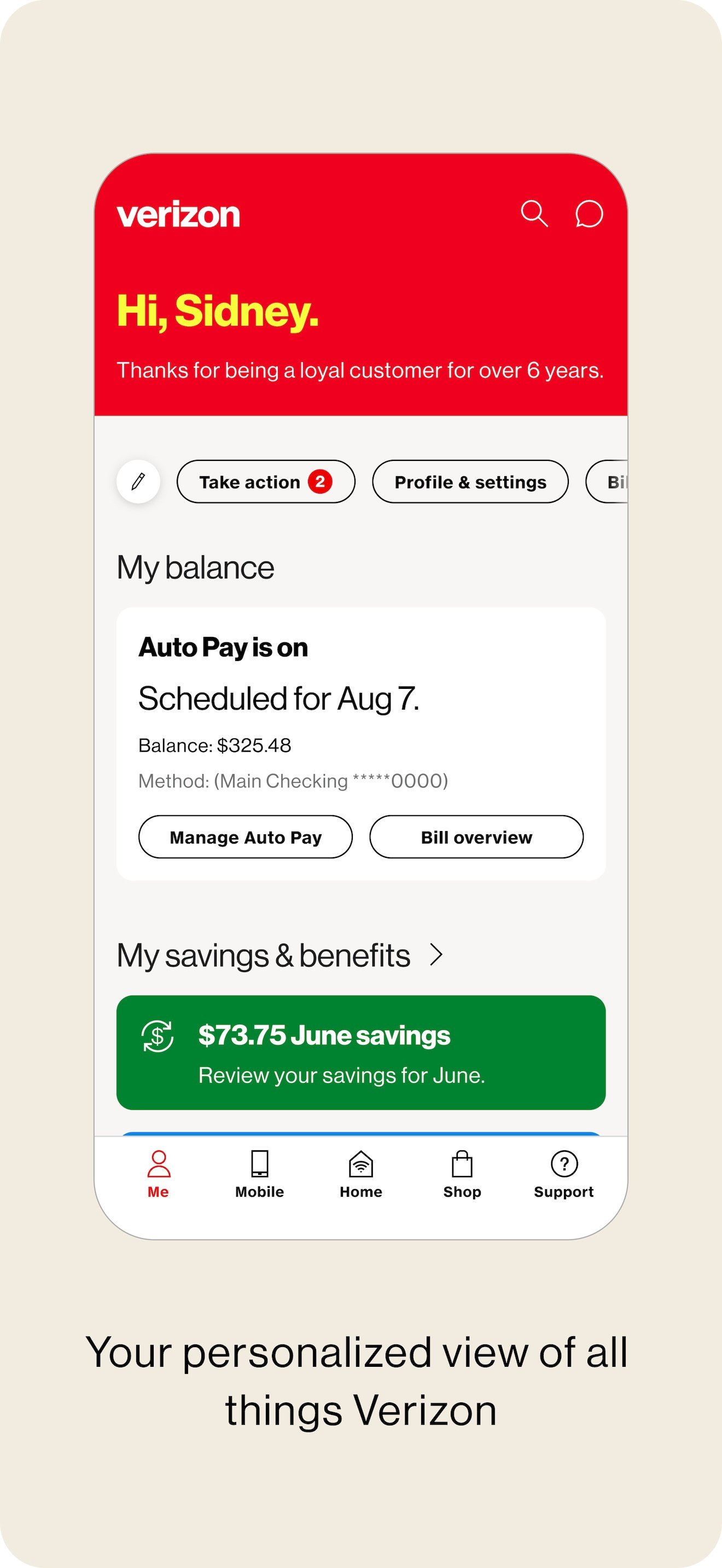
Meet the My Verizon app. Everything Verizon all in one place. When you launch the app you’ll see all the latest just for you. This is your personalized view, with customizable shortcuts, current balance, bill savings, perks, offers and more. And to find what you’re looking for faster, switch between different app sections using the tab bar.
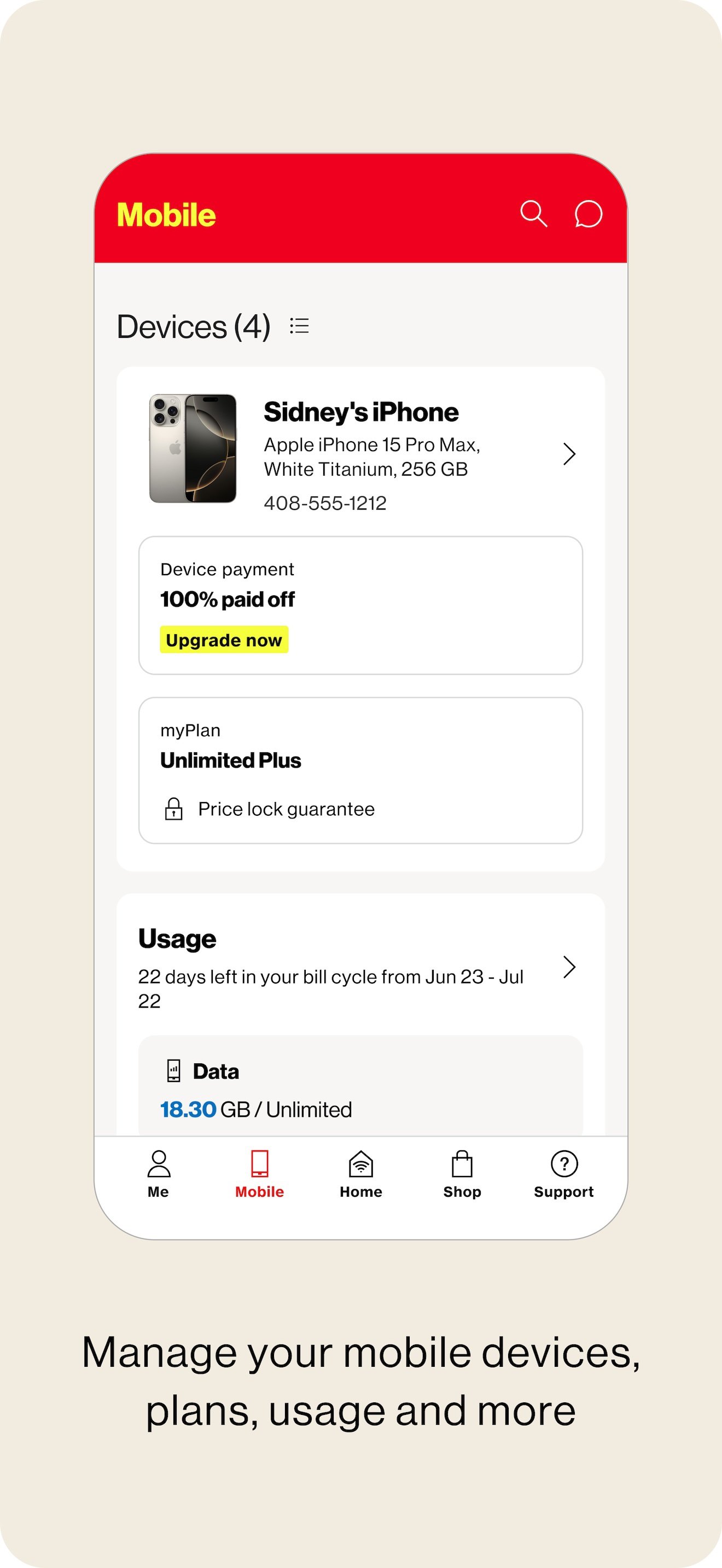
Your Mobile and Home Internet accounts are just a tap away. Quickly manage your devices, make plan changes, view usage and discover everything your plan has to offer. Keep track of all your Home Internet accounts, 5G Home. LTE Home and Fios.
With our simplified bill, you can see details, schedule AutoPay and make secure payments.
Best of all, you can shop or upgrade right from the app. It’s the fastest way to get what you want for Mobile and Home.
Looking for answers? The new support page has you covered. Chat with your Verizon Assistant 24/7, walk through account details, explore new plans, get help with troubleshooting and more.
Everything is easier with the MyVerizon app. Do it all. All in one place.
Preview
Tags
ToolsLifestyleInformation
Developer
Verizon Consumer Group
Latest Version
21.5.4
Last Updated
2026-02-10
Category
Tools
Available on
Google Play
Show More
How to play My Verizon with GameLoop on PC
1. Download GameLoop from the official website, then run the exe file to install GameLoop
2. Open GameLoop and search for “My Verizon” , find My Verizon in the search results and click “Install”
3. Enjoy playing My Verizon on GameLoop
Minimum requirements
OS
Windows 8.1 64-bit or Windows 10 64-bit
GPU
GTX 1050
CPU
i3-8300
Memory
8GB RAM
Storage
1GB available space
Recommended requirements
OS
Windows 8.1 64-bit or Windows 10 64-bit
GPU
GTX 1050
CPU
i3-9320
Memory
16GB RAM
Storage
1GB available space