
My Translate - Text & Camera PC
Carla's Super Tools
Download My Translate - Text & Camera on PC With GameLoop Emulator
My Translate - Text & Camera on PC
My Translate - Text & Camera, coming from the developer Carla's Super Tools, is running on Android systerm in the past.
Now, You can play My Translate - Text & Camera on PC with GameLoop smoothly.
Download it in the GameLoop library or search results. No more eyeing the battery or frustrating calls at the wrong time any more.
Just enjoy My Translate - Text & Camera PC on the large screen for free!
My Translate - Text & Camera Introduction
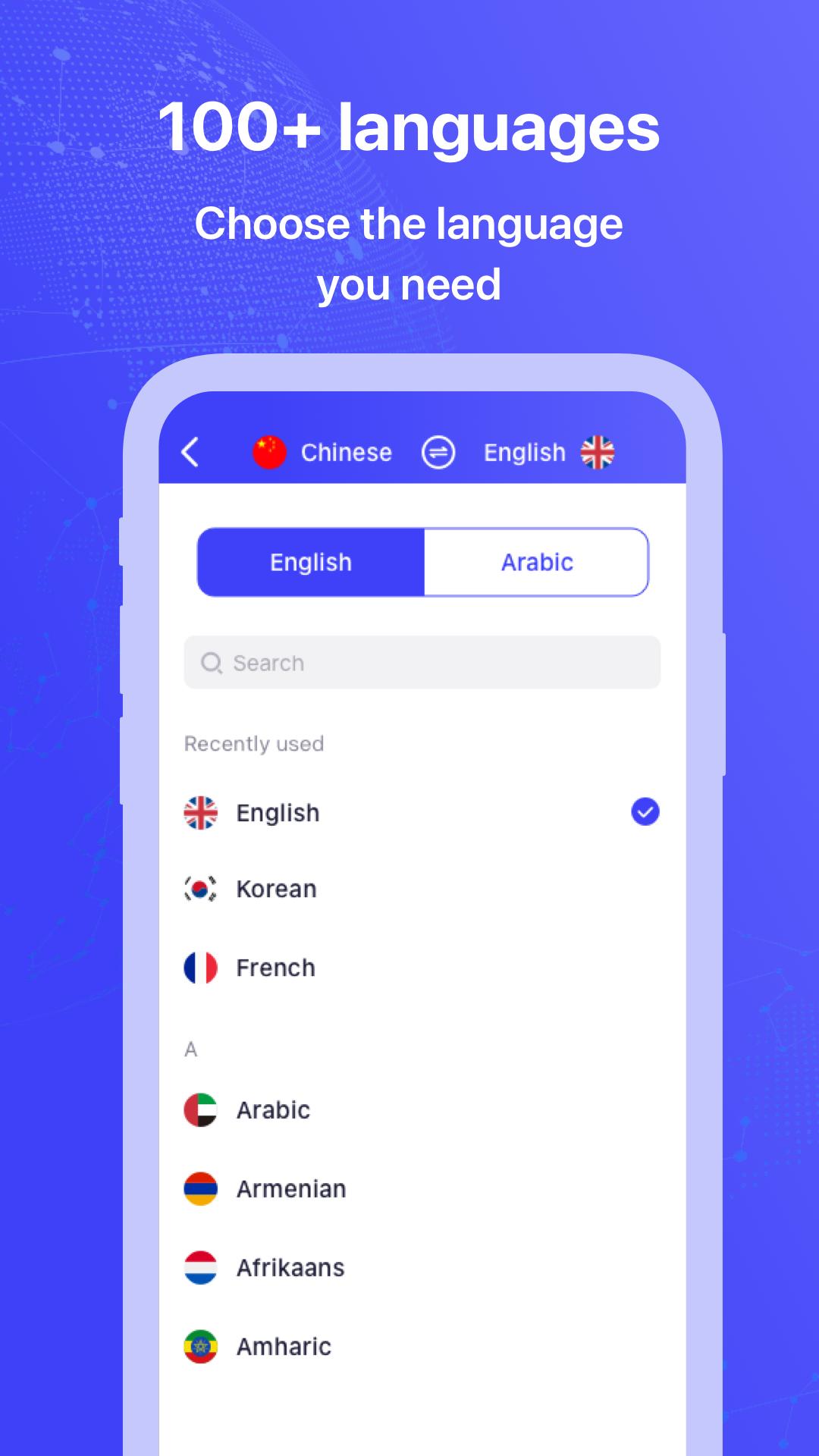
My Translate app is your best choice for translating any type of text, speech, photos, or objects into more than 100+ worldwide languages.
We offer multiple input methods for your words or objects that need translations such as:
- TYPING or SPEAKING: Translate bilingual conversations on the fly
- PHOTOS: Take or import photos containing words or objects for the most accurate translations
- LIVE TRANSLATIONS: Translate text or objects instantly by just pointing at the camera where needed
You don't need to worry anymore about any kind of conversation in any language anywhere across the globe. We translate languages immediately and accurately!
We created the app in order for it to be very easy to use and to solve all your needs. You will only need to focus on the main subjects of your conversations from now on and not worry about any stressful translations.
Main features of the VPN
Location Spoofer: VPN hiden your IP address so that your location is masked, and so that you are able to bypass geo-restrictions to access any content anywhere.
Free VPN secures your device’s connection while you’re connected to public Wi-Fi hotspots or cellular data networks. Your passwords and personal data are secured, and you are protected from hacker attacks.
Translator supports the following languages: Afrikaans, Arabic, Bangla, Bosnian (Latin), Bulgarian, Cantonese (Traditional), Catalan, Chinese (Simplified), Chinese (Traditional), Croatian, Czech, Danish, Dutch, English, Estonian, Fijian, Filipino, Finnish, French, German, Greek, Haitian Creole, Hebrew, Hindi, Hmong Daw, Hungarian, Icelandic, Indonesian, Italian, Japanese, Kiswahili, Korean, Latvian, Lithuanian, Malagasy, Malay, Maltese, Norwegian, Persian, Polish, Portuguese, Quer'etaro Otomi, Romanian, Russian, Serbian (Cyrillic), Serbian (Latin), Slovak, Slovenian, Spanish, Swedish, Tahitian, Tamil, Telugu, Thai, Tongan, Turkish, Ukrainian, Urdu, Vietnamese, Welsh, and Yucatec Maya.
[Optional access]
1. Camera
To take pictures for image translations,
2. Microphone
To translate speech.
3. Photos/Media/Files
To open photos from the device for image translation.
Download the My Translate app now and enjoy the powerful features that make conversing with friends, family and coworkers across the globe easy and fun! Take the stress out of translating anything and enjoy your conversations!
Preview
Tags
ToolsInformation
Developer
Carla's Super Tools
Latest Version
1.0.4
Last Updated
2023-04-08
Category
Tools
Available on
Google Play
Show More
How to play My Translate - Text & Camera with GameLoop on PC
1. Download GameLoop from the official website, then run the exe file to install GameLoop
2. Open GameLoop and search for “My Translate - Text & Camera” , find My Translate - Text & Camera in the search results and click “Install”
3. Enjoy playing My Translate - Text & Camera on GameLoop
Minimum requirements
OS
Windows 8.1 64-bit or Windows 10 64-bit
GPU
GTX 1050
CPU
i3-8300
Memory
8GB RAM
Storage
1GB available space
Recommended requirements
OS
Windows 8.1 64-bit or Windows 10 64-bit
GPU
GTX 1050
CPU
i3-9320
Memory
16GB RAM
Storage
1GB available space