
MVS - Inspect PC
AIS Technologies Group Inc.
Download MVS - Inspect on PC With GameLoop Emulator
MVS - Inspect on PC
MVS - Inspect, coming from the developer AIS Technologies Group Inc., is running on Android systerm in the past.
Now, You can play MVS - Inspect on PC with GameLoop smoothly.
Download it in the GameLoop library or search results. No more eyeing the battery or frustrating calls at the wrong time any more.
Just enjoy MVS - Inspect PC on the large screen for free!
MVS - Inspect Introduction
MVS - Inspect is an application that allows users to perform inspections using an AI based server system.
This Application works in two modes, Audit and PLC mode.
It combines the power of AI image processing and robust machine vision algorithms to process inspection images obtained as part of quality control manufacturing processes. It can be used as automated inspection tool or as part of a repair process.
This is an offline process which occurs via wifi to Local Area Network and does not require a connection to the internet.
In order to register an account, please contact mvssupport@aistechgroup.com
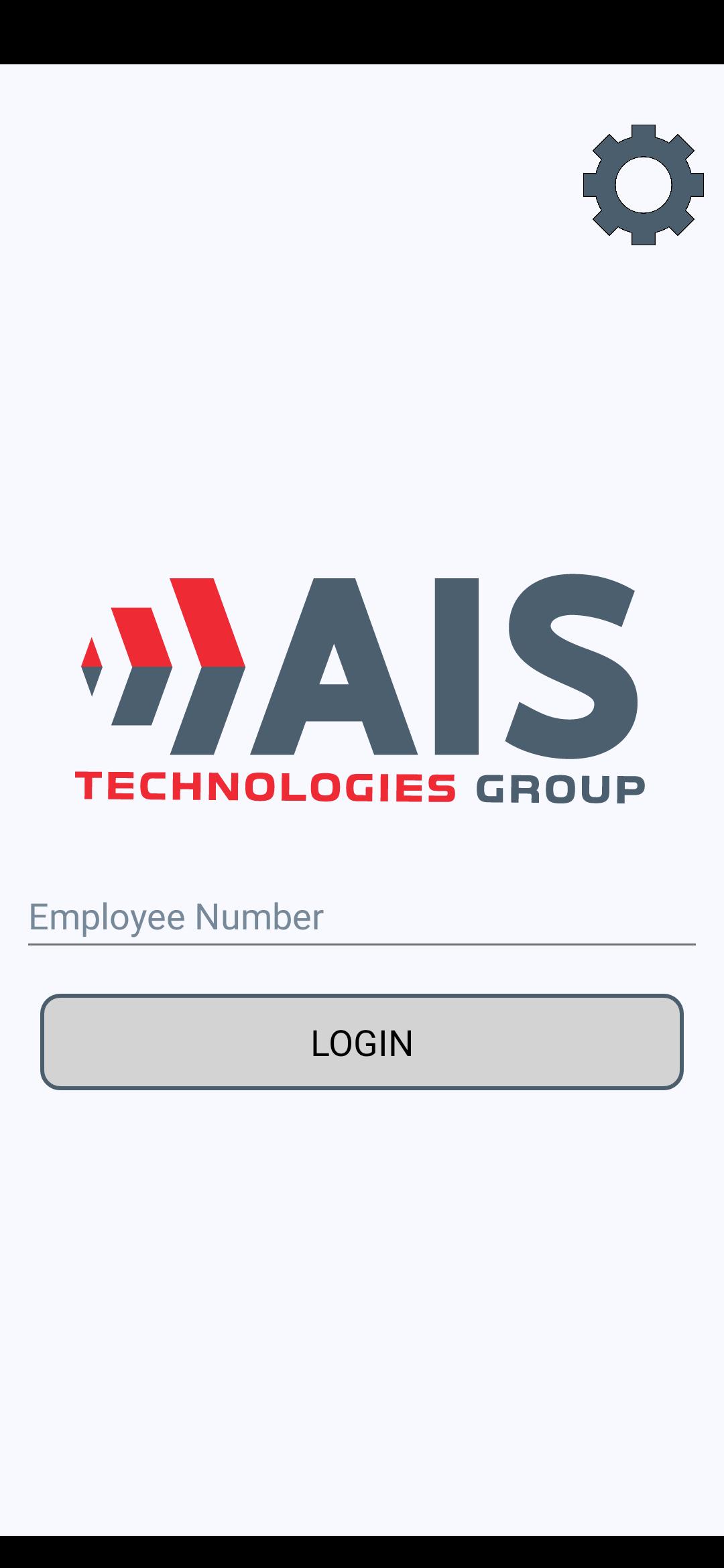
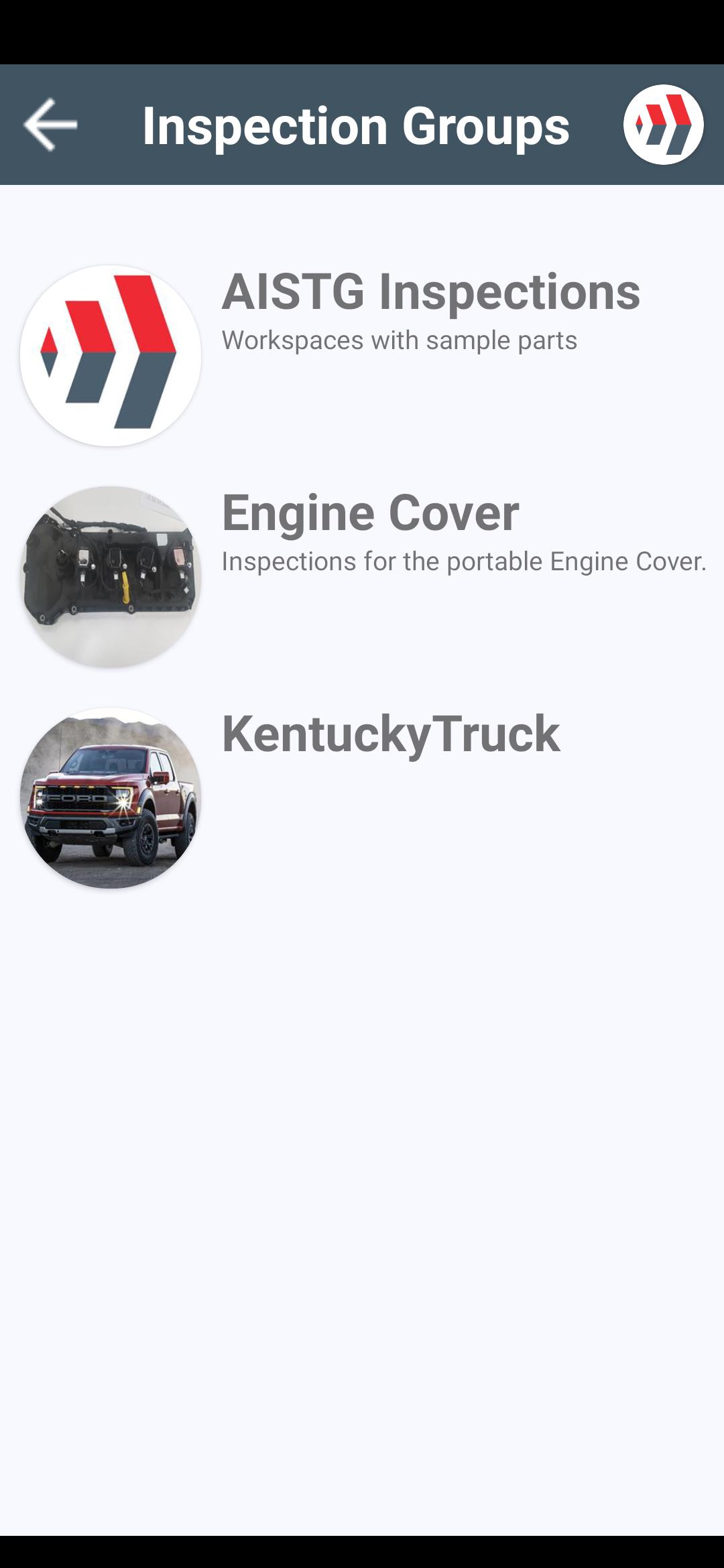
The screenshots represent how your inspections can look. Depending on a server, you will see different inspection groups and inspection points assigned to a server.
Preview
Tags
ToolsInformation
Developer
AIS Technologies Group Inc.
Latest Version
1.6.1
Last Updated
2023-10-26
Category
Tools
Available on
Google Play
Show More
How to play MVS - Inspect with GameLoop on PC
1. Download GameLoop from the official website, then run the exe file to install GameLoop
2. Open GameLoop and search for “MVS - Inspect” , find MVS - Inspect in the search results and click “Install”
3. Enjoy playing MVS - Inspect on GameLoop
Minimum requirements
OS
Windows 8.1 64-bit or Windows 10 64-bit
GPU
GTX 1050
CPU
i3-8300
Memory
8GB RAM
Storage
1GB available space
Recommended requirements
OS
Windows 8.1 64-bit or Windows 10 64-bit
GPU
GTX 1050
CPU
i3-9320
Memory
16GB RAM
Storage
1GB available space