
Move To Android 9 Theme PC
Ma 2 Yo
Download Move To Android 9 Theme on PC With GameLoop Emulator
Move To Android 9 Theme on PC
Move To Android 9 Theme, coming from the developer Ma 2 Yo, is running on Android systerm in the past.
Now, You can play Move To Android 9 Theme on PC with GameLoop smoothly.
Download it in the GameLoop library or search results. No more eyeing the battery or frustrating calls at the wrong time any more.
Just enjoy Move To Android 9 Theme PC on the large screen for free!
Move To Android 9 Theme Introduction
Did you hear about Android™ 9 ? Did you hear about Android™ Pie ? Do you want to have the latest theme of Android™ 9 but unfortunately your device is old or does not support this version of Android™ Pie?
Now it is possible for most devices.
A custom Android theme refers to a phone’s (icons, pictures, logos, songs....), based on Google’s Android platform. Android is open source and therefore any developer can edit the code, and re-release for a wide variety of devices.
And as many phones no longer receive updates to the latest version of Android™. We decided to help users with older phones to have the chance to have the latest theme of Android™ on their old device.
We have developed a custom theme based on the latest version of Android™ 9 - Android™ Pie. Our custom theme aims to bring the Android™ 9.0 Pie user experience (UX) and user interface (UI) while using a minimum of resources. Our custom theme is supported and tested by the most used phones in the market.
To install the latest custom theme of Android™ 9, this application will download all the necessary files to upgrade your old theme of Android™ to the latest theme of Android™ 9 - Android™ Pie.
Install steps
“Move To Android 9 Theme” app is simply a tool or a bridge to download as a first step our custom theme based on the latest version of Android™ 9 - Android™ Pie. After that, as a second step, this tool will configure your launcher.
The steps are:
1) Download custom theme based on the latest version of Android™ 9.
2) Unzip downloaded files.
3) Registration in our platform to ensure that you are a real user and not a robot.
4) Configure the launcher
5) Restart the phone
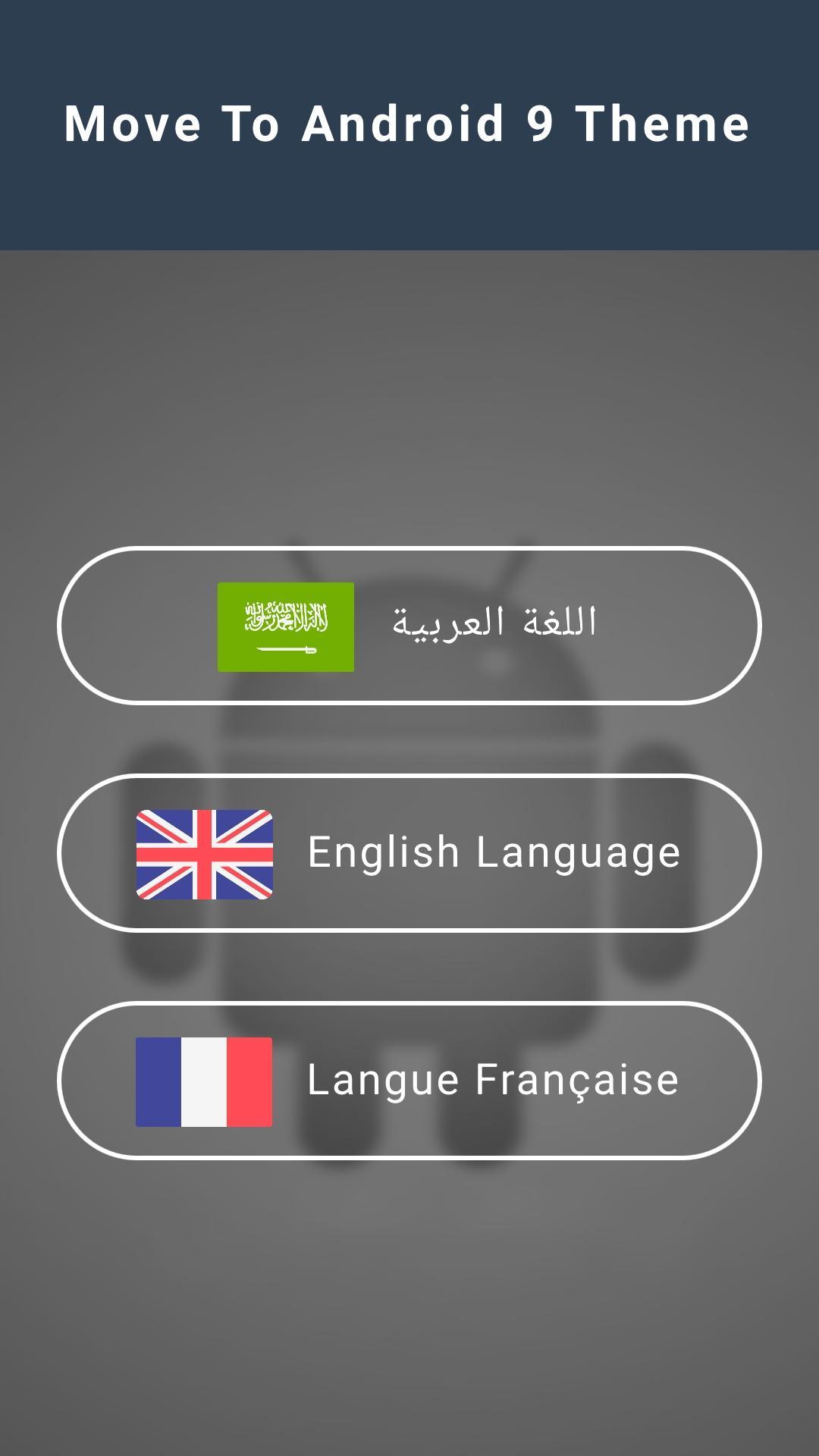
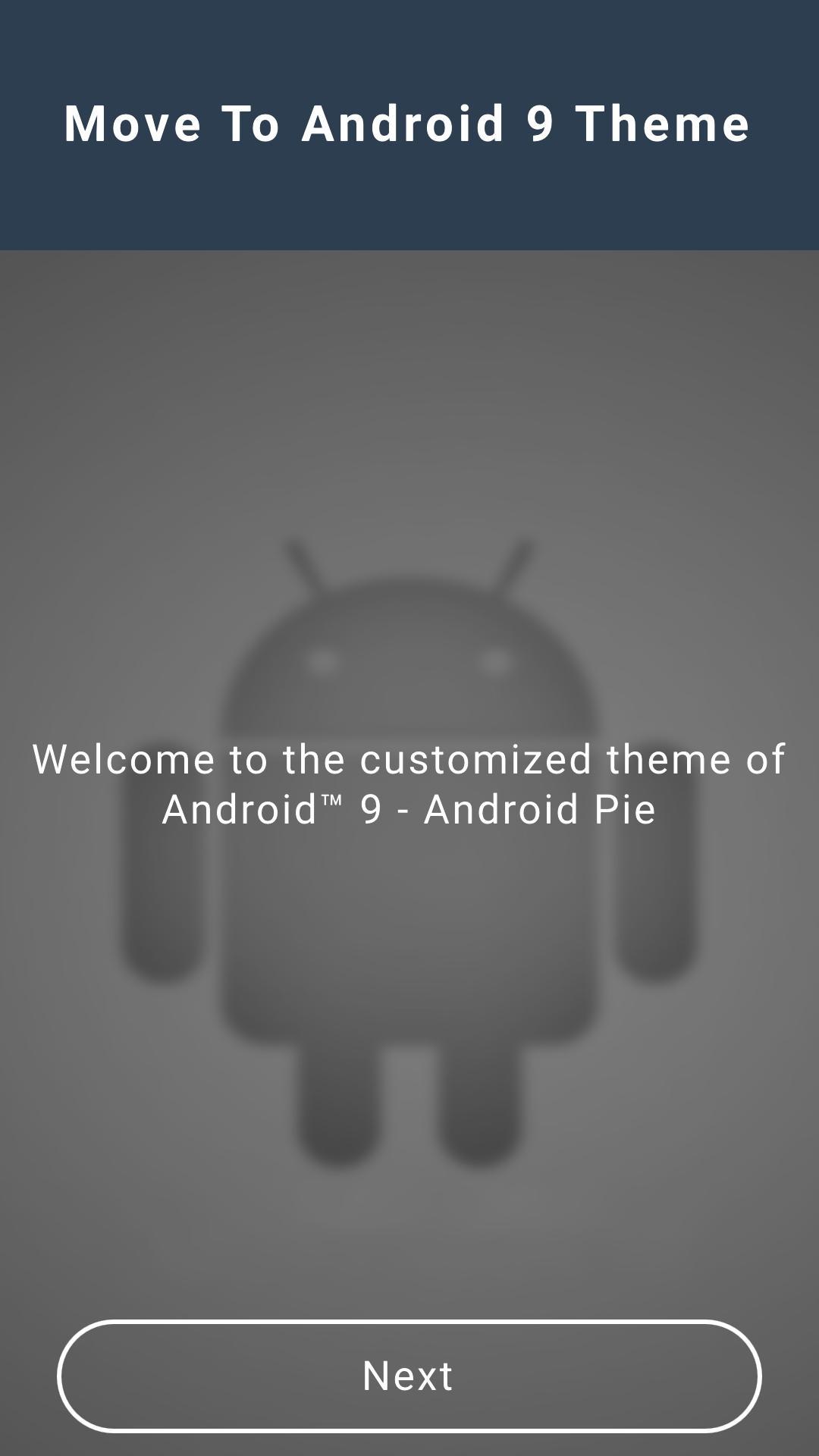
Preview
Information
Developer
Ma 2 Yo
Latest Version
2.0
Last Updated
2019-04-26
Category
Tools
Available on
Google Play
Show More
How to play Move To Android 9 Theme with GameLoop on PC
1. Download GameLoop from the official website, then run the exe file to install GameLoop
2. Open GameLoop and search for “Move To Android 9 Theme” , find Move To Android 9 Theme in the search results and click “Install”
3. Enjoy playing Move To Android 9 Theme on GameLoop
Minimum requirements
OS
Windows 8.1 64-bit or Windows 10 64-bit
GPU
GTX 1050
CPU
i3-8300
Memory
8GB RAM
Storage
1GB available space
Recommended requirements
OS
Windows 8.1 64-bit or Windows 10 64-bit
GPU
GTX 1050
CPU
i3-9320
Memory
16GB RAM
Storage
1GB available space