
Missed calls PC
Suxsem
Download Missed calls on PC With GameLoop Emulator
Missed calls on PC
Missed calls, coming from the developer Suxsem, is running on Android systerm in the past.
Now, You can play Missed calls on PC with GameLoop smoothly.
Download it in the GameLoop library or search results. No more eyeing the battery or frustrating calls at the wrong time any more.
Just enjoy Missed calls PC on the large screen for free!
Missed calls Introduction
🍒 SMALL SIZE AND NO BATTERY CONSUMPTION!
🍒 NO SPAM, NO ADS!
🍒 EASY TO USE!
Missed calls provides you the "I called you" / "Who called" service without paying your telephone provider. Try it for free for 14 days, then only 0.99$ per year!
Please do not leave a low rating if the problem you are experiencing it's not related to the app, a negative rating it's very harmful. Thank you!
Key features:
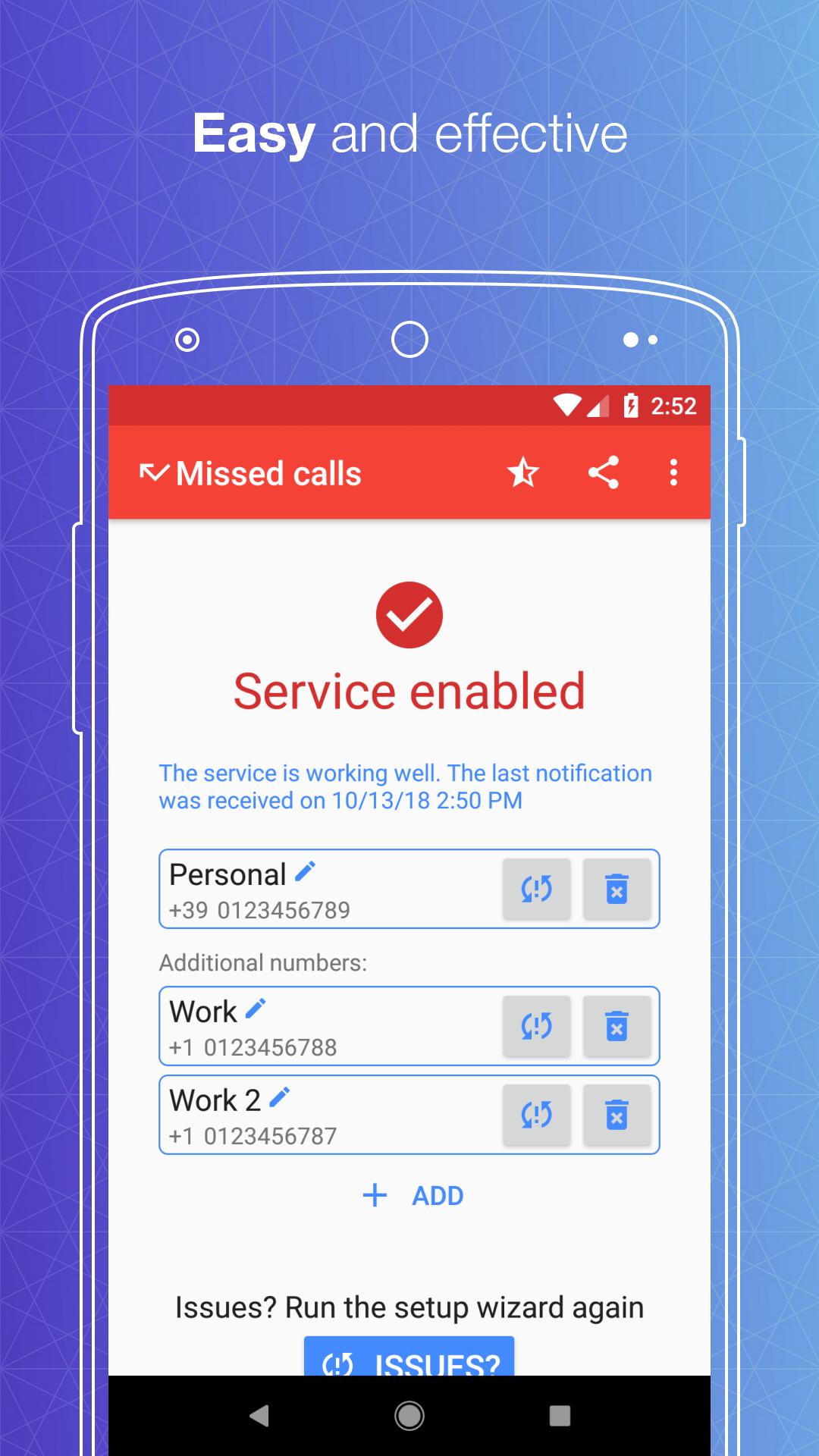
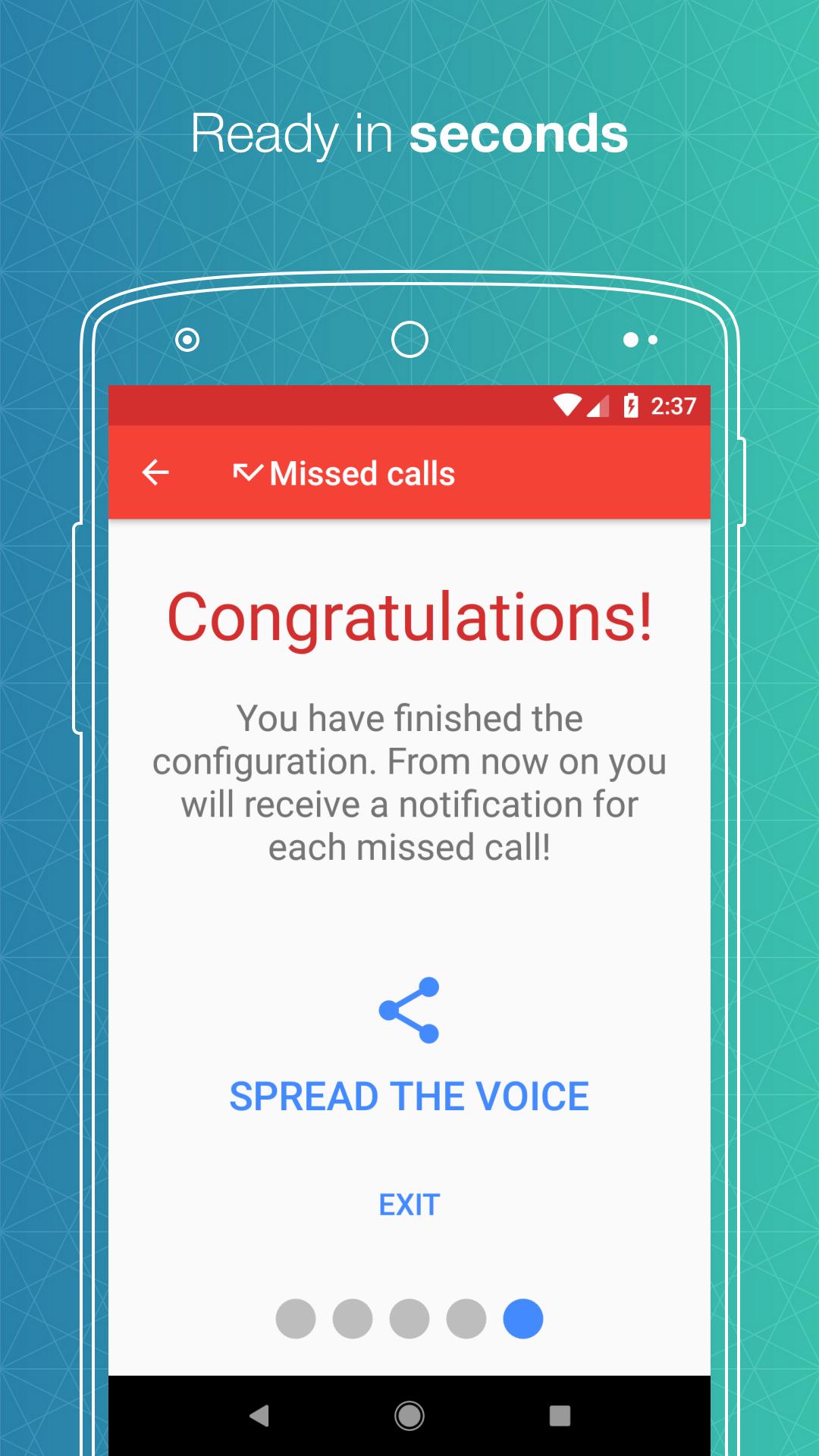
• Receive a notification for each call missed when your phone is busy or unreachable
• Find missed calls history within the app
• Block unwanted numbers (call center, etc.) by customizing your blacklist
• Activate the service on multiple phone numbers at the same time
Are you a geek and want to know more about how the app works? Keep reading!
How much does it cost?
We are firmly determined to not include any advertisements within the app to ensure the best possible user experience. The app was initially totally free, but in two years of free service we lost a significant amount of money due to the costs of the infrastructure and the time spent on making, improving and supporting the app. In order to bear those costs and ensure constant improvements, we have to ask for a small annual contribution; we decided that 0.99$ was not too much for our users...but at the same time enough for us. This price is well below what providers usually ask for this kind of service and we sincerely hope that it will be considered as a reasonable price. You will always have 14 days of free service to try the app! Then only 0.99$ for an annual license!
Why I can't receive notifications?
Make sure you have a strong network coverage and you are connected to the Internet during the initial setup. Since telephone operators do not allow activating call forwarding with zero balance, always be sure you have remaining credit balance on your SIM, even though it will never be used by our service. If you are experiencing issues with the app, please run the setup again or contact us, we will be more then happy to assist you!
How does the app work?
During the first launch of the app, the user is assisted in the activation of call forwarding to our automatic answering machine, which immediately rejects the call and identifies the calling number. This information is then sent to the device via a push notification. Call forwarding is completely free for both you and the caller!
What about my privacy?
First of all it is important to understand that the system does not store any call. The call history is directly stored inside the device, locally on your phone. No personal information is stored in the system. Your telephone number is used to generate a unique, non-invertible code associated with the device; this code will then be used to send notifications to the right user. The code generation is being done directly on the phone with the SHA224 algorithm. In addition, the cloud infrastructure that hosts the system ensures maximum security from any cyber attack.
How do I uninstall the app?
It's very simple! Just select the Uninstall menu item inside the app to disable call forwarding and complete the uninstall; all the data will be automatically removed from both your phone and our systems. And what if you regret it ...?
How can I get support, receive information or make suggestions?
If you have any need contact us at missedcallapp@outlook.com, we will reply as soon as possible!
Preview
Tags
ToolsInformation
Developer
Suxsem
Latest Version
5.2.0
Last Updated
2020-03-09
Category
Tools
Available on
Google Play
Show More
How to play Missed calls with GameLoop on PC
1. Download GameLoop from the official website, then run the exe file to install GameLoop
2. Open GameLoop and search for “Missed calls” , find Missed calls in the search results and click “Install”
3. Enjoy playing Missed calls on GameLoop
Minimum requirements
OS
Windows 8.1 64-bit or Windows 10 64-bit
GPU
GTX 1050
CPU
i3-8300
Memory
8GB RAM
Storage
1GB available space
Recommended requirements
OS
Windows 8.1 64-bit or Windows 10 64-bit
GPU
GTX 1050
CPU
i3-9320
Memory
16GB RAM
Storage
1GB available space