
Meu Plantão PC
Thiago Pacheco
Download Meu Plantão on PC With GameLoop Emulator
Meu Plantão on PC
Meu Plantão, coming from the developer Thiago Pacheco, is running on Android systerm in the past.
Now, You can play Meu Plantão on PC with GameLoop smoothly.
Download it in the GameLoop library or search results. No more eyeing the battery or frustrating calls at the wrong time any more.
Just enjoy Meu Plantão PC on the large screen for free!
Meu Plantão Introduction
If you work as a call center worker you certainly have difficulty controlling your shift.
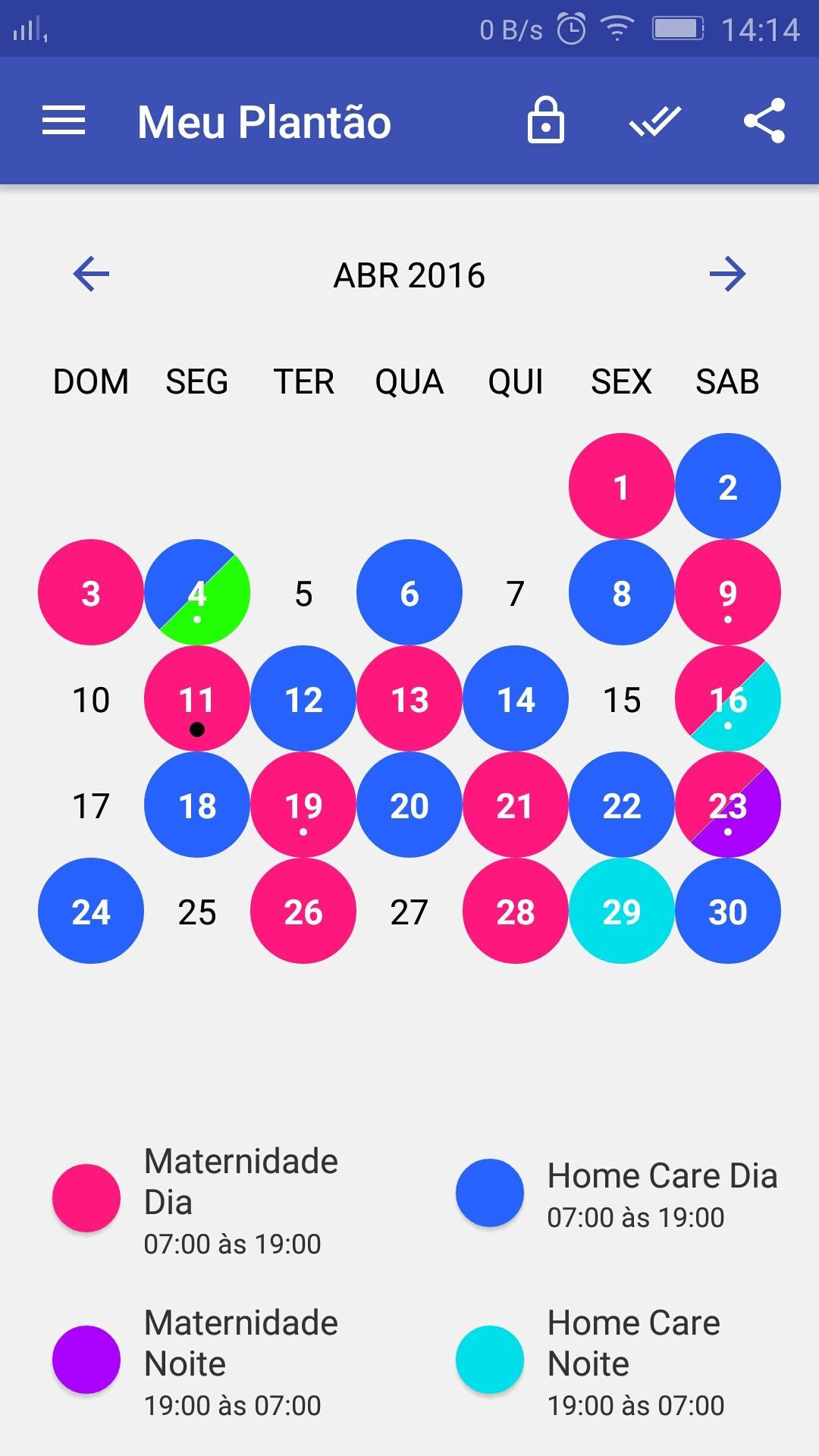
My Plan is an application developed entirely in Portuguese, which aims to assist you in controlling your agenda, in the simplest way possible.
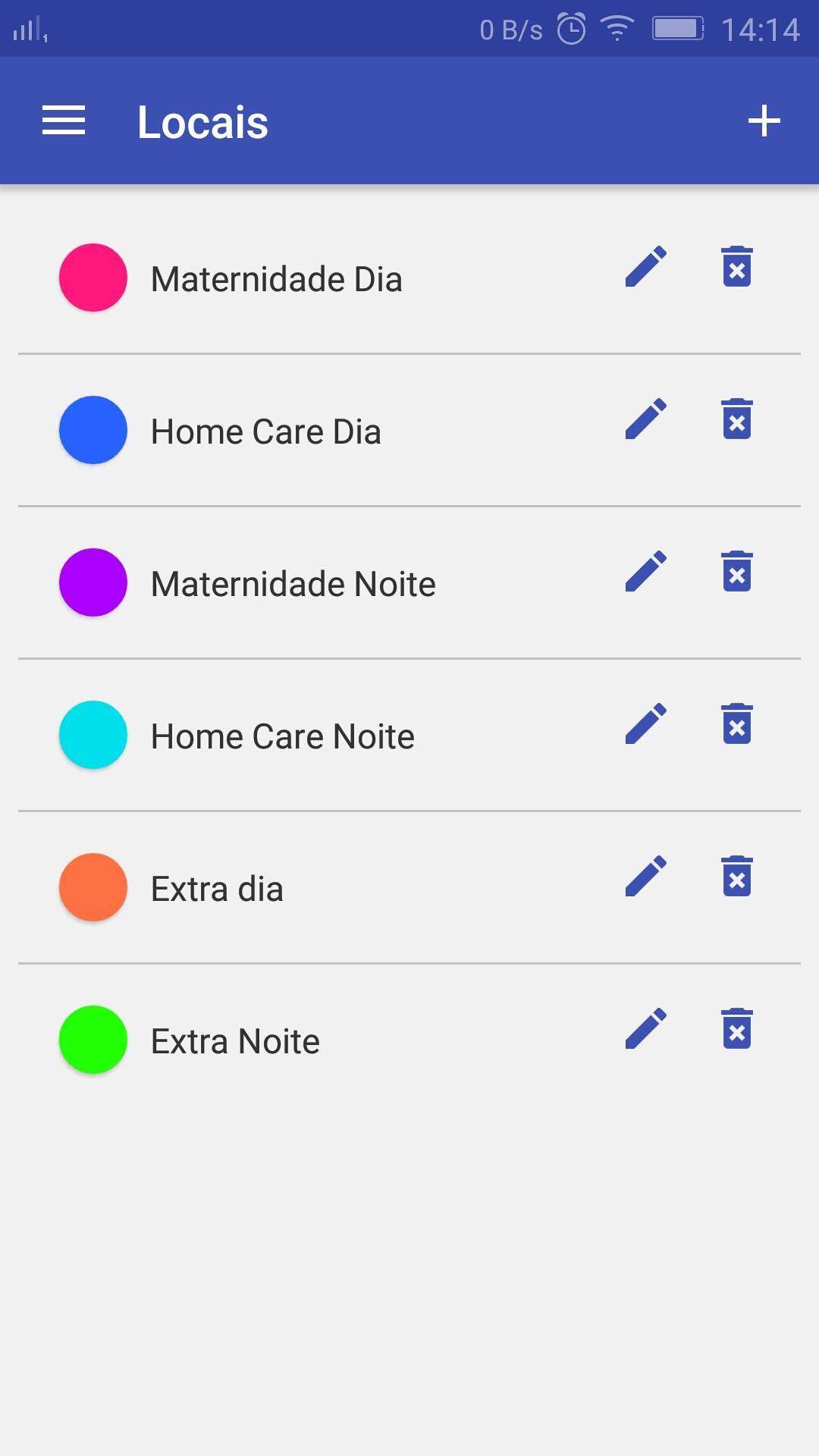
It is possible to create a registration of places and shifts in simplified visible form in calendar form, receive notifications on the day of the shift, report earnings and back up the data.
Functions:
- Simple or multiple schedules;
- Simplified site registration;
- Share agenda in the form of photo screen;
- Notice of duty;
- Backup and Restore;
- Weekly Backup Reminder;
- Erase older shifts.
It is recommended to back up the data prior to the updates because any failure may result in data loss.
Inquiries please contact us by email.
Preview
Tags
ToolsInformation
Developer
Thiago Pacheco
Latest Version
2.2.0
Last Updated
2023-10-26
Category
Tools
Available on
Google Play
Show More
How to play Meu Plantão with GameLoop on PC
1. Download GameLoop from the official website, then run the exe file to install GameLoop
2. Open GameLoop and search for “Meu Plantão” , find Meu Plantão in the search results and click “Install”
3. Enjoy playing Meu Plantão on GameLoop
Minimum requirements
OS
Windows 8.1 64-bit or Windows 10 64-bit
GPU
GTX 1050
CPU
i3-8300
Memory
8GB RAM
Storage
1GB available space
Recommended requirements
OS
Windows 8.1 64-bit or Windows 10 64-bit
GPU
GTX 1050
CPU
i3-9320
Memory
16GB RAM
Storage
1GB available space