
Message To Unknown Number PC
SYSTWEAK SOFTWARE
Download Message To Unknown Number on PC With GameLoop Emulator
Message To Unknown Number on PC
Message To Unknown Number, coming from the developer SYSTWEAK SOFTWARE, is running on Android systerm in the past.
Now, You can play Message To Unknown Number on PC with GameLoop smoothly.
Download it in the GameLoop library or search results. No more eyeing the battery or frustrating calls at the wrong time any more.
Just enjoy Message To Unknown Number PC on the large screen for free!
Message To Unknown Number Introduction
Are you looking for an Android app that can help you send a Chat message without
saving someone’s number? If you’re curious to know how you can start a Chat
conversation with any random number, that’s not saved in your Phonebook? Well, your
search ends here!
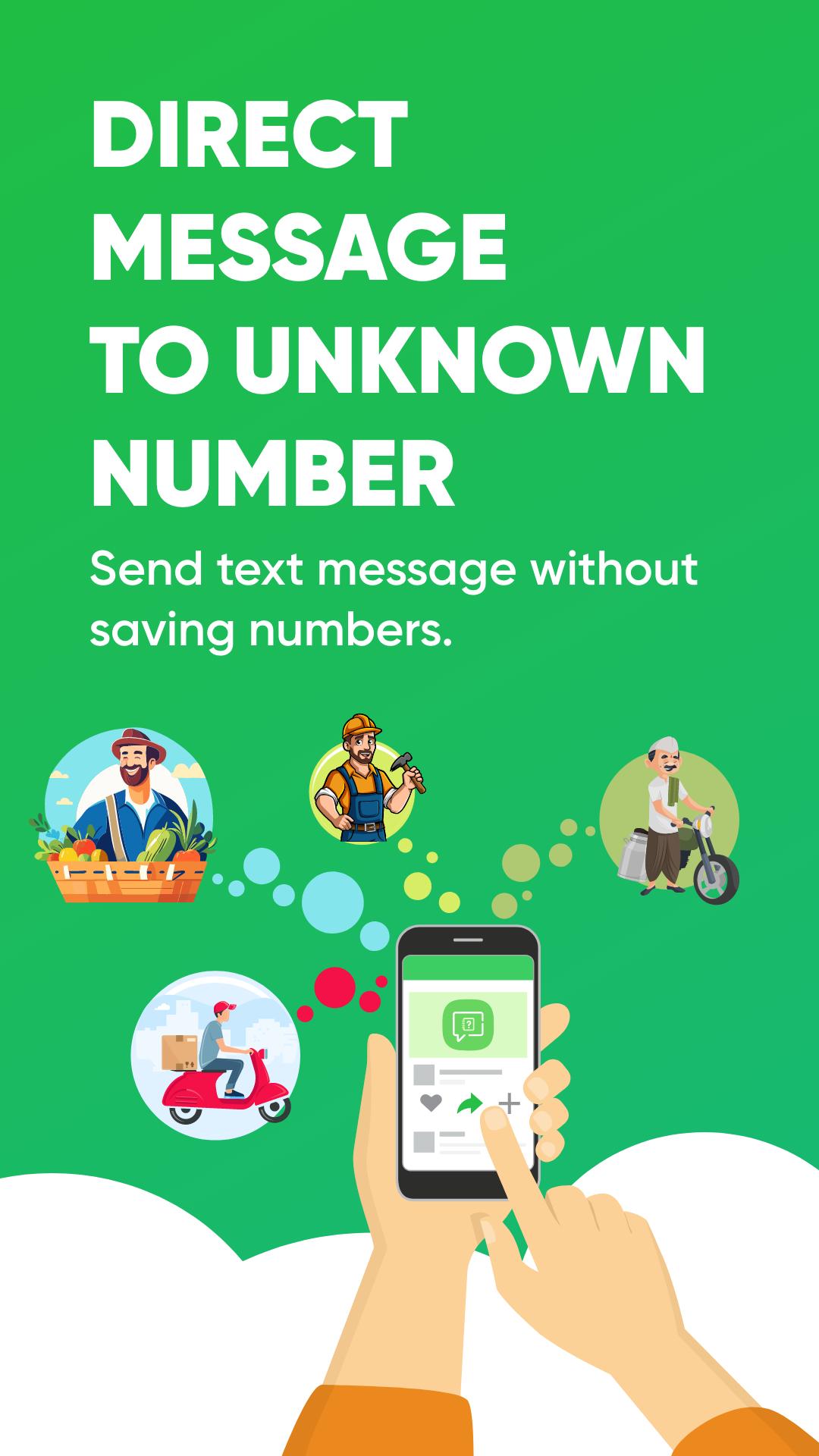
Meet ‘Message to Unknown Number’ by Systweak Software. A simple and easy to use tool
designed for your favorite Chat messenger to send messages to any number that is
not even saved in your contact list. Although it sounds like a basic job, since there’s no
official workaround to send Chat texts to unsaved numbers, ‘Message to Unknown
Number’ can become your go-to solution!
HIGHLIGHTS: Let’s see how this application can make your instant messaging
experience faster!
● Simple, fast and easy-to-use.
● Intuitive interface with clearly labeled buttons.
● Quickly message any number without saving it in your Address Book.
● Send texts to anyone by entering their country code and phone number.
● Send Chat messages directly from the call logs.
● Send an ‘Secret Text Message’ to someone to get their instant attention.
● History tab logs the list of contact numbers to whom you’ve sent messages.
● Short Tutorial that explains how to use the app.
● Lightweight App.
● Doesn’t affect battery performance.
● Doesn’t require any Accessibility permission to work.
● Free Android application designed for your favorite Chat Messenger.
How Does Message to Unknown Number App Works?
Step 1- Install and launch Message to Unknown Number on your device.
Step 2- You’ll be guided with a quick tutorial to learn how the app works.
Step 3- Enter the mobile number. Tap on “+Pref” to select Country from the list to enter the
country code.
Step 4- Type the message on the “Enter message” field.
Step 5- Hit the “Send Message” button to send your text!
You’ll be automatically redirected to the Chat App with their chat window open! Send the
message and you can continue the conversation without saving their number.
Super quick and easy to use right? Well, that was our ultimate reason to develop such an
application that eases your process and you can swiftly message someone without saving their
number!
How to send urgent messages on Chat ?
Systweak Software designed this application to help you with sending important messages
which need urgent attention. Message to Unknown Number app features the option to send
a text message which will show the text with ‘Read more’ and grasps recipient’s attention.
Step 1- Open Message to Unknown Number app.
Step 2- Go to the Secret Texts tab.
Step 3- Enter mobile number and select country code.
Step 4- Type the message title to appear on the “Enter Spoiler Title” field.
Step 5- Type the message on the “Enter Spoiler Message” field. (It will be hidden text and
can be viewed by tapping on Read more on Chat.)
Step 6- Tap on “Send High Priority Messages” to send your text message.
It will redirect you to the Chat App to send your message.
Download and Share Your Feedback Below!
Preview
Tags
ToolsInformation
Developer
SYSTWEAK SOFTWARE
Latest Version
10.1.1.09
Last Updated
2025-08-21
Category
Tools
Available on
Google Play
Show More
How to play Message To Unknown Number with GameLoop on PC
1. Download GameLoop from the official website, then run the exe file to install GameLoop
2. Open GameLoop and search for “Message To Unknown Number” , find Message To Unknown Number in the search results and click “Install”
3. Enjoy playing Message To Unknown Number on GameLoop
Minimum requirements
OS
Windows 8.1 64-bit or Windows 10 64-bit
GPU
GTX 1050
CPU
i3-8300
Memory
8GB RAM
Storage
1GB available space
Recommended requirements
OS
Windows 8.1 64-bit or Windows 10 64-bit
GPU
GTX 1050
CPU
i3-9320
Memory
16GB RAM
Storage
1GB available space