
Official TWRP App PC
Team Win LLC
Download Official TWRP App on PC With GameLoop Emulator
Official TWRP App on PC
Official TWRP App, coming from the developer Team Win LLC, is running on Android systerm in the past.
Now, You can play Official TWRP App on PC with GameLoop smoothly.
Download it in the GameLoop library or search results. No more eyeing the battery or frustrating calls at the wrong time any more.
Just enjoy Official TWRP App PC on the large screen for free!
Official TWRP App Introduction
TWRP - Team Win Recovery Project
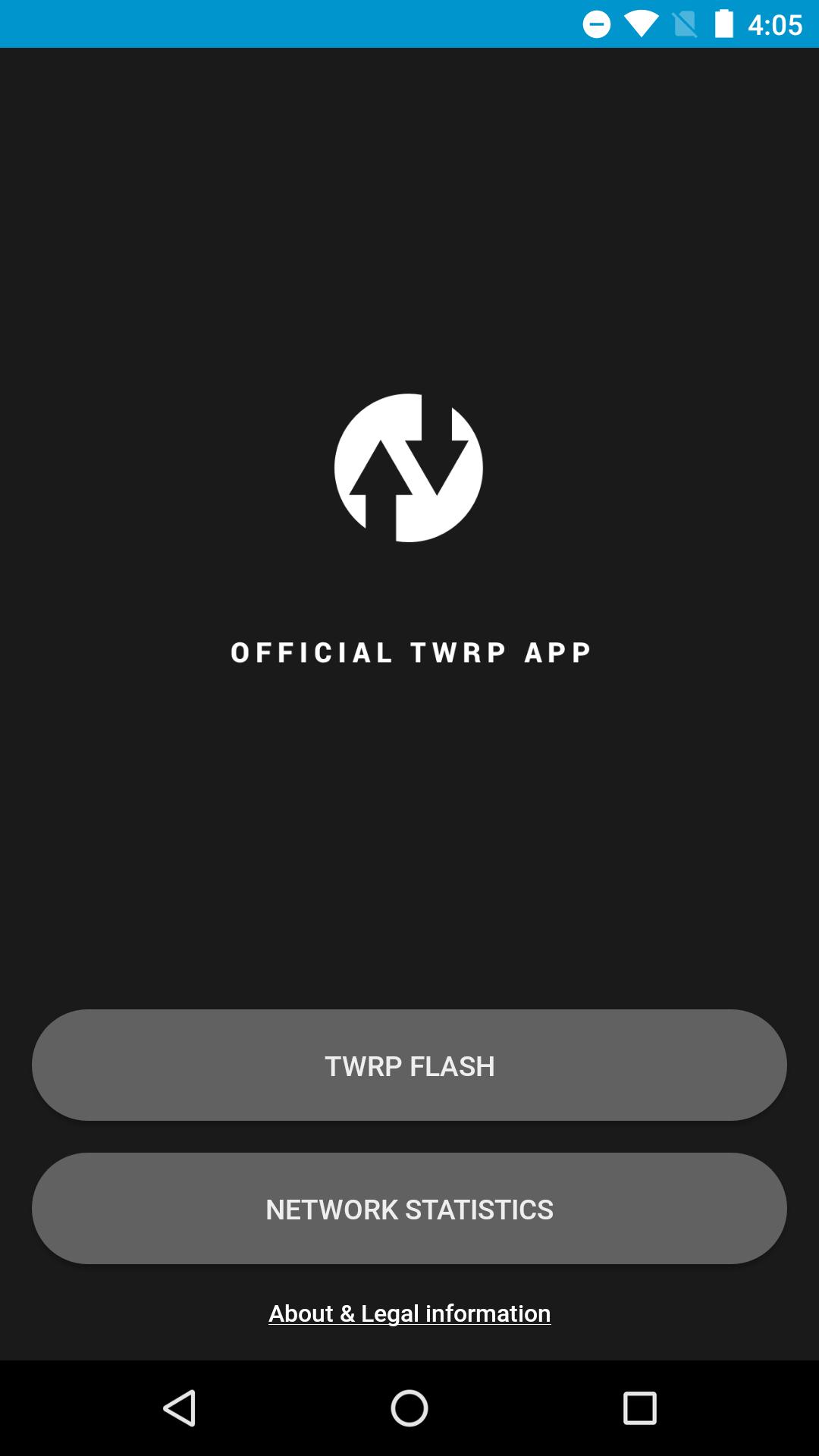
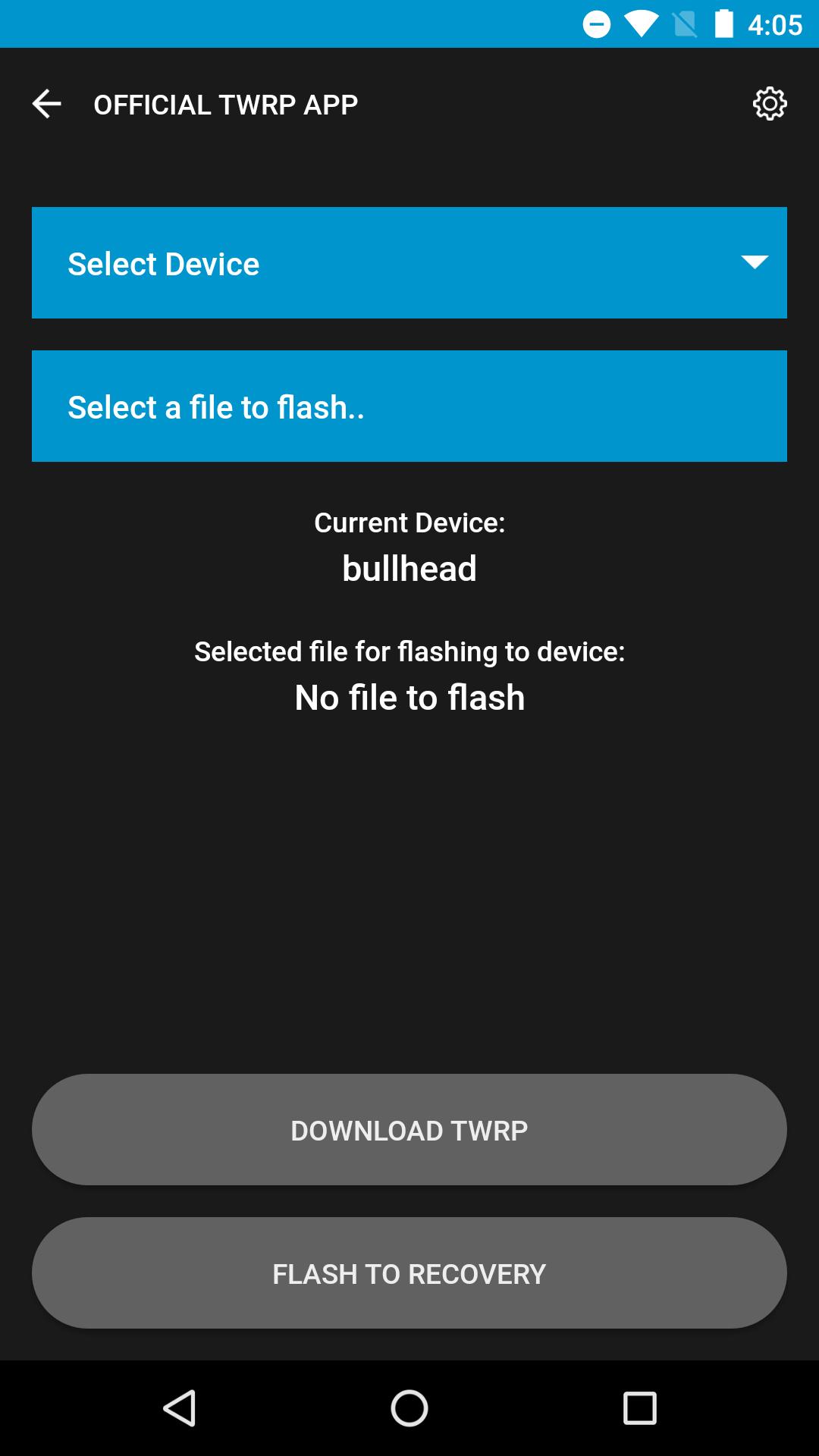
Official app developed by Team Win for TWRP. Use the app to alert you when new TWRP versions are released for your device. When a new version is available, download it using the app and install it (root users only) without rebooting to recovery.
You can find a brief guide and more details about the app here:
https://twrp.me/app/
The Official TWRP App does not require root to perform version checking, however, additional features are available such as image flashing if you grant root permissions.
Currently the app is only able to flash images from internal storage. We will add the ability to use additional storage locations very soon!
We will be developing additional features in the near future, so check back often!
Please do not ask us to add TWRP support for your device. We simply do not have access to all of the devices or the developer resource to port your device for you. You can port your own device here:
http://forum.xda-developers.com/showthread.php?t=1943625
Preview
Tags
ToolsInformation
Developer
Team Win LLC
Latest Version
1.22
Last Updated
2020-08-11
Category
Tools
Available on
Google Play
Show More
How to play Official TWRP App with GameLoop on PC
1. Download GameLoop from the official website, then run the exe file to install GameLoop
2. Open GameLoop and search for “Official TWRP App” , find Official TWRP App in the search results and click “Install”
3. Enjoy playing Official TWRP App on GameLoop
Minimum requirements
OS
Windows 8.1 64-bit or Windows 10 64-bit
GPU
GTX 1050
CPU
i3-8300
Memory
8GB RAM
Storage
1GB available space
Recommended requirements
OS
Windows 8.1 64-bit or Windows 10 64-bit
GPU
GTX 1050
CPU
i3-9320
Memory
16GB RAM
Storage
1GB available space