
MagicBox VPN PC
Stargaze App Develop Team
Download MagicBox VPN on PC With GameLoop Emulator
MagicBox VPN on PC
MagicBox VPN, coming from the developer Stargaze App Develop Team, is running on Android systerm in the past.
Now, You can play MagicBox VPN on PC with GameLoop smoothly.
Download it in the GameLoop library or search results. No more eyeing the battery or frustrating calls at the wrong time any more.
Just enjoy MagicBox VPN PC on the large screen for free!
MagicBox VPN Introduction
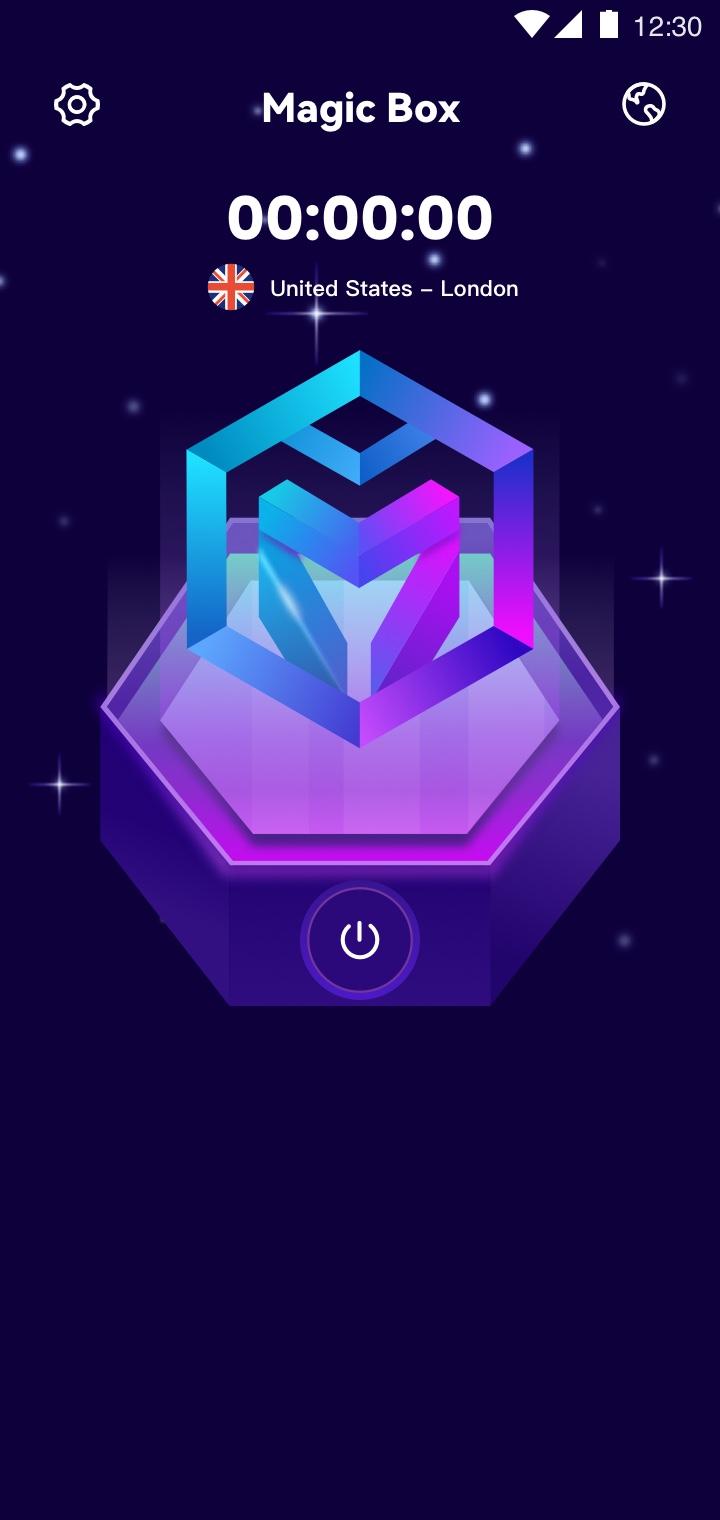
MagicBox is an Unlimited VPN Secure Proxy Shield for all your devices.You can use to browse the Internet privately and securely. MagicBox protects your online privacy from online threats, letting you access your favorite websites & apps. Our VPN technology is the easiest way to enhance your privacy and WiFi security wherever you are.
Watch Streaming Sites and Apps
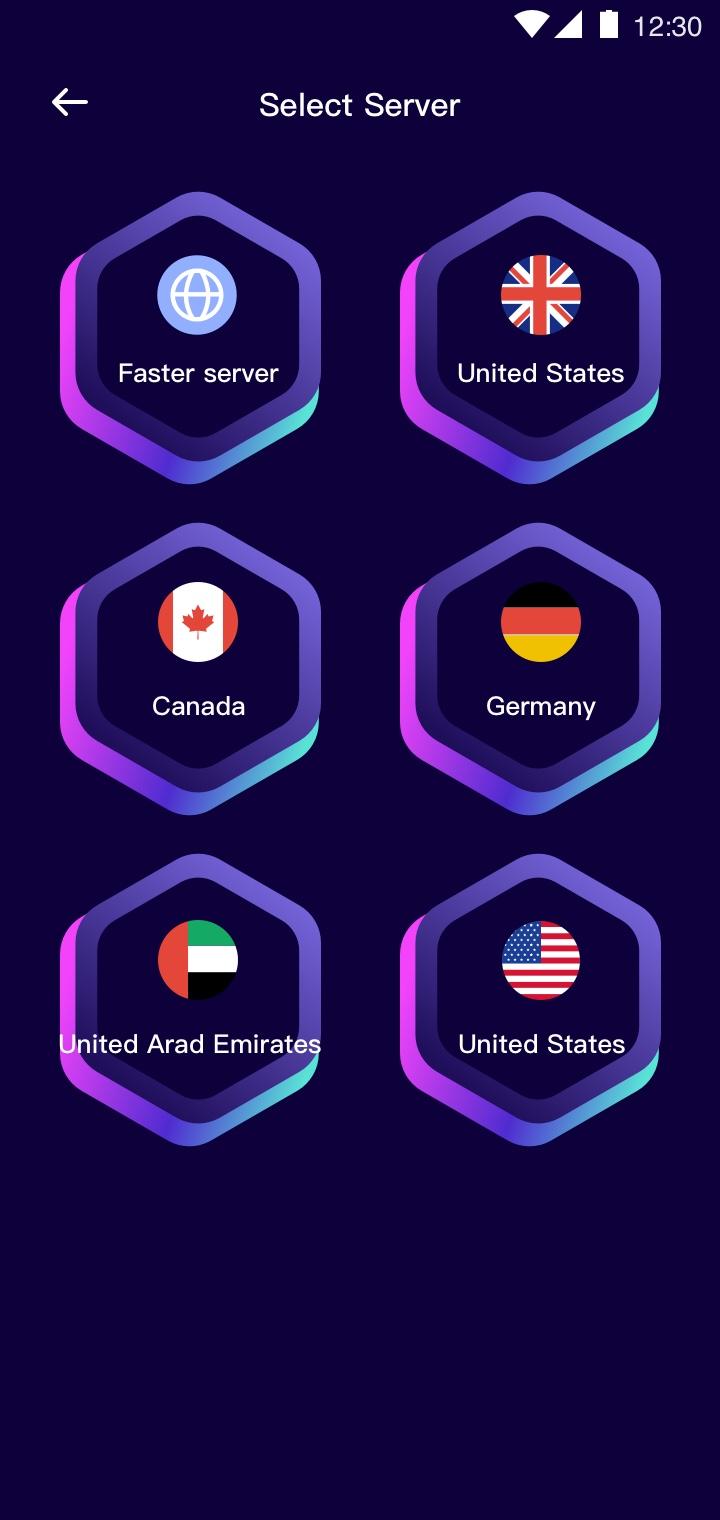
We offer global servers for you to enjoy streaming on the sites. You can stream with a blazing speed with premium stable & secure servers. Never miss any important TV shows, sports lives, game event or discount again.
Smoothly Play Games with Stable Servers
MagicBox VPN perfectly offers stable servers for the most popular games, enjoy gaming with low ping.
Why choose MagicBox?
★ Secure Your Internet Activity under public Wi-Fi
★ Large number of servers, high-speed bandwidth
★ Works on Wi-Fi, 4G/LTE, 3G
★ Enhance your gaming experience
Preview
Tags
ToolsInformation
Developer
Stargaze App Develop Team
Latest Version
1.0.1
Last Updated
2022-09-08
Category
Tools
Available on
Google Play
Show More
How to play MagicBox VPN with GameLoop on PC
1. Download GameLoop from the official website, then run the exe file to install GameLoop
2. Open GameLoop and search for “MagicBox VPN” , find MagicBox VPN in the search results and click “Install”
3. Enjoy playing MagicBox VPN on GameLoop
Minimum requirements
OS
Windows 8.1 64-bit or Windows 10 64-bit
GPU
GTX 1050
CPU
i3-8300
Memory
8GB RAM
Storage
1GB available space
Recommended requirements
OS
Windows 8.1 64-bit or Windows 10 64-bit
GPU
GTX 1050
CPU
i3-9320
Memory
16GB RAM
Storage
1GB available space