
Locker for WhatsB Chat App PC
SYSTWEAK SOFTWARE
Download Locker for WhatsB Chat App on PC With GameLoop Emulator
Locker for WhatsB Chat App on PC
Locker for WhatsB Chat App, coming from the developer SYSTWEAK SOFTWARE, is running on Android systerm in the past.
Now, You can play Locker for WhatsB Chat App on PC with GameLoop smoothly.
Download it in the GameLoop library or search results. No more eyeing the battery or frustrating calls at the wrong time any more.
Just enjoy Locker for WhatsB Chat App PC on the large screen for free!
Locker for WhatsB Chat App Introduction
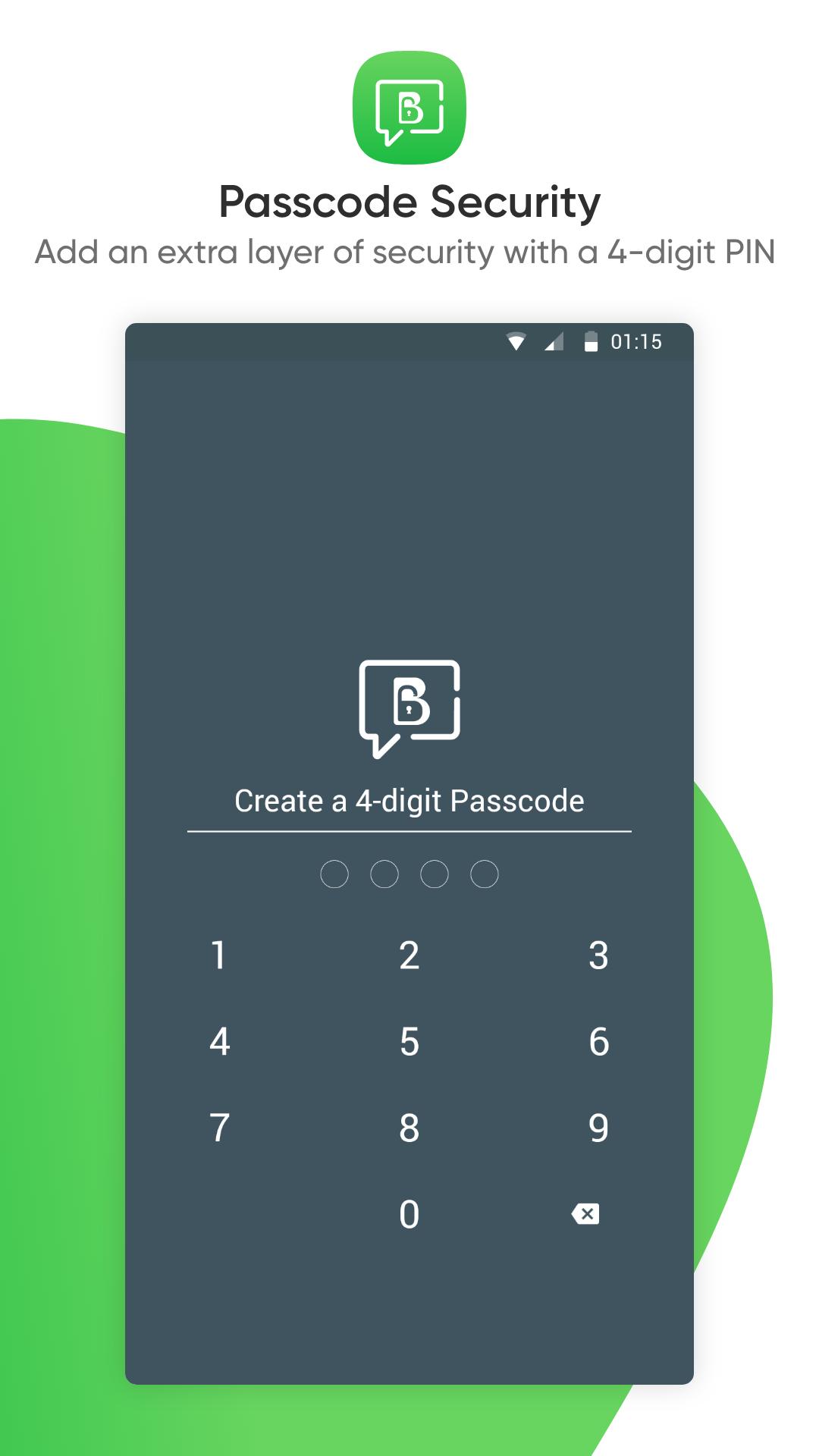
Looking for a way to secure your personal business chat? Well, the solution is here and it’s called Locker for WhatsB Chat App. It is the best app to secure your business chat. To maintain your privacy simply create a 4-digit passcode, add the chat and you are good to go.
The app is the perfect solution for those who are concerned about their privacy. It helps prevent other users from viewing the private content.
Highlights
• Conveniently add an extra layer of security to your business account
• Passcode protected communication
• The easiest way to secure your WhatsApp Business chat
• Unique application that provides the opportunity to lock business chats
Like many people out there, if you too are looking for a simple way to lock your business chat and stop people from digging through your stuff, you have Locker for WhatsB Chat App. This security app is more than it looks it offers the following features:
Features
• Free to use
• Ad-free
• The best app to lock WhatsApp Business Account
• Uses very fewer resources and space
• Intuitive and easy to use interface
• Requires Accessibility permission
How to use WhatsB Chat App
1. Download and install the app on your Android device
2. Tap Locker for WhatsB Chat App icon and launch the app
3. Create a four-digit PIN and re-confirm it
4. Set recovery email address or can just skip it
5. Grant Accessibility permissions to start using the app
Note: The password you just created will not be the entry code for all the chats, added to the Locker for WhatsB Chat App
6. To add the chat, tap on the + icon and you are all set.
This is the simplest and most unique way to secure your important business WhatsApp chats. Rest assured as Locker for WhatsB Chat App with a PIN will add an extra touch of security. So, what are you waiting for? Create the PIN, grant permission, and add the chat to Locker for WhatsB Chat App and relax.
NOTE: We require Accessibility permission in order to protect user's WhatsappBChat. To be able to lock any private chats or groups, accessibility permission is required. No user personal information is gathered or stored by us, and nobody is given access to it.
Preview
Tags
ToolsInformation
Developer
SYSTWEAK SOFTWARE
Latest Version
6.1.1.79
Last Updated
2024-10-28
Category
Tools
Available on
Google Play
Show More
How to play Locker for WhatsB Chat App with GameLoop on PC
1. Download GameLoop from the official website, then run the exe file to install GameLoop
2. Open GameLoop and search for “Locker for WhatsB Chat App” , find Locker for WhatsB Chat App in the search results and click “Install”
3. Enjoy playing Locker for WhatsB Chat App on GameLoop
Minimum requirements
OS
Windows 8.1 64-bit or Windows 10 64-bit
GPU
GTX 1050
CPU
i3-8300
Memory
8GB RAM
Storage
1GB available space
Recommended requirements
OS
Windows 8.1 64-bit or Windows 10 64-bit
GPU
GTX 1050
CPU
i3-9320
Memory
16GB RAM
Storage
1GB available space