
Linksys PC
Linksys LLC
Download Linksys on PC With GameLoop Emulator
Linksys on PC
Linksys, coming from the developer Linksys LLC, is running on Android systerm in the past.
Now, You can play Linksys on PC with GameLoop smoothly.
Download it in the GameLoop library or search results. No more eyeing the battery or frustrating calls at the wrong time any more.
Just enjoy Linksys PC on the large screen for free!
Linksys Introduction
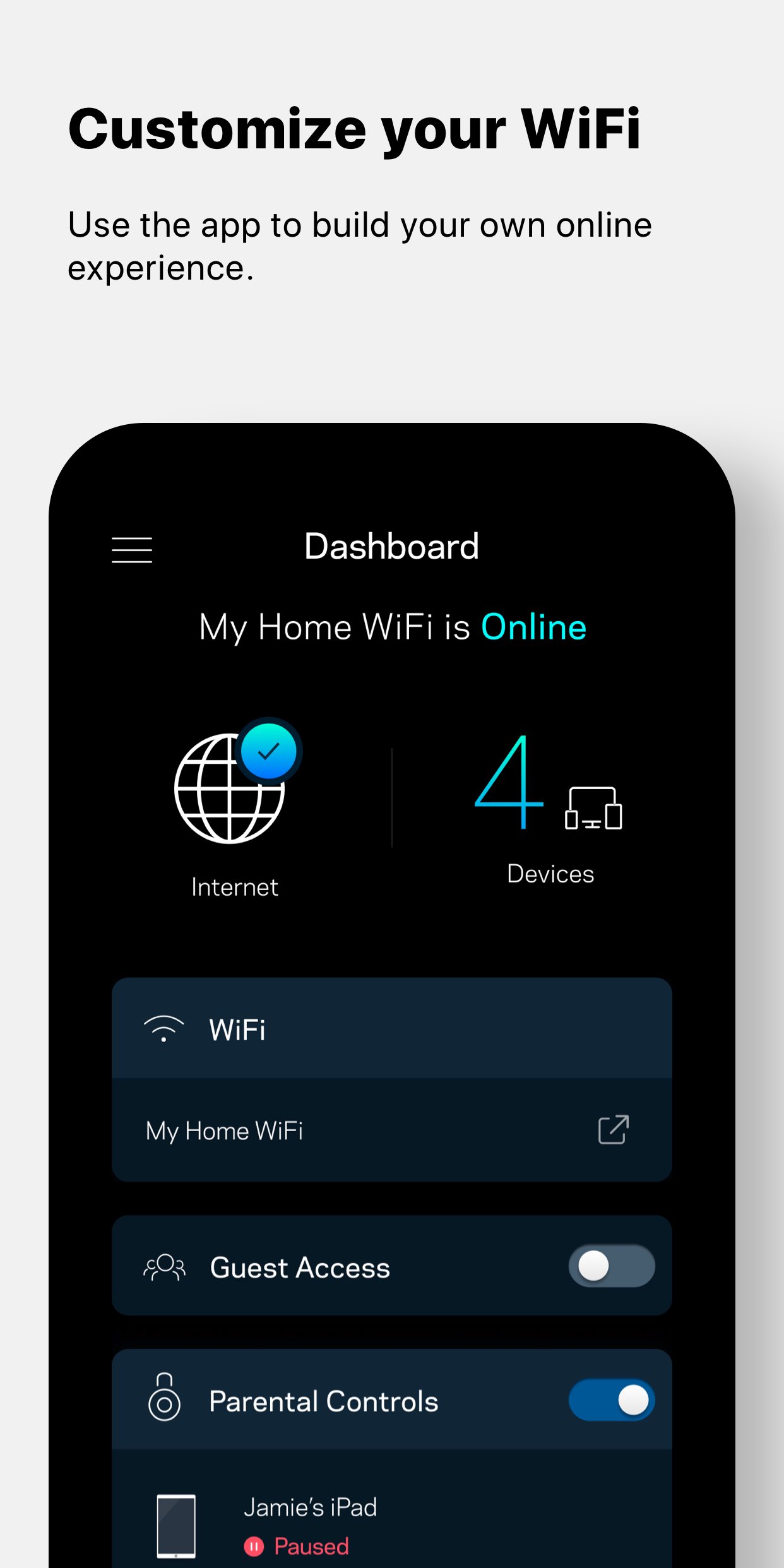
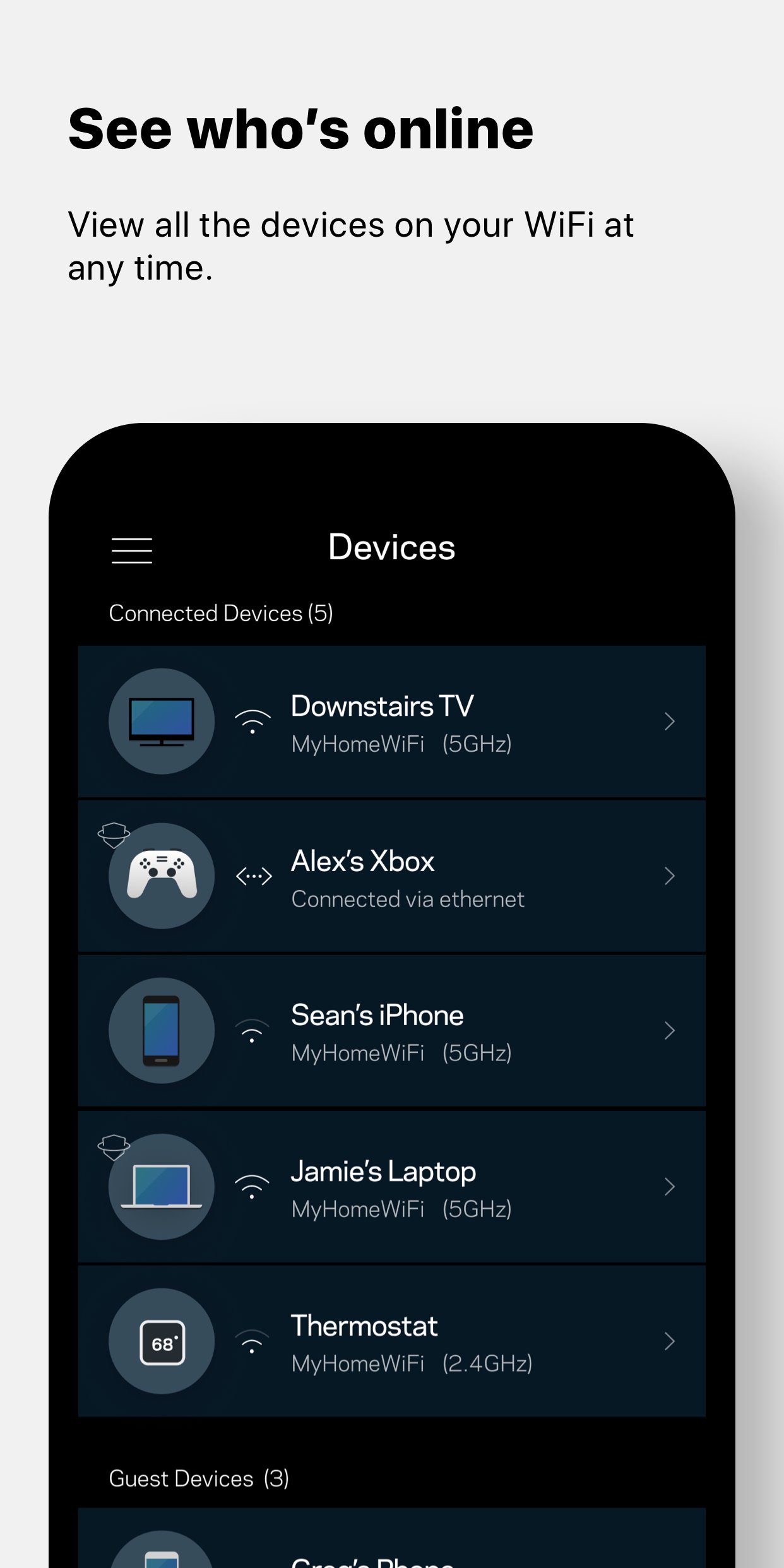
This app is the command center for your Velop system and Linksys Smart WiFi routers. Use the Linksys app anywhere you have an internet connection to check connected devices, set up guest access, or keep your kids off the internet when they should be doing homework.
KEY FEATURES
• Remote Access – All you need is the internet.
• Dashboard – Your WiFi's vital stats on one page.
• Guest Access – Give friends internet access, but keep personal data secure.
• Device Prioritization – Improve streaming and online gaming by giving WiFi priority to favored devices.
• Network Security - Be proactive against network threats and malicious sites with Linksys Shield.
• Parental Controls – Encourage kids' healthy internet behavior by pausing internet access.
Privacy Policy: https://www.linksys.com/embed/lswf/en-us/privacy-policy/
Terms of Use: https://www.linksys.com/embed/lswf/en-us/terms/
SYSTEM REQUIREMENTS*
• Velop systems and Linksys Smart WiFi routers. Full list of supported routers: http://www.LinksysSmartWiFi.com/cloud/ustatic/mobile/supportedRouters.html
• User account (created in the app or at http://www.LinksysSmartWiFi.com) connected to your Linksys product.
• Android 9.0 and greater
Our Velop product line features Bluetooth setup. In Android 6 and higher, apps must request location permissions to use Bluetooth. We don't collect or use any location information in our app.
For additional help, visit our support site at http://support.linksys.com
Preview
Tags
ToolsInformation
Developer
Linksys LLC
Latest Version
3.6.1
Last Updated
2025-11-12
Category
Tools
Available on
Google Play
Show More
How to play Linksys with GameLoop on PC
1. Download GameLoop from the official website, then run the exe file to install GameLoop
2. Open GameLoop and search for “Linksys” , find Linksys in the search results and click “Install”
3. Enjoy playing Linksys on GameLoop
Minimum requirements
OS
Windows 8.1 64-bit or Windows 10 64-bit
GPU
GTX 1050
CPU
i3-8300
Memory
8GB RAM
Storage
1GB available space
Recommended requirements
OS
Windows 8.1 64-bit or Windows 10 64-bit
GPU
GTX 1050
CPU
i3-9320
Memory
16GB RAM
Storage
1GB available space