
Lightning VPN - Unlimited VPN PC
Alwalidi Dev
Download Lightning VPN - Unlimited VPN on PC With GameLoop Emulator
Lightning VPN - Unlimited VPN on PC
Lightning VPN - Unlimited VPN, coming from the developer Alwalidi Dev, is running on Android systerm in the past.
Now, You can play Lightning VPN - Unlimited VPN on PC with GameLoop smoothly.
Download it in the GameLoop library or search results. No more eyeing the battery or frustrating calls at the wrong time any more.
Just enjoy Lightning VPN - Unlimited VPN PC on the large screen for free!
Lightning VPN - Unlimited VPN Introduction
Lightning VPN - A Fast , Unlimited, Free VPN Proxy
Super fast and high VPN speed , 100% free Proxy
Why choose Lightning VPN?
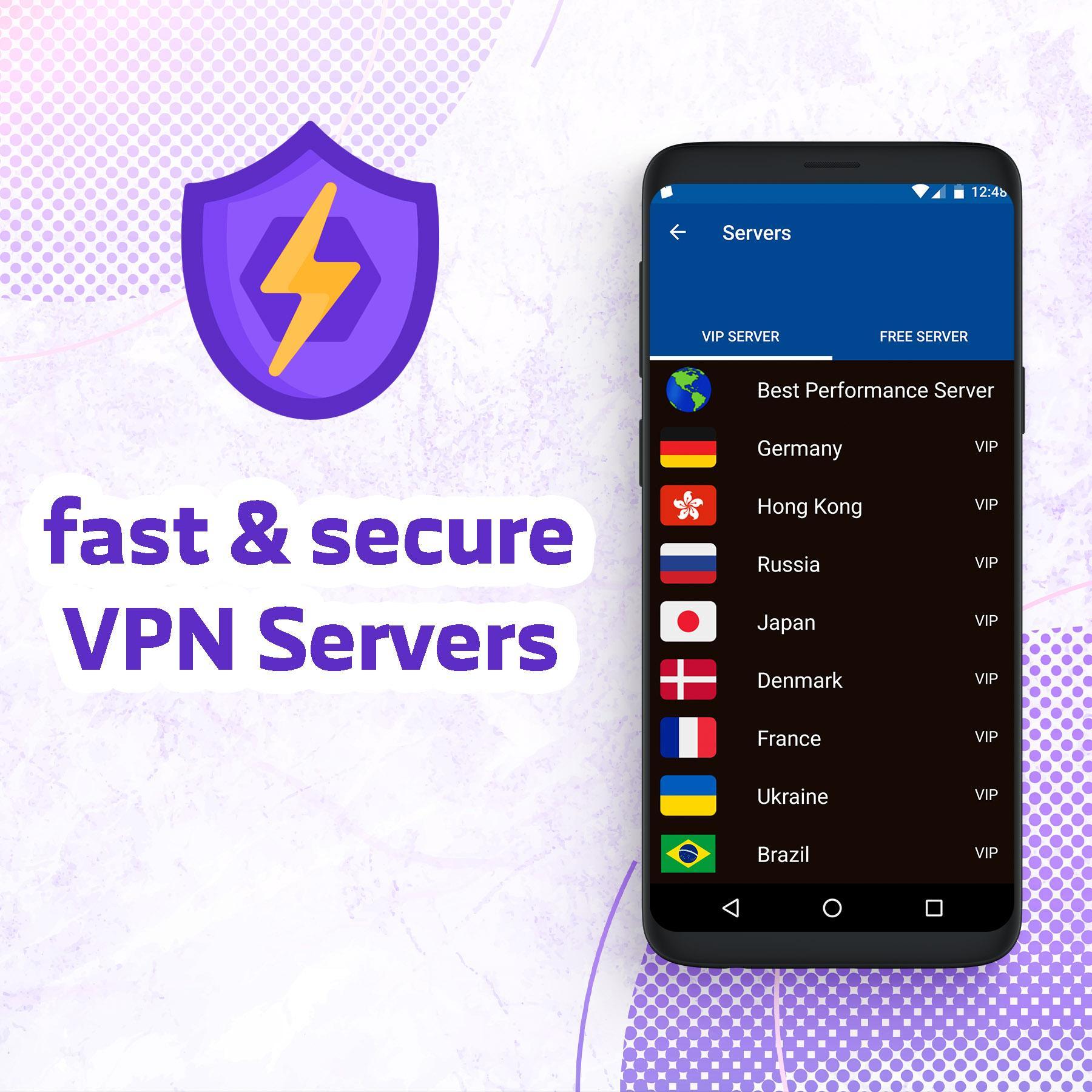
- Large number of servers, high-speed bandwidth.
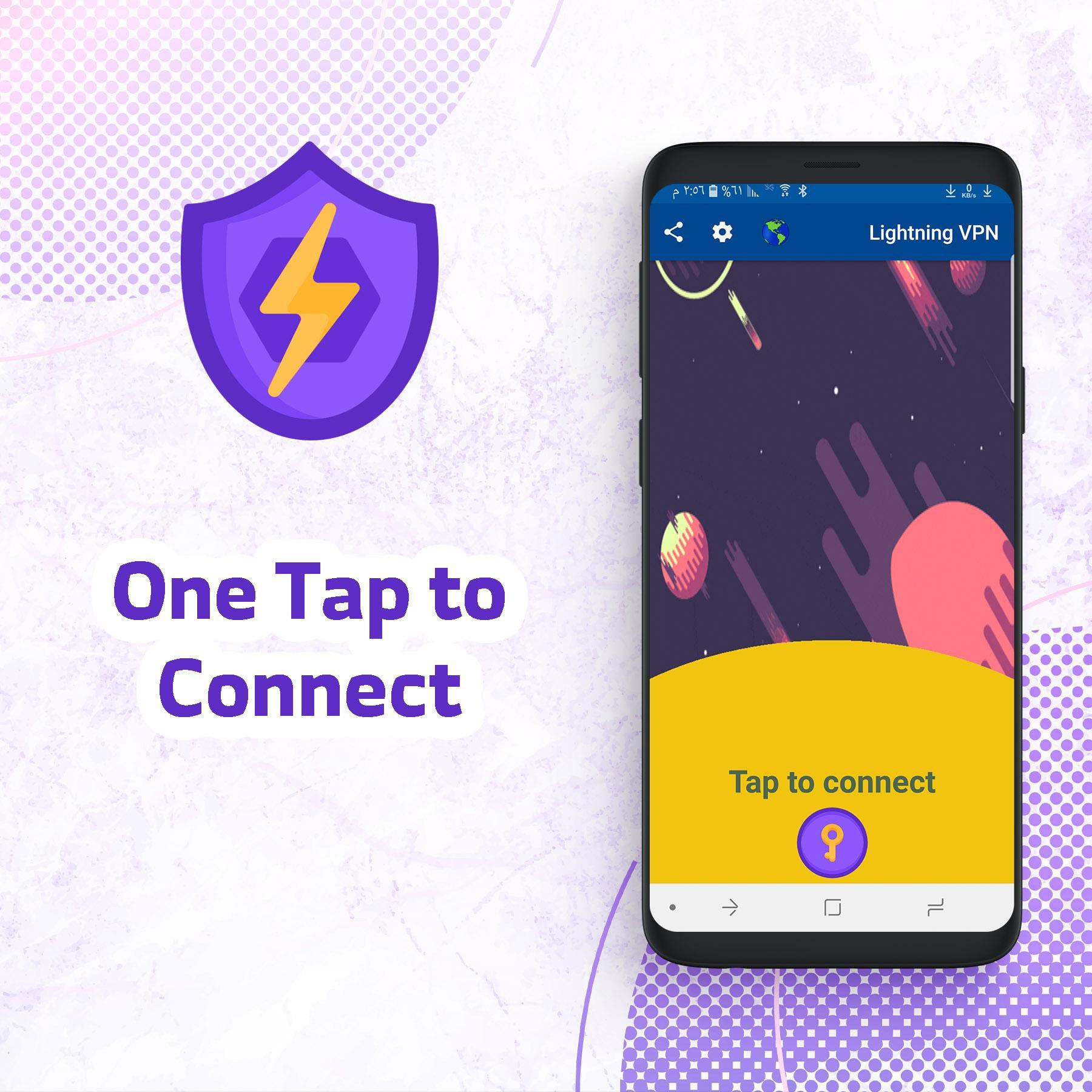
- Easy To use - One Tap to Connect.
- Works with Wi-Fi, LTE/4G, 3G and all mobile data carriers
- Wifi Safety: because all your online traffic is encrypted through a VPN.
- no-logging.
- No usage and time limit.
- Super fast and high VPN speed
- No registration or configuration required.
- No additional permissions required.
- No browsing activity logs.
- Malware and phishing protection.
- FREE: 100% free. No credit card information or sign up needed.
- Stay private and anonymous online, preventing anyone from tracking your online activities.
- Get protected from hackers and snoopers on public WiFi connections.
Lightning VPN - UNLIMITED UNBLOCK FREE PROXY VPN
Bypass location restrictions at super fast speeds.
Bypass geo-restrictions, internet filters while you’re at work or school.
Enjoy multiple proxy server and multiple VPN Mode to bypass blocked website and apps as if you were in another country.
Unblock your favorite websites and apps (Line, Instagram, Snapchat, Twitter, Facebook, WhatsApp etc ...)! Any time, Any where!
It is the best app for Unblock sites, Wi-Fi Security and Privacy Protection.
Not need any configuration, just simply click one button, you can access the Internet securely and anonymously.
Don't forget to give us 5-Stars (★ ★ ★ ★ ★) rating, if you like us.
Preview
Information
Developer
Alwalidi Dev
Latest Version
2.2
Last Updated
2021-06-16
Category
Tools
Available on
Google Play
Show More
How to play Lightning VPN - Unlimited VPN with GameLoop on PC
1. Download GameLoop from the official website, then run the exe file to install GameLoop
2. Open GameLoop and search for “Lightning VPN - Unlimited VPN” , find Lightning VPN - Unlimited VPN in the search results and click “Install”
3. Enjoy playing Lightning VPN - Unlimited VPN on GameLoop
Minimum requirements
OS
Windows 8.1 64-bit or Windows 10 64-bit
GPU
GTX 1050
CPU
i3-8300
Memory
8GB RAM
Storage
1GB available space
Recommended requirements
OS
Windows 8.1 64-bit or Windows 10 64-bit
GPU
GTX 1050
CPU
i3-9320
Memory
16GB RAM
Storage
1GB available space