All Languages Translator App PC
Big Ocean Studio
Download All Languages Translator App on PC With GameLoop Emulator
All Languages Translator App on PC
All Languages Translator App, coming from the developer Big Ocean Studio, is running on Android systerm in the past.
Now, You can play All Languages Translator App on PC with GameLoop smoothly.
Download it in the GameLoop library or search results. No more eyeing the battery or frustrating calls at the wrong time any more.
Just enjoy All Languages Translator App PC on the large screen for free!
All Languages Translator App Introduction
🌍 All Languages Translator – Speak and Translate Instantly!
Language Translator App – Translate English to Spanish, French, Korean, Chinese, German, and 100+ languages.
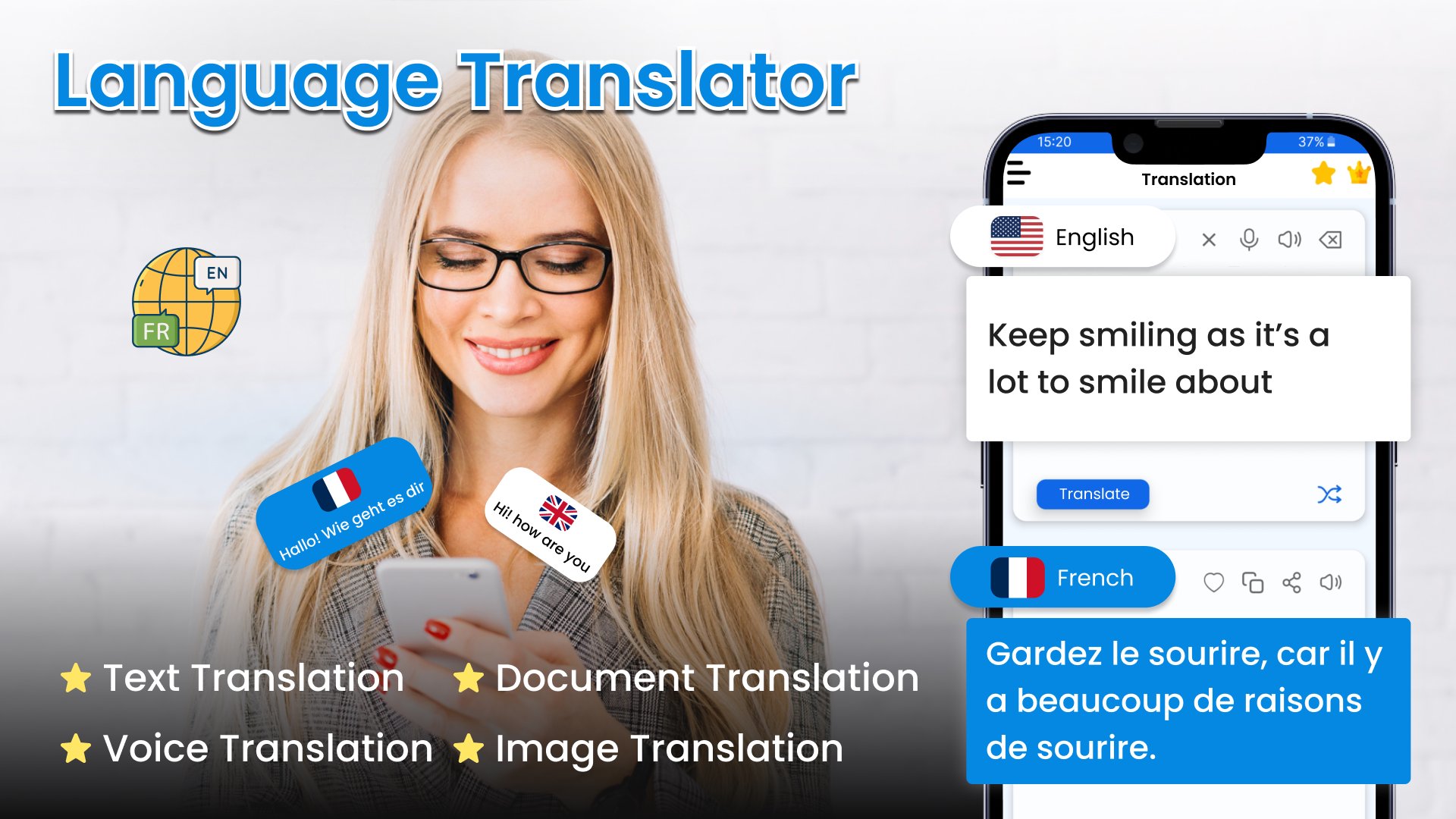
Translate All Languages offers powerful multilingual translation capabilities. This translator app is here to fulfil your daily needs with amazing features like Photo translator, voice, text translation, translate chat, PDF & Document Translator. Go Translate All Languages gives you access to speak and translate in 100+ languages, whether it’s for travel, study, work, or daily communication. It allows accurate translations to effortlessly connect with the world.
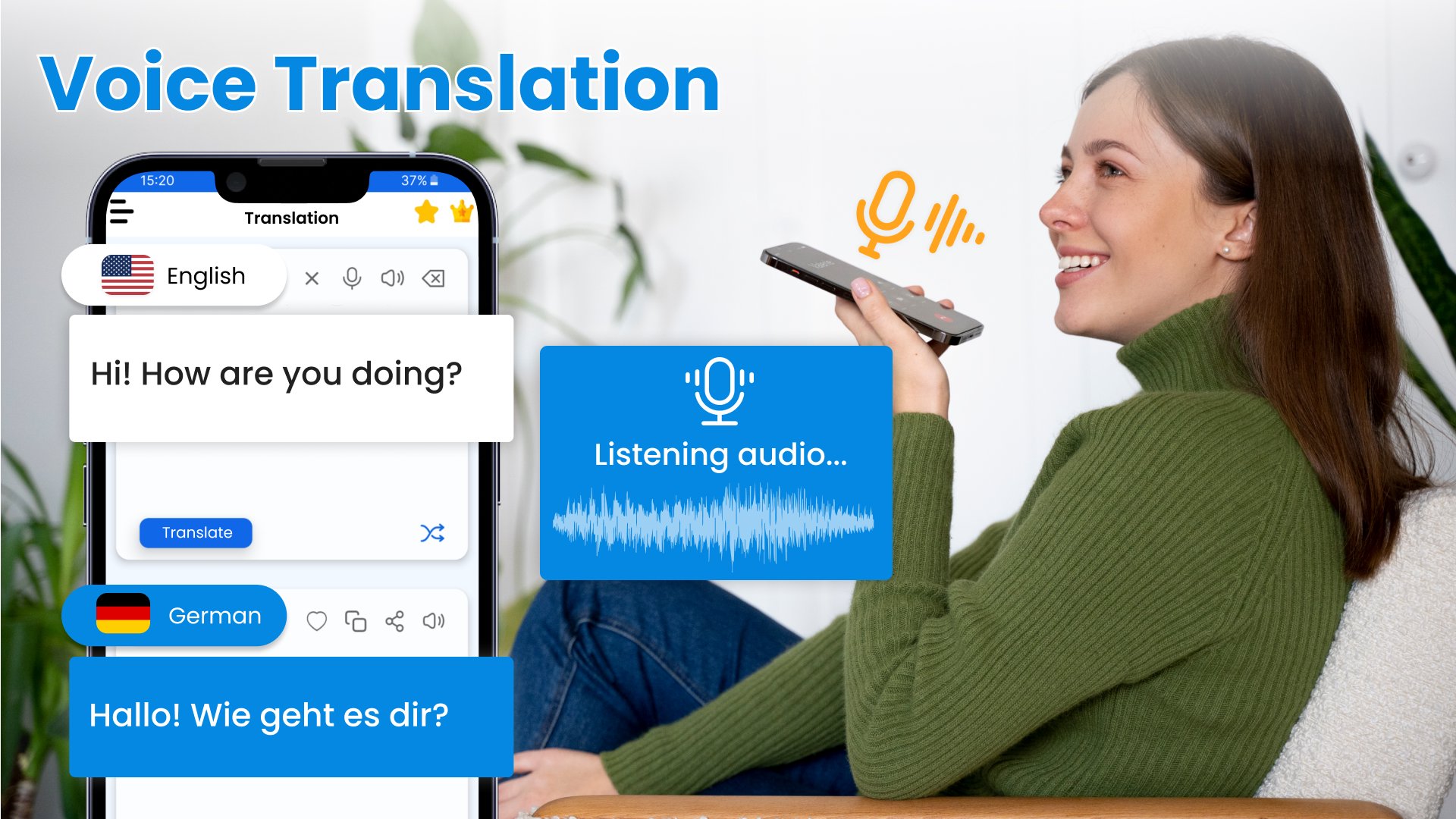
Break down languages barriers with All Language Translate App, this app delivers real-time, accurate translations in 130+ languages – scan text from images, translate menus, sign board with Photo Translator. Speak and Translate all languages with Voice Translator feature that helps you communicate in other languages. Translate All Languages app is your ultimate translation companion. Unlock the world & say goodbye to miscommunications – with Text Translator, you can learn languages, translate text, words & phrases.
🌍 Key Features of All Languages Translator App:
• Text Translation App – Translate between 100+ languages
• Voice Translator Free – Voice Translation to translate speech
• Instant Camera Translation – Scan and translate text from OCR translator
• Conversation Translator – Speak and translate in your native language and get translation in over 100 languages.
• Document Translator – Translate documents, PDF’s instantly with single tap
Translate Now - Language Translator app helps you overcome communication barriers between different languages, making it easy to understand and learn new languages. With the Language Translator app, you can seamlessly translate between languages using voice, text, and images, making it an indispensable tool for breaking down language barriers and connecting globally. Download the app today to experience easy and effective multilingual communication.
All Language Translator App lets you speak and translate in over 100 languages, including English, Spanish, French, German, Russian, Persian, Hindi, Chinese, Arabic, Swedish, and Dutch. It offers free voice-to-text translation, making it easy to communicate across different languages. This Translate All Languages app is designed to break down language barriers, helping you connect and communicate effortlessly with people from all over the world.
English to Spanish Translator is a powerful tool designed to improve communication and understanding across diverse linguistic landscapes. It supports a wide range of languages, allowing users to seamlessly translate text, phrases, sentences, or paragraphs between various language pairs such as English to Spanish, French to German, and more.
📲 Download All Languages Translator App and experience the power of seamless 100+ languages translation wherever life takes you. Break down language barriers, connect globally!
Preview
Tags
ToolsEducationBusinessInformation
Developer
Big Ocean Studio
Latest Version
1.75
Last Updated
2025-11-13
Category
Tools
Available on
Google Play
Show More
How to play All Languages Translator App with GameLoop on PC
1. Download GameLoop from the official website, then run the exe file to install GameLoop
2. Open GameLoop and search for “All Languages Translator App” , find All Languages Translator App in the search results and click “Install”
3. Enjoy playing All Languages Translator App on GameLoop
Minimum requirements
OS
Windows 8.1 64-bit or Windows 10 64-bit
GPU
GTX 1050
CPU
i3-8300
Memory
8GB RAM
Storage
1GB available space
Recommended requirements
OS
Windows 8.1 64-bit or Windows 10 64-bit
GPU
GTX 1050
CPU
i3-9320
Memory
16GB RAM
Storage
1GB available space