
JoyLiteHome PC
joyful player
Download JoyLiteHome on PC With GameLoop Emulator
JoyLiteHome on PC
JoyLiteHome, coming from the developer joyful player, is running on Android systerm in the past.
Now, You can play JoyLiteHome on PC with GameLoop smoothly.
Download it in the GameLoop library or search results. No more eyeing the battery or frustrating calls at the wrong time any more.
Just enjoy JoyLiteHome PC on the large screen for free!
JoyLiteHome Introduction
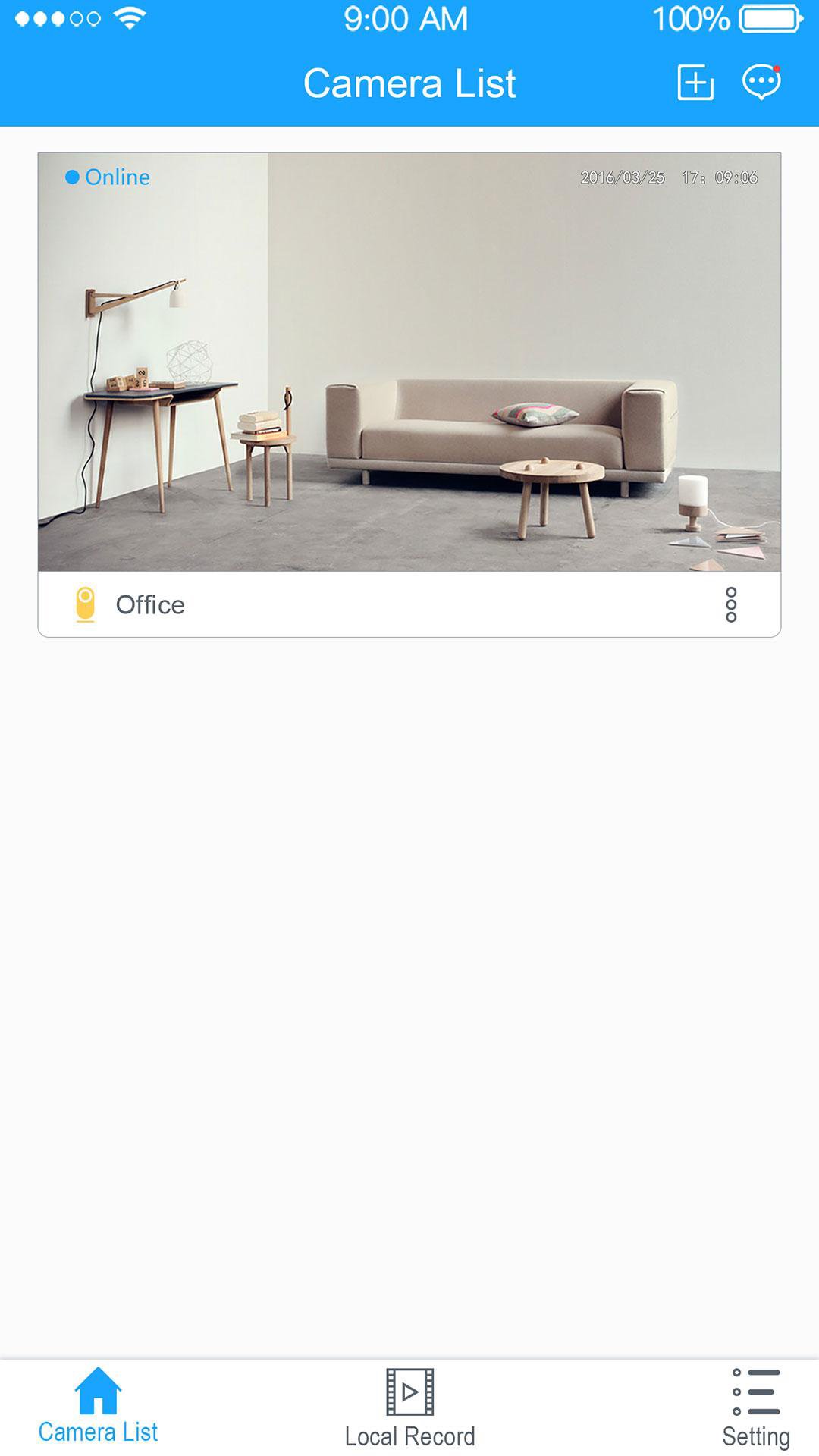
JoyLiteHome is used with security camera, it can let you see your home on your phone, inside and out at anytime&anywhere.
【1080P HD】Any part of the picture can stay clear and bright after being zoomed in or zoomed out.
【Motion detection alert】Receive alerts when there’s activity and respond to get someone’s attention.
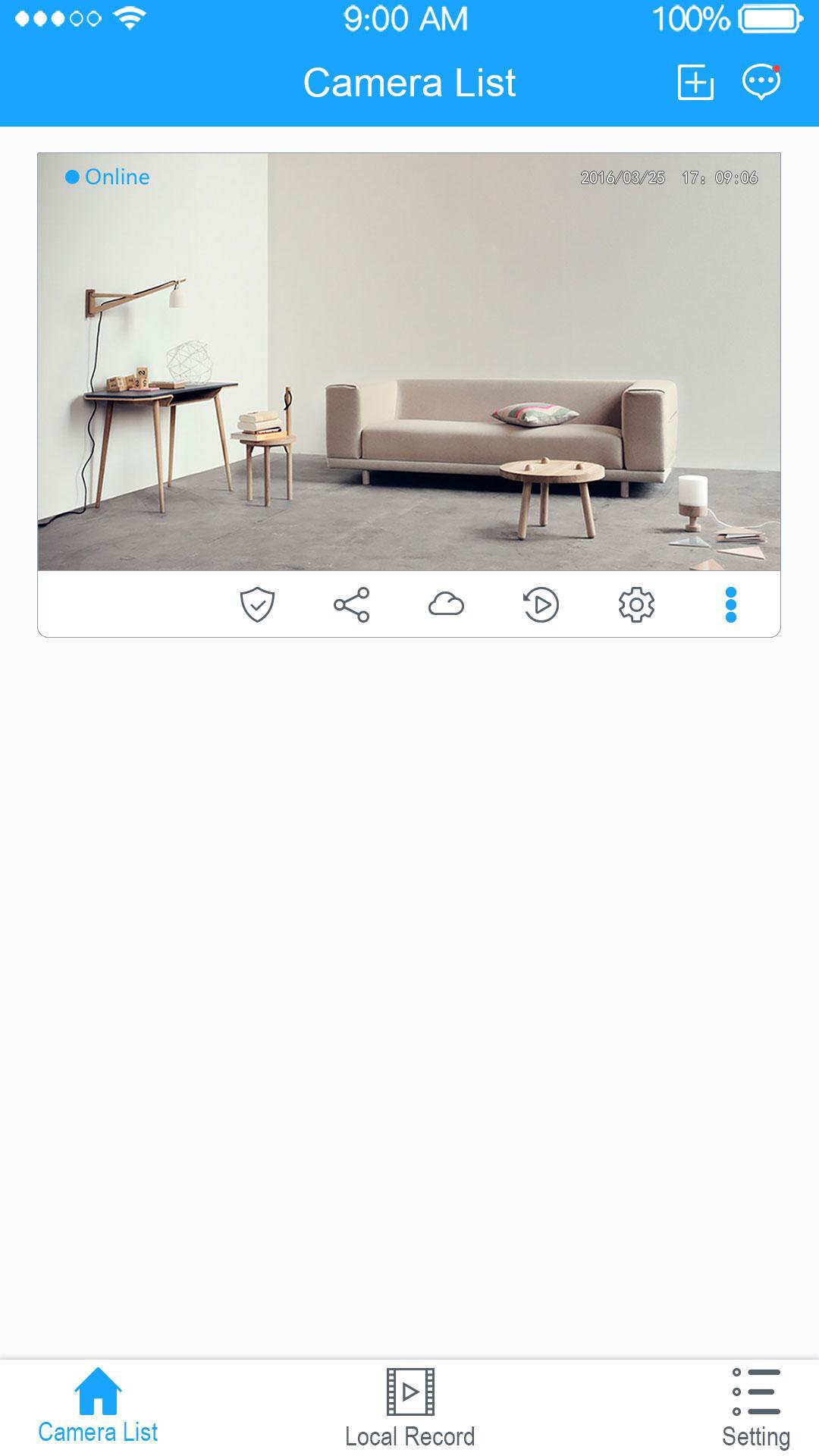
【Replay historical videos at any time】Data Security Protection options: Micro SD card, cloud and smartphone.
【Real time check via cellphone】Check by cellphone no matter how far you go.
【Two-Way talk】As smooth as a phone call, feel like accompanying with family members.
【Share your camera】Invite your family to see videos together.
Some features require a working Internet connection, Wi-Fi, and/or Bluetooth.
For more powerful features, looking forward to your discovery!
Preview
Information
Developer
joyful player
Latest Version
1.2.8
Last Updated
2020-06-08
Category
Tools
Available on
Google Play
Show More
How to play JoyLiteHome with GameLoop on PC
1. Download GameLoop from the official website, then run the exe file to install GameLoop
2. Open GameLoop and search for “JoyLiteHome” , find JoyLiteHome in the search results and click “Install”
3. Enjoy playing JoyLiteHome on GameLoop
Minimum requirements
OS
Windows 8.1 64-bit or Windows 10 64-bit
GPU
GTX 1050
CPU
i3-8300
Memory
8GB RAM
Storage
1GB available space
Recommended requirements
OS
Windows 8.1 64-bit or Windows 10 64-bit
GPU
GTX 1050
CPU
i3-9320
Memory
16GB RAM
Storage
1GB available space