iWorld Home PC
iWorld, LLC
Download iWorld Home on PC With GameLoop Emulator
iWorld Home on PC
iWorld Home, coming from the developer iWorld, LLC, is running on Android systerm in the past.
Now, You can play iWorld Home on PC with GameLoop smoothly.
Download it in the GameLoop library or search results. No more eyeing the battery or frustrating calls at the wrong time any more.
Just enjoy iWorld Home PC on the large screen for free!
iWorld Home Introduction
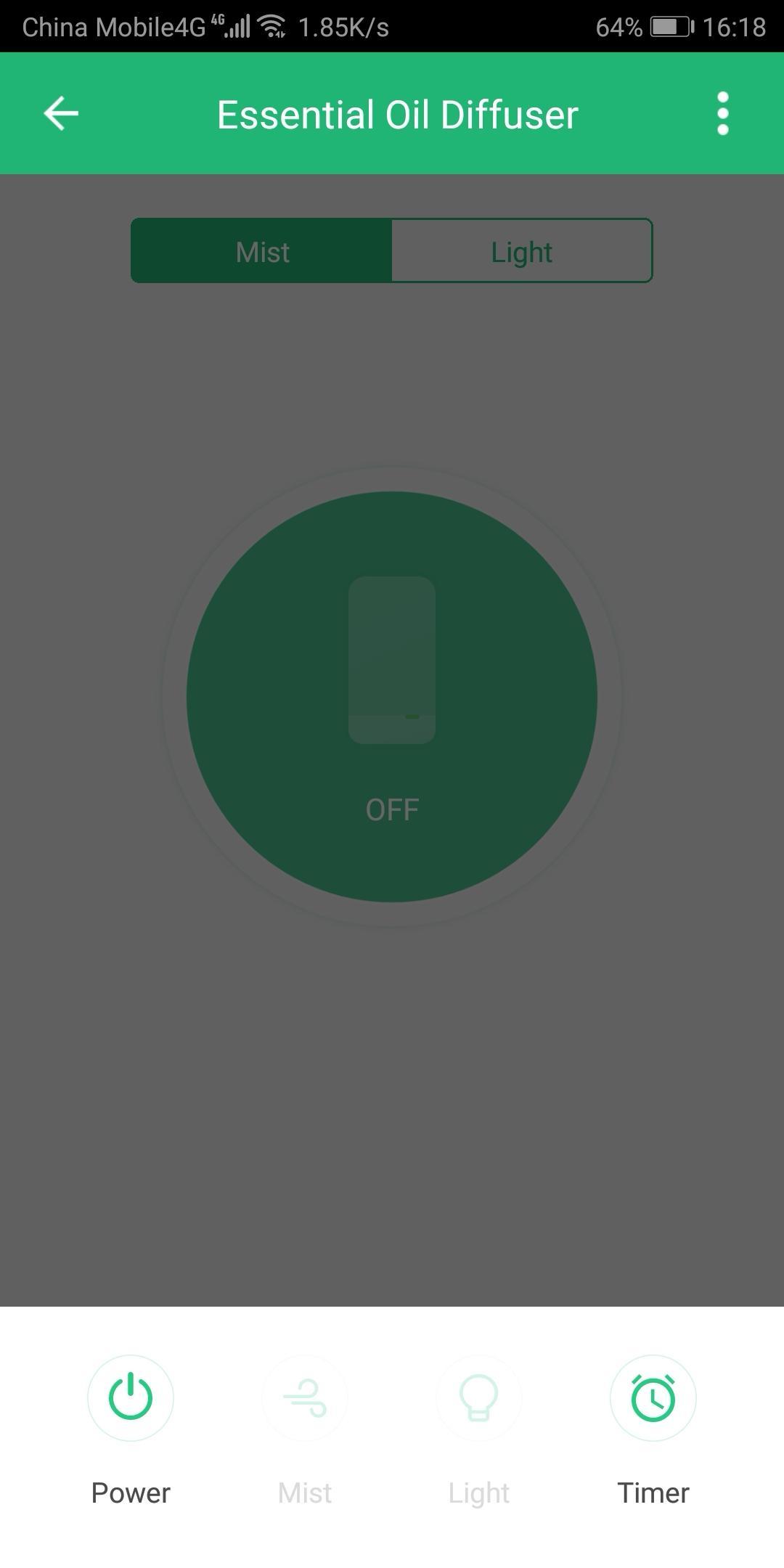
The iWorld Home app is a complete smart home system that allows you to control a range of products including security cameras, smart bulbs, and smart plugs. Our easy to use app makes managing multiple devices easy and accessible from wherever you are. No need to download and manage multiple apps. This single app controls all iWorld Home devices.
iWorld Home Cameras
Monitor your home from anywhere in 1080p HD video , day or night, with 2 way audio
iWorld Home Smart Bulb
Choose from a wide selection of colors and shades of white to suit your mood
Automate ON/OFF at scheduled times
iWorld Home Smart Plug
Control lights, electronics, and small appliances
Automate ON/OFF at scheduled times
Pair these devices with Amazon Alexa or Google Home for voice control.
Preview
Tags
ToolsInformation
Developer
iWorld, LLC
Latest Version
1.0.3
Last Updated
2019-04-04
Category
Tools
Available on
Google Play
Show More
How to play iWorld Home with GameLoop on PC
1. Download GameLoop from the official website, then run the exe file to install GameLoop
2. Open GameLoop and search for “iWorld Home” , find iWorld Home in the search results and click “Install”
3. Enjoy playing iWorld Home on GameLoop
Minimum requirements
OS
Windows 8.1 64-bit or Windows 10 64-bit
GPU
GTX 1050
CPU
i3-8300
Memory
8GB RAM
Storage
1GB available space
Recommended requirements
OS
Windows 8.1 64-bit or Windows 10 64-bit
GPU
GTX 1050
CPU
i3-9320
Memory
16GB RAM
Storage
1GB available space