iOS Launcher: Control Center PC
MuVid Apps
Download iOS Launcher: Control Center on PC With GameLoop Emulator
iOS Launcher: Control Center on PC
iOS Launcher: Control Center, coming from the developer MuVid Apps, is running on Android systerm in the past.
Now, You can play iOS Launcher: Control Center on PC with GameLoop smoothly.
Download it in the GameLoop library or search results. No more eyeing the battery or frustrating calls at the wrong time any more.
Just enjoy iOS Launcher: Control Center PC on the large screen for free!
iOS Launcher: Control Center Introduction
Are You Lover of I phone? You wants to convert your android mobile in ios?
You are at the right place. This Android Application is designed for all iphone lover who want experience Apple Phone on Android.. This ios Luncher is makes your phone better than before.
Control Center: you can swipe up to open control center, set wifi, Brightness, Volume, flashlight, etc.
Weather and Suggestion widget: We provide a Weather and Suggestion widget, you can get the weather forecast in recent days.
Smart search: Simple search by swiping down anywhere on the screen.
In Our Application We Provide various Stylish Theme Adaptive to the themes you select, which can bring you smooth interface like iOS 13 like experience. ios Launcher is a fast and lightweight App designed especially for Android phone launchers and tablet launchers.
This Launcher is totally free for all android user. You can fell like your phone is iphone 13.
Features of iOS Launcher:-
- Beautiful Wallpaper to decorate your android screen.
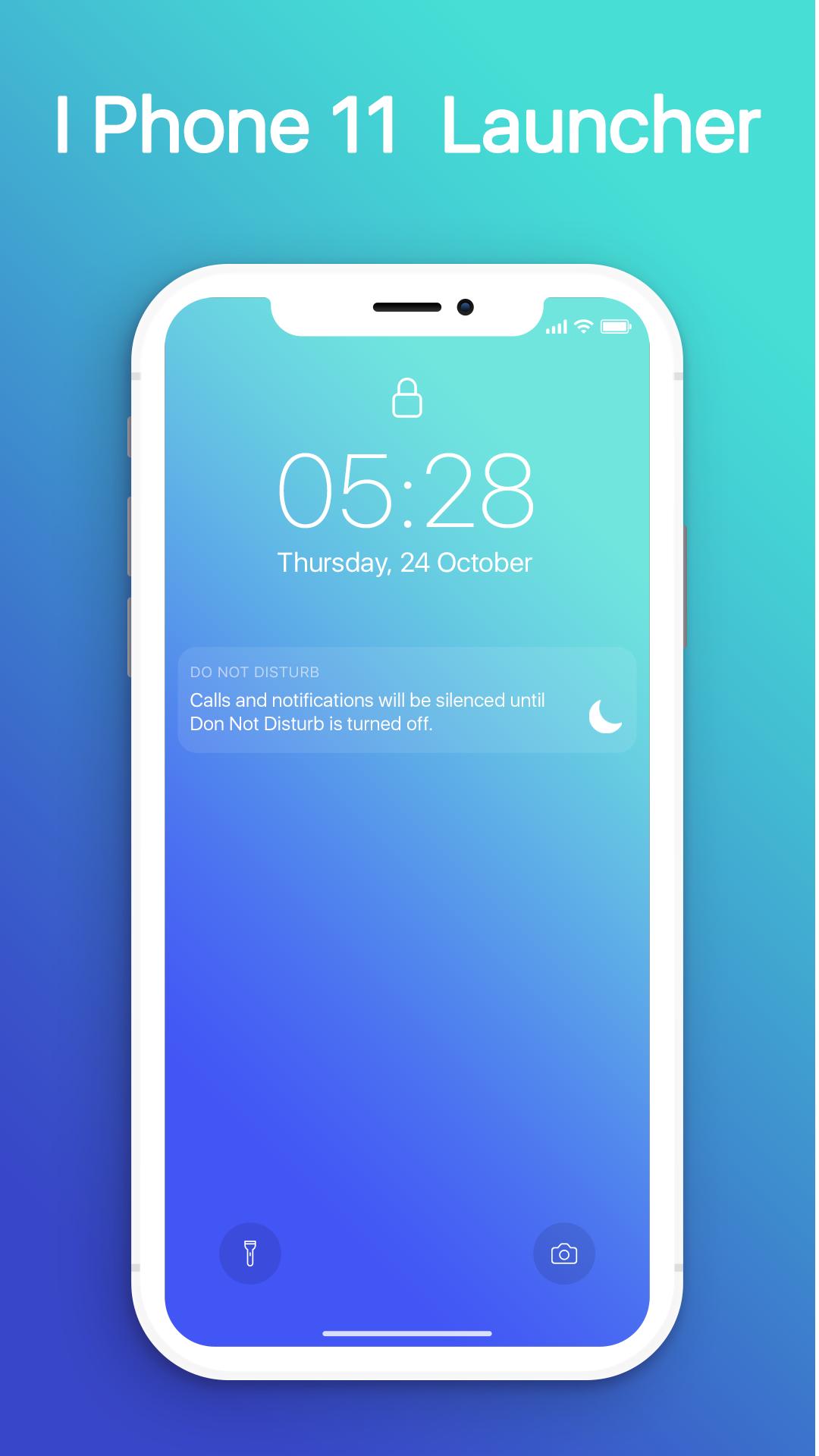
- Swipe down to display notification bar like iPhone 13.
- Control Center like iOS 13.
- Hide application use 3D touch or add in app settings.
- Smart Search: quickly find anything on your device.
- Free to use.
- Stylish Theme, icon pack for iOS 13.
- Notification Center: Show you notification history.
Preview
Information
Developer
MuVid Apps
Latest Version
1.3
Last Updated
2019-11-16
Category
Tools
Available on
Google Play
Show More
How to play iOS Launcher: Control Center with GameLoop on PC
1. Download GameLoop from the official website, then run the exe file to install GameLoop
2. Open GameLoop and search for “iOS Launcher: Control Center” , find iOS Launcher: Control Center in the search results and click “Install”
3. Enjoy playing iOS Launcher: Control Center on GameLoop
Minimum requirements
OS
Windows 8.1 64-bit or Windows 10 64-bit
GPU
GTX 1050
CPU
i3-8300
Memory
8GB RAM
Storage
1GB available space
Recommended requirements
OS
Windows 8.1 64-bit or Windows 10 64-bit
GPU
GTX 1050
CPU
i3-9320
Memory
16GB RAM
Storage
1GB available space