
Titan VPN PC
seoulvpn
Download Titan VPN on PC With GameLoop Emulator
Titan VPN on PC
Titan VPN, coming from the developer seoulvpn, is running on Android systerm in the past.
Now, You can play Titan VPN on PC with GameLoop smoothly.
Download it in the GameLoop library or search results. No more eyeing the battery or frustrating calls at the wrong time any more.
Just enjoy Titan VPN PC on the large screen for free!
Titan VPN Introduction
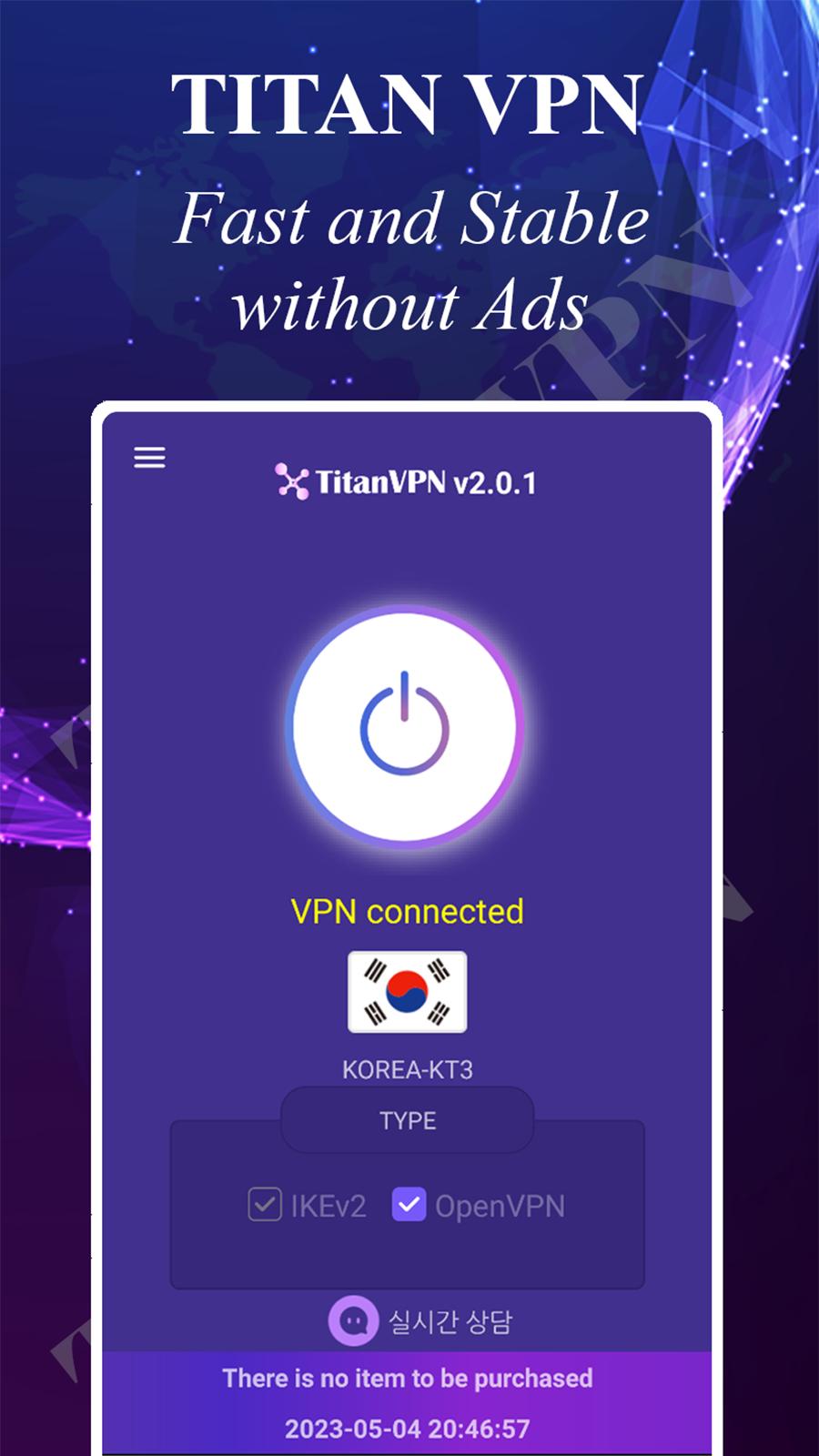
What is SECURE NETWORK SERVICES of TITAN VPN
- Anonymous anytime
- Use the newest protocol
- Powerful encryption
- Fast connection
TITAN FEATURES
1. BORDERLESS SERVICES
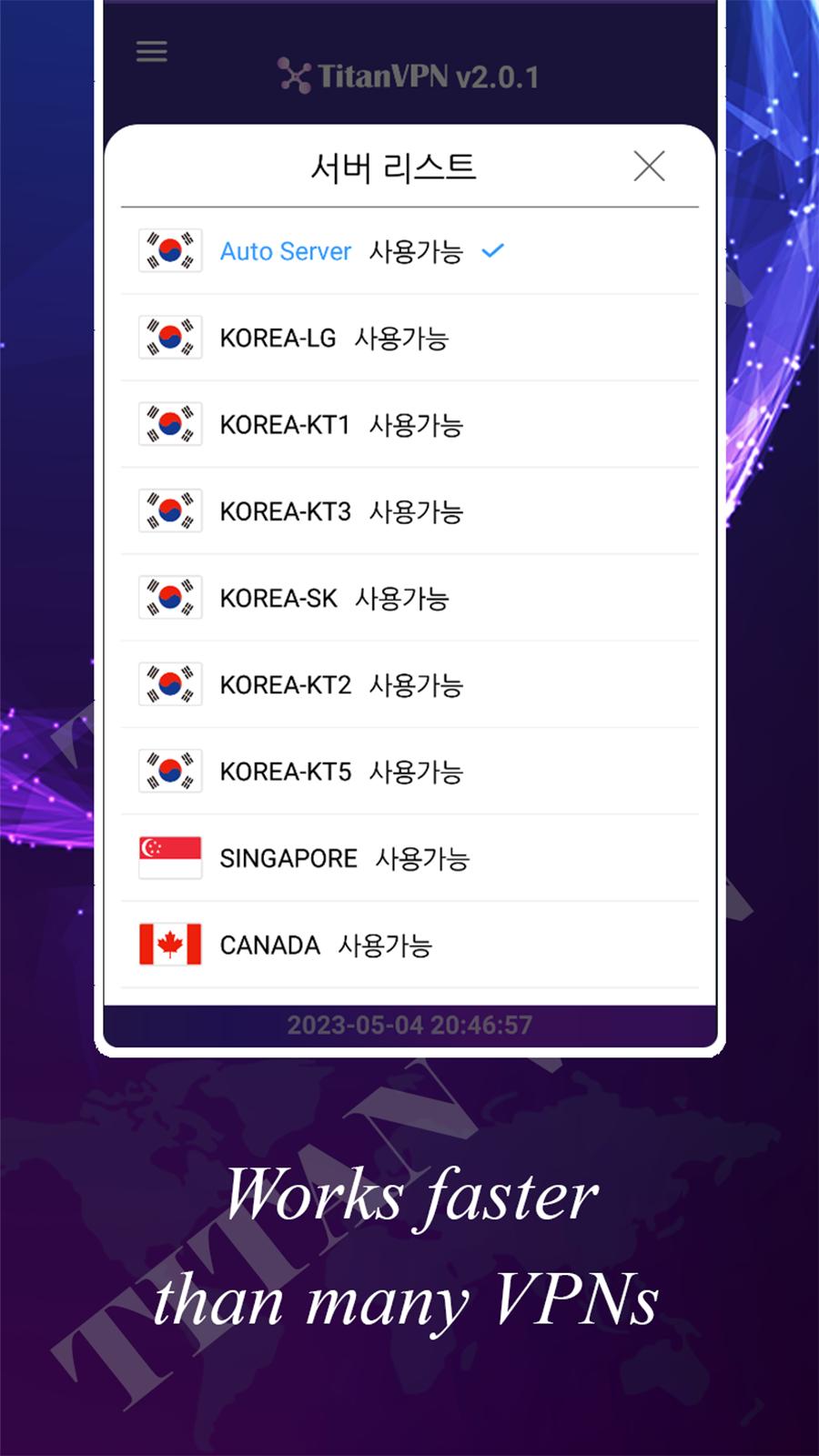
If you have Internet access anywhere in the world, you can use TITAN NETWORKS service without restrictions
2. UNLIMITED AND SEAMLESS FAST SPEED
Experience the best speed with unlimited bandwidth! Unlike other services, there is no speed limit and it provides reliable speed in real time
3. TRUSTED SECURITY
Use of vulnerable Internet leads to personal information leakage and hacking accidents! Protect yourself from external threats with strong encryption
4. THE BEST SERVICE
Do you need help? Customer support team is always on standby
Preview
Tags
ToolsInformation
Developer
seoulvpn
Latest Version
2.3.1
Last Updated
2024-03-20
Category
Tools
Available on
Google Play
Show More
How to play Titan VPN with GameLoop on PC
1. Download GameLoop from the official website, then run the exe file to install GameLoop
2. Open GameLoop and search for “Titan VPN” , find Titan VPN in the search results and click “Install”
3. Enjoy playing Titan VPN on GameLoop
Minimum requirements
OS
Windows 8.1 64-bit or Windows 10 64-bit
GPU
GTX 1050
CPU
i3-8300
Memory
8GB RAM
Storage
1GB available space
Recommended requirements
OS
Windows 8.1 64-bit or Windows 10 64-bit
GPU
GTX 1050
CPU
i3-9320
Memory
16GB RAM
Storage
1GB available space