
InviZible Pro: Tor & Firewall PC
Garmatin Oleksandr
Download InviZible Pro: Tor & Firewall on PC With GameLoop Emulator
InviZible Pro: Tor & Firewall on PC
InviZible Pro: Tor & Firewall, coming from the developer Garmatin Oleksandr, is running on Android systerm in the past.
Now, You can play InviZible Pro: Tor & Firewall on PC with GameLoop smoothly.
Download it in the GameLoop library or search results. No more eyeing the battery or frustrating calls at the wrong time any more.
Just enjoy InviZible Pro: Tor & Firewall PC on the large screen for free!
InviZible Pro: Tor & Firewall Introduction
Preserves privacy, prevents tracking, and provides access to restricted and hidden online content.
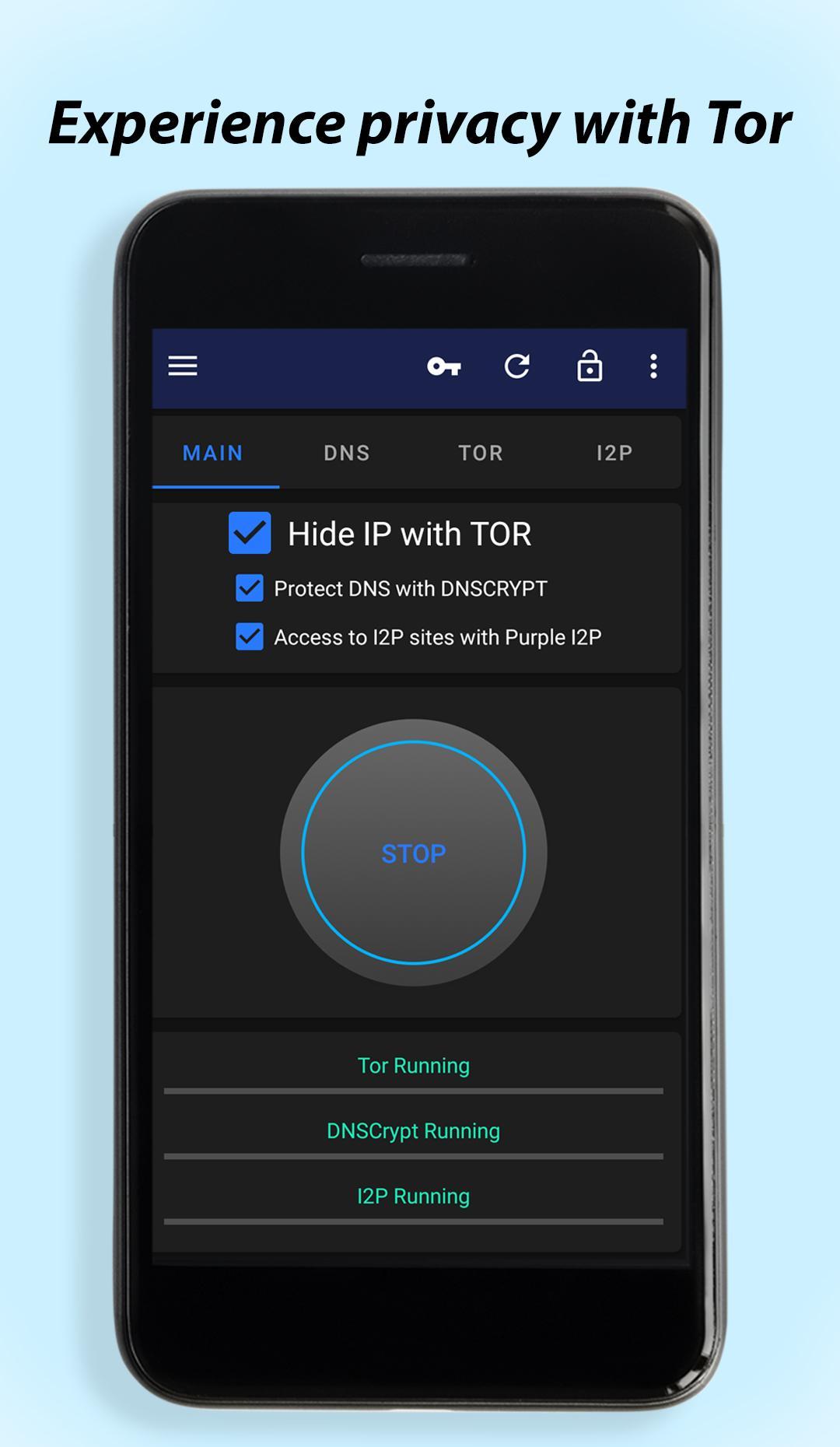
InviZible Pro combines the strengths of Tor, DNSCrypt, and Purple I2P to provide a comprehensive solution for online privacy, security, and anonymity.
Tor is responsible for privacy and anonymity. It acts like an unlimited free VPN proxy, but does so in the most secure way possible. Tor uses military-grade encryption and routes your internet traffic through a network of volunteer-run proxy servers. This helps protect your identity and location by hiding your IP address. It allows you to browse the internet anonymously, access websites that are otherwise restricted, and communicate privately. Tor also allows access to websites hosted on the Tor network, known as "onion services" or dark web, which are not accessible through regular browsers.
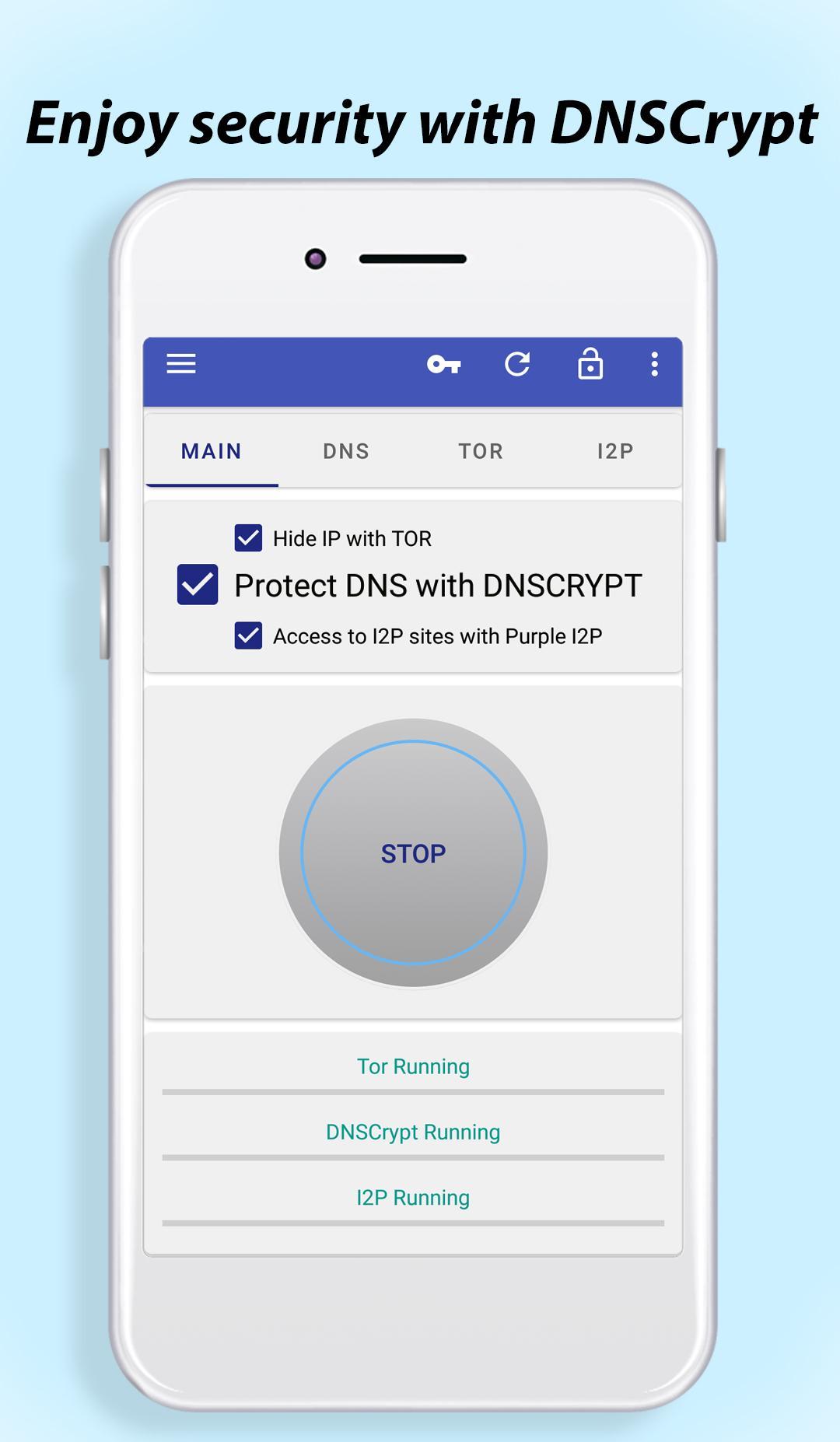
DNSCrypt is responsible for security. Every phone uses DNS (Domain Name System) when visiting online resources. But this traffic is usually not encrypted and can be intercepted and spoofed by third parties. DNSCrypt ensures that your DNS traffic is encrypted and secure. It prevents unauthorized access and tampering of your DNS queries, providing an additional layer of protection against surveillance and data interception.
I2P (Invisible Internet Project) provides secure and anonymous access to internal I2P websites, chat forums and other services that are not available through regular browsers. You may know it as the deep web. It works by routing your internet traffic through a network of volunteer-run proxy servers, allowing you to hide your identity and location. I2P provides a secure and private online environment, making it a great option for those who value anonymity and privacy.
Firewall is a security feature that helps protect your device from unauthorized access and potential threats. It acts as a filter for incoming and outgoing network traffic, allowing you to control which apps can access the internet. By setting up firewall rules, you can choose to block or allow internet connection for individual apps. This helps enhance your privacy and security by preventing unauthorized communication and protecting your data while using your phone.
InviZible Pro can utilize root access, if available on your device, or use a local VPN to deliver internet traffic directly to the Tor, DNSCrypt, and I2P networks.
Core Features:
✔ Tor Network - Achieve full anonymity, bypass censorship, and access .onion sites securely
✔ DNSCrypt - Encrypt DNS queries to prevent ISP monitoring and manipulation
✔ I2P (Invisible Internet Project) - Secure and private decentralized networking
✔ Advanced Firewall - Restrict internet access per app and block unauthorized connections
✔ No Root Access Required - Works seamlessly on all devices without modifications
✔ Maintain complete privacy without a paid VPN - Stay anonymous for free
✔ Stealth Mode - Evade Deep Packet Inspection (DPI) and regional restrictions
✔ Free & Open Source - No ads, no tracking, no compromises
Premium feature:
✔ Material design night theme
Please visit the project’s help page to understand better how to use this application: https://invizible.net/en/help
Take a look at source code https://github.com/Gedsh/InviZible
Preview
Tags
ToolsInformation
Developer
Garmatin Oleksandr
Latest Version
7.3.0
Last Updated
2025-10-03
Category
Tools
Available on
Google Play
Show More
How to play InviZible Pro: Tor & Firewall with GameLoop on PC
1. Download GameLoop from the official website, then run the exe file to install GameLoop
2. Open GameLoop and search for “InviZible Pro: Tor & Firewall” , find InviZible Pro: Tor & Firewall in the search results and click “Install”
3. Enjoy playing InviZible Pro: Tor & Firewall on GameLoop
Minimum requirements
OS
Windows 8.1 64-bit or Windows 10 64-bit
GPU
GTX 1050
CPU
i3-8300
Memory
8GB RAM
Storage
1GB available space
Recommended requirements
OS
Windows 8.1 64-bit or Windows 10 64-bit
GPU
GTX 1050
CPU
i3-9320
Memory
16GB RAM
Storage
1GB available space