
Internet Blocker - No Root PC
chargingwatts
Download Internet Blocker - No Root on PC With GameLoop Emulator
Internet Blocker - No Root on PC
Internet Blocker - No Root, coming from the developer chargingwatts, is running on Android systerm in the past.
Now, You can play Internet Blocker - No Root on PC with GameLoop smoothly.
Download it in the GameLoop library or search results. No more eyeing the battery or frustrating calls at the wrong time any more.
Just enjoy Internet Blocker - No Root PC on the large screen for free!
Internet Blocker - No Root Introduction
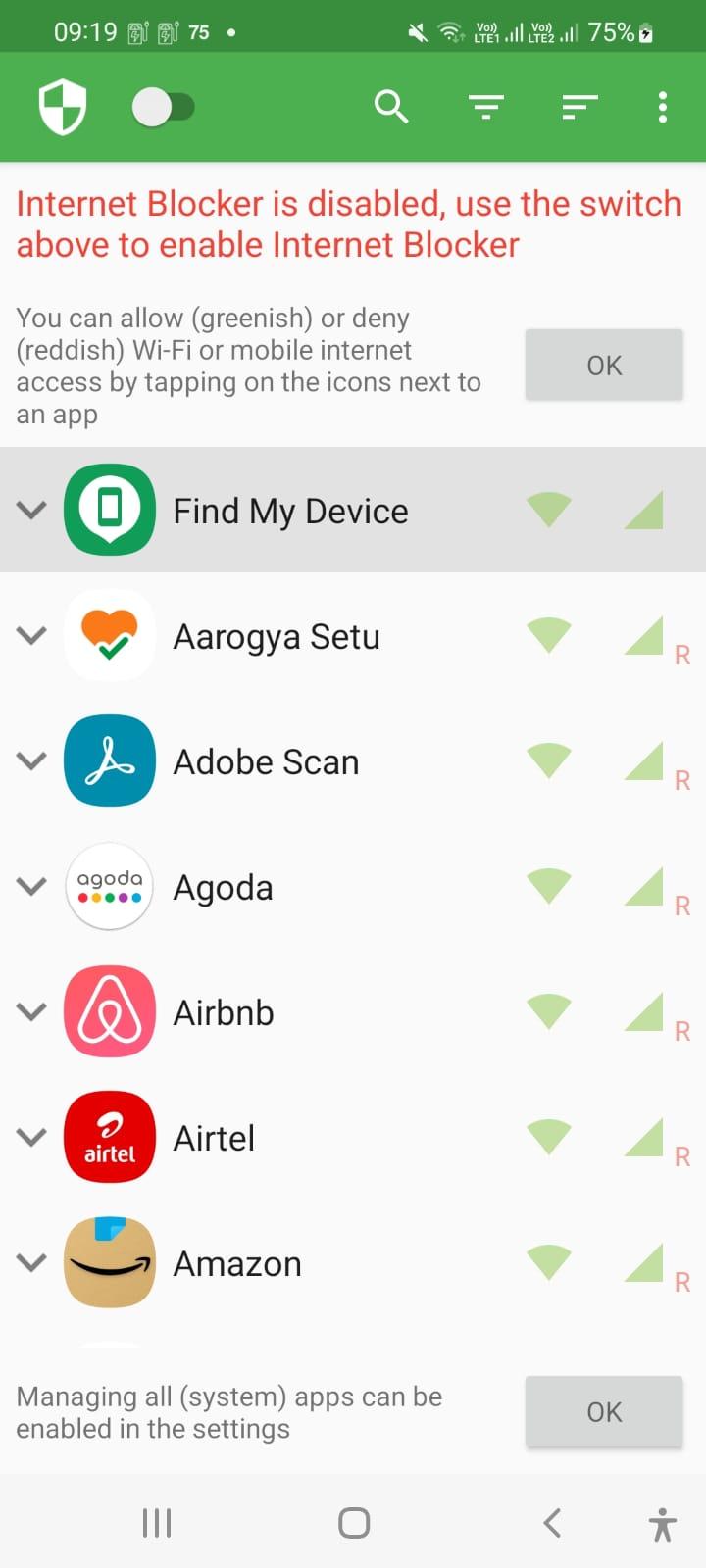
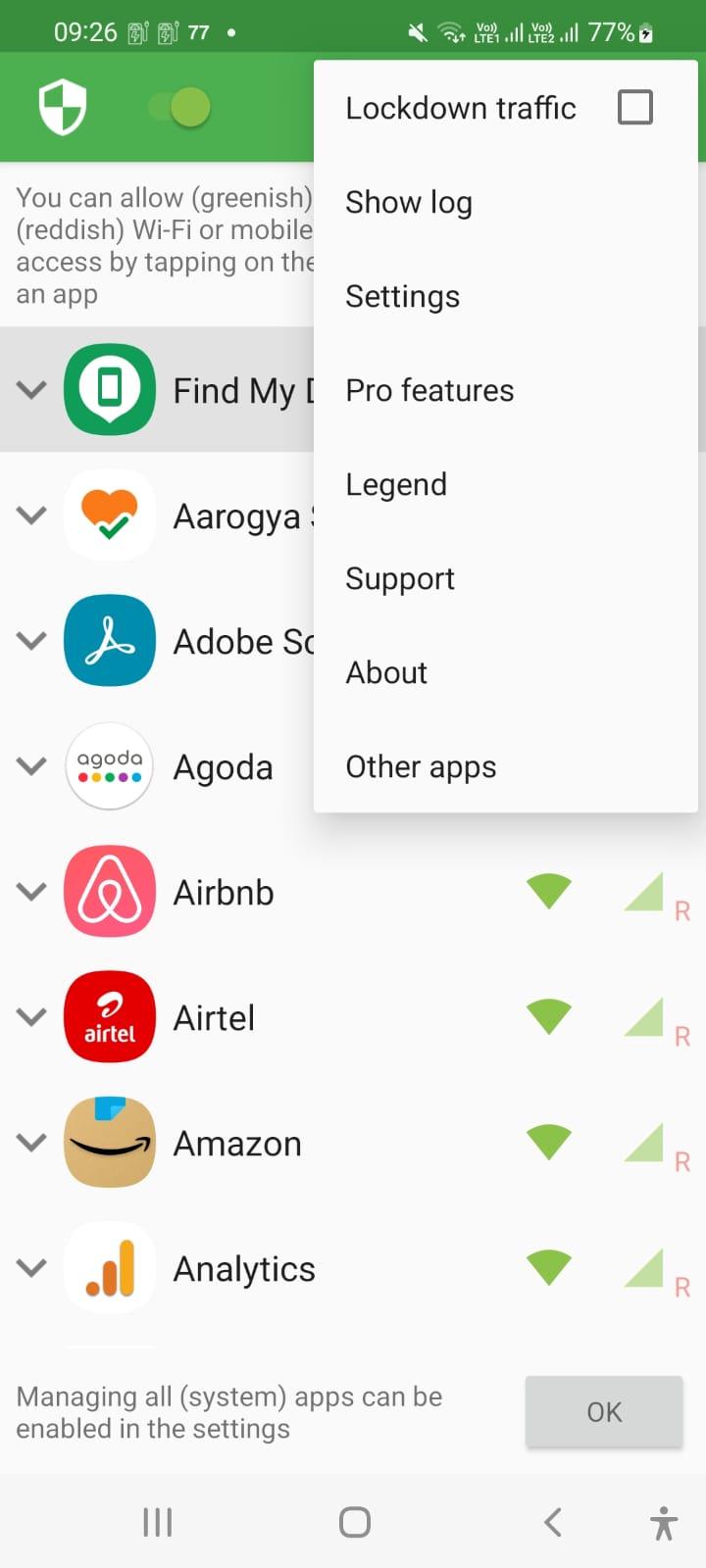
Internet Blocker provides simple and advanced ways to block access to the internet - no root required.
Applications and addresses can individually be allowed or denied access to your Wi-Fi and/or mobile connection.
Blocking access to the internet can help:
• reduce your data usage
• increase your privacy
Features:
• Simple to use
• 100% open source
• No root required
• No advertisements
• No calling home
• Actively developed and supported
• Android 5.1 and later supported
• IPv4/IPv6 TCP/UDP supported
• Tethering supported
• Optionally allow when screen on
• Optionally block when roaming
• Optionally block system applications
• Optionally notify when an application accesses the internet
• Optionally record network usage per application per address
There is no other no-root firewall offering all these features.
If you have a question or problem, you can send an e-mail to er.abhishek.luthra@gmail.com
All required permissions are described here: https://github.com/M66B/NetGuard/blob/master/FAQ.md#user-content-faq42
The source code is available here: https://github.com/M66B/NetGuard
Preview
Tags
ToolsInformation
Developer
chargingwatts
Latest Version
1.8
Last Updated
2022-07-06
Category
Tools
Available on
Google Play
Show More
How to play Internet Blocker - No Root with GameLoop on PC
1. Download GameLoop from the official website, then run the exe file to install GameLoop
2. Open GameLoop and search for “Internet Blocker - No Root” , find Internet Blocker - No Root in the search results and click “Install”
3. Enjoy playing Internet Blocker - No Root on GameLoop
Minimum requirements
OS
Windows 8.1 64-bit or Windows 10 64-bit
GPU
GTX 1050
CPU
i3-8300
Memory
8GB RAM
Storage
1GB available space
Recommended requirements
OS
Windows 8.1 64-bit or Windows 10 64-bit
GPU
GTX 1050
CPU
i3-9320
Memory
16GB RAM
Storage
1GB available space