iClock OS15- Clock Phone 13 PC
BaoKha
Download iClock OS15- Clock Phone 13 on PC With GameLoop Emulator
iClock OS15- Clock Phone 13 on PC
iClock OS15- Clock Phone 13, coming from the developer BaoKha, is running on Android systerm in the past.
Now, You can play iClock OS15- Clock Phone 13 on PC with GameLoop smoothly.
Download it in the GameLoop library or search results. No more eyeing the battery or frustrating calls at the wrong time any more.
Just enjoy iClock OS15- Clock Phone 13 PC on the large screen for free!
iClock OS15- Clock Phone 13 Introduction
iClock OS 14 help you wake up with elegance. Designer clocks and smart algorithm for alarms.
Phone 12 Clock is designed to free you from annoyance and will obey to all your needs as to how you want to be woken up or reminded for the important things in life. Clock iphone OS 14 is the new form of simplicity with ios designed clocks and intelligent algorithm for alarm activations.
Apart from iphone ios design, we have also developed iPhone 12 Clock to use very low system resources. It can be used as an alarm manager, and it can be used as beautiful desk clock as it sits on your charger – the choice is yours. We’ve made the powerful and best effective clock alarm, so deep and heavy sleeper can wake up with gradual wake.
FEATURES
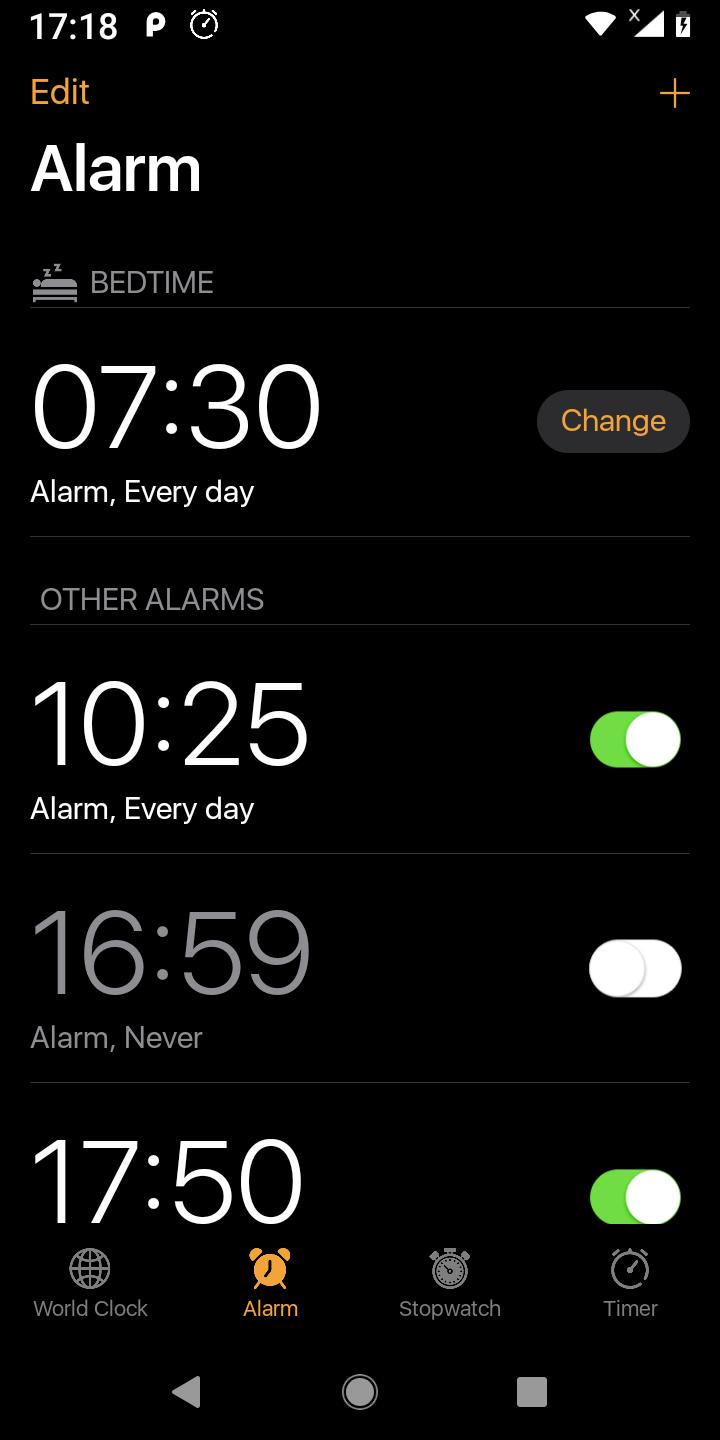
- World clock can be set up in dozens of countries and regions,Time conversions around the world
- iOS iphone style-like user interface and features
- Accurate time and easy to use
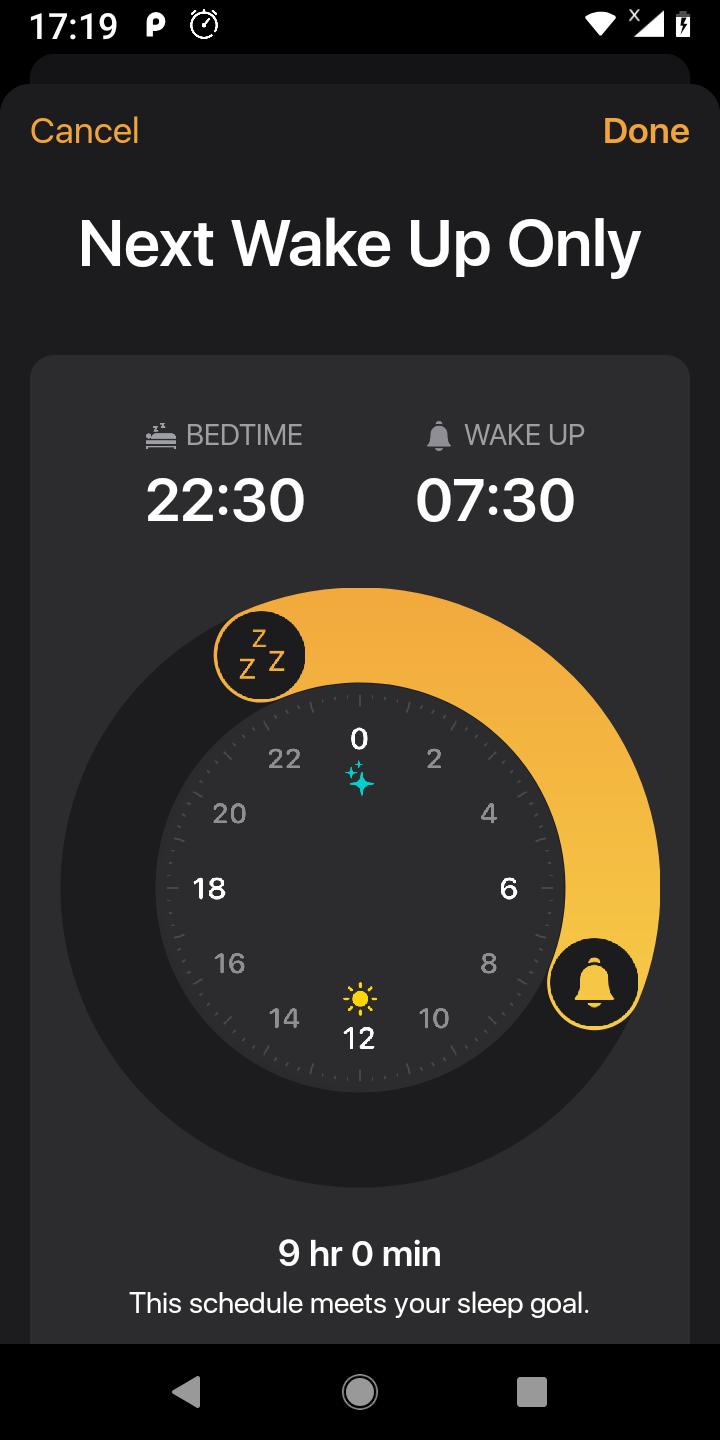
- Remind to go to bed
- Bedtime help you healthy
- Select song,ringtone from phone
- Stopwatch,countdown, auto repeat alarm
Preview
Tags
ToolsInformation
Developer
BaoKha
Latest Version
2.3
Last Updated
2021-04-23
Category
Tools
Available on
Google Play
Show More
How to play iClock OS15- Clock Phone 13 with GameLoop on PC
1. Download GameLoop from the official website, then run the exe file to install GameLoop
2. Open GameLoop and search for “iClock OS15- Clock Phone 13” , find iClock OS15- Clock Phone 13 in the search results and click “Install”
3. Enjoy playing iClock OS15- Clock Phone 13 on GameLoop
Minimum requirements
OS
Windows 8.1 64-bit or Windows 10 64-bit
GPU
GTX 1050
CPU
i3-8300
Memory
8GB RAM
Storage
1GB available space
Recommended requirements
OS
Windows 8.1 64-bit or Windows 10 64-bit
GPU
GTX 1050
CPU
i3-9320
Memory
16GB RAM
Storage
1GB available space