GRToolbox PC
Goodix Technology
Download GRToolbox on PC With GameLoop Emulator
GRToolbox on PC
GRToolbox, coming from the developer Goodix Technology, is running on Android systerm in the past.
Now, You can play GRToolbox on PC with GameLoop smoothly.
Download it in the GameLoop library or search results. No more eyeing the battery or frustrating calls at the wrong time any more.
Just enjoy GRToolbox PC on the large screen for free!
GRToolbox Introduction
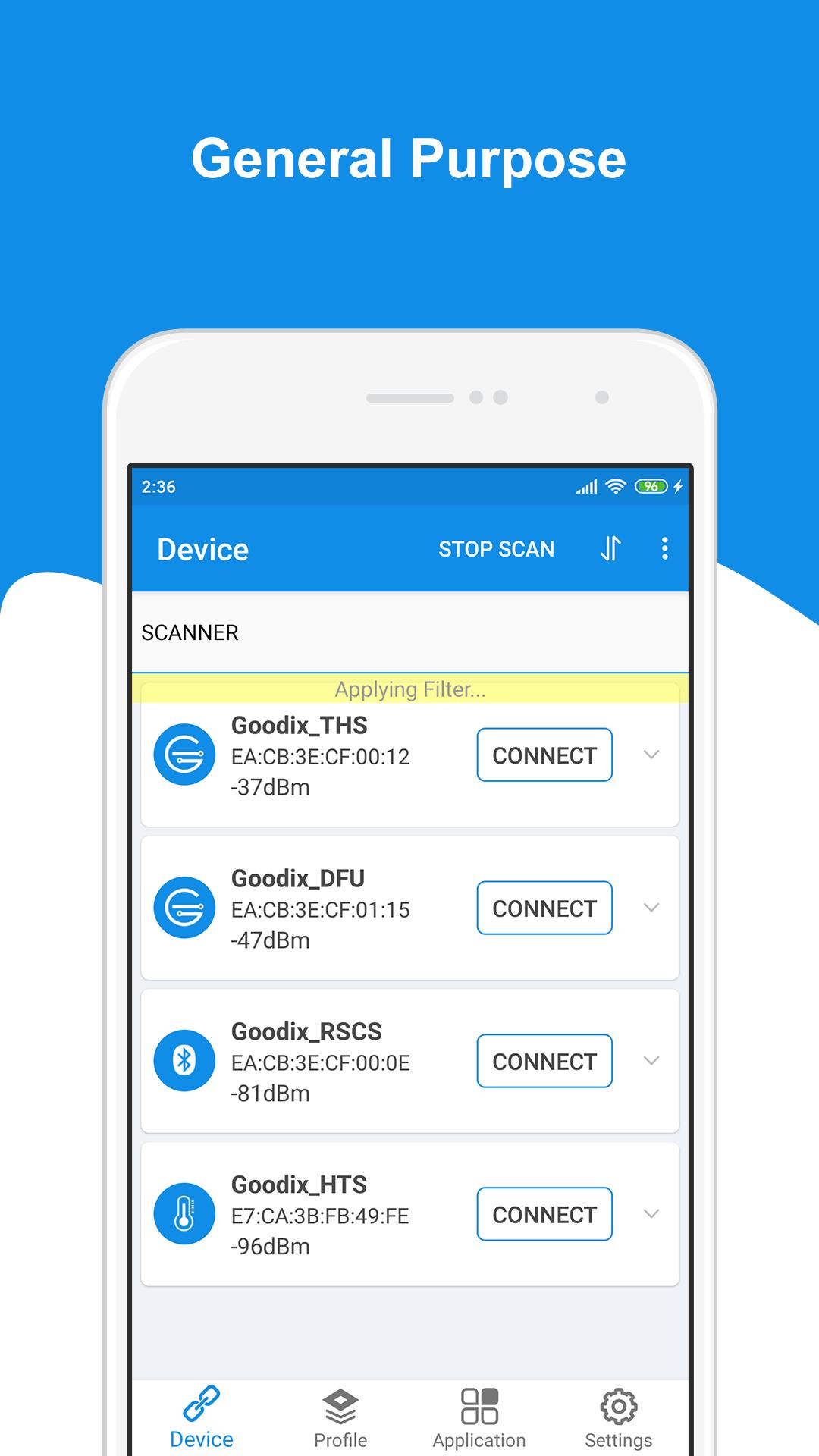
GRToolbox is a mobile APP that can scan Bluetooth LE devices, demonstrate standard profile applications, and jointly debug Profile/Service functions related to Goodix Bluetooth LE platforms, to help users quickly get started with secondary development and debug applications based on Goodix Bluetooth LE SoCs.
GRToolbox supports the following general Bluetooth LE functions:
• Scanning devices (with filter and can list devices with signal strength from the highest to the lowest)
• Showing advertising data
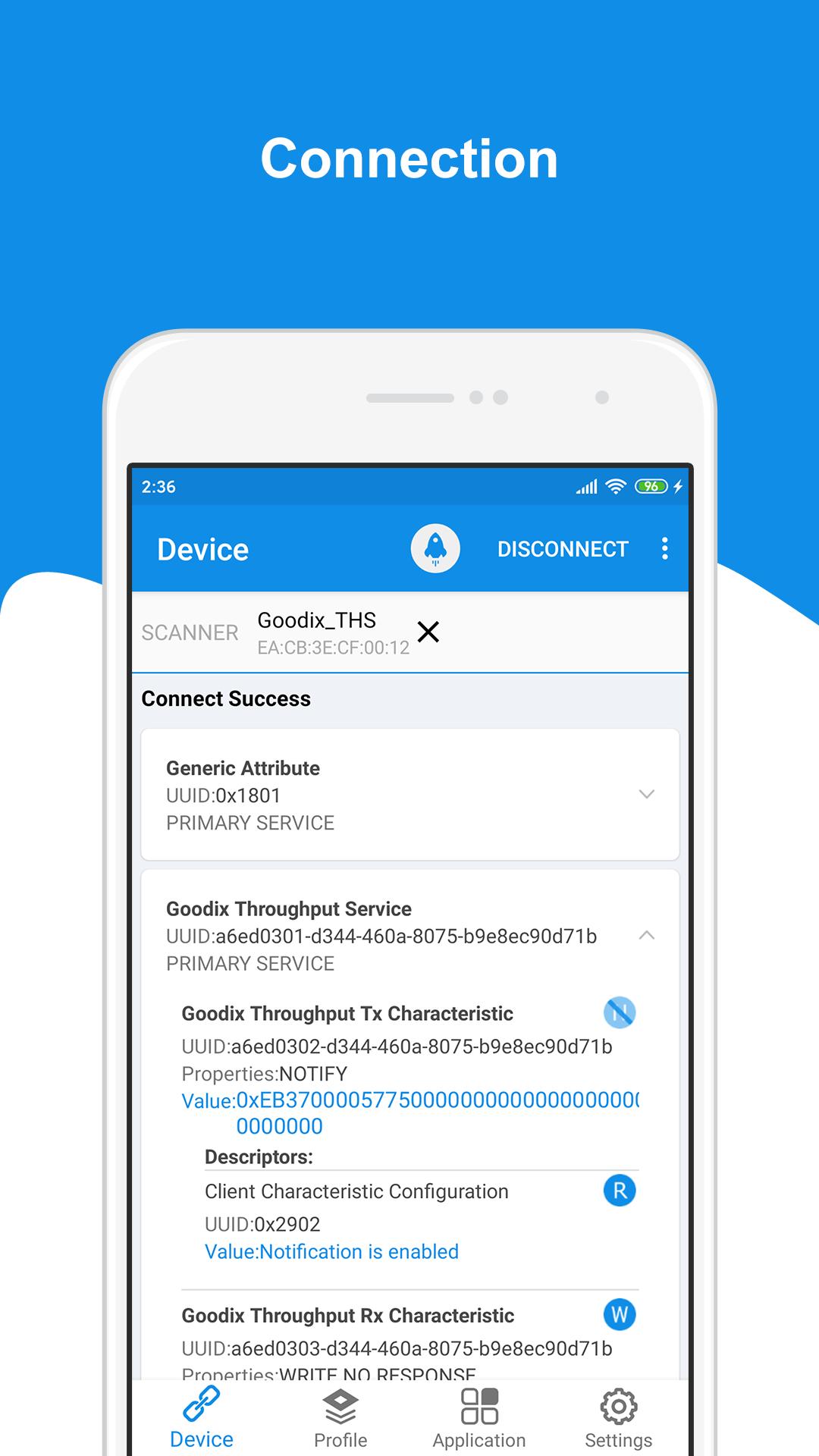
• Connecting to a device, setting connection parameters and MTUs, creating/removing a bond
• Discovering services, reading/writing characteristic values, and enabling/disabling notifications and indications
• Parsing Profile/Service data
GRToolbox provides a rich set of application demonstrations on Profile:
• BPM (Blood Pressure Monitor)
• CSC (Cycling Speed and Cadence)
• HRS (Heart Rate Service)
• HTM (Health Thermometer Monitor)
• RSC (Running Speed and Cadence)
GRToolbox enables users to jointly debug functions related to the following Bluetooth LE Profile/Service on a Goodix Bluetooth LE platform:
• DFU (Device Firmware Update)
• PCS (Power Consumption Profile)
• PPK (Power Profile Kit)
• RELAY (Heart Rate Sensor & Running Speed and Cadence Sensor Relay)
• THS (Throughput Service)
• UART (Universal Asynchronous Receiver/Transmitter)
Preview
Tags
ToolsInformation
Developer
Goodix Technology
Latest Version
V2.11
Last Updated
2022-04-22
Category
Tools
Available on
Google Play
Show More
How to play GRToolbox with GameLoop on PC
1. Download GameLoop from the official website, then run the exe file to install GameLoop
2. Open GameLoop and search for “GRToolbox” , find GRToolbox in the search results and click “Install”
3. Enjoy playing GRToolbox on GameLoop
Minimum requirements
OS
Windows 8.1 64-bit or Windows 10 64-bit
GPU
GTX 1050
CPU
i3-8300
Memory
8GB RAM
Storage
1GB available space
Recommended requirements
OS
Windows 8.1 64-bit or Windows 10 64-bit
GPU
GTX 1050
CPU
i3-9320
Memory
16GB RAM
Storage
1GB available space