
GPX Track Editor PC
Lew Lasher
Download GPX Track Editor on PC With GameLoop Emulator
GPX Track Editor on PC
GPX Track Editor, coming from the developer Lew Lasher, is running on Android systerm in the past.
Now, You can play GPX Track Editor on PC with GameLoop smoothly.
Download it in the GameLoop library or search results. No more eyeing the battery or frustrating calls at the wrong time any more.
Just enjoy GPX Track Editor PC on the large screen for free!
GPX Track Editor Introduction
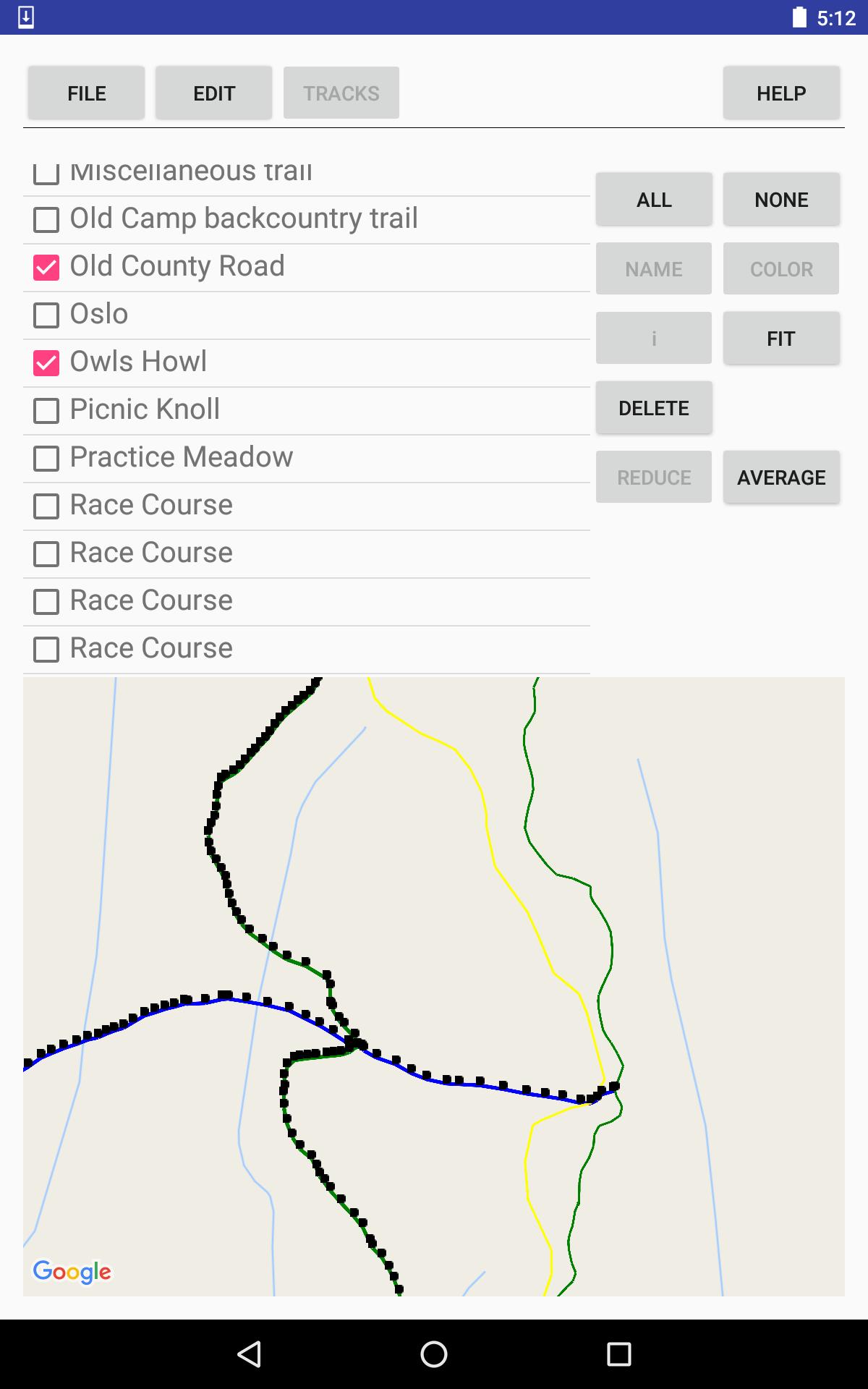
Make your own trail maps, using your tablet or smartphone.
Record tracks, or import tracks from GPX files.
Clean up your track data, manually and/or automatically.
Use your trail map for navigation, with or without an Internet connection.
Your tracks and waypoints are displayed over the (optional) background of a Google Map, either the default road map or a satellite image.
Editing features:
* Split and join tracks.
* Connect tracks to form 3-way and 4-way junctions, with the same coordinates in each track that meets at the junction point, to establish the topology of a network of tracks.
* Eliminate superfluous trackpoints, with the option of preserving junction points against elimination.
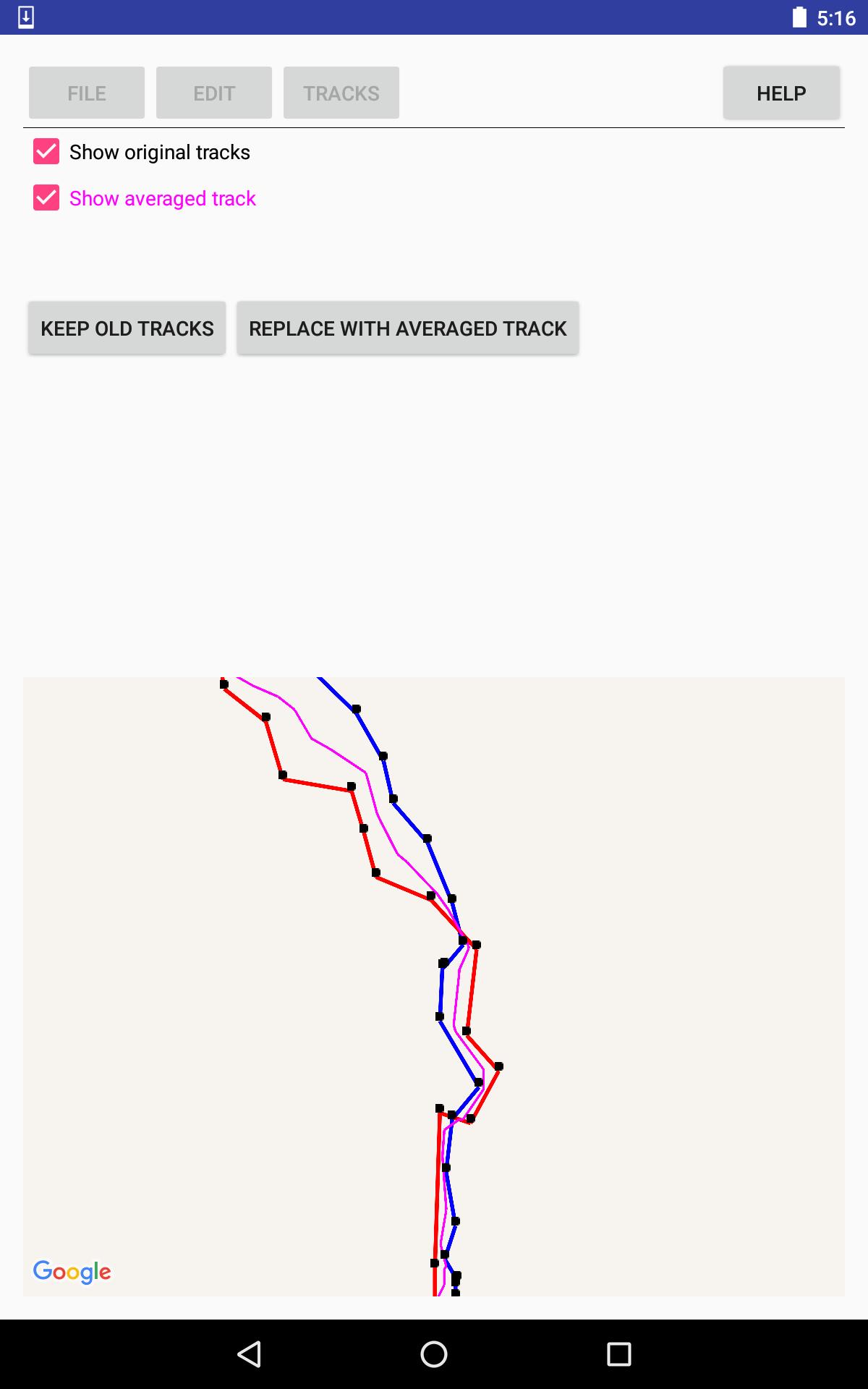
* Take the average of 2-5 tracks, to even out the errors, or, for example, to establish a street's center line from tracks for the sidewalks on either side of the street.
* View the results of averaging or reducing tracks, before accepting the results.
Documentation is available via the thorough help system within the app.
PRIVACY POLICY is available, within the app, from the help system; and, outside the app at the following URL: http://lewlasher.com/GpxTrackEditor/privacy-policy.html
Preview
Tags
ToolsInformation
Developer
Lew Lasher
Latest Version
3.7
Last Updated
2022-04-02
Category
Tools
Available on
Google Play
Show More
How to play GPX Track Editor with GameLoop on PC
1. Download GameLoop from the official website, then run the exe file to install GameLoop
2. Open GameLoop and search for “GPX Track Editor” , find GPX Track Editor in the search results and click “Install”
3. Enjoy playing GPX Track Editor on GameLoop
Minimum requirements
OS
Windows 8.1 64-bit or Windows 10 64-bit
GPU
GTX 1050
CPU
i3-8300
Memory
8GB RAM
Storage
1GB available space
Recommended requirements
OS
Windows 8.1 64-bit or Windows 10 64-bit
GPU
GTX 1050
CPU
i3-9320
Memory
16GB RAM
Storage
1GB available space