
GoClock - Digital Time Clock PC
Astra Developer
Download GoClock - Digital Time Clock on PC With GameLoop Emulator
GoClock - Digital Time Clock on PC
GoClock - Digital Time Clock, coming from the developer Astra Developer, is running on Android systerm in the past.
Now, You can play GoClock - Digital Time Clock on PC with GameLoop smoothly.
Download it in the GameLoop library or search results. No more eyeing the battery or frustrating calls at the wrong time any more.
Just enjoy GoClock - Digital Time Clock PC on the large screen for free!
GoClock - Digital Time Clock Introduction
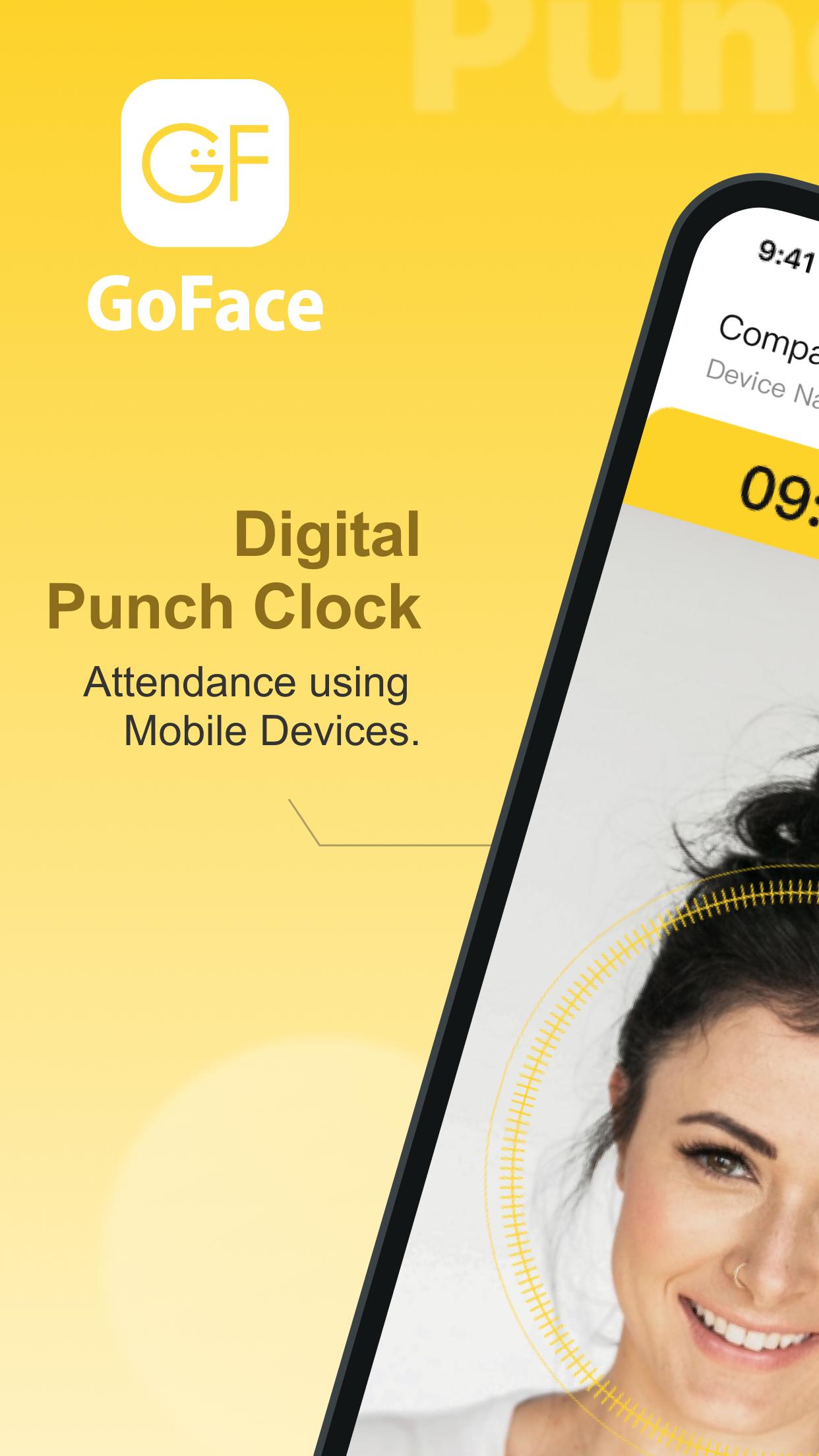
"GoClock " is designed to immediately upgrade your mobile devices, such as phone or pad, into a digital punch clock for your business.
You will need to first download the GoFace app and create your company/business account, or go to our website at [https://www.goface.me](https://www.goface.me/)
【 About GoFace 】
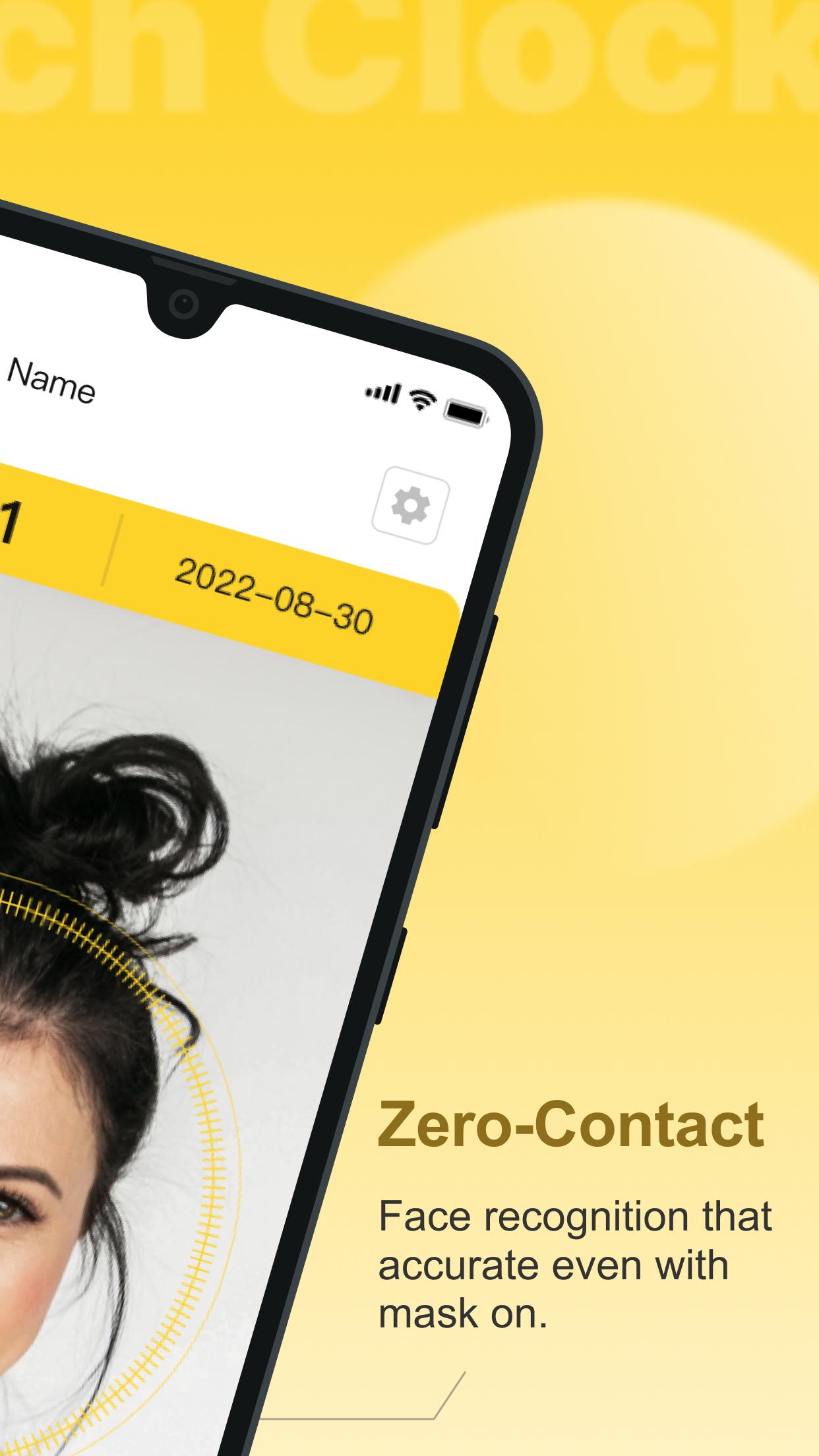
We specialize in automating your employee attendance process and help you manage your staffs easily and securely. Through our market-leading face recognition and cloud technology, GoFace can empower you to focus on driving your businesses while we handle the heavy-lifting in the background.
- Attendance using Face Recognition and GPS
- Mobile-first design
- Cloud Automation
- Customizable and Exportable Datapoints
Please feel free to contact us at contact@goface.me should you have any questions.
Preview
Tags
ToolsInformation
Developer
Astra Developer
Latest Version
5.3.0
Last Updated
2025-08-18
Category
Tools
Available on
Google Play
Show More
How to play GoClock - Digital Time Clock with GameLoop on PC
1. Download GameLoop from the official website, then run the exe file to install GameLoop
2. Open GameLoop and search for “GoClock - Digital Time Clock” , find GoClock - Digital Time Clock in the search results and click “Install”
3. Enjoy playing GoClock - Digital Time Clock on GameLoop
Minimum requirements
OS
Windows 8.1 64-bit or Windows 10 64-bit
GPU
GTX 1050
CPU
i3-8300
Memory
8GB RAM
Storage
1GB available space
Recommended requirements
OS
Windows 8.1 64-bit or Windows 10 64-bit
GPU
GTX 1050
CPU
i3-9320
Memory
16GB RAM
Storage
1GB available space