
GameGPU PC
GameGPU
Download GameGPU on PC With GameLoop Emulator
GameGPU on PC
GameGPU, coming from the developer GameGPU, is running on Android systerm in the past.
Now, You can play GameGPU on PC with GameLoop smoothly.
Download it in the GameLoop library or search results. No more eyeing the battery or frustrating calls at the wrong time any more.
Just enjoy GameGPU PC on the large screen for free!
GameGPU Introduction
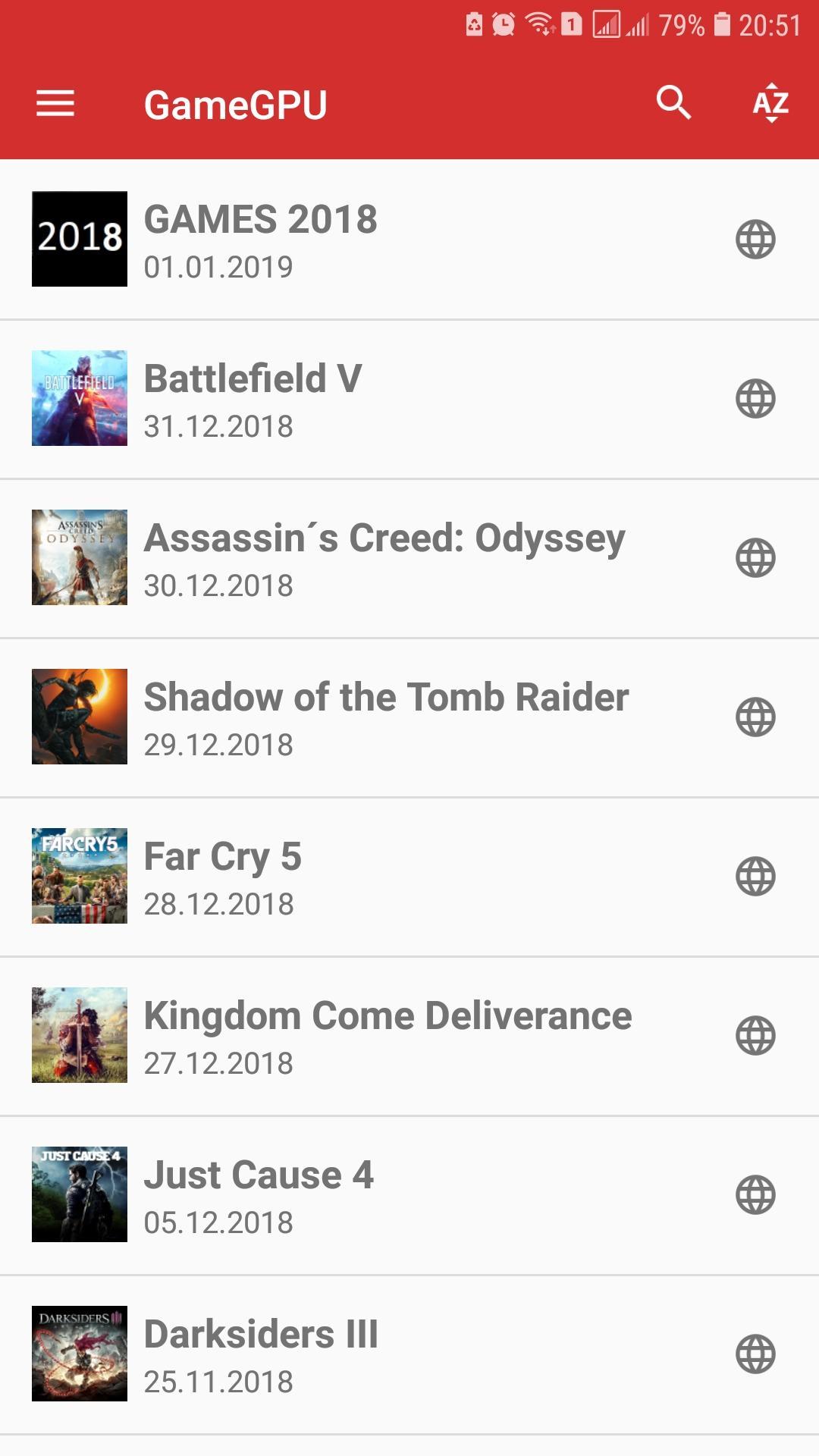
The GameGPU application is an excellent companion for assessing the performance of current equipment in modern games. The results are taken from the tests of the https://gamegpu.com resource and are presented to you in a convenient form for viewing on Android devices.
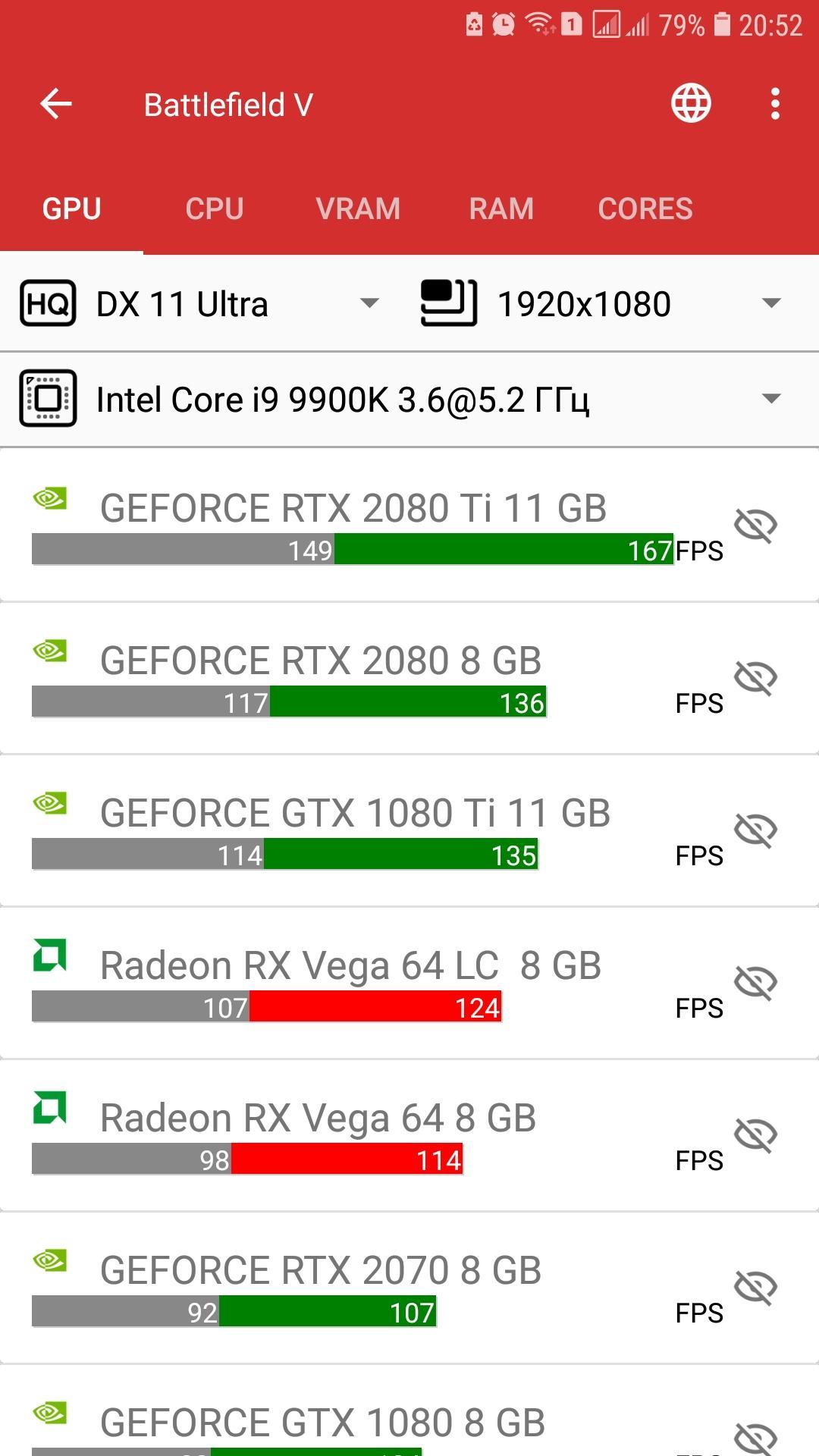
You can find the game you are interested in, select the required quality and resolution, view the performance of video cards, processors, consumption of RAM and video memory, and load the processor cores.
Depending on the test of video cards or processors, you can add or delete positions that interest you, as well as choose the relative type of processor or video card that will be used to obtain the desired FPS.
Sorting by name or adding date is available for selecting games, there is also a quick search for games of interest to you.
The application works in both online and offline mode, so that all our tests will always be at your fingertips and will help you quickly appreciate the speed of the current components in games, both for interest and for a targeted purchase!
Preview
Tags
ToolsInformation
Developer
GameGPU
Latest Version
1.0.143
Last Updated
2021-10-27
Category
Tools
Available on
Google Play
Show More
How to play GameGPU with GameLoop on PC
1. Download GameLoop from the official website, then run the exe file to install GameLoop
2. Open GameLoop and search for “GameGPU” , find GameGPU in the search results and click “Install”
3. Enjoy playing GameGPU on GameLoop
Minimum requirements
OS
Windows 8.1 64-bit or Windows 10 64-bit
GPU
GTX 1050
CPU
i3-8300
Memory
8GB RAM
Storage
1GB available space
Recommended requirements
OS
Windows 8.1 64-bit or Windows 10 64-bit
GPU
GTX 1050
CPU
i3-9320
Memory
16GB RAM
Storage
1GB available space