
G-MoN Pro PC
C. Knuetter
Download G-MoN Pro on PC With GameLoop Emulator
G-MoN Pro on PC
G-MoN Pro, coming from the developer C. Knuetter, is running on Android systerm in the past.
Now, You can play G-MoN Pro on PC with GameLoop smoothly.
Download it in the GameLoop library or search results. No more eyeing the battery or frustrating calls at the wrong time any more.
Just enjoy G-MoN Pro PC on the large screen for free!
G-MoN Pro Introduction
This app will be constantly developed and improved. There are still many features missing, which are replenished over time. In case of crashes please press the feedback button. The developer likes to receive requests for new functions by e-mail.
If the displayed values doesn't seem to be correct, please try different api settings for each value. You will find them in the calibration settings.
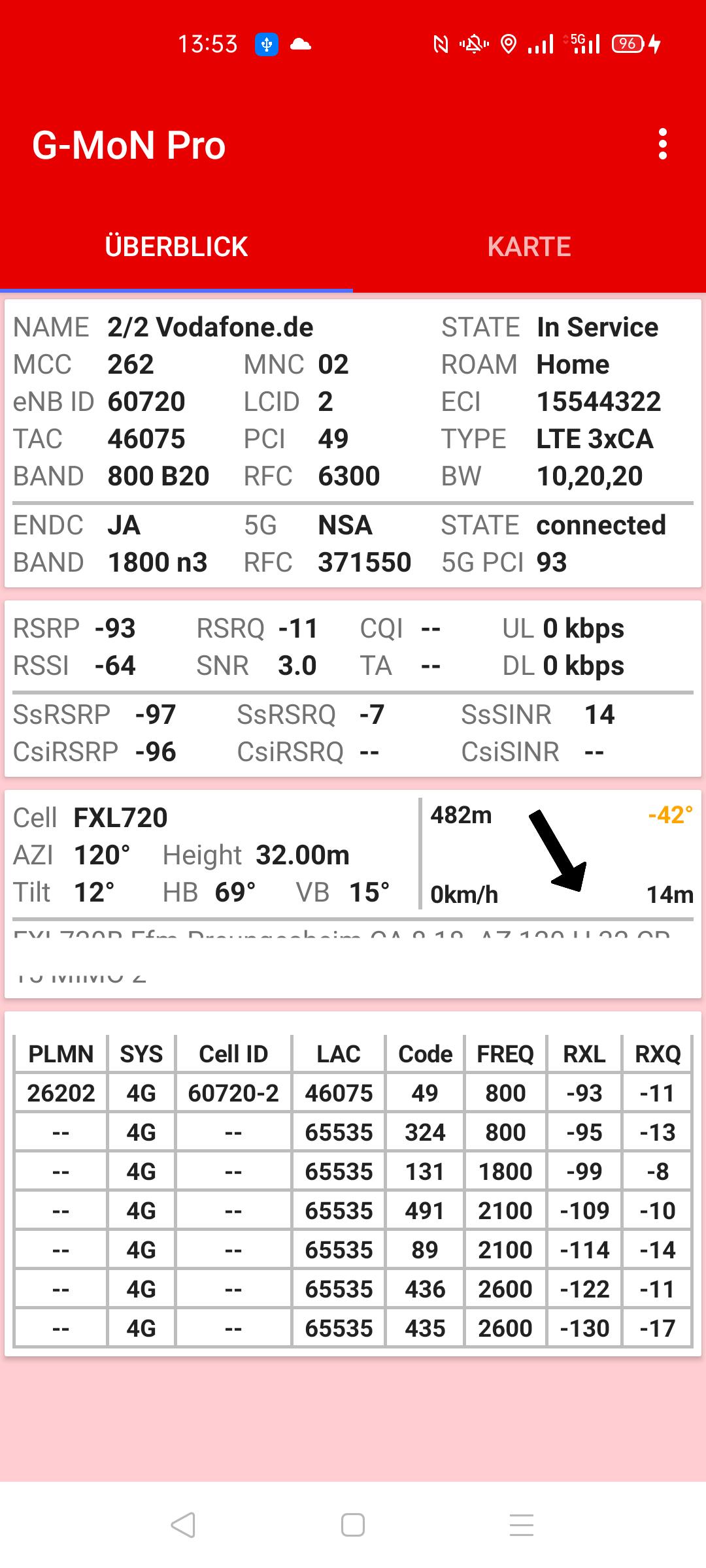
With G-MoN Pro, all available cell data and measured values in 5G NSA and SA, 4G, 3G and 2G mobile networks can be clearly displayed and graphically displayed. The details of this data depend on the smartphone manufacturer and the Android version.
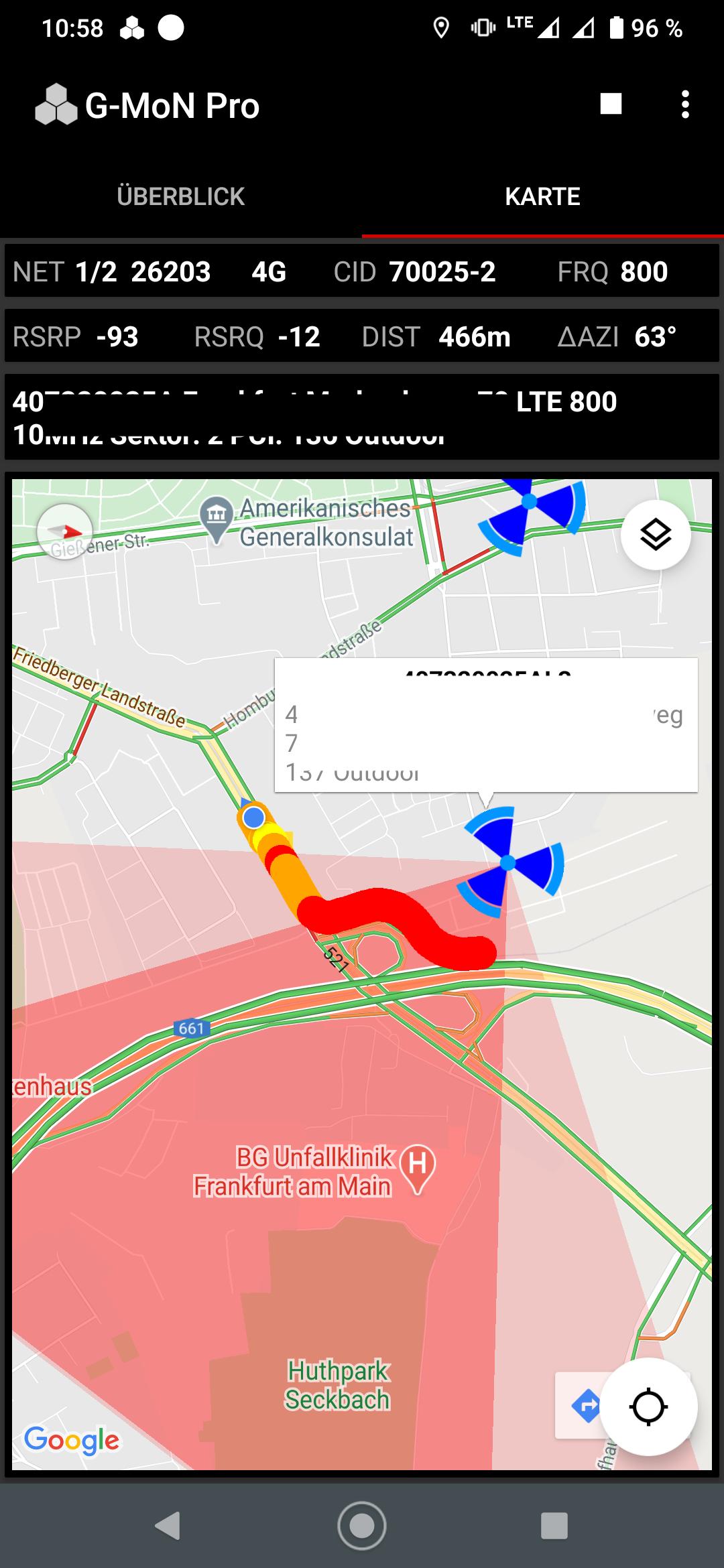
You can log all cell data and measurements in a csv and kml file, even with screen off. Dual SIM is fully supported. The kml file can directly be loaded into Google Earth if it is installed on the phone. The logged rx levels are displayed im realtime in the map.
The new cell list file format clf v4 is supported. Please follow the link below for details:
https://sites.google.com/site/clfgmon/clf4
The Cell Compass always points to the Best Server cell when moving (GPS) if it is included in the CLF. With a tap on the arrow, the seat direction can be changed to the direction of travel, e.g. when you sit in a train. In addition to the direction, the distance to the cell as well as the current speed and the GSM accuracy are displayed.
Dual sim phones are supported. In the overview tab you can quickly switch between the two active SIM cards with a tap of the network and cell data.
Preview
Tags
ToolsInformation
Developer
C. Knuetter
Latest Version
1.8.6
Last Updated
2025-02-07
Category
Tools
Available on
Google Play
Show More
How to play G-MoN Pro with GameLoop on PC
1. Download GameLoop from the official website, then run the exe file to install GameLoop
2. Open GameLoop and search for “G-MoN Pro” , find G-MoN Pro in the search results and click “Install”
3. Enjoy playing G-MoN Pro on GameLoop
Minimum requirements
OS
Windows 8.1 64-bit or Windows 10 64-bit
GPU
GTX 1050
CPU
i3-8300
Memory
8GB RAM
Storage
1GB available space
Recommended requirements
OS
Windows 8.1 64-bit or Windows 10 64-bit
GPU
GTX 1050
CPU
i3-9320
Memory
16GB RAM
Storage
1GB available space