Funny Keyboard PC
destinycovonenxa62
Download Funny Keyboard on PC With GameLoop Emulator
Funny Keyboard on PC
Funny Keyboard, coming from the developer destinycovonenxa62, is running on Android systerm in the past.
Now, You can play Funny Keyboard on PC with GameLoop smoothly.
Download it in the GameLoop library or search results. No more eyeing the battery or frustrating calls at the wrong time any more.
Just enjoy Funny Keyboard PC on the large screen for free!
Funny Keyboard Introduction
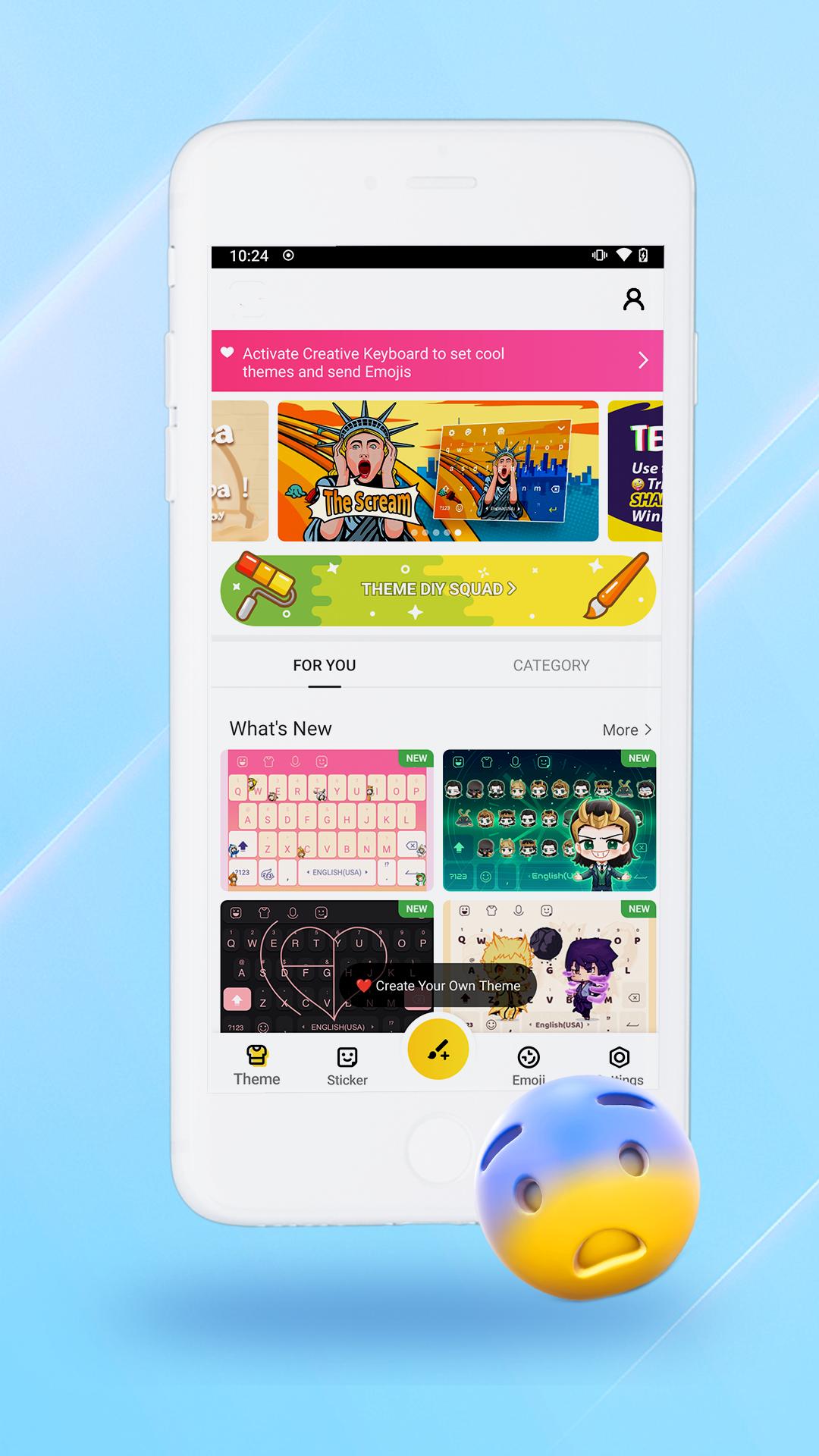
Funny Keyboard is the most compatible emoji keyboad for Android phones. 😍From great perfomance to simplified design, it fits perfectly with MIUI system. Additionally, it saves storage with a smaller installation package. With 3600+ Emoji, emoticons, GIFs, stickers on this Emoji keyboard, Funny Keyboard helps you to spice up chats and provides thousands of cool keyboard themes for you to download-You can even add your own photos to the keyboard!
Various functions such as voice input, swipe typing, stickers, and emojis all create a more fun and easy way to chat on your Xiaomi! The faster hands-free typing of Voice Input allows speech-to-text dictation and boost your input speed. Download it now to enjoy your own specialized Funny Keyboard which can be used perfectly on Facebook, Twitter, Instagram, WhatsApp, etc💖.
👉Emoji Keyboard👈 Features:
★ Easy to send 2000+ Emoji, Emoticons, Free GIF, Symbol, Emoji Stickers
- ✋ Share thousands of Special GIFs, stickers, and themes with your friends.
- 👑 Easy to type Emojis in text messages, social media posts, emails, etc.
★ Keyboard Stickers
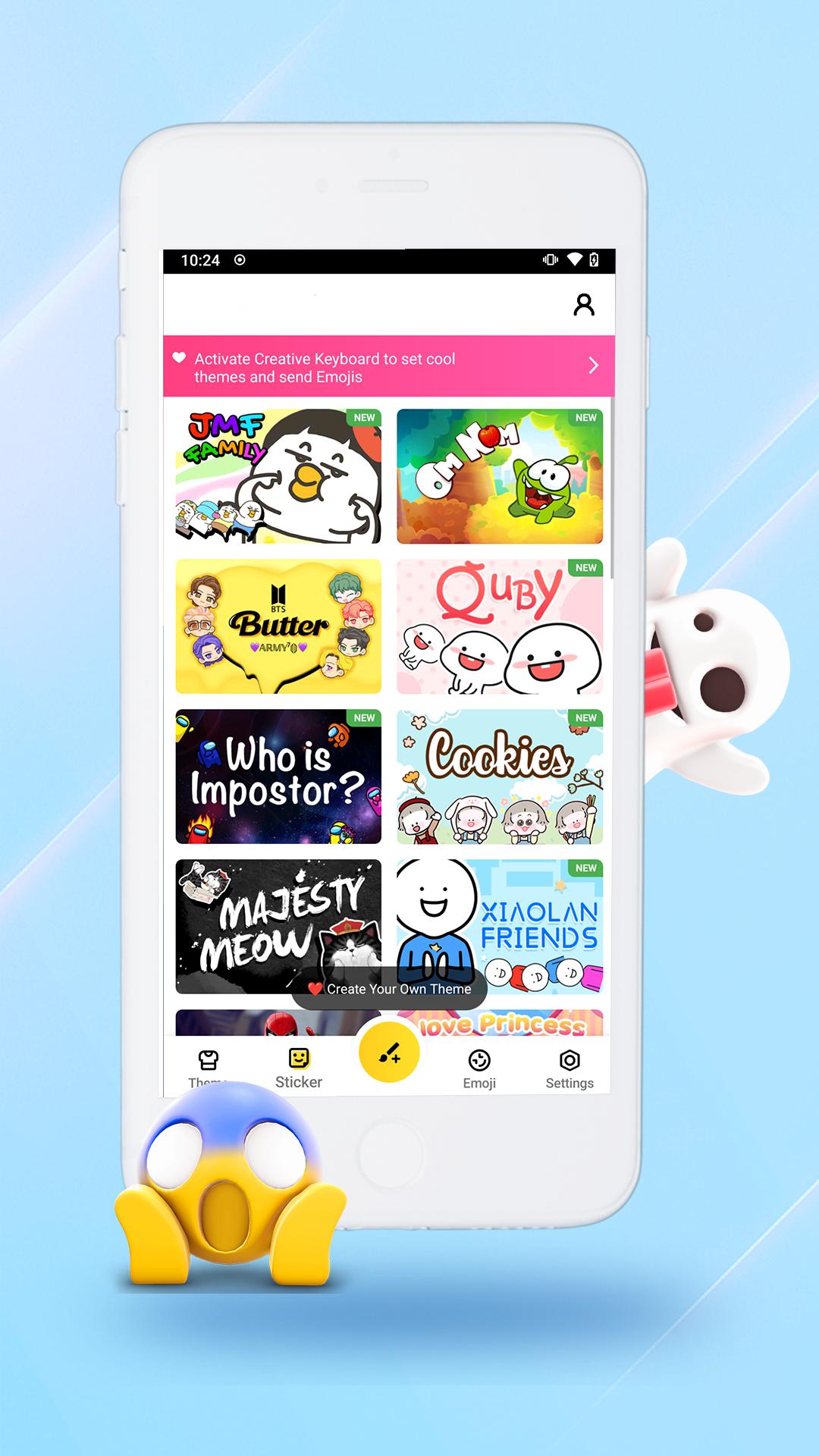
- Send thousands of customized, trendy stickers and GIFs.
- Express your emotions to your friends by sending them fun emoji stickers.
- The Emoji Stickers is a free, customized extension to the Funny Keyboard that is used to send to your friends to make communicating more fun!
★ Keyboard Themes
- Countless keyboard themes are available to match your style.
Funny Keyboard integrate all the shining features into one app😜! You are free to choose from numerous themes to decorate your keyboard!
★ Fast Typing & Smart Input 🚀 🏃
- Emoji Prediction: Type fast and accurately with our super smart, autocorrect, emoji prediction and next word suggestion tech.
-Trending Gifs: Search any words and get numerous trending Gifs to share with your friends.
- Swipe to type: Type faster with smooth swipe typing!
- Autocorrect & Word Prediction: Automatically correct the words you are typing and offers you a potential next word prediction!
Preview
Information
Developer
destinycovonenxa62
Latest Version
v1.1
Last Updated
2021-10-30
Category
Tools
Available on
Google Play
Show More
How to play Funny Keyboard with GameLoop on PC
1. Download GameLoop from the official website, then run the exe file to install GameLoop
2. Open GameLoop and search for “Funny Keyboard” , find Funny Keyboard in the search results and click “Install”
3. Enjoy playing Funny Keyboard on GameLoop
Minimum requirements
OS
Windows 8.1 64-bit or Windows 10 64-bit
GPU
GTX 1050
CPU
i3-8300
Memory
8GB RAM
Storage
1GB available space
Recommended requirements
OS
Windows 8.1 64-bit or Windows 10 64-bit
GPU
GTX 1050
CPU
i3-9320
Memory
16GB RAM
Storage
1GB available space