
Flash VPN: Fast Secure Privacy PC
JeameHut
Download Flash VPN: Fast Secure Privacy on PC With GameLoop Emulator
Flash VPN: Fast Secure Privacy on PC
Flash VPN: Fast Secure Privacy, coming from the developer JeameHut, is running on Android systerm in the past.
Now, You can play Flash VPN: Fast Secure Privacy on PC with GameLoop smoothly.
Download it in the GameLoop library or search results. No more eyeing the battery or frustrating calls at the wrong time any more.
Just enjoy Flash VPN: Fast Secure Privacy PC on the large screen for free!
Flash VPN: Fast Secure Privacy Introduction
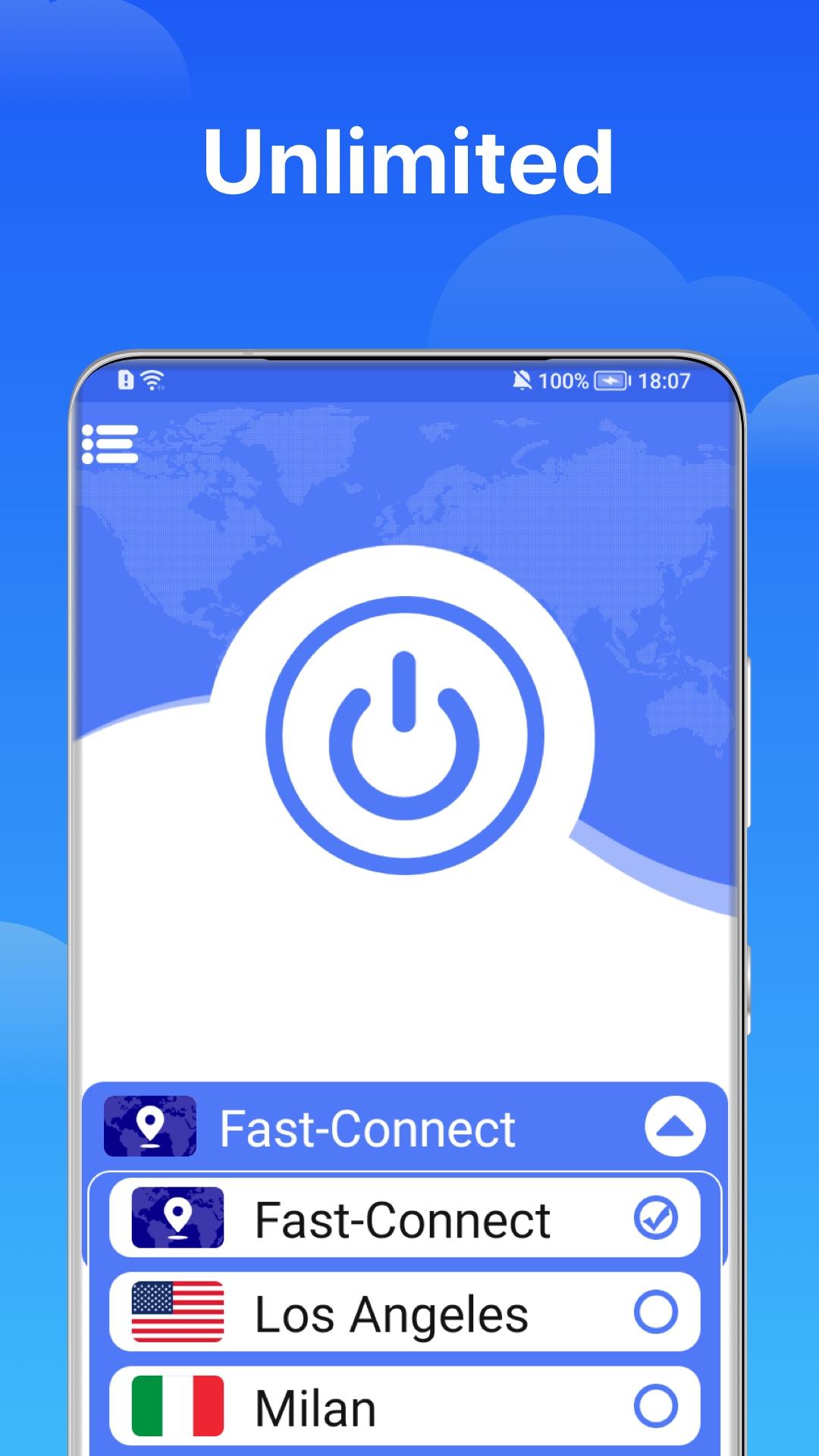
Flash applies detailed non-data logging logs to protect your privacy. The impact of collection-data and protect your private data when you use public public data WiFi networks.
✔ Bypass restrictions: Surfshark covers more than 1000 servers in more than 70 countries/regions to ensure that the global proxy server has high-speed and unlimited connections.
✔ speed of your Android device to ensure an ultra fast online browsing experience and enjoy a high-speed connection.
✔ Make it yours: using a whitelist, you can allow applications and websites to bypass the server.
✔ Leak protection: we take privacy to a new level through private DNS on each server.
✔ Customer Satisfaction. 15 million satisfied customers worldwide.
✔ 24/7 Customer Support. PIA provides a dedicated resource library, email support, and 24/7 live chat.
✔ Biggest Network. 30,000 servers in over 77 countries and more being added daily.
Light up fast and secure mobile security applications to unlock websites and applications, protect WiFi hotspots and surf the Internet safely and anonymously. If you are looking for privacy, Flash VPN is the best application connection for your phone. Use secure WiFi hotspots to watch your favorite videos, unlock the site, and browse privately and anonymously at a very fast speed. Flash VPN ultra fast, unlimited private service network will ensure the security and protection of your online data. Flash VPN can be used for online surfing, streaming media, seed downloading and unlocking websites.
Preview

Information
Developer
JeameHut
Latest Version
1.0.4
Last Updated
2021-11-24
Category
Tools
Available on
Google Play
Show More
How to play Flash VPN: Fast Secure Privacy with GameLoop on PC
1. Download GameLoop from the official website, then run the exe file to install GameLoop
2. Open GameLoop and search for “Flash VPN: Fast Secure Privacy” , find Flash VPN: Fast Secure Privacy in the search results and click “Install”
3. Enjoy playing Flash VPN: Fast Secure Privacy on GameLoop
Minimum requirements
OS
Windows 8.1 64-bit or Windows 10 64-bit
GPU
GTX 1050
CPU
i3-8300
Memory
8GB RAM
Storage
1GB available space
Recommended requirements
OS
Windows 8.1 64-bit or Windows 10 64-bit
GPU
GTX 1050
CPU
i3-9320
Memory
16GB RAM
Storage
1GB available space