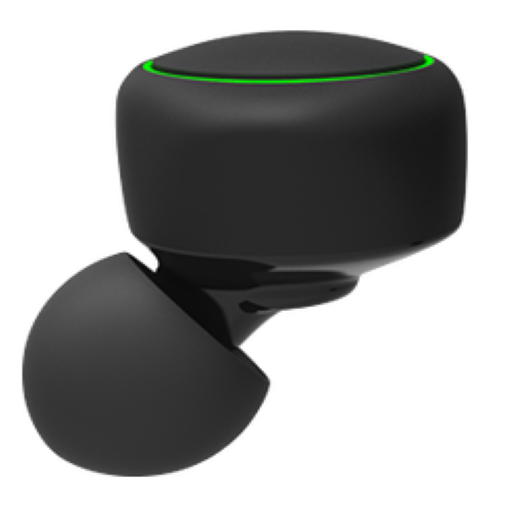
eSense PC
Aerogram Pvt Ltd
Download eSense on PC With GameLoop Emulator
eSense on PC
eSense, coming from the developer Aerogram Pvt Ltd, is running on Android systerm in the past.
Now, You can play eSense on PC with GameLoop smoothly.
Download it in the GameLoop library or search results. No more eyeing the battery or frustrating calls at the wrong time any more.
Just enjoy eSense PC on the large screen for free!
eSense Introduction
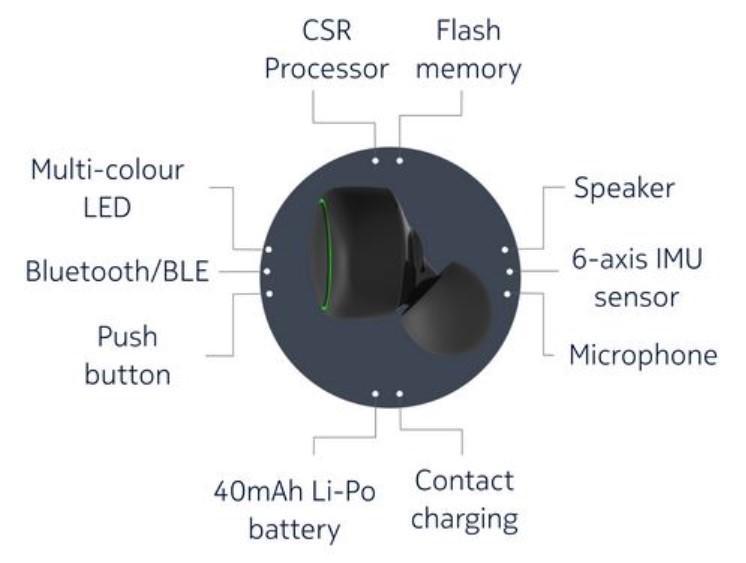
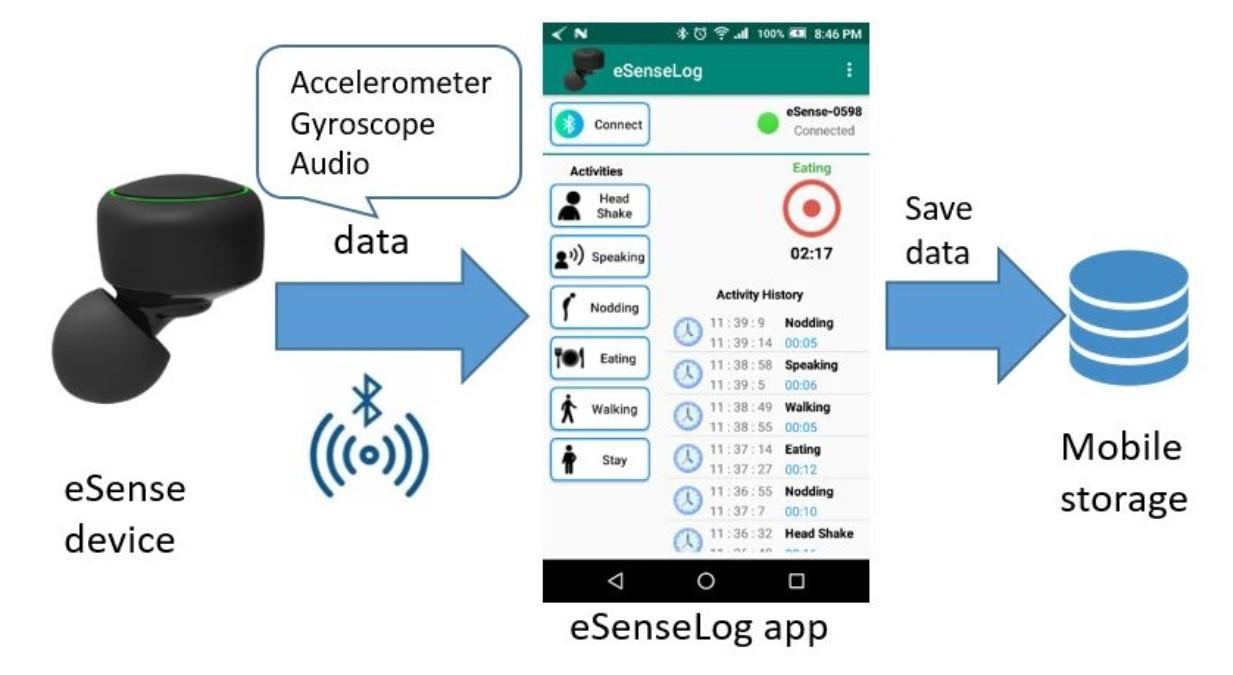
* The app establishes connection with a Bluetooth Low Energy (BLE) earable device named "eSense". The device is developed by NOKIA Bell Labs Cambridge.
* The device contains sensor which provides accelerometer and gyroscope data. From this data hand and mouth related activities like eating, swallowing, speaking, head shaking etc. can be recognized by machine learning algorithms like CNN, LSTM.
[ This App is an Enhancement over (https://github.com/shafiqulislamsumon/Esense) with more End User Friendly UI and Implementation. ]
> Added Permissions Checks!
> Added support for allowing user to enter the Name of it's Personal Device and connect to it!
--- WE DO NOT OWN THIS APP and the sole credit goes to the above mentioned link from where we took inspiration and made enhancements upon for Public Use. For more info please visit [ www.esense.io ]
Preview
Tags
ToolsInformation
Developer
Aerogram Pvt Ltd
Latest Version
1.1.0
Last Updated
2020-09-30
Category
Tools
Available on
Google Play
Show More
How to play eSense with GameLoop on PC
1. Download GameLoop from the official website, then run the exe file to install GameLoop
2. Open GameLoop and search for “eSense” , find eSense in the search results and click “Install”
3. Enjoy playing eSense on GameLoop
Minimum requirements
OS
Windows 8.1 64-bit or Windows 10 64-bit
GPU
GTX 1050
CPU
i3-8300
Memory
8GB RAM
Storage
1GB available space
Recommended requirements
OS
Windows 8.1 64-bit or Windows 10 64-bit
GPU
GTX 1050
CPU
i3-9320
Memory
16GB RAM
Storage
1GB available space