engcon DC2 PC
engcon control systems
Download engcon DC2 on PC With GameLoop Emulator
engcon DC2 on PC
engcon DC2, coming from the developer engcon control systems, is running on Android systerm in the past.
Now, You can play engcon DC2 on PC with GameLoop smoothly.
Download it in the GameLoop library or search results. No more eyeing the battery or frustrating calls at the wrong time any more.
Just enjoy engcon DC2 PC on the large screen for free!
engcon DC2 Introduction
With this application you can connect to an engcon DC2 control system and :
• Get remote support
• Use our tools program
• Switch between user profiles
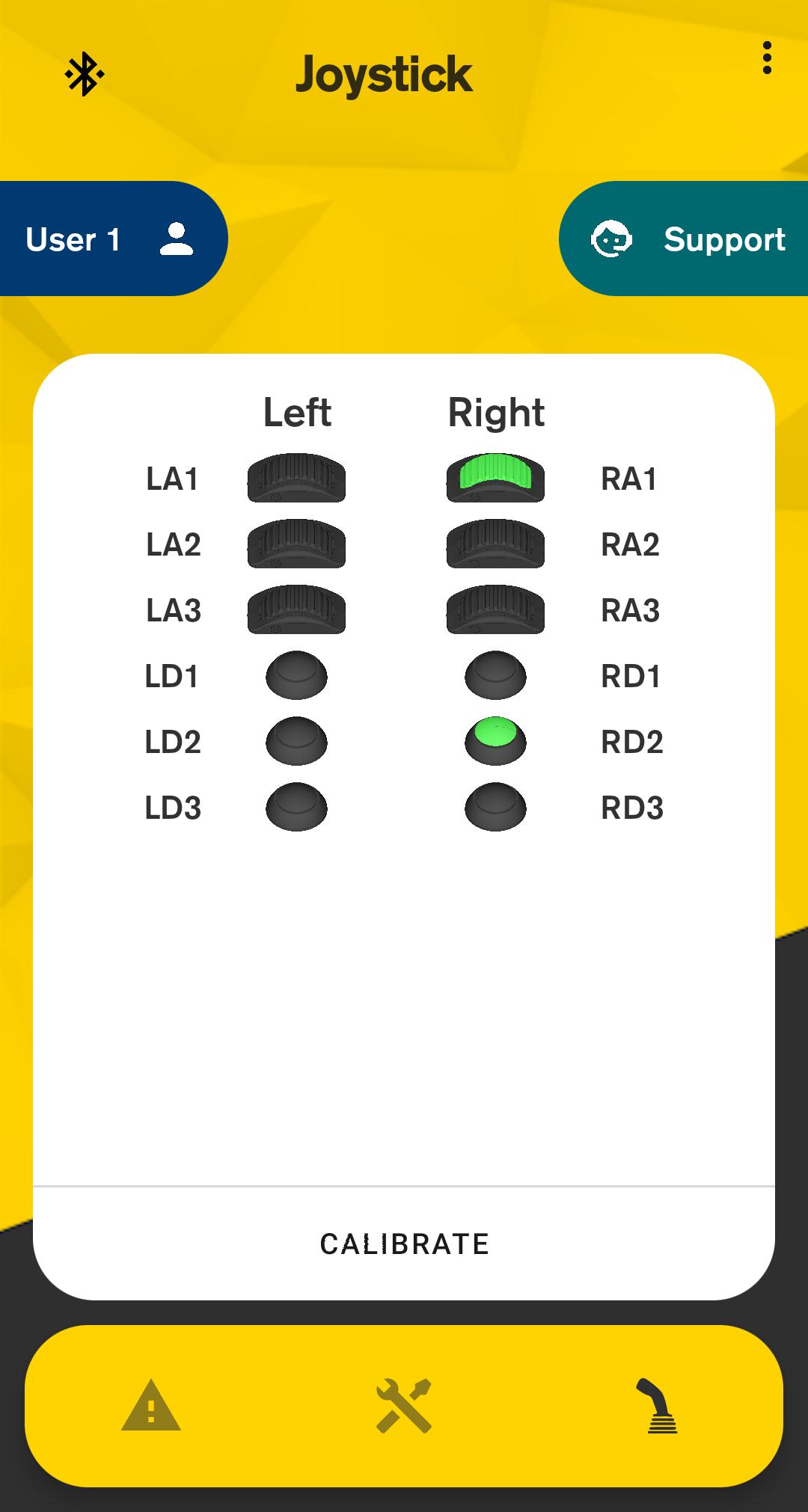
• Perform input calibration
• Obtain alarm codes
• Get general system information
Remote support – Troubleshoot and get support via internet
To get remote support from a technician you will call said technician first with your phone and give them the shown pin code and serial number of the cabin module when requested. The technician can then connect and make changes to the settings within the system, as if sitting in the machine. The remote support function requires that the Android phone or tablet has an internet connection via cell network or Wi-Fi.
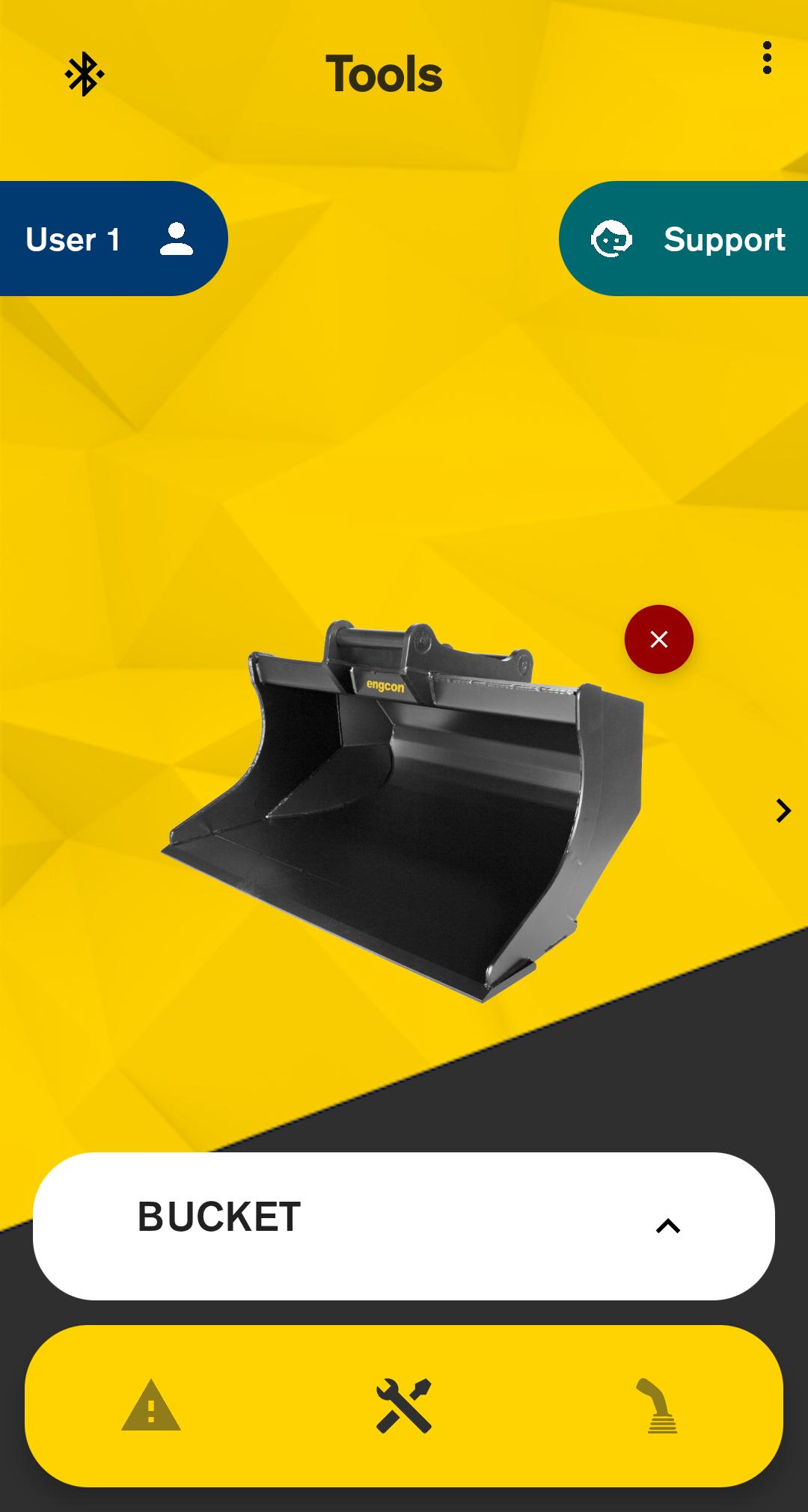
Tools program - Change between different tool settings with a swipe of your finger
You can create up to 20 different tool settings in the system. Each tool can be named and a picture can be chosen for quick identification. Within the tool you can change the speed and ramps of, for example, tilt and rotation.
User profiles - For individual control of your tiltrotator
By setting up multiple user profiles you customize your system to fit different operator styles that utilizes the same machine.
Bluetooth connection
The app uses Bluetooth to connect to the DC2 cabin module. If a connection code is requested use 1234, otherwise you only have to press the LD3 button on your left MIG2 grip to pair with the DC2 cabin module.
Preview
Tags
ToolsInformation
Developer
engcon control systems
Latest Version
6.7.6
Last Updated
2025-08-14
Category
Tools
Available on
Google Play
Show More
How to play engcon DC2 with GameLoop on PC
1. Download GameLoop from the official website, then run the exe file to install GameLoop
2. Open GameLoop and search for “engcon DC2” , find engcon DC2 in the search results and click “Install”
3. Enjoy playing engcon DC2 on GameLoop
Minimum requirements
OS
Windows 8.1 64-bit or Windows 10 64-bit
GPU
GTX 1050
CPU
i3-8300
Memory
8GB RAM
Storage
1GB available space
Recommended requirements
OS
Windows 8.1 64-bit or Windows 10 64-bit
GPU
GTX 1050
CPU
i3-9320
Memory
16GB RAM
Storage
1GB available space