
Electrolux Home Comfort PC
AB Electrolux
Download Electrolux Home Comfort on PC With GameLoop Emulator
Electrolux Home Comfort on PC
Electrolux Home Comfort, coming from the developer AB Electrolux, is running on Android systerm in the past.
Now, You can play Electrolux Home Comfort on PC with GameLoop smoothly.
Download it in the GameLoop library or search results. No more eyeing the battery or frustrating calls at the wrong time any more.
Just enjoy Electrolux Home Comfort PC on the large screen for free!
Electrolux Home Comfort Introduction
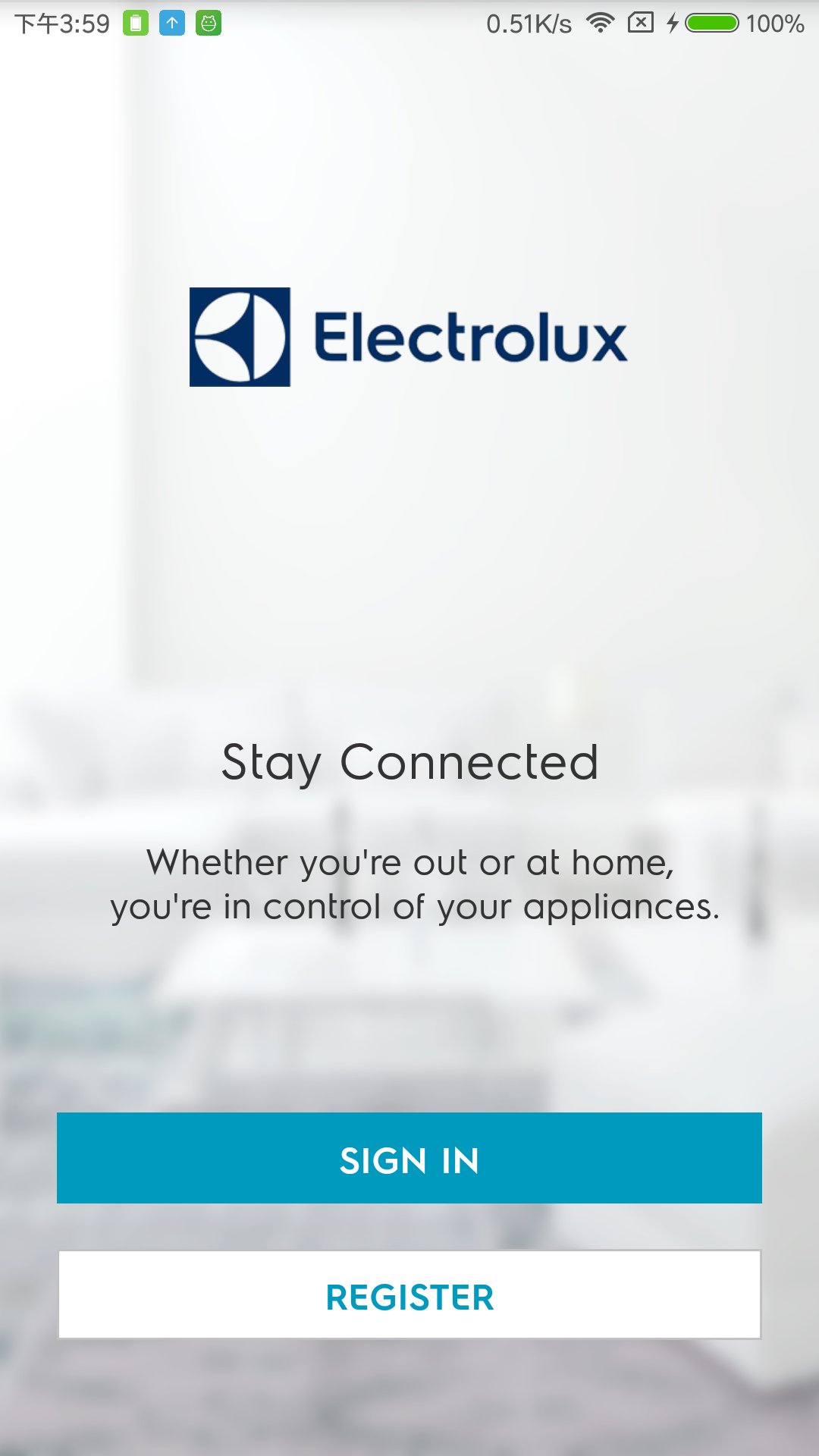
The Home Comfort App lets you control a series of connected home comfort appliances that are wifi enabled.
Enjoy a perfect climate from the moment you step inside by controlling your product from wherever and whenever you want.
Key App features:
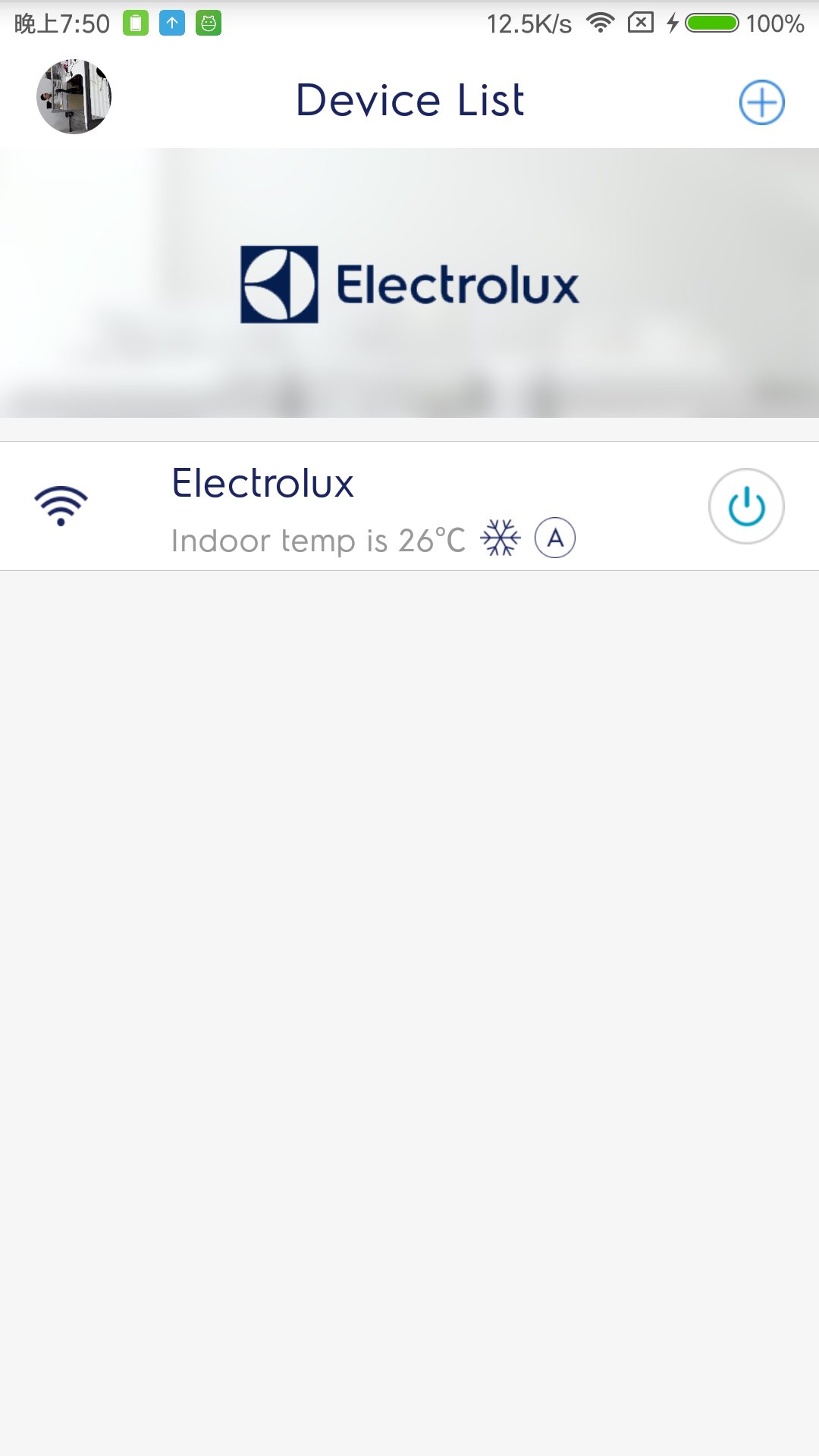
• Operate you home comfort appliance anywhere: Switch on/off, adjust temperature, create schedules and more
• Read the current temperature in your home
• Share the control with others
• Update device firmware remotely
Products supported: (list of models)
EXS09V39HW
ESV12CRU-A1
ESV18CRU-A1
ESV09CRS-B2
ESV12CRS-B2
ESV09CRT-A1
ESV09CRU-A1
EXP26V578HW
EXS09V39HWI
EPS09V39HWI
EPS12V39HWI
EPN09V78HWI
EPS18V39HWI
EPS24V39HWI
EPN09C58HWI
EPN12C58HWI
EXN09C58HWI
EXN12C58HWI
EPN09C38HWI
EPN12C38HWI
EPN18C38HWI
EPN12V78HWI
WP71-265WT
EXS12V39HWI
EXS18V39HWI
EXS24V39HWI
Languages supported: English, Arabic, Czech, Danish, German, Finish, French, Hungarian, Italian, Dutch, Norwegian, Polish, Romanian, Slovak, and Swedish.
Please note: If your products user manual does not contain any QR code to scan for setting up the connection it is not enabled to be controlled by this app.
Preview
Tags
ToolsInformation
Developer
AB Electrolux
Latest Version
3.5.2
Last Updated
2025-08-27
Category
Tools
Available on
Google Play
Show More
How to play Electrolux Home Comfort with GameLoop on PC
1. Download GameLoop from the official website, then run the exe file to install GameLoop
2. Open GameLoop and search for “Electrolux Home Comfort” , find Electrolux Home Comfort in the search results and click “Install”
3. Enjoy playing Electrolux Home Comfort on GameLoop
Minimum requirements
OS
Windows 8.1 64-bit or Windows 10 64-bit
GPU
GTX 1050
CPU
i3-8300
Memory
8GB RAM
Storage
1GB available space
Recommended requirements
OS
Windows 8.1 64-bit or Windows 10 64-bit
GPU
GTX 1050
CPU
i3-9320
Memory
16GB RAM
Storage
1GB available space