
Duplicate File Remover - Fixer PC
Essence Apps Studio
Download Duplicate File Remover - Fixer on PC With GameLoop Emulator
Duplicate File Remover - Fixer on PC
Duplicate File Remover - Fixer, coming from the developer Essence Apps Studio, is running on Android systerm in the past.
Now, You can play Duplicate File Remover - Fixer on PC with GameLoop smoothly.
Download it in the GameLoop library or search results. No more eyeing the battery or frustrating calls at the wrong time any more.
Just enjoy Duplicate File Remover - Fixer PC on the large screen for free!
Duplicate File Remover - Fixer Introduction
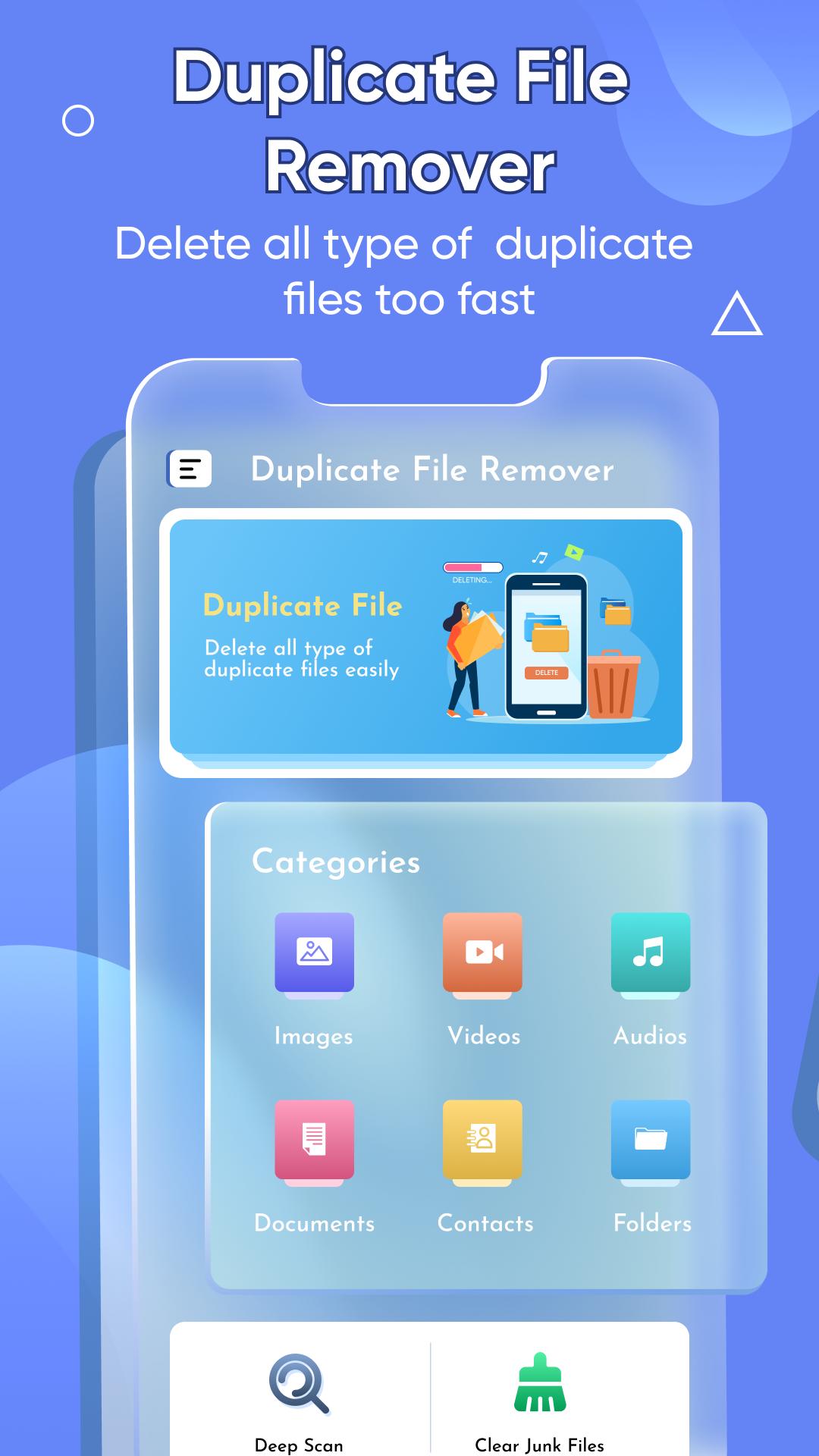
Duplicate file / duplicate cleaner is a beneficial app for smartphone users that automatically detect, scans, and remove duplicate files stored on the device. It is a common issue faced by every smartphone user as it can be exhausting to first identify the duplicates and later remove it from the device. The user can easily remove duplicates of images, videos, audio, documents, contacts, and others. The interface of the duplicate file remover app / duplicada has six main categories including images, videos, audio, documents, contacts, and others. The additional categories of duplicate file remover delete duplicate files / fixer are deep scan and clean.
The duplicate file remover for android free / limpiador de duplicados is quite easy to use and is a user-friendly app. The UI of duplicate file remove app / photo duplicate cleaner is easy to navigate and does not require any professional support to run the app.
Features of Duplicate file remover - Fixer
1. The similar photos remover / duplication is a beneficial app that allows the user to delete duplicate files with just one click. The user can easily merge the files without any hurdles.
2. The interface of duplicate file remover app / elimina duplicadas has six main categories including images, videos, audio, documents, contacts, and others. The additional categories of duplicate file remover delete duplicate files / cleaner - duplicate photos are deep scan and clean.
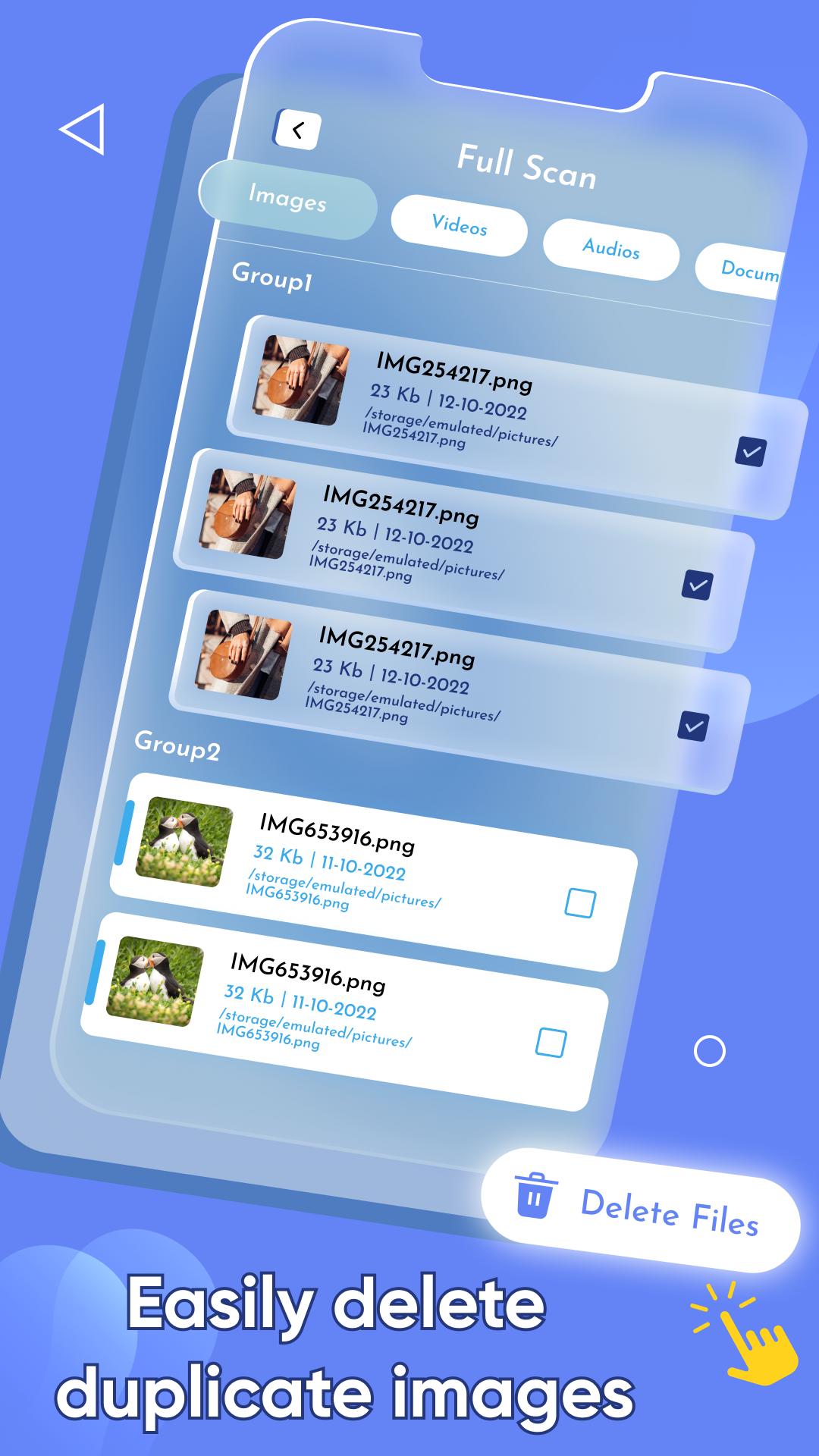
3. The images category of duplicate file finder / borra duplicadas lists all the duplicate images stored on the device. Using this feature, one can easily delete duplicate images with just one click. Furthermore, the user can determine the size of an image, its title, along with its file location.
4. The video category of duplicate file remover free / borrador de duplicadas lists all the duplicate videos stored on the device. Through this feature, one can easily delete duplicate videos with just one click. Moreover, the user can determine the size of video, its title, along with its file path.
5. The audios category of duplicate file fixer and remover / remove duplicate photos lists all the duplicate audio stored on the device. Using this feature, one can easily delete duplicate audio with just one click. Furthermore, the user can determine the size of an audio file, its title, along with its file location.
6. The documents category of duplicate photo remover / delete duplicate photos lists all the duplicate documents stored on the device. Through this feature, one can easily delete duplicate documents with just one click. Moreover, the user can determine the size of the document, its title, along with its file path.
7. The contacts category of limpiador de duplicados / delete duplicates images lists all the duplicate contacts stored on the device. Using this feature, one can easily delete duplicate contacts with just one click.
8. The others category of duplicate photos cleaner free / delete similar pictures lists all the duplicate folders stored on the device. Through this feature, one can easily remove duplicate files with just one click.
9. The deep scan feature of limpia duplicadas / delete similar pics allows the user to conduct deep scanning of their device; including images, videos, audio, and documents. It displays the duplicate file count and duplicate file size on the screen. The user can delete all the duplicate files with just one tap.
How to Use Duplicate file remover - Fixer
1. If the user wants to remove duplicate images, videos, audios, documents, contacts. They simply need to select the respective tabs on home screen.
✪ Disclaimers
1. All copyrights reserved.
2. We have kept this app absolutely free by showing non-personalized ads.
3. Duplicate file remover - Fixer is not keeping any sort of data without user permission neither it is saving any data secretly for itself. If you found any content in our app that violates copyrights than please inform us.
Preview
Tags
ToolsInformation
Developer
Essence Apps Studio
Latest Version
1.1.9
Last Updated
2025-01-15
Category
Tools
Available on
Google Play
Show More
How to play Duplicate File Remover - Fixer with GameLoop on PC
1. Download GameLoop from the official website, then run the exe file to install GameLoop
2. Open GameLoop and search for “Duplicate File Remover - Fixer” , find Duplicate File Remover - Fixer in the search results and click “Install”
3. Enjoy playing Duplicate File Remover - Fixer on GameLoop
Minimum requirements
OS
Windows 8.1 64-bit or Windows 10 64-bit
GPU
GTX 1050
CPU
i3-8300
Memory
8GB RAM
Storage
1GB available space
Recommended requirements
OS
Windows 8.1 64-bit or Windows 10 64-bit
GPU
GTX 1050
CPU
i3-9320
Memory
16GB RAM
Storage
1GB available space