DUiPro Recorder - Gravador de PC
VIRTUES LLC
Download DUiPro Recorder - Gravador de on PC With GameLoop Emulator
DUiPro Recorder - Gravador de on PC
DUiPro Recorder - Gravador de , coming from the developer VIRTUES LLC, is running on Android systerm in the past.
Now, You can play DUiPro Recorder - Gravador de on PC with GameLoop smoothly.
Download it in the GameLoop library or search results. No more eyeing the battery or frustrating calls at the wrong time any more.
Just enjoy DUiPro Recorder - Gravador de PC on the large screen for free!
DUiPro Recorder - Gravador de Introduction
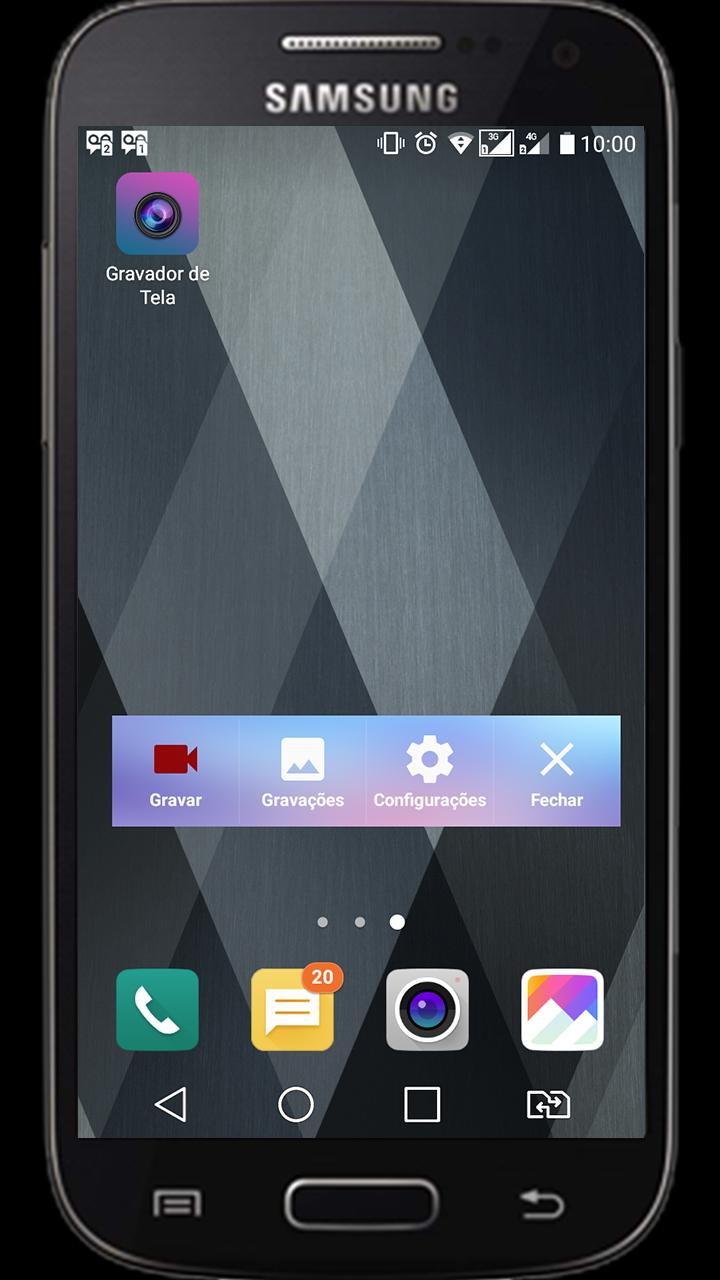
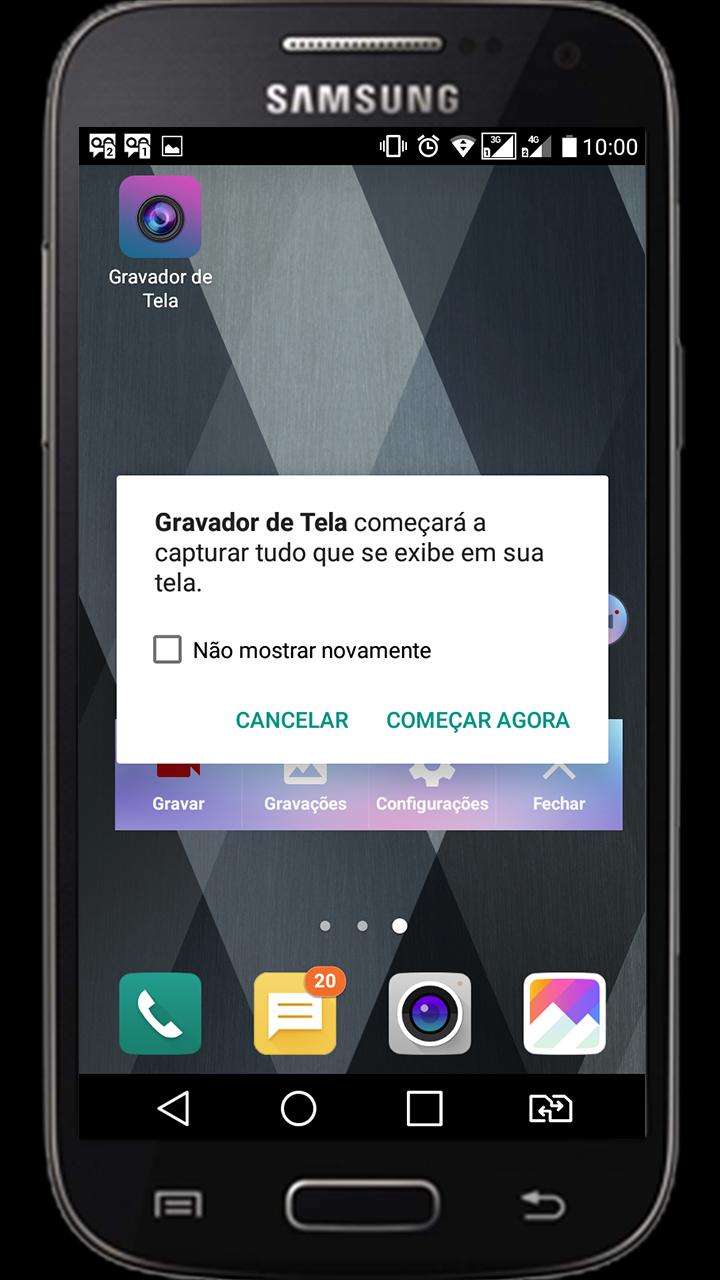
The DUiPRO Recorder is a screen recorder for Android free, stable and high quality that helps you record videos in a simple and clear way. With a variety of features, such as screen capture, video recorder, video editor and without root definition, DUiPRO Recorder provides an easy way to record screen videos such as videos games, video calls, concerts live and more, making it simple!
Screen Recorder is a free screen capture app and unlimited to record the screen of your device for video.
To create promotional videos, make tutorials or simply record clips to use as a support / help with audio.
- No recording time limit
- Audio recording
- Displays taps on the screen during recording
- Stir or turn off the screen to stop
- Delay the start of recording
- Absolutely FREE WITHOUT purchase within the app
- Video HIGH QUALITY: 1080p, 12 Mbps, 60FPS
★ Screen Recording
The DUiPRO Recorder provides a stable and smooth recording. With this screen recorder, you can record videos from popular mobile games. You can also record video calls with family and friends, as well as famous programs in live applications! The DUiPRO Recorder was created with the following free resources:
------ Many resolutions, frame rates and bit rates available; support for high-definition video
------ Pause / resume screen recording
------ Activate the front camera
------ Record ambient sound
------ Control screen recording with a floating window or a notification bar, hide the floating window for videos without frames
------ Display click on write operations
------ Shake the device to stop screen recording
------ alternate storage location: internal storage / SD
------ brush Feature: Touch the screen to draw
------ Connect to a computer via WiFi and download videos and screenshots on your computer
------ maker GIF: A GIF recorder helps you to record the screen as GIF
★ Video Editor
DUiPRO Recorder has many video editing functions that can help you create better videos. You can easily make the following video editing operations with the screen recorder:
------ Crop video / Remove the middle part of the video
------ Merge videos: Combine mutiple videos in a
------ Add background music to videos
------ Adjust video volume
------ Add captions to video
------ Add intro and outro Video
------ Add background image to the vertical video
------ Changing the video speed
------ Rotate video
------ Cut video
------ Convert Video To GIF
Live Creator ★
------ broadcast resolution settings, stream with high quality
------ privacy level settings for live streaming
------ public comments in real time
------ You can use the front camera to do live broadcasts
★ s screen and image editing
------ Use the notification bar or the floating window to take a screenshot with one click.
------ Sew images: combines several images into one smartly.
------ Blur image: pixele the image to cover the areas you do not want to show.
------ Cut image: keep only part of the desired image.
Preview
Tags
ToolsInformation
Developer
VIRTUES LLC
Latest Version
2.1.0
Last Updated
2019-01-22
Category
Tools
Available on
Google Play
Show More
How to play DUiPro Recorder - Gravador de with GameLoop on PC
1. Download GameLoop from the official website, then run the exe file to install GameLoop
2. Open GameLoop and search for “DUiPro Recorder - Gravador de ” , find DUiPro Recorder - Gravador de in the search results and click “Install”
3. Enjoy playing DUiPro Recorder - Gravador de on GameLoop
Minimum requirements
OS
Windows 8.1 64-bit or Windows 10 64-bit
GPU
GTX 1050
CPU
i3-8300
Memory
8GB RAM
Storage
1GB available space
Recommended requirements
OS
Windows 8.1 64-bit or Windows 10 64-bit
GPU
GTX 1050
CPU
i3-9320
Memory
16GB RAM
Storage
1GB available space