Dual Browser Split Screen app PC
Formonix Tech
Download Dual Browser Split Screen app on PC With GameLoop Emulator
Dual Browser Split Screen app on PC
Dual Browser Split Screen app, coming from the developer Formonix Tech, is running on Android systerm in the past.
Now, You can play Dual Browser Split Screen app on PC with GameLoop smoothly.
Download it in the GameLoop library or search results. No more eyeing the battery or frustrating calls at the wrong time any more.
Just enjoy Dual Browser Split Screen app PC on the large screen for free!
Dual Browser Split Screen app Introduction
Everyone wants to do work fast, try our Dual Browser Split Screen Browser: Private Browser to work 2x faster. This dual browser allows you to do multitasking at a time. If you want to save your time, then use our Dual Browser Split Screen Browser: Private Browser. You can open two browsers on a single browser with the help of this multi window – splitscreen dual browser. This incognito window - private search engine app also allows you to open multiple tabs. You can refresh your browsing page.
Safe browsing app - incognito browser
Use this Dual Browser Split Screen Browser: Private Browser for educational purposes. How you can use this private Browser: secure browser application for educational purposes? This dual browser app can open multi-tab at the same time and students mostly do comparison, so you can open two browsers on a single screen and do comparison of different things easily. You can perform multitask at a time by open multiple things in multiple tabs. For fast web surfing – internet surfing, this is a very fast web browser app. It is not only the dual browser; you can also do single browsing in this Dual Browser Split Screen with private Browser.
Anymouns browser: Dual Browser
If you want secure browsing, then you can do private browsing by using our private mode browsing. You can do safe internet surfing through this Dual Browser Split Screen Browser: Private Browser. You can easily save your bookmarks for fast search and easy access. By using this dual browser: dual display app, you can use your multiple social media accounts at the same time.
fast Safe search - secure browser application
This Dual Browser Split Screen Browser: Private Browser has the ability to split your screen in two parts for browsing. You can go forward and back instantly by using page forward and page back options. If you are looking for the best secure browser: dual browser app, then our secure browser application: anymouns browser is the best app for you. If you want fast web surfing – internet surfing, then install this secure browser application and do fast web browsing. Split screen is the best feature in this app, by which you can use two browsers on a single browser.
Features for this Dual Browser Split Screen Browser: Private Browser
• For secure browsing, you can also use incognito mode in this app
• Dual browser - split browser to do multitasking at a time.
• Use single browser
• Dual browser app also contains private browsing
• Fast and easy to use.
• Best Incognito mode – dual browser app
Working for this Dual Browser Split Screen Browser: Private Browser
• Download and install this Dual Browser Split Screen Browser: Private Browser.
• Open this Dual Browser Split Screen Browser: Private Browser.
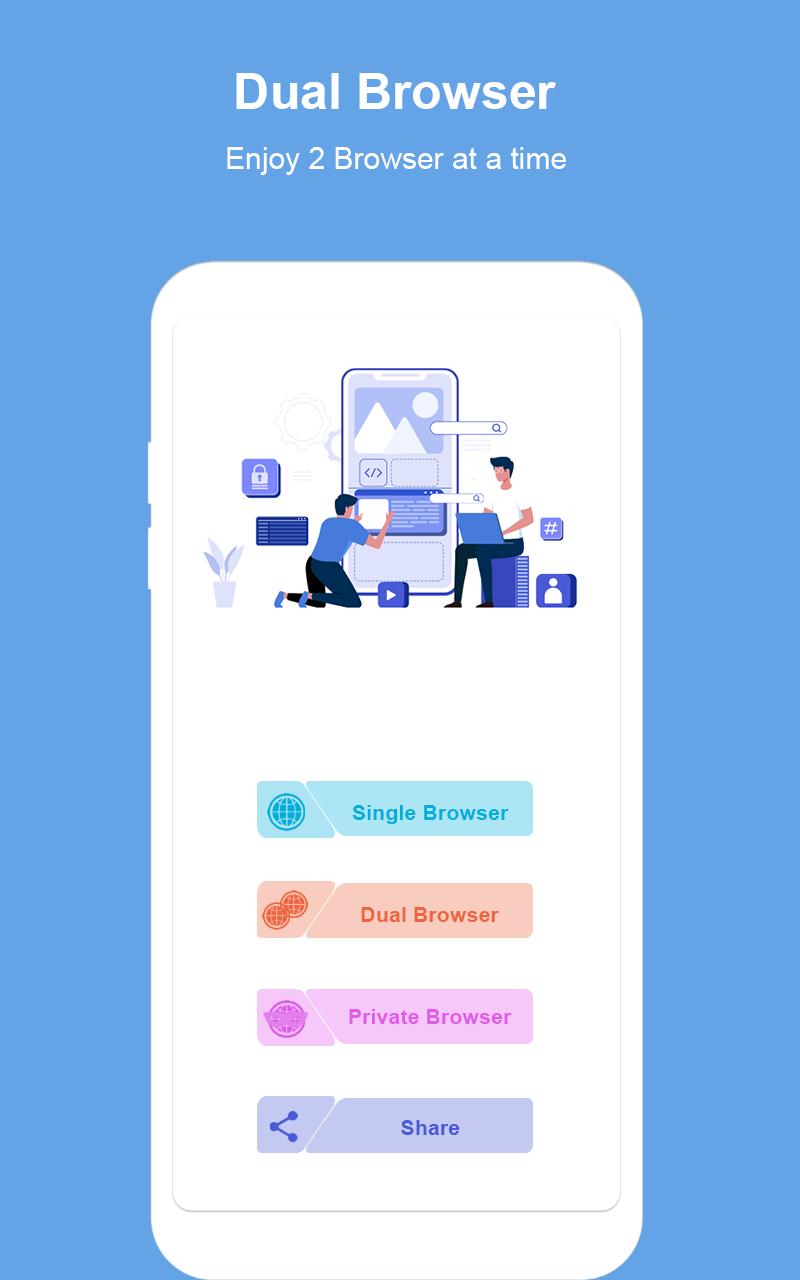
• To use single browser, press single browser button.
• To use dual browser, press dual browser button.
• To use private browser, press private browser button.
Privacy note for this Dual Browser Split Screen Browser: Private Browser
This Dual Browser Split Screen Browser: Private Browser is 100% safe because this app will not save your any personal information like photos, videos, contacts, microphone, messages etc.
Preview
Tags
ToolsInformation
Developer
Formonix Tech
Latest Version
1.0.5
Last Updated
2021-07-26
Category
Tools
Available on
Google Play
Show More
How to play Dual Browser Split Screen app with GameLoop on PC
1. Download GameLoop from the official website, then run the exe file to install GameLoop
2. Open GameLoop and search for “Dual Browser Split Screen app” , find Dual Browser Split Screen app in the search results and click “Install”
3. Enjoy playing Dual Browser Split Screen app on GameLoop
Minimum requirements
OS
Windows 8.1 64-bit or Windows 10 64-bit
GPU
GTX 1050
CPU
i3-8300
Memory
8GB RAM
Storage
1GB available space
Recommended requirements
OS
Windows 8.1 64-bit or Windows 10 64-bit
GPU
GTX 1050
CPU
i3-9320
Memory
16GB RAM
Storage
1GB available space