
DSS OnePass PC
Hangzhou CE-soft Technology Co., Ltd.
Download DSS OnePass on PC With GameLoop Emulator
DSS OnePass on PC
DSS OnePass, coming from the developer Hangzhou CE-soft Technology Co., Ltd., is running on Android systerm in the past.
Now, You can play DSS OnePass on PC with GameLoop smoothly.
Download it in the GameLoop library or search results. No more eyeing the battery or frustrating calls at the wrong time any more.
Just enjoy DSS OnePass PC on the large screen for free!
DSS OnePass Introduction
DSS OnePass is the official mobile app for DSS system's video surveillance, access control, and attendance platform, designed for property owners and employees.
Key Features:
Video Intercom: Initiate two-way audio/video calls with visitors or intercom terminals connected to the DSS system.
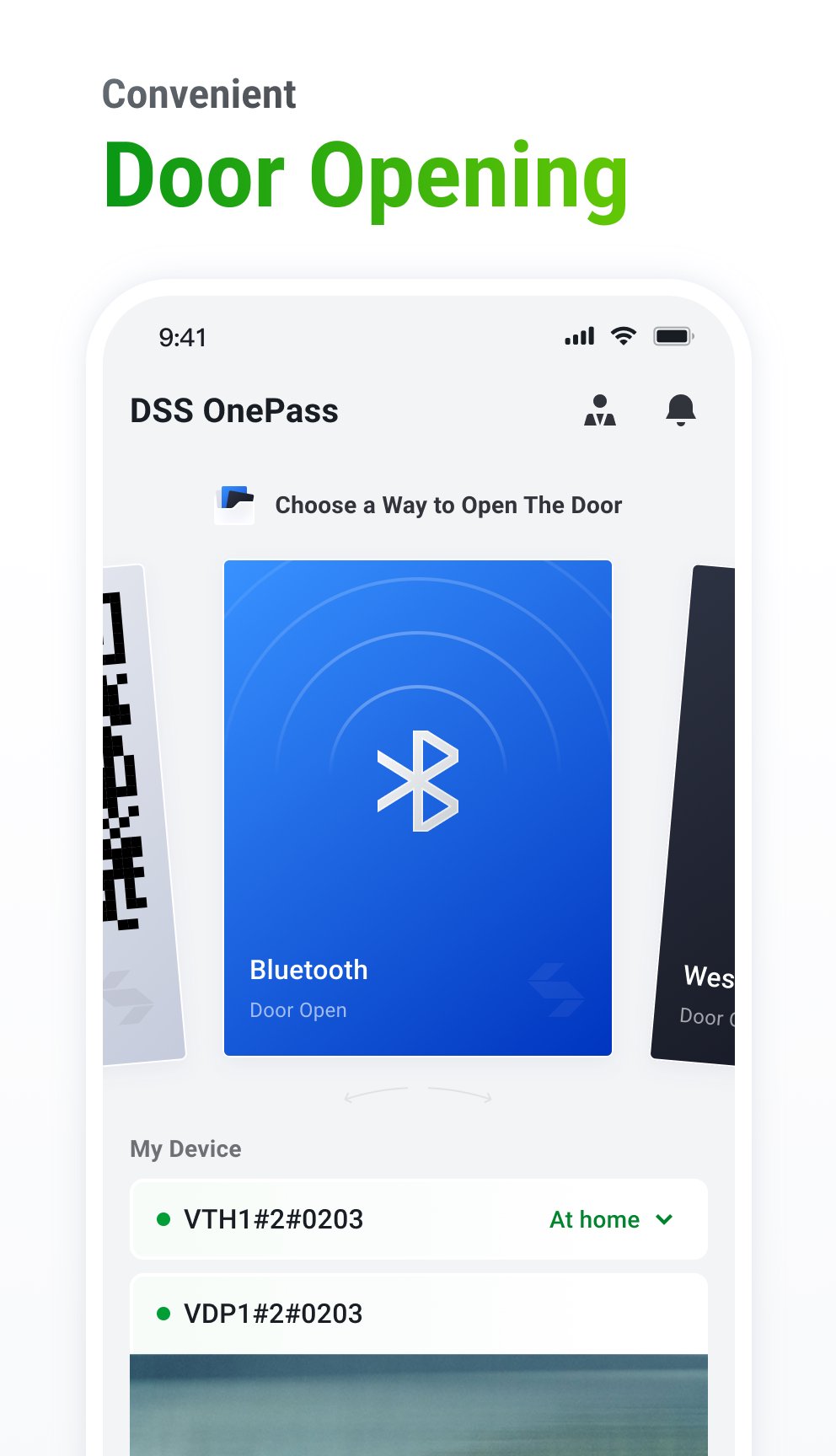
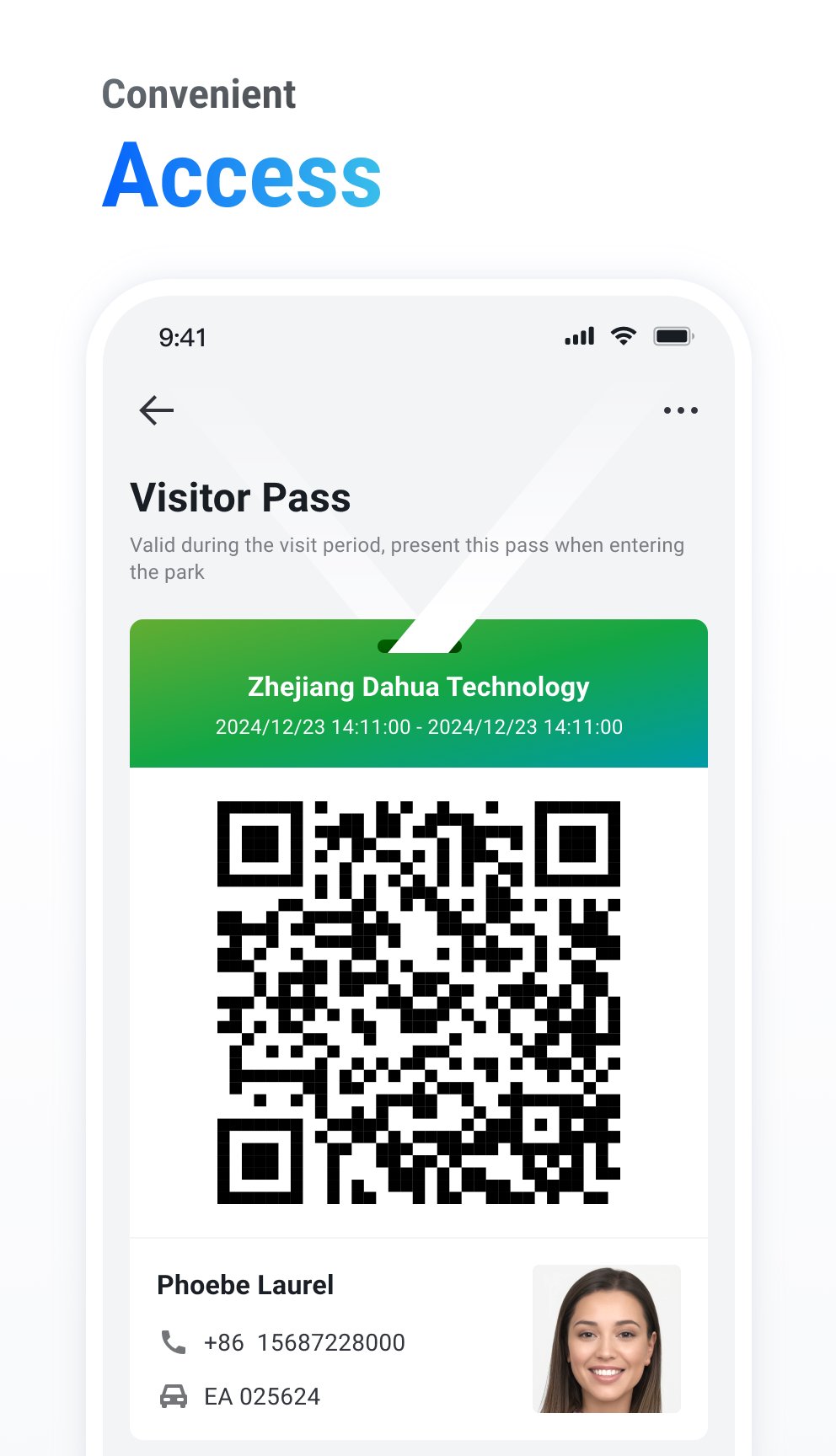
Flexible Access Control: Unlock doors via multiple methods including Bluetooth, QR Code, or remote authorization.
Attendance Management: Clock in/out anytime, anywhere, and check attendance records to track daily presence effortlessly.
Message Center: Centralized hub for property notices, visitor messages, door status updates, intercom logs, and alarm alerts—all in one place.
Multi-Device Support: Manage multiple sites/devices under a single account, ideal for residential compounds and multi-location campuses.
Secure & Reliable: Built on enterprise-grade DSS infrastructure with encrypted, stable communication.
Whether for residential communities, office buildings, or industrial parks, DSS OnePass puts video intercom, access control, and attendance management at your fingertips.
Preview
Tags
ToolsInformation
Developer
Hangzhou CE-soft Technology Co., Ltd.
Latest Version
4.000.0000003
Last Updated
2026-09-10
Category
Tools
Available on
Google Play
Show More
How to play DSS OnePass with GameLoop on PC
1. Download GameLoop from the official website, then run the exe file to install GameLoop
2. Open GameLoop and search for “DSS OnePass” , find DSS OnePass in the search results and click “Install”
3. Enjoy playing DSS OnePass on GameLoop
Minimum requirements
OS
Windows 8.1 64-bit or Windows 10 64-bit
GPU
GTX 1050
CPU
i3-8300
Memory
8GB RAM
Storage
1GB available space
Recommended requirements
OS
Windows 8.1 64-bit or Windows 10 64-bit
GPU
GTX 1050
CPU
i3-9320
Memory
16GB RAM
Storage
1GB available space