Sticker Maker - DIY Sticker PC
Magic Mobile Studio
Download Sticker Maker - DIY Sticker on PC With GameLoop Emulator
Sticker Maker - DIY Sticker on PC
Sticker Maker - DIY Sticker, coming from the developer Magic Mobile Studio, is running on Android systerm in the past.
Now, You can play Sticker Maker - DIY Sticker on PC with GameLoop smoothly.
Download it in the GameLoop library or search results. No more eyeing the battery or frustrating calls at the wrong time any more.
Just enjoy Sticker Maker - DIY Sticker PC on the large screen for free!
Sticker Maker - DIY Sticker Introduction
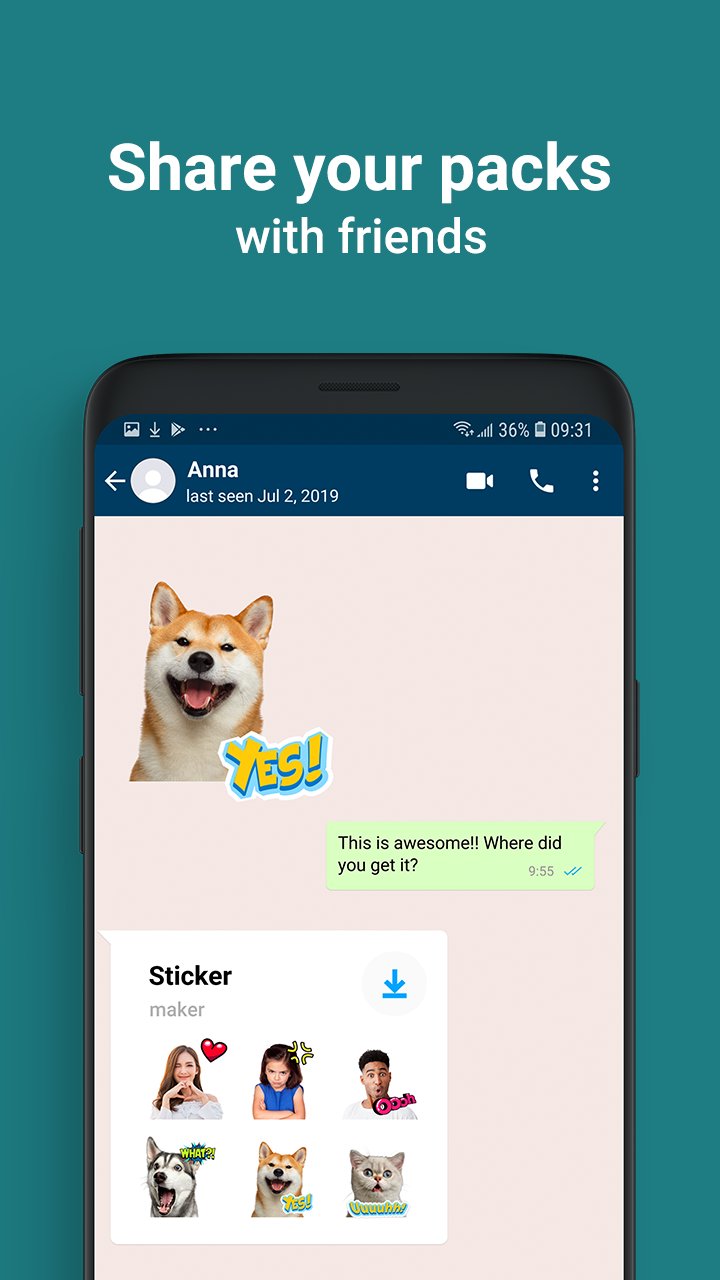
❤️Enhance Your Chats With Vibrant Text Stickers! Create A Myriad Of Colorful Stickers With Our Versatile Sticker Maker App!
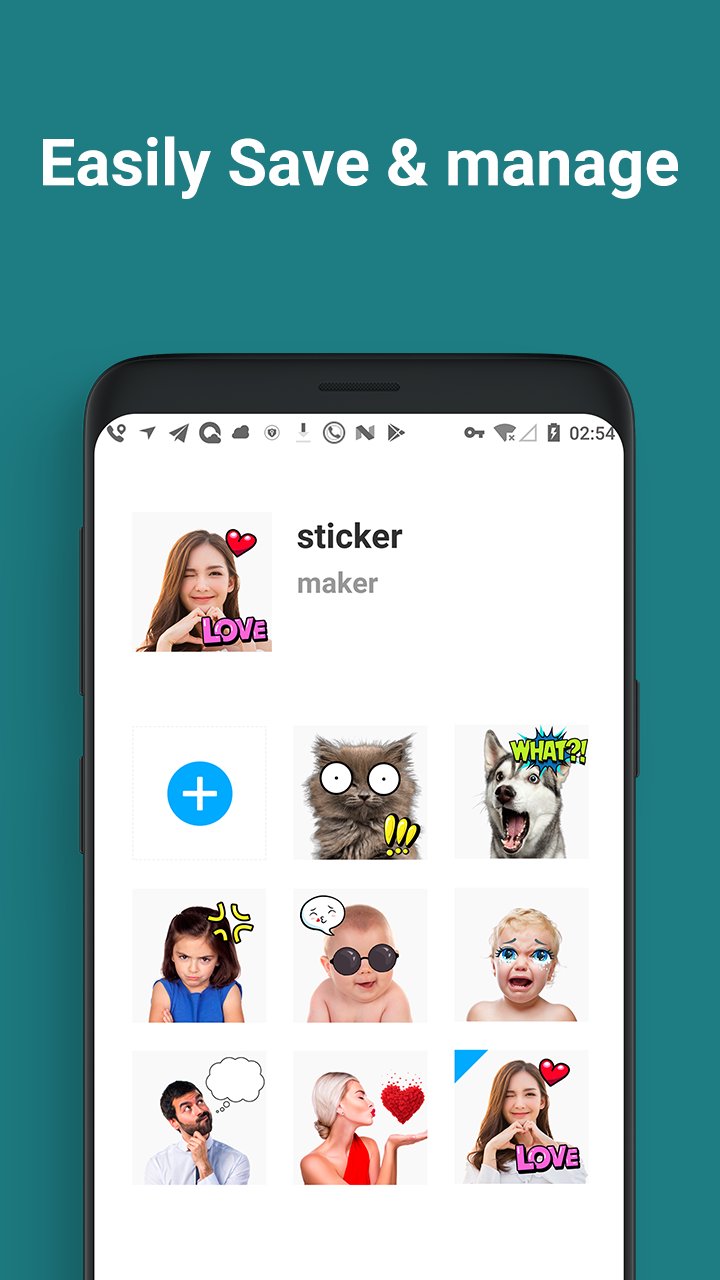
❤️Discover One Of The Top Sticker Maker Apps Available Now. Whether Capturing New Photos Or Selecting Images From Your Gallery, You Can Effortlessly Edit Your Chosen Picture And Craft A Personalized Sticker Pack!
❤️When Words Fall Short, Express Your Joy With Our Emoji Maker! When Emotions Defy Language, Download Our Sticker Editor!
How To Use The Sticker Maker:
• Create A Sticker Pack
• Add Pack And Author Name
• Select Photos From Your Gallery Or Capture New Ones
• Crop The Desired Image And Adjust Its Size Manually
• Include Provided Stickers Or Text
• Save, Share Your Pack, Or Add More!
Get Your Hands On The Sticker Maker 2024 Today! Sticker Maker - Diy Sticker Empowers You To Create Stickers For Free!
Preview
Tags
ToolsInformation
Developer
Magic Mobile Studio
Latest Version
2.6.0
Last Updated
2024-11-19
Category
Tools
Available on
Google Play
Show More
How to play Sticker Maker - DIY Sticker with GameLoop on PC
1. Download GameLoop from the official website, then run the exe file to install GameLoop
2. Open GameLoop and search for “Sticker Maker - DIY Sticker” , find Sticker Maker - DIY Sticker in the search results and click “Install”
3. Enjoy playing Sticker Maker - DIY Sticker on GameLoop
Minimum requirements
OS
Windows 8.1 64-bit or Windows 10 64-bit
GPU
GTX 1050
CPU
i3-8300
Memory
8GB RAM
Storage
1GB available space
Recommended requirements
OS
Windows 8.1 64-bit or Windows 10 64-bit
GPU
GTX 1050
CPU
i3-9320
Memory
16GB RAM
Storage
1GB available space