
DIGI World Clock PC
ForestTree
Download DIGI World Clock on PC With GameLoop Emulator
DIGI World Clock on PC
DIGI World Clock, coming from the developer ForestTree, is running on Android systerm in the past.
Now, You can play DIGI World Clock on PC with GameLoop smoothly.
Download it in the GameLoop library or search results. No more eyeing the battery or frustrating calls at the wrong time any more.
Just enjoy DIGI World Clock PC on the large screen for free!
DIGI World Clock Introduction
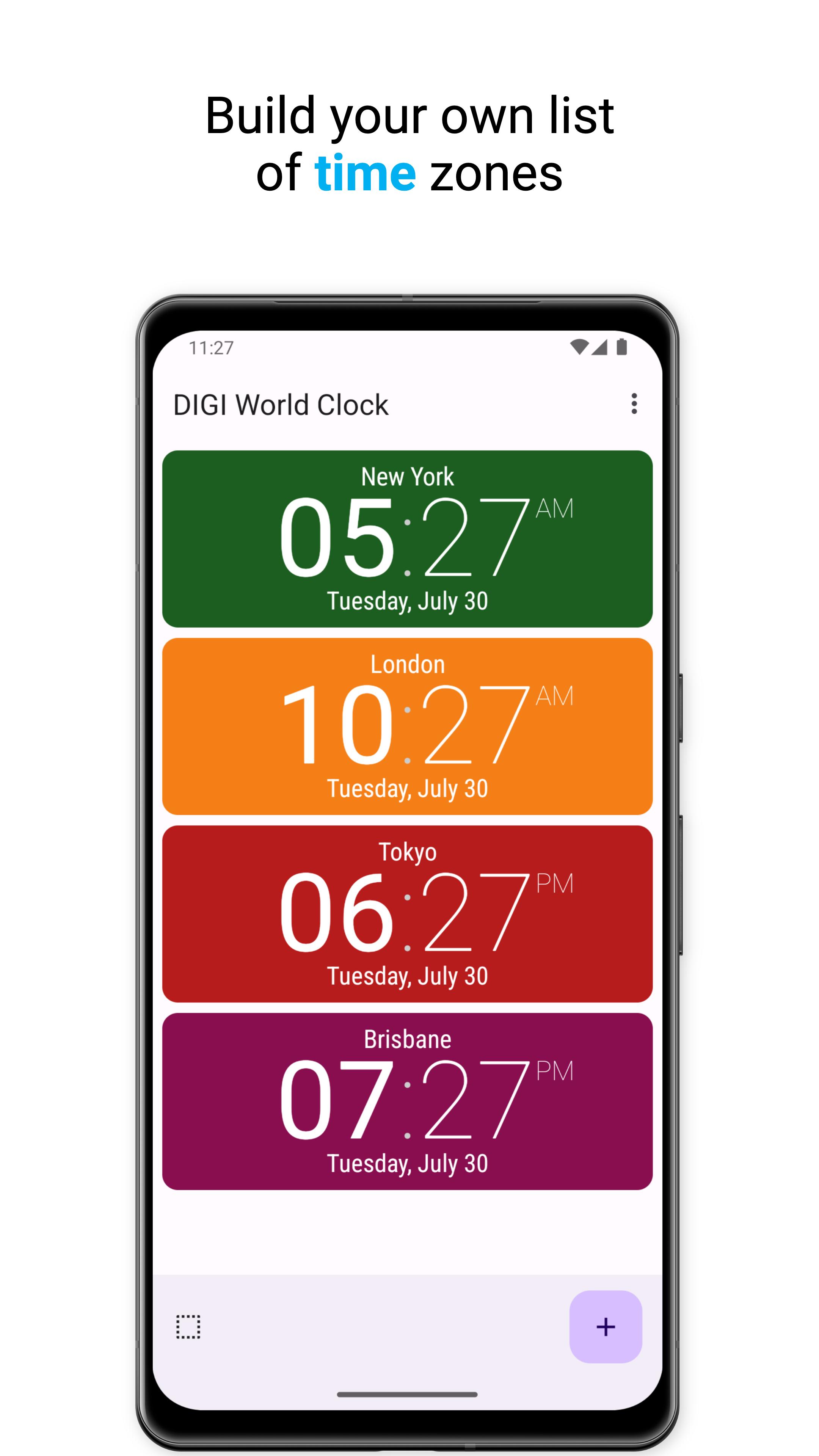
Want to know what time it is anywhere in the world? Do you want to have the time quickly and clearly available on your mobile phone, just the way you like it? Try DIGI World Clock!
In the app, you'll find the following features:
- The app can be used standalone or as a widget
- Displays the date and time in time zones that you search by location
- Option to display time including seconds
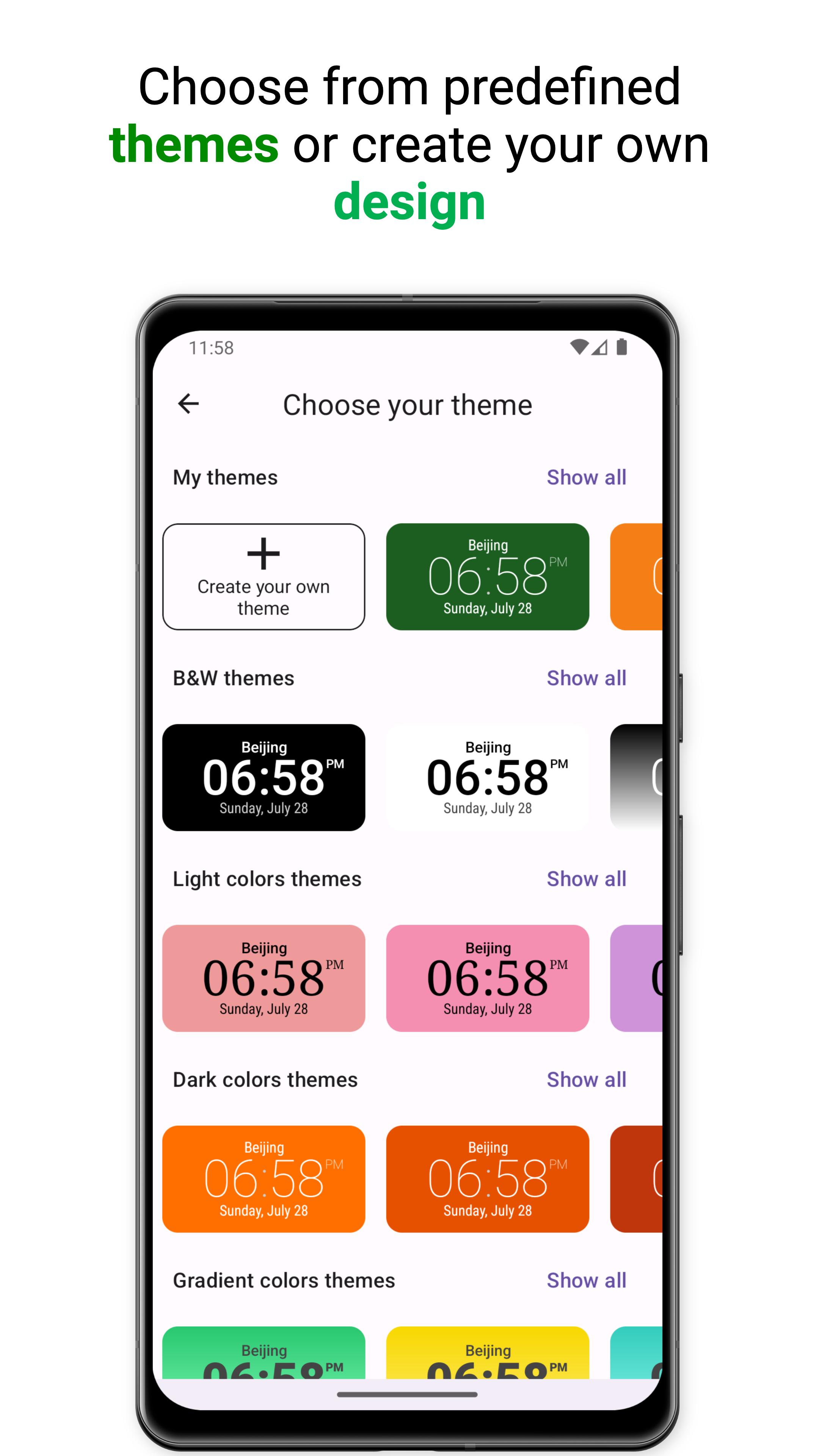
- Choose from predefined themes or create your own design
- Many colour, font and background options, all configurable with a convenient and user-friendly editor
- Add a widget to your home screen with a single click
- Optional 12 or 24 hour clock
- Launch the app of your choice by clicking on the widget
- App supports both dark and light mode
Preview
Tags
ToolsInformation
Developer
ForestTree
Latest Version
1.6.0
Last Updated
2025-07-08
Category
Tools
Available on
Google Play
Show More
How to play DIGI World Clock with GameLoop on PC
1. Download GameLoop from the official website, then run the exe file to install GameLoop
2. Open GameLoop and search for “DIGI World Clock” , find DIGI World Clock in the search results and click “Install”
3. Enjoy playing DIGI World Clock on GameLoop
Minimum requirements
OS
Windows 8.1 64-bit or Windows 10 64-bit
GPU
GTX 1050
CPU
i3-8300
Memory
8GB RAM
Storage
1GB available space
Recommended requirements
OS
Windows 8.1 64-bit or Windows 10 64-bit
GPU
GTX 1050
CPU
i3-9320
Memory
16GB RAM
Storage
1GB available space