
Copper Vpn PC
copeak
Download Copper Vpn on PC With GameLoop Emulator
Copper Vpn on PC
Copper Vpn, coming from the developer copeak, is running on Android systerm in the past.
Now, You can play Copper Vpn on PC with GameLoop smoothly.
Download it in the GameLoop library or search results. No more eyeing the battery or frustrating calls at the wrong time any more.
Just enjoy Copper Vpn PC on the large screen for free!
Copper Vpn Introduction
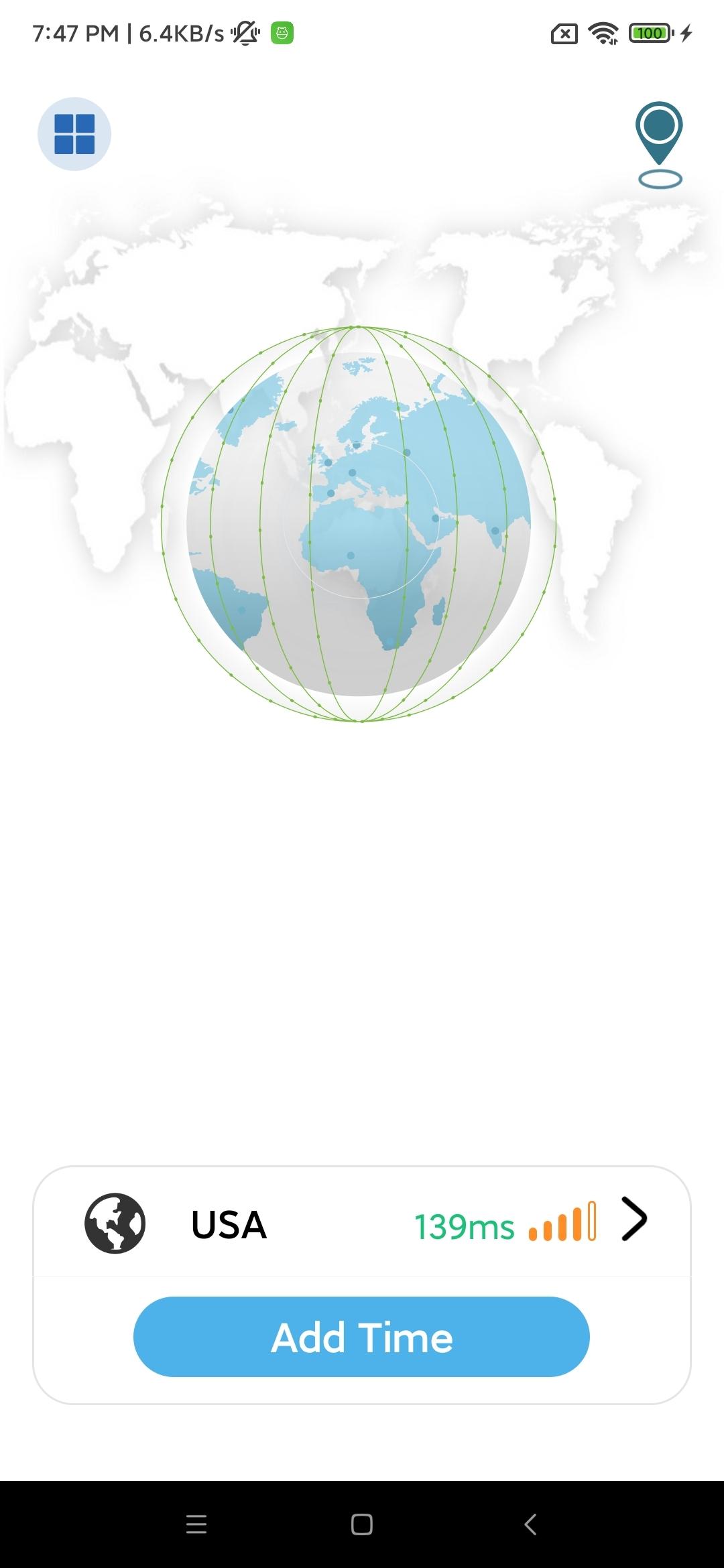
Enjoy a fast, secure and private internet connection with the world's most advanced VPN.
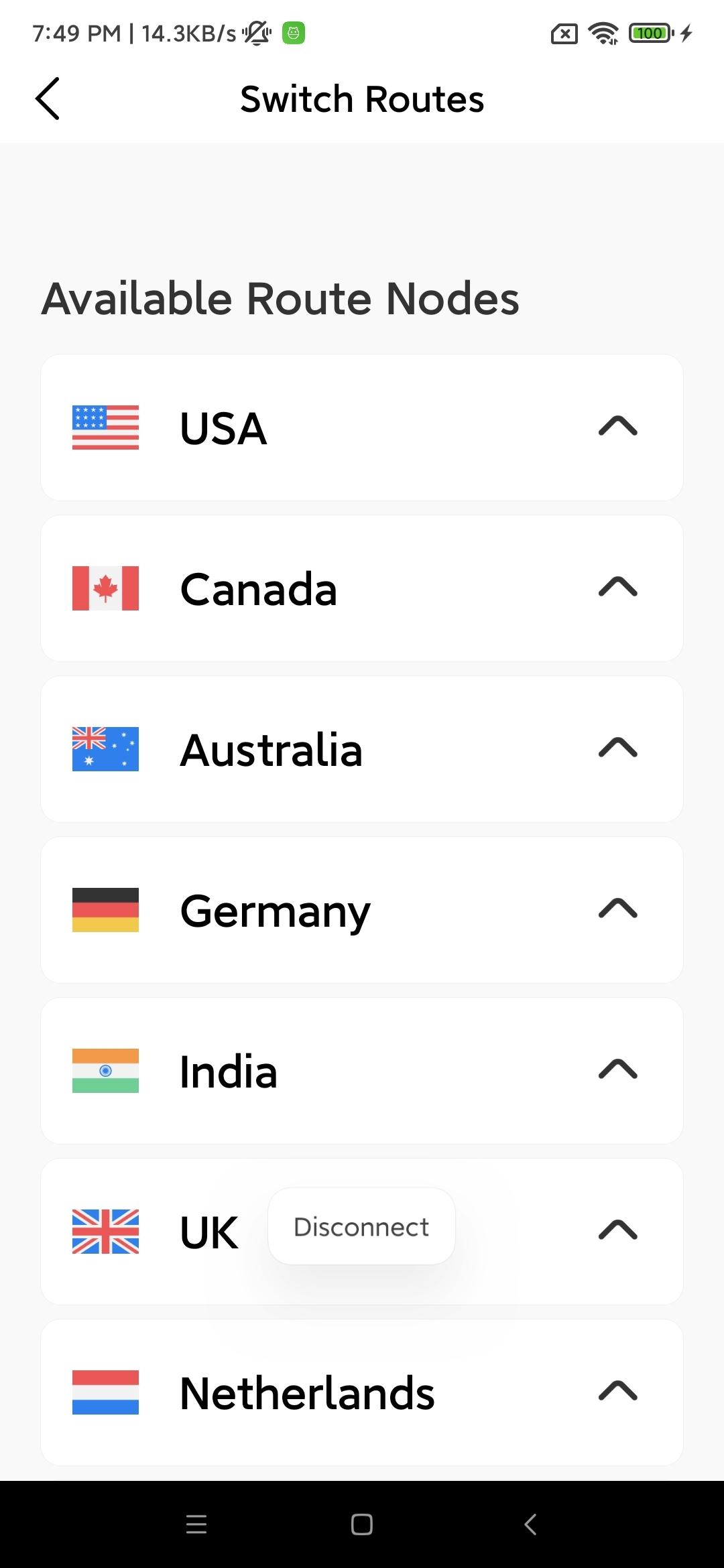
Copper VPN allows you to connect to more than 5000 servers in 60 countries, keeps your private data with military-grade encryption, and blocks intrusive ads and malicious sites.
Protect yourself from malware
Surf the web privately with Threat Protection Lite. It blocks you from visiting malicious websites and also protects your device from accidentally joining a botnet.
Skip annoying ads
CyberSec network security features also allow you to browse the Internet without ads, which not only increases connection speed, but also reduces mobile data consumption.
Effortlessly stay safe on WiFi
Enable automatic VPN connections on secure and/or unsecure Wi-Fi to keep your online data safe from hackers and unexpected snoopers. Just flick the switch once and sit back and relax.
Unlock entertainment
Copper VPN breaks through the geo-restrictions of websites, so you can enjoy your favorite videos no matter where you are.
Guarantee personal data privacy
After using Copper VPN, your IP address will be hidden and all your web traffic will be effectively encrypted.
Ready to surf the web? Just download the app, set it up, and you're ready to go!
Preview
Tags
ToolsInformation
Developer
copeak
Latest Version
1.0.3
Last Updated
2022-04-28
Category
Tools
Available on
Google Play
Show More
How to play Copper Vpn with GameLoop on PC
1. Download GameLoop from the official website, then run the exe file to install GameLoop
2. Open GameLoop and search for “Copper Vpn” , find Copper Vpn in the search results and click “Install”
3. Enjoy playing Copper Vpn on GameLoop
Minimum requirements
OS
Windows 8.1 64-bit or Windows 10 64-bit
GPU
GTX 1050
CPU
i3-8300
Memory
8GB RAM
Storage
1GB available space
Recommended requirements
OS
Windows 8.1 64-bit or Windows 10 64-bit
GPU
GTX 1050
CPU
i3-9320
Memory
16GB RAM
Storage
1GB available space