
Commander Geek's Life Counter PC
Chaos Game Lab
Download Commander Geek's Life Counter on PC With GameLoop Emulator
Commander Geek's Life Counter on PC
Commander Geek's Life Counter, coming from the developer Chaos Game Lab, is running on Android systerm in the past.
Now, You can play Commander Geek's Life Counter on PC with GameLoop smoothly.
Download it in the GameLoop library or search results. No more eyeing the battery or frustrating calls at the wrong time any more.
Just enjoy Commander Geek's Life Counter PC on the large screen for free!
Commander Geek's Life Counter Introduction
Magic the Gathering life points tracker.
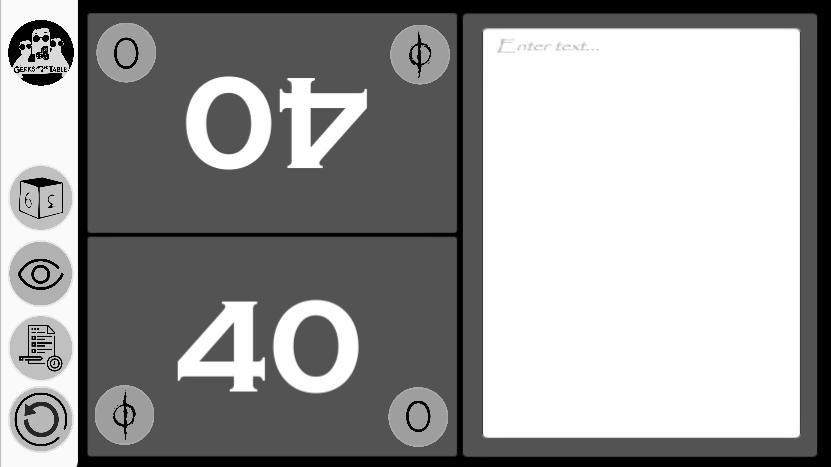
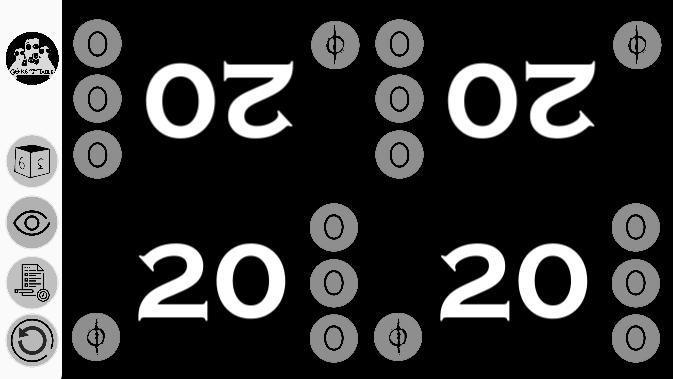
For Magic the Gathering players, EDH, standard, modern, pioneer, or any mtg format. Now you can track up to 8 players and see how much commander damage each was done to each player. Take down notes on a 1v1 match by using the notepad feature.
Join us on Discord!
Track useful resources such as:
-Life points
-Poison counters
-Individual Commander damage
-Experience counters
-Archenemy
-Plane Chase
-Note pad to take note of your opponent's hand
-W/c player goes first and how will the turn rotate
It also includes a d4, d6, d8, d10, d12, and d20 dice roller, planar dice and flip coin.
It says who plays first and how the rotation would be.
Linked to Geeks around a table's youtube channel
Linked to Block101's website for online card orders in the Philippines
Linked to Block101's Commander Guild Discord
Ads are included but it's up to the user if they want to play it to support the devs.
Preview
Tags
ToolsInformation
Developer
Chaos Game Lab
Latest Version
0.2
Last Updated
2020-06-13
Category
Tools
Available on
Google Play
Show More
How to play Commander Geek's Life Counter with GameLoop on PC
1. Download GameLoop from the official website, then run the exe file to install GameLoop
2. Open GameLoop and search for “Commander Geek's Life Counter” , find Commander Geek's Life Counter in the search results and click “Install”
3. Enjoy playing Commander Geek's Life Counter on GameLoop
Minimum requirements
OS
Windows 8.1 64-bit or Windows 10 64-bit
GPU
GTX 1050
CPU
i3-8300
Memory
8GB RAM
Storage
1GB available space
Recommended requirements
OS
Windows 8.1 64-bit or Windows 10 64-bit
GPU
GTX 1050
CPU
i3-9320
Memory
16GB RAM
Storage
1GB available space