Zoog VPN - Secure VPN Proxy PC
Zoog Services
Download Zoog VPN - Secure VPN Proxy on PC With GameLoop Emulator
Zoog VPN - Secure VPN Proxy on PC
Zoog VPN - Secure VPN Proxy, coming from the developer Zoog Services, is running on Android systerm in the past.
Now, You can play Zoog VPN - Secure VPN Proxy on PC with GameLoop smoothly.
Download it in the GameLoop library or search results. No more eyeing the battery or frustrating calls at the wrong time any more.
Just enjoy Zoog VPN - Secure VPN Proxy PC on the large screen for free!
Zoog VPN - Secure VPN Proxy Introduction
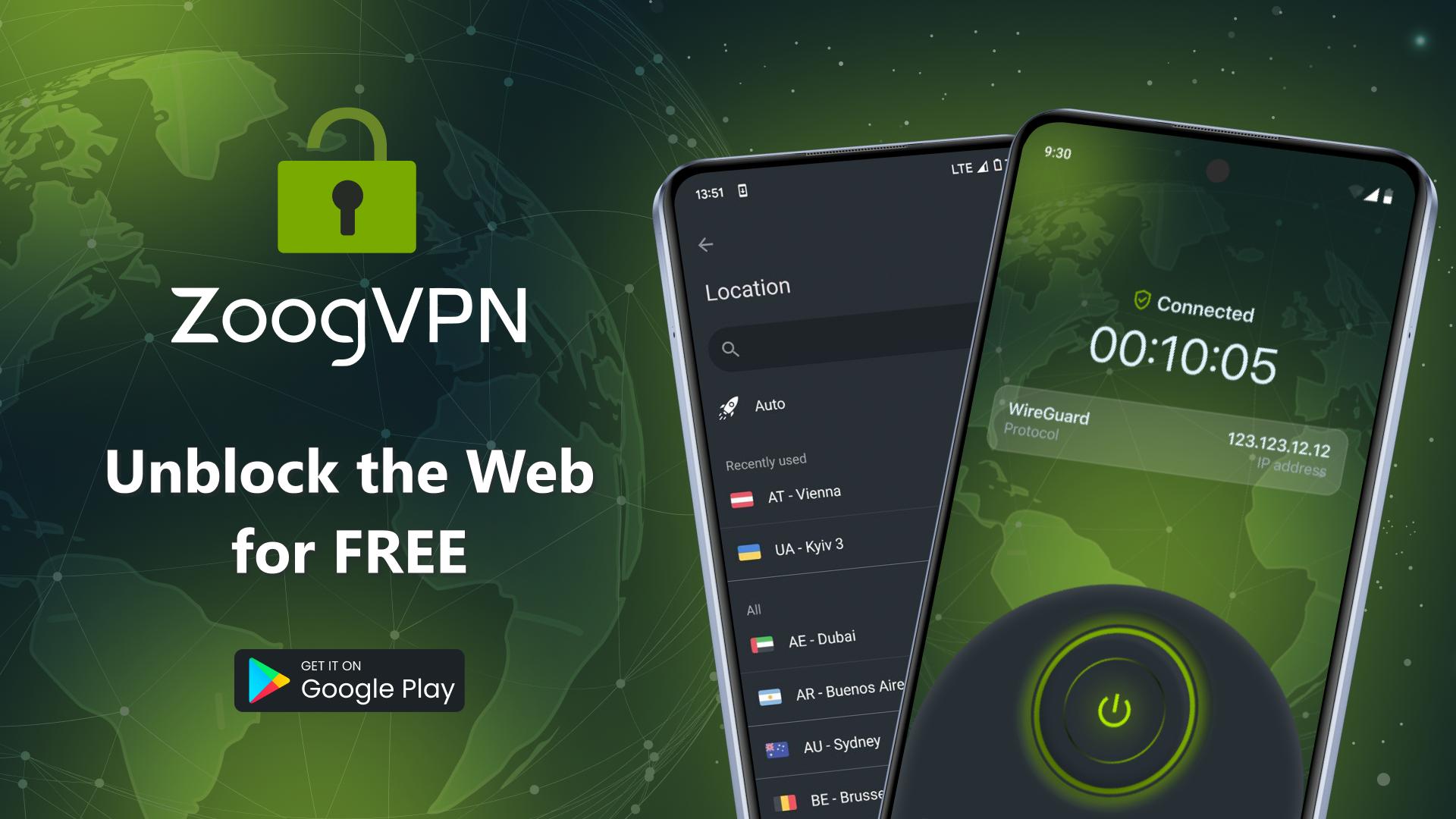
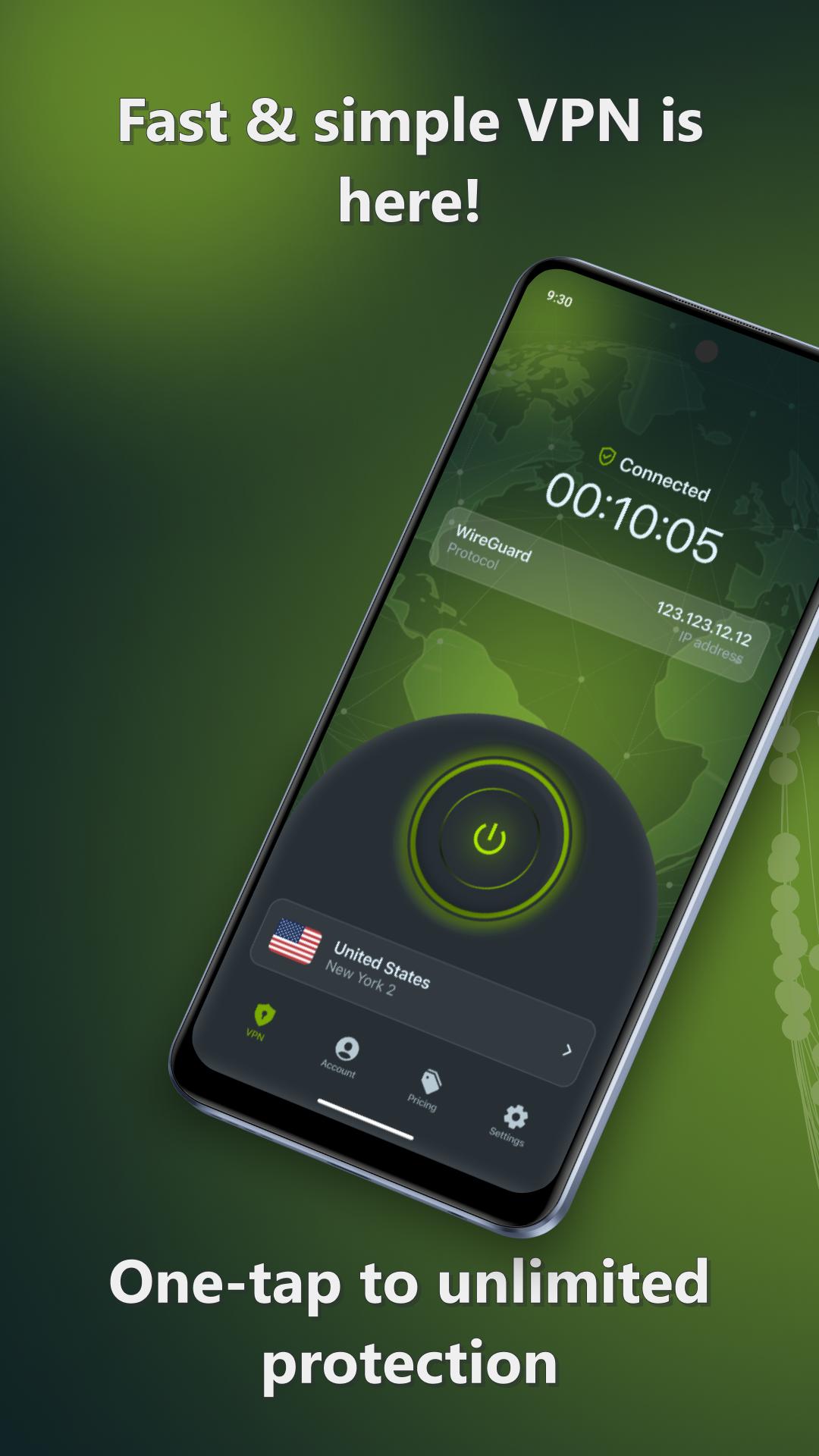
Zoog VPN is a top-rated free VPN service that offers freedom, privacy, and security of your traffic. Our VPN has both free and unlimited premium VPN plans with the best speed and private access to 50+ VPN servers secured by the highest industry standards. ZoogVPN subscription allows you to unblock hundreds of websites, and get a fast VPN with unlimited traffic. Download free VPN clients for Android that work perfectly on both smartphones and Android TV!
Using Zoog VPN, you can bypass censorship, access streaming services (Netflix, Hulu, YouTube, Amazon Prime, Disney+, ESPN+, BBC iPlayer, ITV Hub, and more), and get an anonymous IP address. After you download and install Zoog VPN app on your device, all your traffic will be encrypted. ZoogVPN is the ultimate solution for streaming, gaming, and browsing any website in the world with unlimited bandwidth and rocket-fast Internet.
Here is a short roundup of features our free VPN has to protect you:
- Change your IP to any of 50+ VPN servers
- Install free VPN US, free UK VPN, free Dutch VPN, and more
- Get zero log VPN service
- Secure your public Wi-Fi connection
- Get fast and the most secure OpenVPN protocols
- Free VPN starter plan is really free forever with no ads & 10GB of bandwidth
- Protect your privacy & sensitive online information from hackers
- Say goodbye to ISP throttling
- Configure the SOCKS5 proxy manually
- Turn on Kill Switch to guard your connection from IP leaks
- Bypass censorship and the strongest firewalls with the ZoogShadowing feature
- Unblock sites, apps, and streaming services from all over the world
Once you download Zoog VPN app on your smartphone, you can connect to any server across 30 countries through a virtual private network and protect yourself with a strong VPN shield. Our highly-encrypted VPN tunnel will guard your Wi-Fi and cellular data ensuring your network has a safe door to free and protected Internet. With Zoog VPN, nobody will be able to close the gate to a worldwide network from any country. If you just want to hide your IP address, you can use our flexible VPN proxies available for all locations in our network.
What can you get with a free VPN from Zoog VPN?
► Internet Freedom
Surf the Internet from any browser with real freedom, privacy, and security, enjoying it from anywhere in the world. Take back control of your Internet freedom. Express your opinion on the Internet without the risk to be caught off guard.
► Public Wi-Fi Security
Connect to our VPN servers with full 256-bit encryption on unsecured public Wi-Fi and get a defense against hackers, government agencies, and snoopers. Your password, financial, and personal data are fully secure when running Zoog VPN.
► Privacy & Anonymity Online
Avoid being tracked online and protect your identity from any 3rd party by changing your IP. Use our VPN or proxy to change your IP address. We fully respect your privacy by keeping zero logs.
► Blazing Fast VPN
Experience fast and highly secure VPN service with a network of dedicated high-speed 1Gbps VPN servers worldwide. Both VPN and VPN proxy are fast when using Zoog VPN.
Download Zoog VPN app now and try our free VPN!
Please see our Privacy Policy at https://zoogvpn.com/privacy and Terms of Service https://zoogvpn.com/terms.
Preview
Tags
ToolsInformation
Developer
Zoog Services
Latest Version
3.8.2
Last Updated
2025-04-26
Category
Tools
Available on
Google Play
Show More
How to play Zoog VPN - Secure VPN Proxy with GameLoop on PC
1. Download GameLoop from the official website, then run the exe file to install GameLoop
2. Open GameLoop and search for “Zoog VPN - Secure VPN Proxy” , find Zoog VPN - Secure VPN Proxy in the search results and click “Install”
3. Enjoy playing Zoog VPN - Secure VPN Proxy on GameLoop
Minimum requirements
OS
Windows 8.1 64-bit or Windows 10 64-bit
GPU
GTX 1050
CPU
i3-8300
Memory
8GB RAM
Storage
1GB available space
Recommended requirements
OS
Windows 8.1 64-bit or Windows 10 64-bit
GPU
GTX 1050
CPU
i3-9320
Memory
16GB RAM
Storage
1GB available space