
Video XN Browser VPN PC
Every Day One Apps
Download Video XN Browser VPN on PC With GameLoop Emulator
Video XN Browser VPN on PC
Video XN Browser VPN, coming from the developer Every Day One Apps, is running on Android systerm in the past.
Now, You can play Video XN Browser VPN on PC with GameLoop smoothly.
Download it in the GameLoop library or search results. No more eyeing the battery or frustrating calls at the wrong time any more.
Just enjoy Video XN Browser VPN PC on the large screen for free!
Video XN Browser VPN Introduction
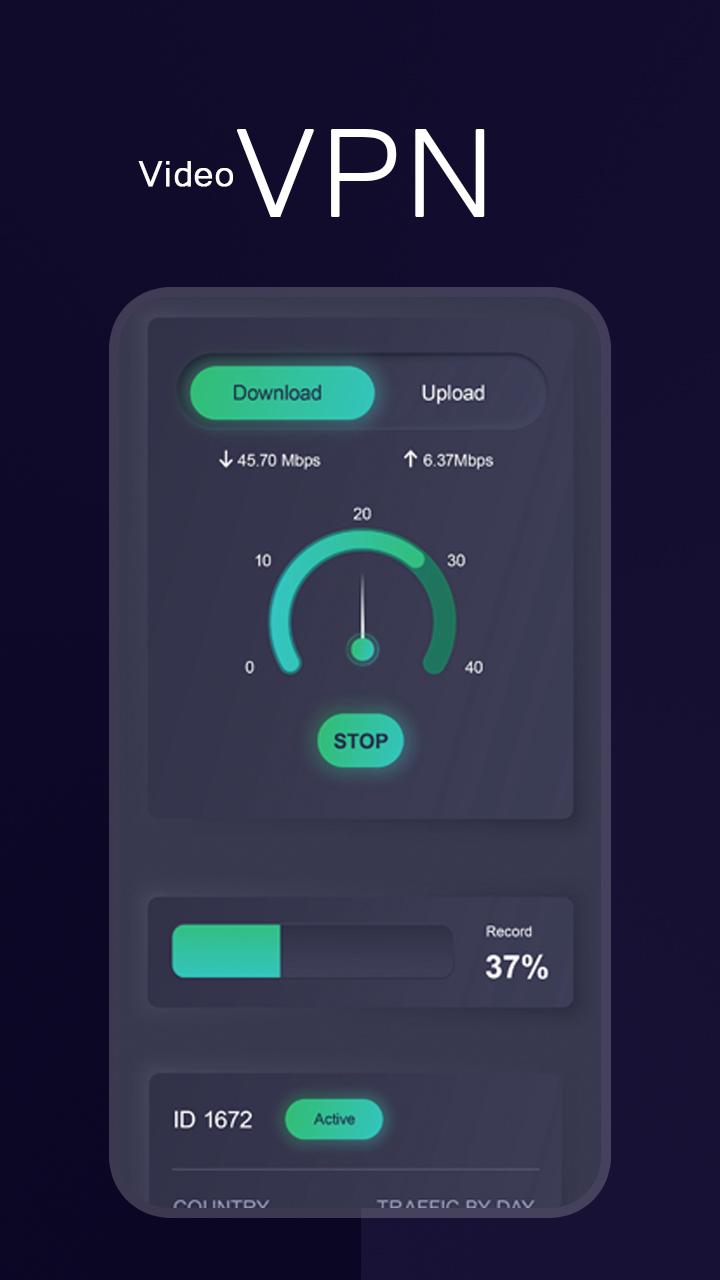
Free VPN Proxy - Proxy Master
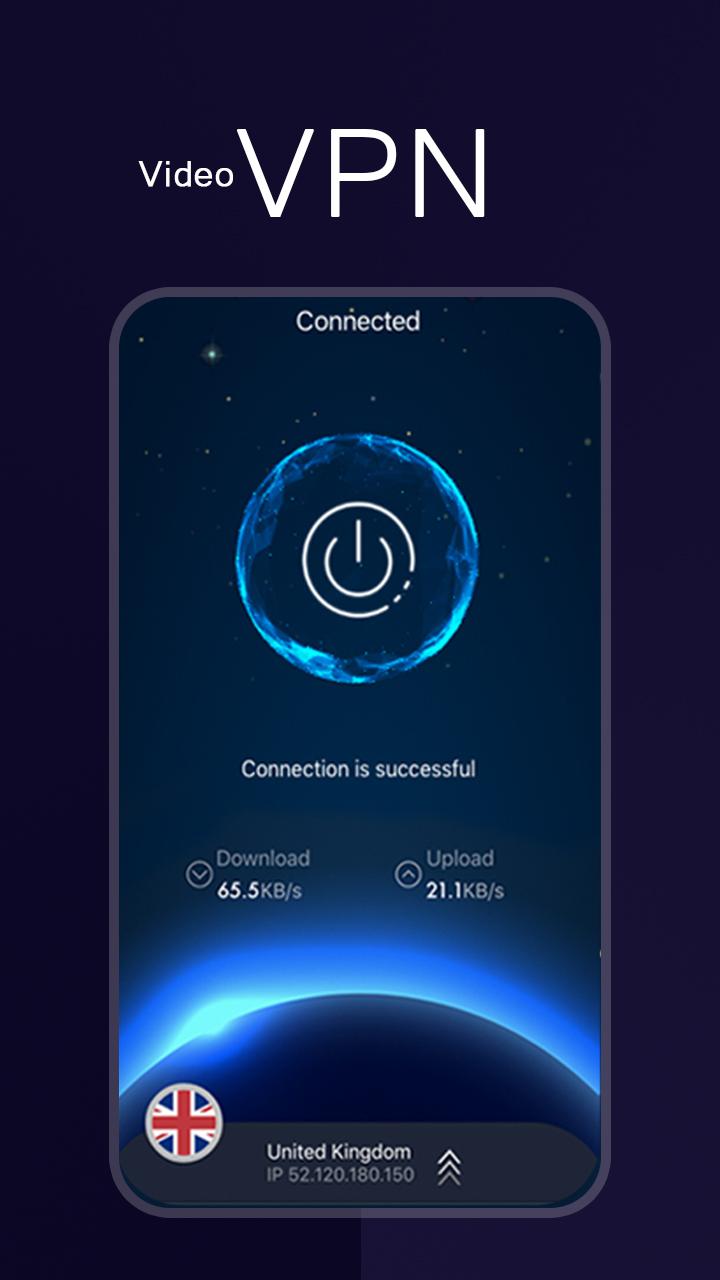
Connect successfully as a hare with high VPN speed.
One tap to connect to free VPN proxy server.
India Watch Video VPN Master is a 100% free, unlimited, fast, stable, secure, and stable tool that helps you to access any web content easily. Using bunny VPN free app, you can stay protected at all times as other people won’t be able to see your real IP address.
Free Unblock Proxy-Security VPN Proxy
browser vpn then you can access all those sites which are blocked due to some reasons.
The fast virtual private network is very useful application for android users.
This new fast vpn not only give access to blocked & banned sites but also secure your network
Most Stable - Have lots of free vpn cloud proxy server to provide better net and VPN service.
Features for free in this Hot VPN Master:
1.Unlimited speed and unlimited bandwidth.
2.No need to login and no limitations.
3.You can easily access block sites
4.To protect your data identity and avoid from the hacker.
5.Easy to use
6.Good and user-friendly interface
7.Fast and high-speed VPN
8.One Tap to connect.
Download and Enjoy Hot Vpn Master - Free Unlimited VPN Proxy today!!
Preview
Tags
ToolsInformation
Developer
Every Day One Apps
Latest Version
1.3
Last Updated
2022-09-16
Category
Tools
Available on
Google Play
Show More
How to play Video XN Browser VPN with GameLoop on PC
1. Download GameLoop from the official website, then run the exe file to install GameLoop
2. Open GameLoop and search for “Video XN Browser VPN” , find Video XN Browser VPN in the search results and click “Install”
3. Enjoy playing Video XN Browser VPN on GameLoop
Minimum requirements
OS
Windows 8.1 64-bit or Windows 10 64-bit
GPU
GTX 1050
CPU
i3-8300
Memory
8GB RAM
Storage
1GB available space
Recommended requirements
OS
Windows 8.1 64-bit or Windows 10 64-bit
GPU
GTX 1050
CPU
i3-9320
Memory
16GB RAM
Storage
1GB available space