Text To Speech Pro PC
Atlas Web Solutions SARL
Download Text To Speech Pro on PC With GameLoop Emulator
Text To Speech Pro on PC
Text To Speech Pro, coming from the developer Atlas Web Solutions SARL, is running on Android systerm in the past.
Now, You can play Text To Speech Pro on PC with GameLoop smoothly.
Download it in the GameLoop library or search results. No more eyeing the battery or frustrating calls at the wrong time any more.
Just enjoy Text To Speech Pro PC on the large screen for free!
Text To Speech Pro Introduction
Powerful and intuitive Text To Speech Converter:
Having trouble coming up with high-quality audio for your project?
Audio can be difficult and expensive to produce and traditionally, there were limited options for consumers.
When you want to give your text a new voice, Text To Speech Pro App is the way to go.
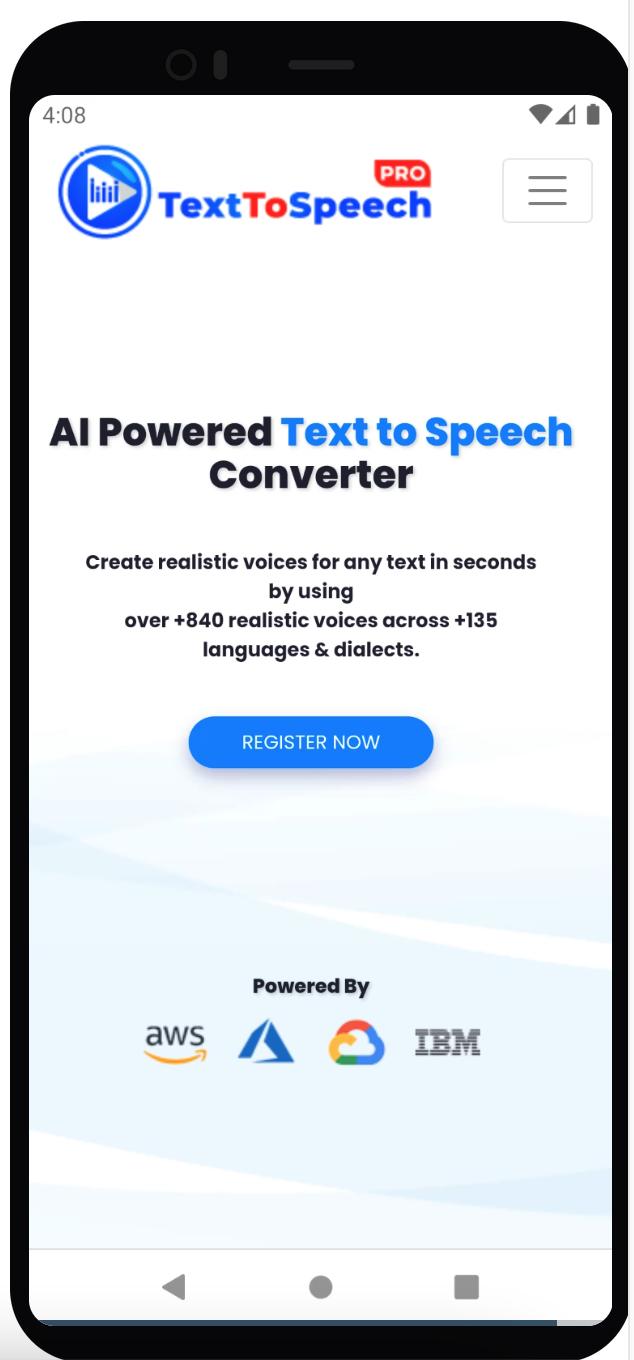
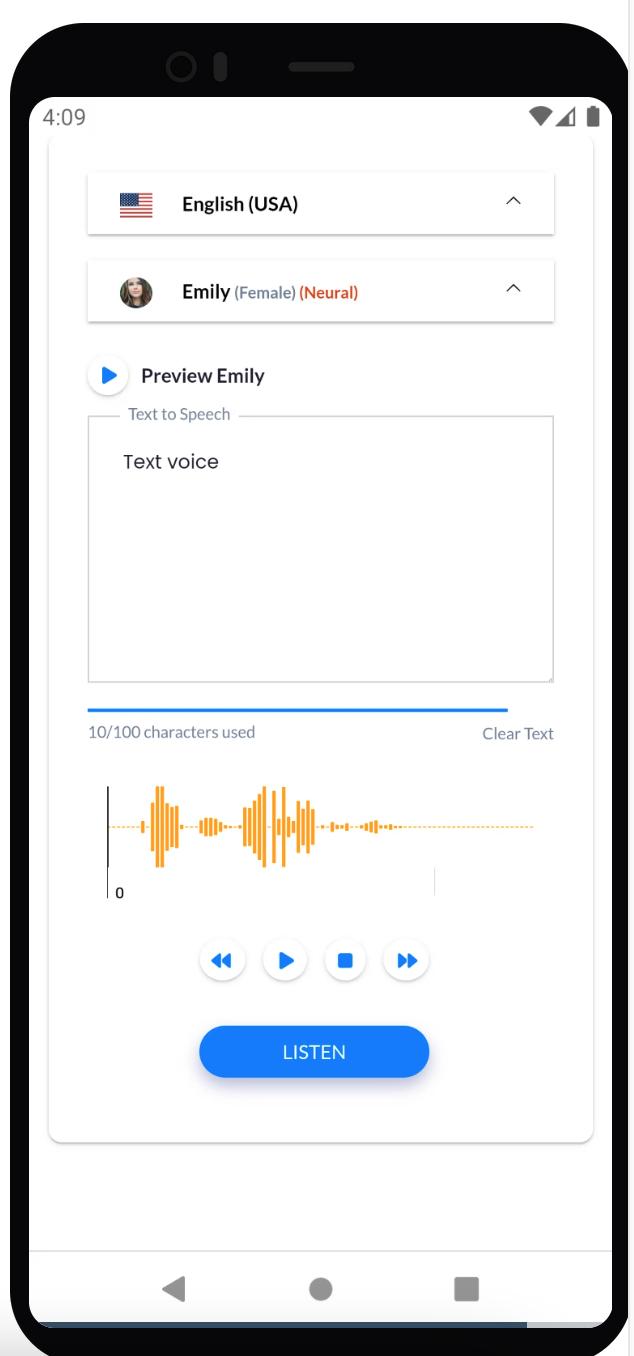
Text To Speech Pro App is an AI powered text to speech converter. It creates realistic voices for any text in seconds by using over +840 different voice styles across +135 accents and languages. This can be used by anyone who needs to convert text into audio with a professional sounding voice. Experiment with different voices until you find your favorite - and when you do, save.
Build a voice in seconds:
When you need high-quality audio, This app has a lot of uses and can be used in various industries such as e-learning, gaming, education, create realistic voice-overs, podcasts, audio-books, and more without needing to record your own audio track. and more. It is also helpful for people who are not confident with their English skills or need to read aloud something that they have written.
What are you waiting for?
Text To Speech Pro App is the best way to convert text into audio with a professional sounding voice!
Preview
Tags
ToolsInformation
Developer
Atlas Web Solutions SARL
Latest Version
1.0.2
Last Updated
2022-10-16
Category
Tools
Available on
Google Play
Show More
How to play Text To Speech Pro with GameLoop on PC
1. Download GameLoop from the official website, then run the exe file to install GameLoop
2. Open GameLoop and search for “Text To Speech Pro” , find Text To Speech Pro in the search results and click “Install”
3. Enjoy playing Text To Speech Pro on GameLoop
Minimum requirements
OS
Windows 8.1 64-bit or Windows 10 64-bit
GPU
GTX 1050
CPU
i3-8300
Memory
8GB RAM
Storage
1GB available space
Recommended requirements
OS
Windows 8.1 64-bit or Windows 10 64-bit
GPU
GTX 1050
CPU
i3-9320
Memory
16GB RAM
Storage
1GB available space