
Splashtop Add-on: LG PC
Splashtop
Download Splashtop Add-on: LG on PC With GameLoop Emulator
Splashtop Add-on: LG on PC
Splashtop Add-on: LG, coming from the developer Splashtop, is running on Android systerm in the past.
Now, You can play Splashtop Add-on: LG on PC with GameLoop smoothly.
Download it in the GameLoop library or search results. No more eyeing the battery or frustrating calls at the wrong time any more.
Just enjoy Splashtop Add-on: LG PC on the large screen for free!
Splashtop Add-on: LG Introduction
This add-on enables remote control of a LG device through the Splashtop SOS app or Splashtop Streamer app by a technician using Splashtop Rugged & IoT Remote Support with proper commercial license required.
Using this add-on with Splashtop SOS:
1. Download and launch Splashtop On-Demand Support (SOS) app on your mobile device (https://play.google.com/store/apps/details?id=com.splashtop.sos)
2. Install the appropriate Add-on per the instructions in the SOS app
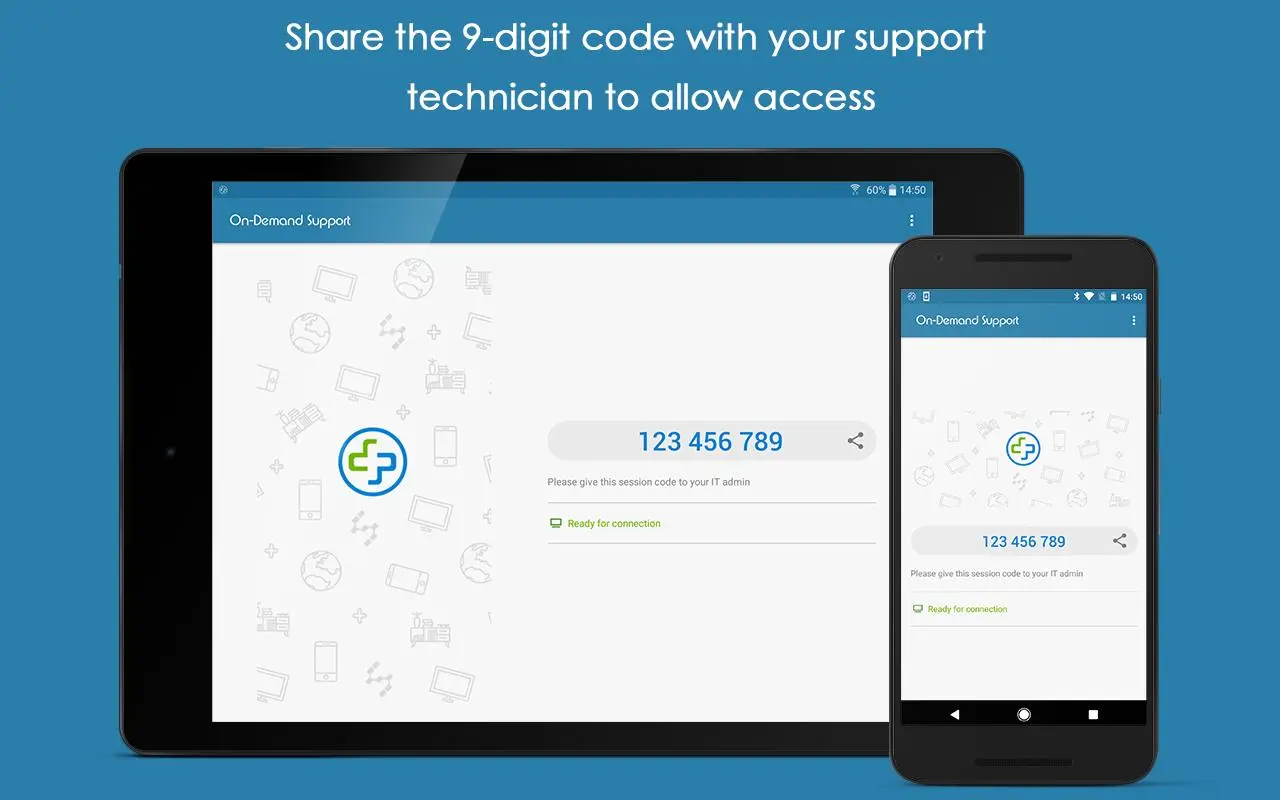
3. Share the session ID to your remote technician who will use their Splashtop Rugged & IoT Remote Support account to remotely access and control the device
Using this add-on with Splashtop Streamer:
1. Download and launch Splashtop Streamer app on your device (created and deployed from your Splashtop Remote Support account)
2. Install appropriate Add-on per the instructions in the Streamer app
3. Use the Splashtop Rugged & IoT Remote Support product that you obtained from Splashtop to remotely access and control the device.
Preview
Tags
ToolsInformation
Developer
Splashtop
Latest Version
2.0.7
Last Updated
2019-09-10
Category
Tools
Available on
Google Play
Show More
How to play Splashtop Add-on: LG with GameLoop on PC
1. Download GameLoop from the official website, then run the exe file to install GameLoop
2. Open GameLoop and search for “Splashtop Add-on: LG” , find Splashtop Add-on: LG in the search results and click “Install”
3. Enjoy playing Splashtop Add-on: LG on GameLoop
Minimum requirements
OS
Windows 8.1 64-bit or Windows 10 64-bit
GPU
GTX 1050
CPU
i3-8300
Memory
8GB RAM
Storage
1GB available space
Recommended requirements
OS
Windows 8.1 64-bit or Windows 10 64-bit
GPU
GTX 1050
CPU
i3-9320
Memory
16GB RAM
Storage
1GB available space