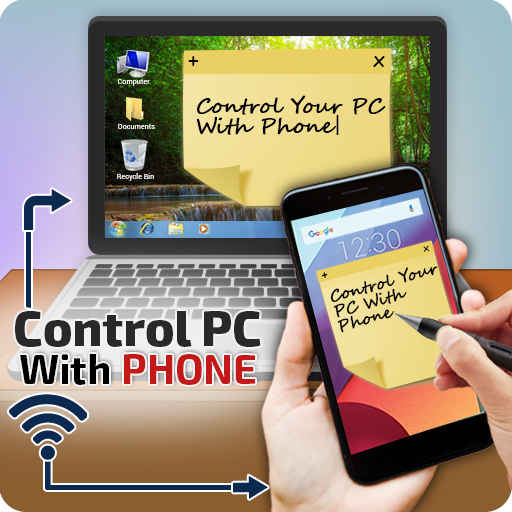
PC Controller by Cell Phone – Wifi Remote Control PC
Voice Text
Download PC Controller by Cell Phone – Wifi Remote Control on PC With GameLoop Emulator
PC Controller by Cell Phone – Wifi Remote Control on PC
PC Controller by Cell Phone – Wifi Remote Control, coming from the developer Voice Text, is running on Android systerm in the past.
Now, You can play PC Controller by Cell Phone – Wifi Remote Control on PC with GameLoop smoothly.
Download it in the GameLoop library or search results. No more eyeing the battery or frustrating calls at the wrong time any more.
Just enjoy PC Controller by Cell Phone – Wifi Remote Control PC on the large screen for free!
PC Controller by Cell Phone – Wifi Remote Control Introduction
The Remote-Control Collection is a compilation of remotes, which you can use to wirelessly control your Windows PC or Mac. The unified remotes enable you to control the PC beyond mouse and keyboard, browsing, media, explore and many more.
Basic purpose of app:
Basic purpose of this app is to control your PC/Laptop with your Android cell phone like mouse, keyboard, browsing etc.
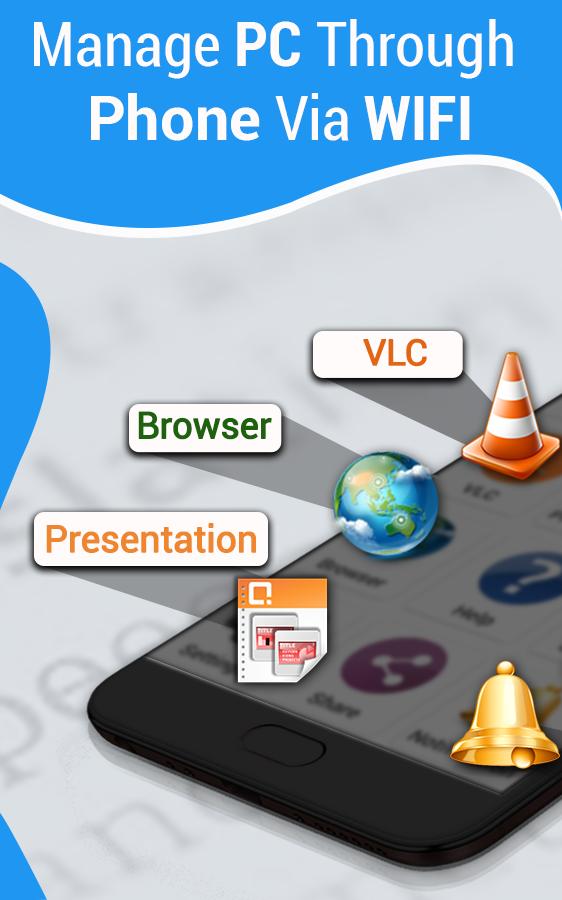
Transform your android into a wireless mouse, keyboard, media player for your computer/pc directly from your phone, it enables you to control your PC, Mac etc. effortlessly just through a internet connection. Media player controlling, presentation controlling and pc file explorer are all in this pc controller through android app.
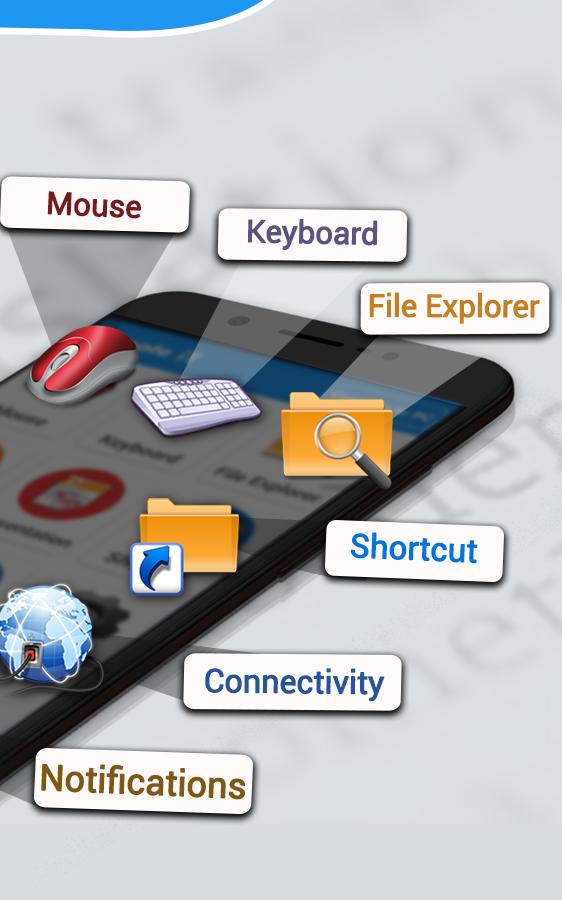
Wifi remote app includes following features
Mouse control:
You can control your PC/Laptop mouse through Android phone by sitting away from your PC
Keyboard control:
You can use the PC keyboard from your phone. You can type in search engines to search, write a document in MS word. you can use it in system just like original keyboard
Media player:
This app has the media player that helps to view and listen videos, you can play, pause, fast-forward, backward, Next or previous videos by buttons from your device
Browser control:
You can easily control your browser from your device. You can open new tab, close existing tab, close all, search etc. are accessible directly from device
How it works:
Note* you must Connect your device and PC to same Landline or WIFI
1-Copy this link to your PC and install the file from given link to your pc
https://storage.googleapis.com/remote-server/RemoteiT-Server.jar
2-After installing, press WINDOWS+R, then type CMD and press ok, after that type "IPCONFIG"
3-You will see a tab where IPV4 address is given which is like 192.168.xx.xx
4-Now go to connectivity option from device and type the IPV4 address, password(which is 12345).
5-You can confirm the password and Port from pc task bar where server option is available. Right click on server and reconfirm your password and port
6-Now you are connected, Use this app and enjoy.
Download this pc controller through android app and give true comments to help us improve our app for you
Preview
Information
Developer
Voice Text
Latest Version
1.0.4
Last Updated
2021-10-15
Category
Tools
Available on
Google Play
Show More
How to play PC Controller by Cell Phone – Wifi Remote Control with GameLoop on PC
1. Download GameLoop from the official website, then run the exe file to install GameLoop
2. Open GameLoop and search for “PC Controller by Cell Phone – Wifi Remote Control” , find PC Controller by Cell Phone – Wifi Remote Control in the search results and click “Install”
3. Enjoy playing PC Controller by Cell Phone – Wifi Remote Control on GameLoop
Minimum requirements
OS
Windows 8.1 64-bit or Windows 10 64-bit
GPU
GTX 1050
CPU
i3-8300
Memory
8GB RAM
Storage
1GB available space
Recommended requirements
OS
Windows 8.1 64-bit or Windows 10 64-bit
GPU
GTX 1050
CPU
i3-9320
Memory
16GB RAM
Storage
1GB available space