Time calculator PC
Yutaka Kenjo
Download Time calculator on PC With GameLoop Emulator
Time calculator on PC
Time calculator, coming from the developer Yutaka Kenjo, is running on Android systerm in the past.
Now, You can play Time calculator on PC with GameLoop smoothly.
Download it in the GameLoop library or search results. No more eyeing the battery or frustrating calls at the wrong time any more.
Just enjoy Time calculator PC on the large screen for free!
Time calculator Introduction
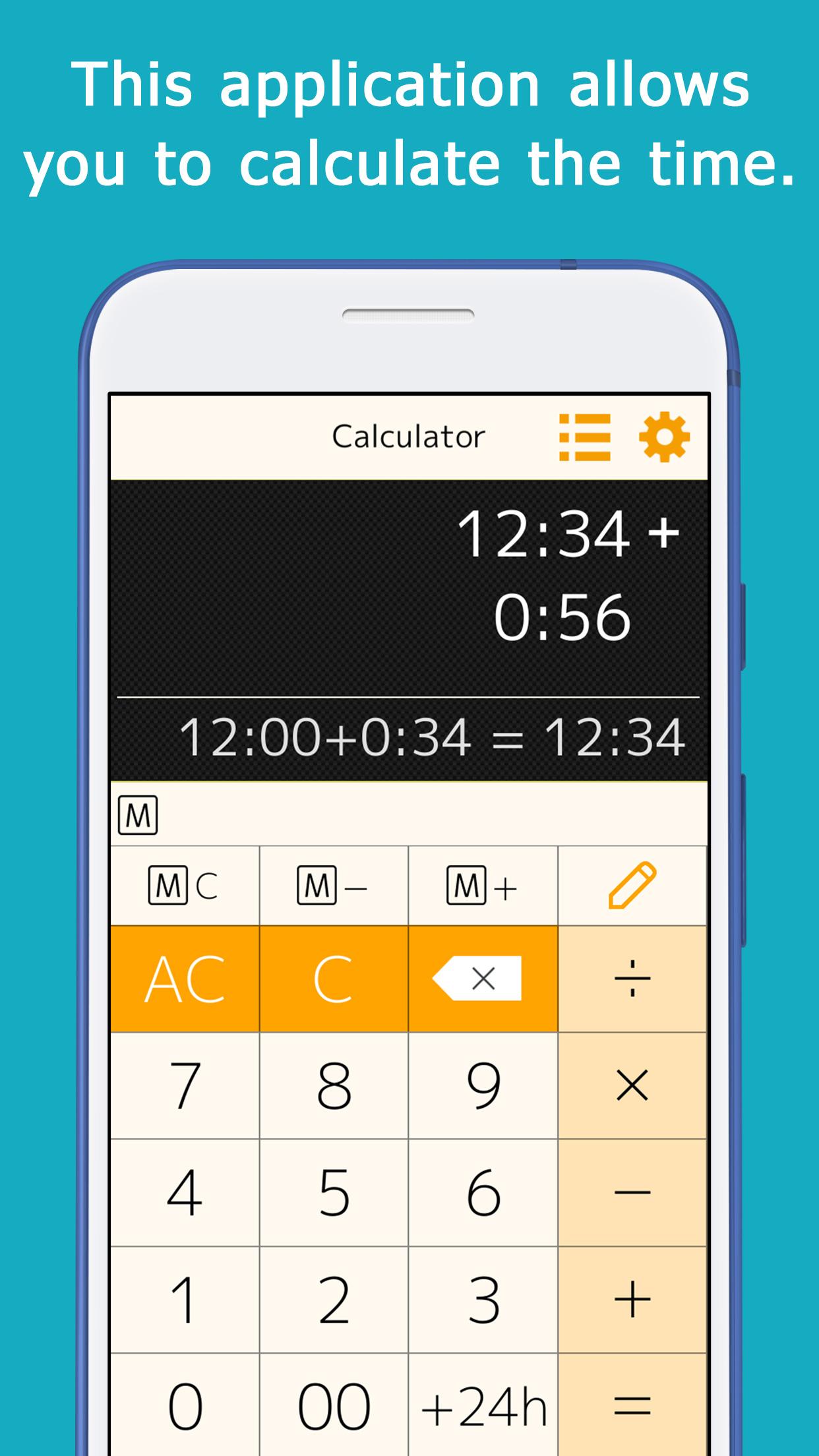
This application allows you to calculate time (hours and minutes).
You can calculate things like 1:30+0:50.
When you enter a number, ":" is automatically inserted to separate the hour and minute, so you can calculate quickly.
This is useful for calculating total work hours, time spent on daily errands, and travel time.
You can add, subtract, multiply, and divide.
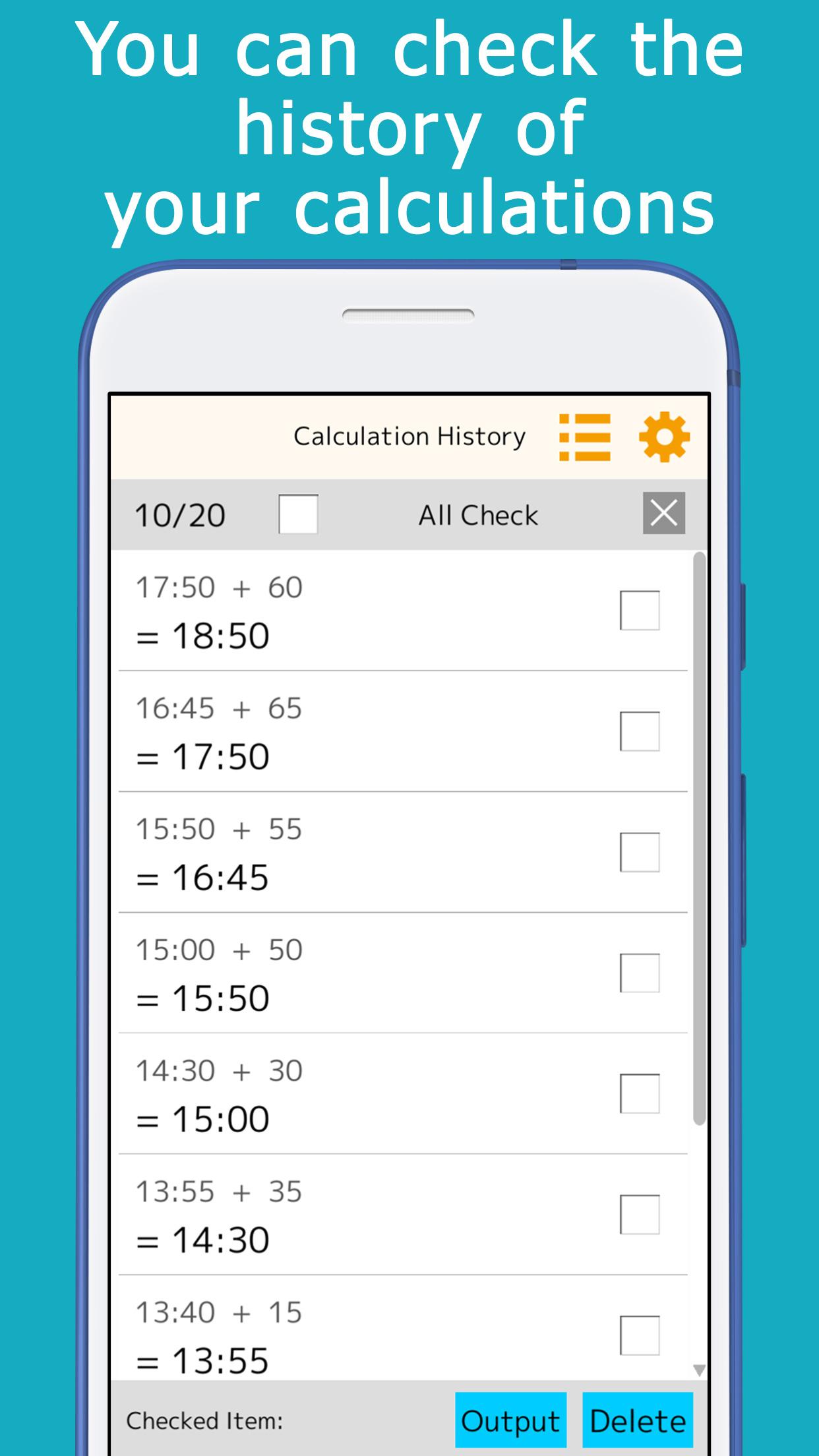
The calculation history is automatically saved, so you can check it later.
A memory key is provided, allowing you to save and add subtotals.
Minutes that are often used for calculations (15 minutes, 30 minutes, etc.) can be registered and used for one-touch addition.
It is equipped with a button to add or subtract 24 hours.
This is useful for calculating the time across midnight.
It comes in a variety of colors such as orange, green, cyan, pink, and black, and you can choose the one you like best.
[ List of functions ]
You can check the calculation history, and touch the answer displayed in the history to reuse it for calculations.
You can use the memory keys to save, add, and subtract subtotals.
By setting the preset keys, you can use the most frequently used time (minutes) for calculation with a single touch.
The color of the application can be selected.
Preview
Tags
ToolsInformation
Developer
Yutaka Kenjo
Latest Version
1.21
Last Updated
2025-09-04
Category
Tools
Available on
Google Play
Show More
How to play Time calculator with GameLoop on PC
1. Download GameLoop from the official website, then run the exe file to install GameLoop
2. Open GameLoop and search for “Time calculator” , find Time calculator in the search results and click “Install”
3. Enjoy playing Time calculator on GameLoop
Minimum requirements
OS
Windows 8.1 64-bit or Windows 10 64-bit
GPU
GTX 1050
CPU
i3-8300
Memory
8GB RAM
Storage
1GB available space
Recommended requirements
OS
Windows 8.1 64-bit or Windows 10 64-bit
GPU
GTX 1050
CPU
i3-9320
Memory
16GB RAM
Storage
1GB available space