
iStudent App PC
iSAMS Limited
Download iStudent App on PC With GameLoop Emulator
iStudent App on PC
iStudent App, coming from the developer iSAMS Limited, is running on Android systerm in the past.
Now, You can play iStudent App on PC with GameLoop smoothly.
Download it in the GameLoop library or search results. No more eyeing the battery or frustrating calls at the wrong time any more.
Just enjoy iStudent App PC on the large screen for free!
iStudent App Introduction
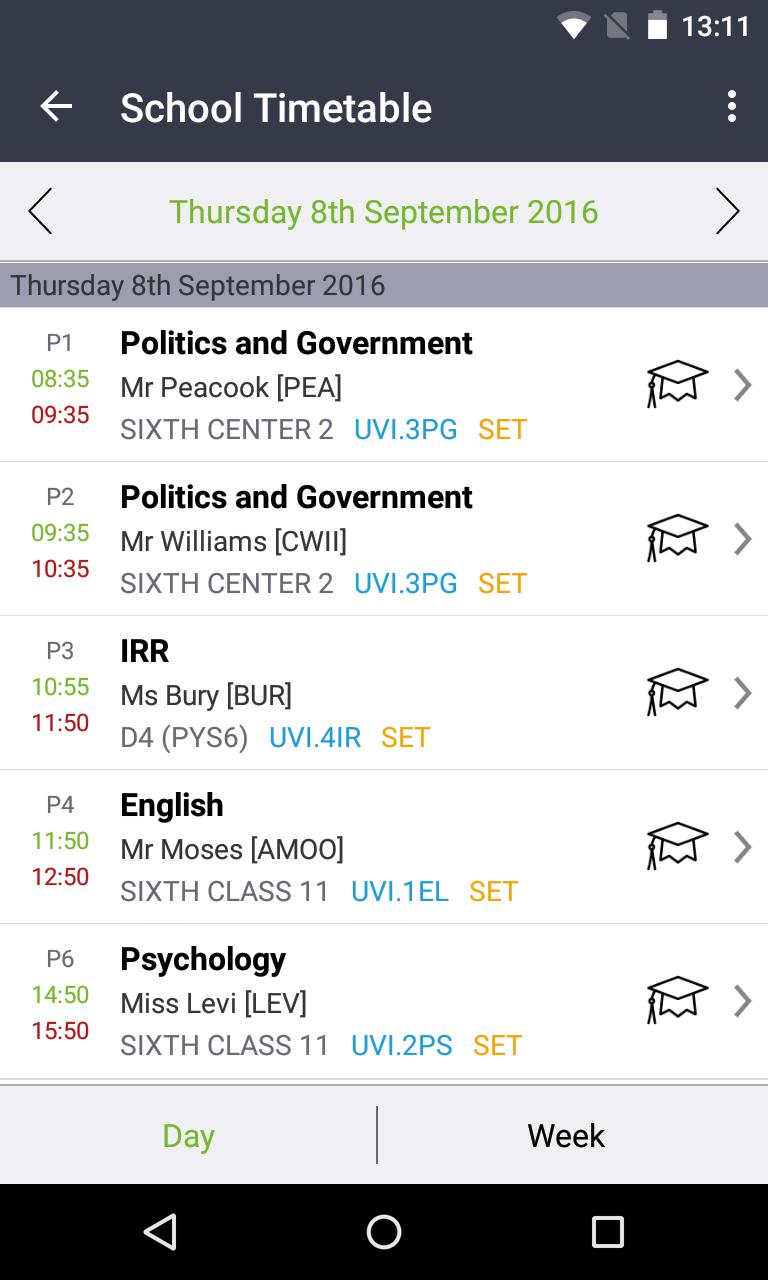
The iSAMS Student app offers students quick and easy access to their school information in one central place. From timetables to teaching groups, exam entries and exam timetables, rewards and detentions, activities and reports, students have the ability to access their personal school information directly from their Android.
The official iSAMS Student app links directly with the iSAMS management information system. It has been designed to offer students real-time access to their key school information in order to enhance their school experience. It also offers extended communication links and provides a valuable tool for students to connect with their teachers and fellow peers.
Simple to use, the app offers a personalised dashboard with quick links to:
The student’s timetable
Any sanctions and rewards
Any news bulletins and school news
The school calendar
The photo galleries
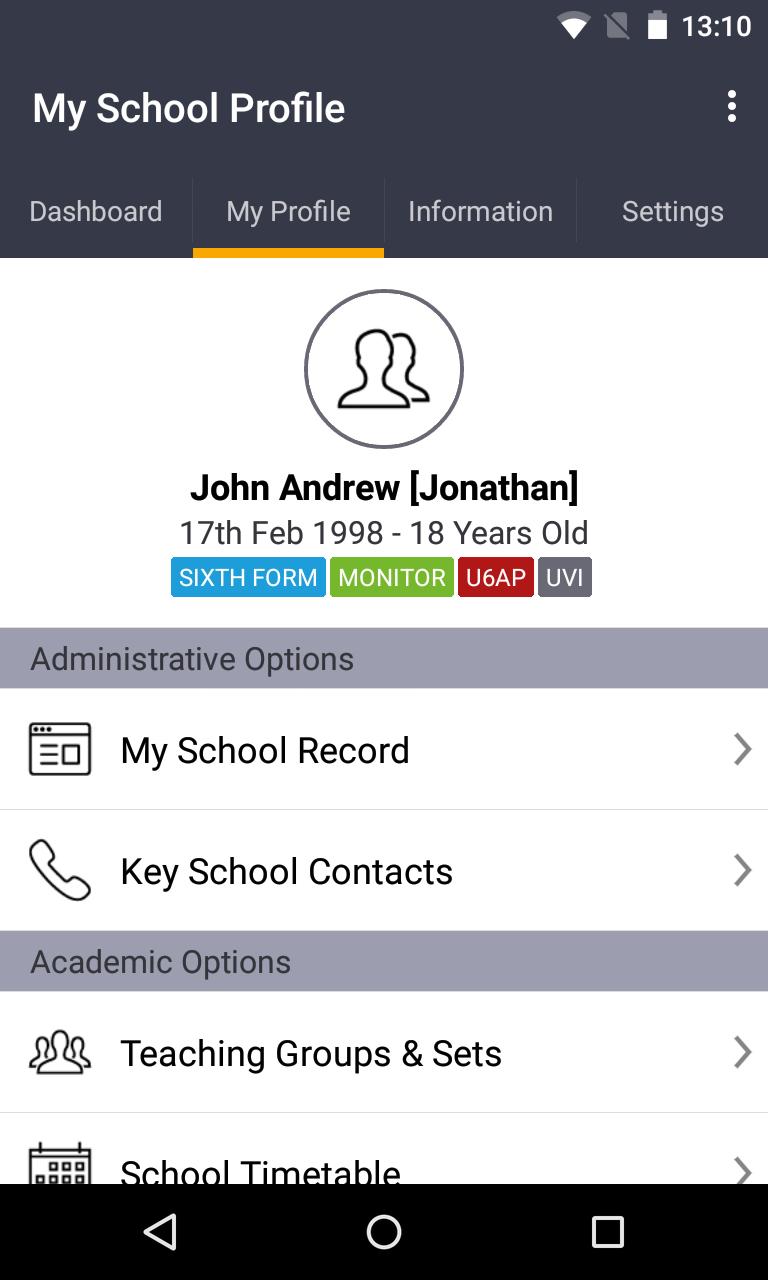
The ‘My Profile’ section offers easy access to further information including:
Teaching groups
The school timetable
Internal exam details (entries, timetables, results)
External exam details (entries, timetables, arrangements, candidate details, results)
School reports and assessments
Attendance
Activities
Detentions
Reward and conduct details
There is also a helpful ‘Information’ area where students can access school news and bulletins (both current and archived news), the school calendar and the school directory.
Useful push notifications mean that students can be notified about any updates or news in real-time. For example, students can receive a notification to inform them that their latest school report has been added to their profile or the location of their forthcoming hockey match has changed.
The data used by the iSAMS Student app is encrypted to ensure that confidential information cannot be accessed by unauthorised personnel. Your school also controls the level of visibility of information offered to students.
Please note: The iSAMS Student app must be installed by your school in order for it to be accessible to students. It will only work as part of the iSAMS management information system.
Preview
Tags
ToolsInformation
Developer
iSAMS Limited
Latest Version
2.1.27
Last Updated
2024-10-14
Category
Tools
Available on
Google Play
Show More
How to play iStudent App with GameLoop on PC
1. Download GameLoop from the official website, then run the exe file to install GameLoop
2. Open GameLoop and search for “iStudent App” , find iStudent App in the search results and click “Install”
3. Enjoy playing iStudent App on GameLoop
Minimum requirements
OS
Windows 8.1 64-bit or Windows 10 64-bit
GPU
GTX 1050
CPU
i3-8300
Memory
8GB RAM
Storage
1GB available space
Recommended requirements
OS
Windows 8.1 64-bit or Windows 10 64-bit
GPU
GTX 1050
CPU
i3-9320
Memory
16GB RAM
Storage
1GB available space